

Export/Import Media – CSV Media Library Import & Export
v1.9.0Maira Foresto · 2025年10月7日 上架
Import and export WordPress media from CSV with column mapping, pre-import checks, flexible exports, and duplicate prevention.
- 正在使用
- 1,000+
- 评分
- 3.7 / 5
- 累计下载
- 1.8 万
- 最近更新
- 2026年11月23日
贡献者
 Maira Foresto
截图
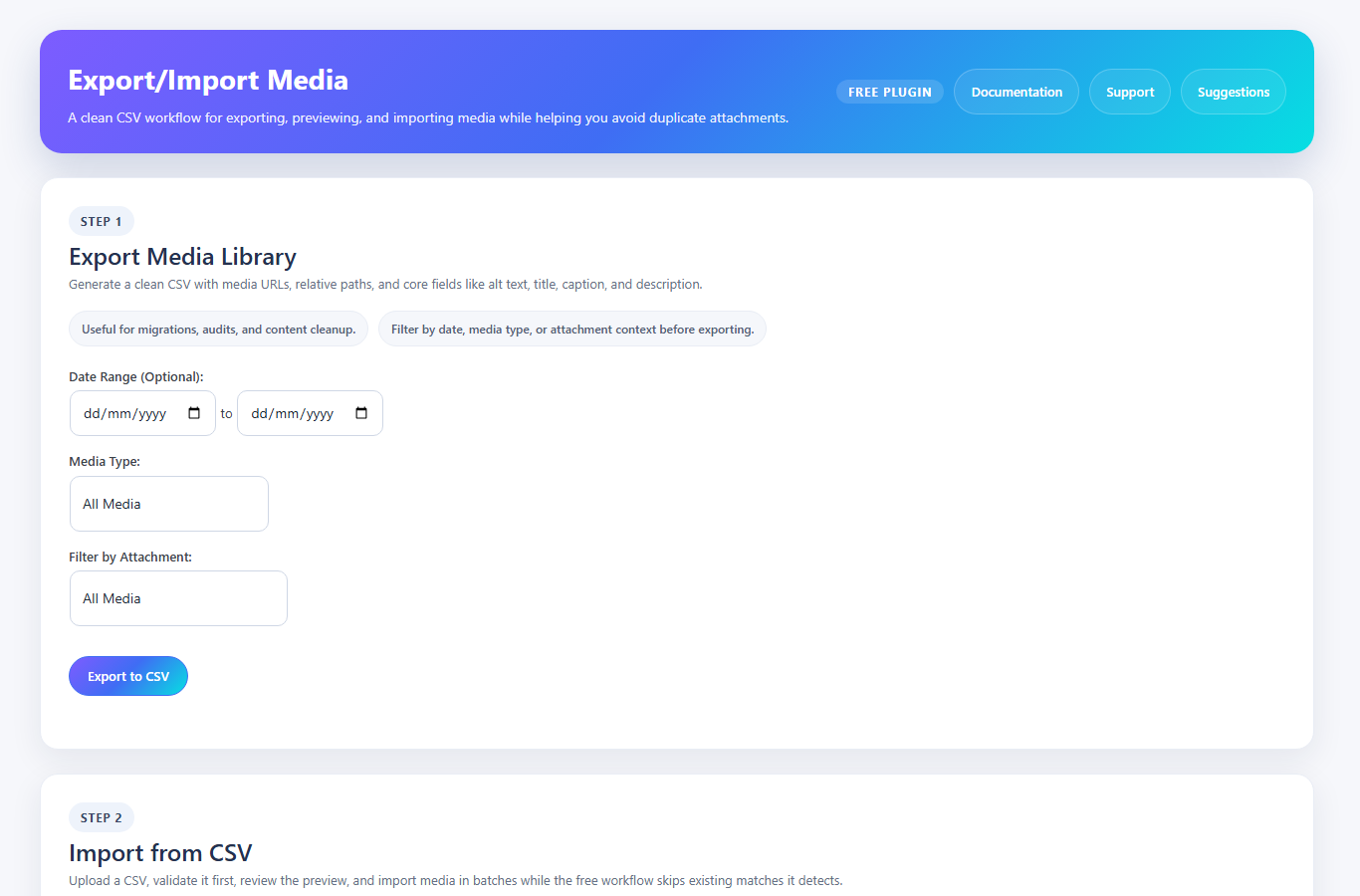
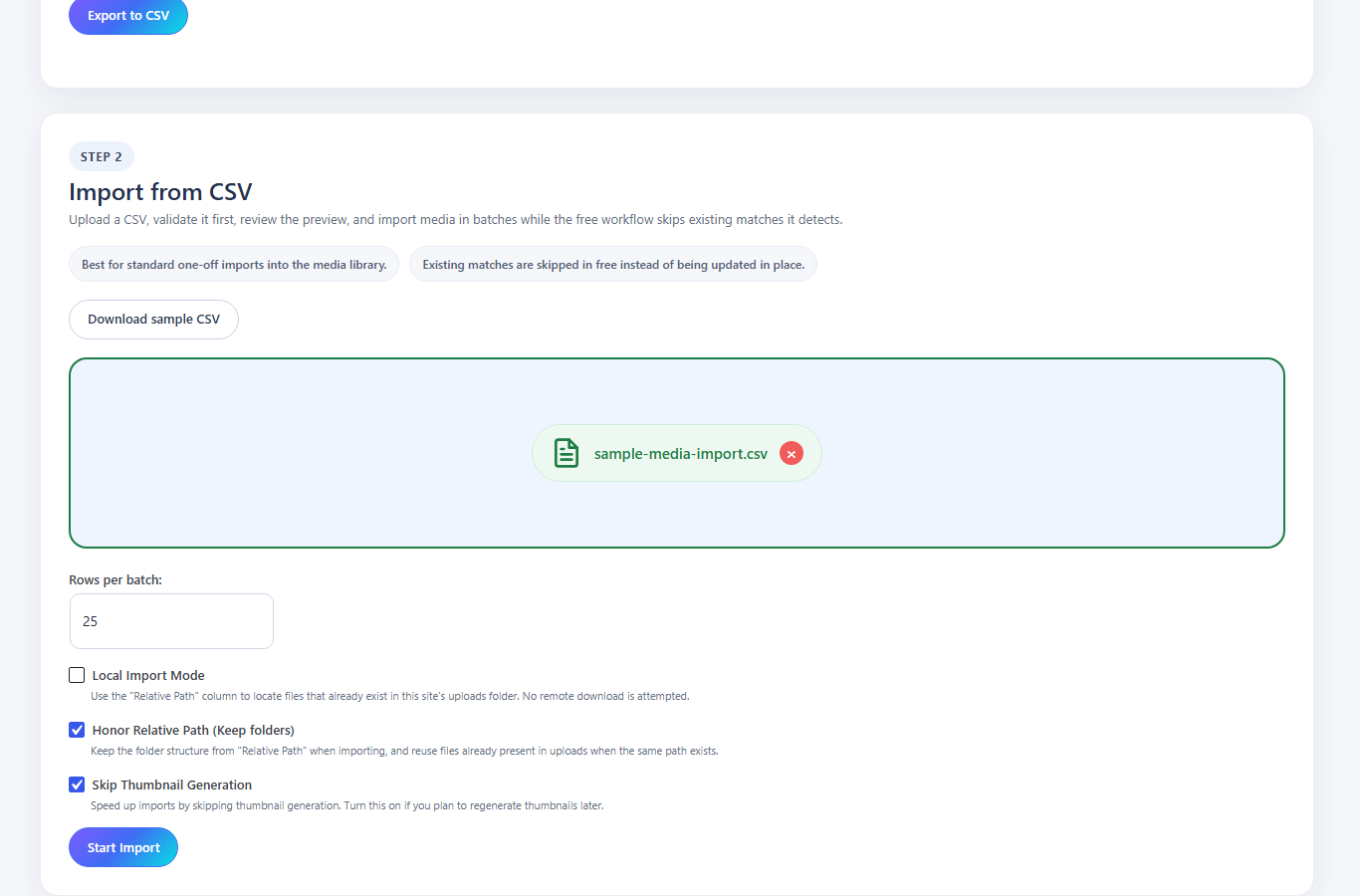
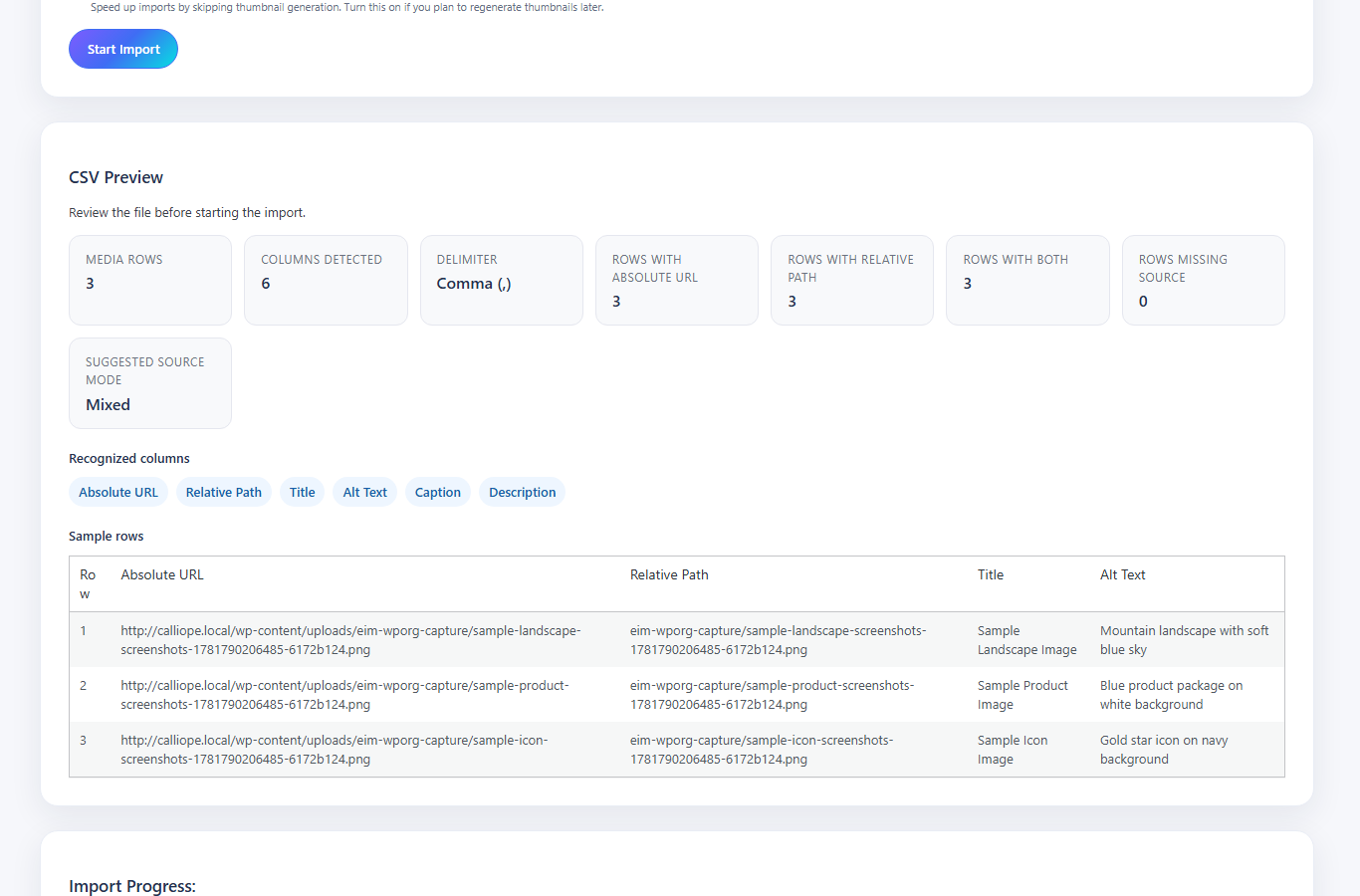
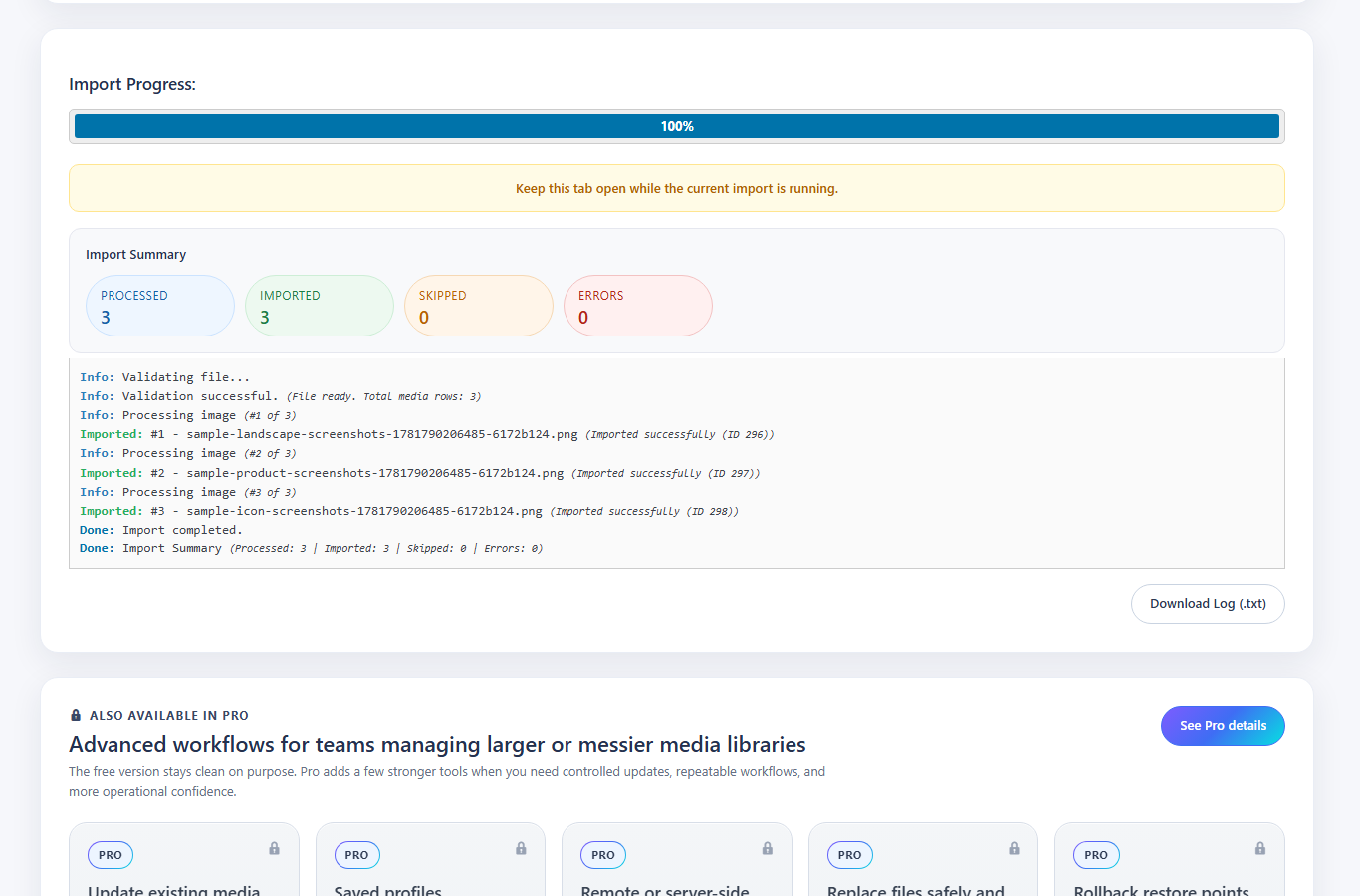
Need to move or rebuild a media library without manually re-uploading every file? Export/Import Media helps you import WordPress media from CSV, export media data to CSV, and keep core attachment metadata organized during the process.
The free plugin focuses on the essential CSV workflow: export your current media library, prepare or upload a CSV, validate the file, preview rows before import, and process media in batches from the WordPress admin. Supported CSV columns include the media URL, relative path, title, alt text, caption, and description. Unfamiliar source headers can be mapped to supported WordPress fields before importing.
During standard free imports, detected duplicates are skipped to help prevent duplicate attachments in the media library. Metadata is preserved for newly imported media rows. Updating existing attachments, controlled matching rules, rollback restore points, saved workflows, background processing, image conversion options, and replace-file workflows are handled by the separate Export/Import Media Pro add-on.
Watch the demo:
Why use this plugin?
* CSV-first workflow: Export, validate, map columns, preview, and import media data using a readable CSV file.
* Batch processing: Import media rows in smaller AJAX batches to reduce timeout risk.
* Metadata support: Preserve title, alt text, caption, and description for imported attachments.
* Duplicate prevention: Skip existing matches in the standard free workflow.
* Local file support: Register files that already exist inside your WordPress uploads directory.
* Developer friendly: Use hooks and filters to extend CSV columns, validation, admin UI, and import/export behavior.
Features
- CSV export: Export media library data to CSV with filters for date range, media type, and attachment context. Keep the original eight-column output or optionally choose fields such as MIME type, file size (bytes), width, height, and Destination URL.
- CSV validation and preview: Upload a CSV, match unfamiliar headers with a visual column mapper, validate required columns, and preview rows before import. A sample-based pre-import check (first 100 rows maximum) flags possible duplicates and invalid or missing sources without downloading remote media.
- Batch import: Process media rows in batches from the WordPress admin.
- Metadata support: Import and export title, alt text, caption, and description columns. Optional Destination URL stores an HTTP(S) click-through link in
_eim_destination_urlfor newly imported attachments; it does not automatically change how galleries link images. - Duplicate prevention: Detect existing matches and skip duplicate rows in the standard free workflow.
- Local Import Mode: Import files that already exist in
/uploads/without downloading them again. - Honor Relative Path: Reuse or preserve relative upload paths from the CSV when available.
- Skip Thumbnail Generation: Skip intermediate image sizes during import when speed matters more than thumbnails.
- Optional sanitized SVG import: SVG import is disabled by default and can be explicitly enabled per import; enabled SVG files are sanitized before storage.
- Downloadable import log: Download a
.txtlog after an import finishes. - Hooks and filters: Extend CSV columns, validation, admin UI, and import/export behavior.