
Cache External Scripts
v0.4Voorsie · 2015年11月24日 上架
Save the Google Analytics file (gtag.js / analytics.js) locally to be able to cache it for longer than 2 hours for a better PageSpeed score!
- 正在使用
- 800+
- 评分
- 5.0 / 5
- 累计下载
- 3.3 万
- 最近更新
- 2019年5月12日
25 条评价需要 WordPress 3.0.1+已测试到 5.2.31
贡献者
 Voorsie
截图
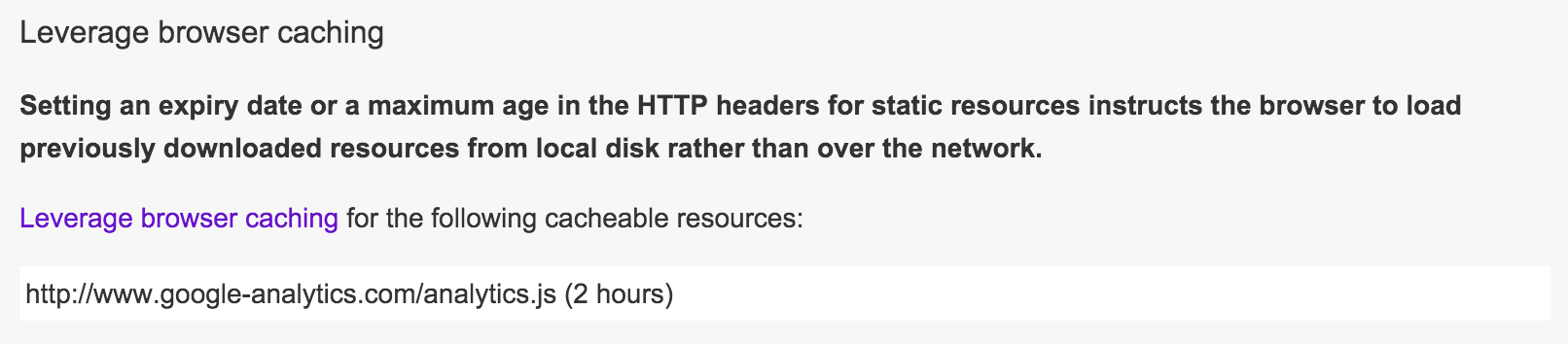
Often when trying to optimize the Google Pagespeed score, there is one script which still causing the ‘Leverage browser caching’ rule popping up: Google’s own gtag.js and/or analytics.js file…
With this plugin you will be able to cache this file on your local server and enable browser caching for longer than 2 hours. The plugin will check every day if there is a newer version of the file to keep the cache up to date.