
Byot Cache Cleaner
v1.0.1Valentin Constantinescu · 2026年8月18日 上架
All-in-one WordPress cache cleaner: object cache, transients, database, files, OPcache, APCu, sessions and rewrite rules — from one dashboard.
- 正在使用
- 10 以下
- 评分
- 暂无
- 累计下载
- 260
- 最近更新
- 2026年8月18日
 Valentin Constantinescu
截图
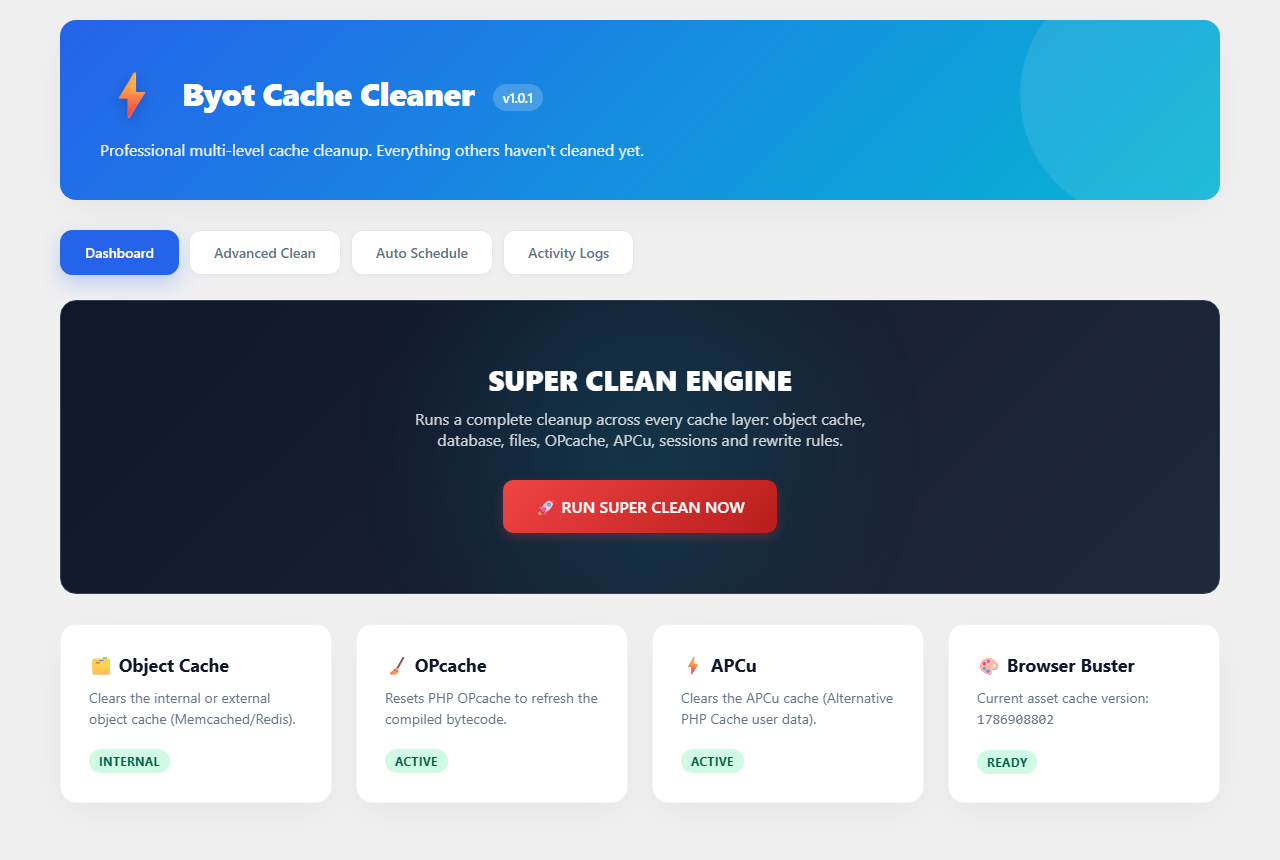
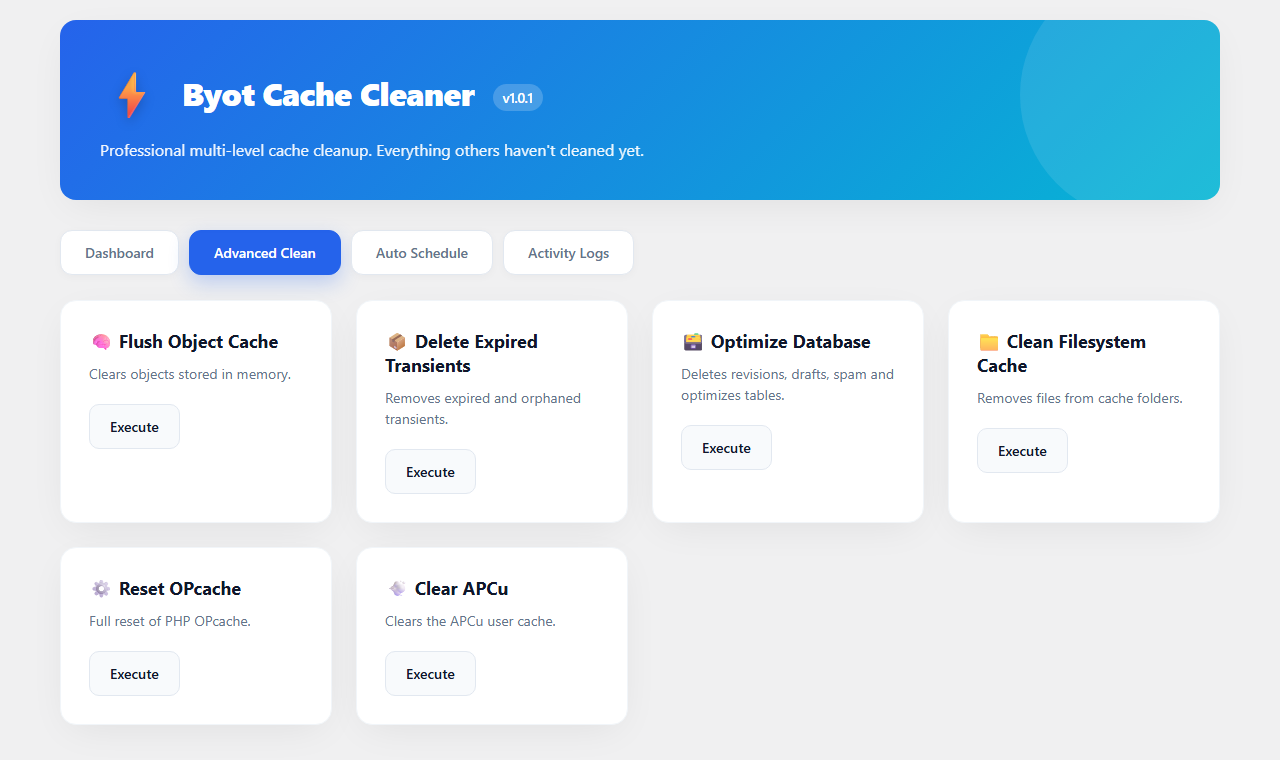
Byot Cache Cleaner clears every cache layer a WordPress site typically accumulates, from a single modern dashboard, instead of hunting through several different tools.
What it cleans:
- Object cache (internal WordPress cache or external stores such as Memcached/Redis)
- Expired and orphaned transients
- Database bloat: post revisions, auto-drafts, trashed posts, spam/trashed comments, orphaned post and comment meta, plus table optimization
- Filesystem cache directories left behind by other caching tools
- OPcache (when the extension is available on the server)
- APCu user cache (when the extension is available on the server)
- Stale PHP session files
- Rewrite rules (permalink structure)
- Asset/browser cache version, for cache-busting
Included tools:
- One-click “Super Clean” that runs every layer at once
- Advanced tab to trigger any single cleanup layer on its own
- Optional daily auto-clean, scheduled through WP-Cron
- Activity log with a history of every cleanup run
- Admin bar shortcut to clean cache from anywhere in wp-admin
- Dashboard widget with a quick cache status overview
Notes on the database cleanup
The database cleanup step permanently removes trashed posts and spam/trashed comments as part of its standard run. Review your trash before using it if you might need to recover something — this step is irreversible by design, same as emptying WordPress’s own trash.
Notes on OPcache / APCu
Those two actions only have an effect if the corresponding PHP extension is installed and enabled by your host. If it isn’t, the dashboard reports the layer as “Inactive” and the action safely does nothing.