
Bulk-Select Featured Image
v1.2.0ulfben · 2012年5月1日 上架
Set featured images from the Media Library, one at a time or in bulk. Each selected image is assigned to the post it is attached to.
- 正在使用
- 100+
- 评分
- 3.1 / 5
- 累计下载
- 1.2 万
- 最近更新
- 2026年10月14日
14 条评价需要 WordPress 6.8+已测试到 7.1.5PHP 8.2+
贡献者
 ulfben
截图
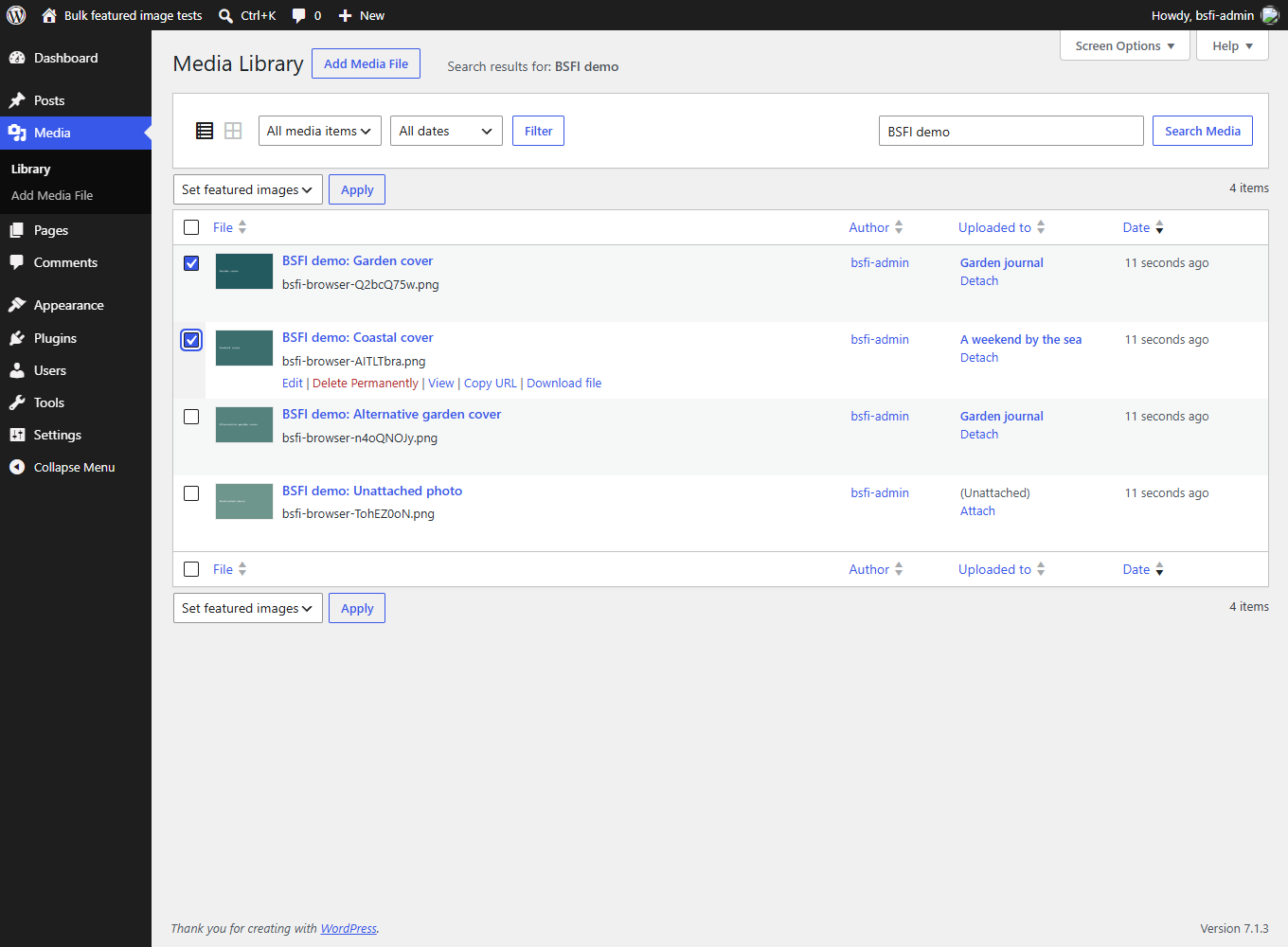
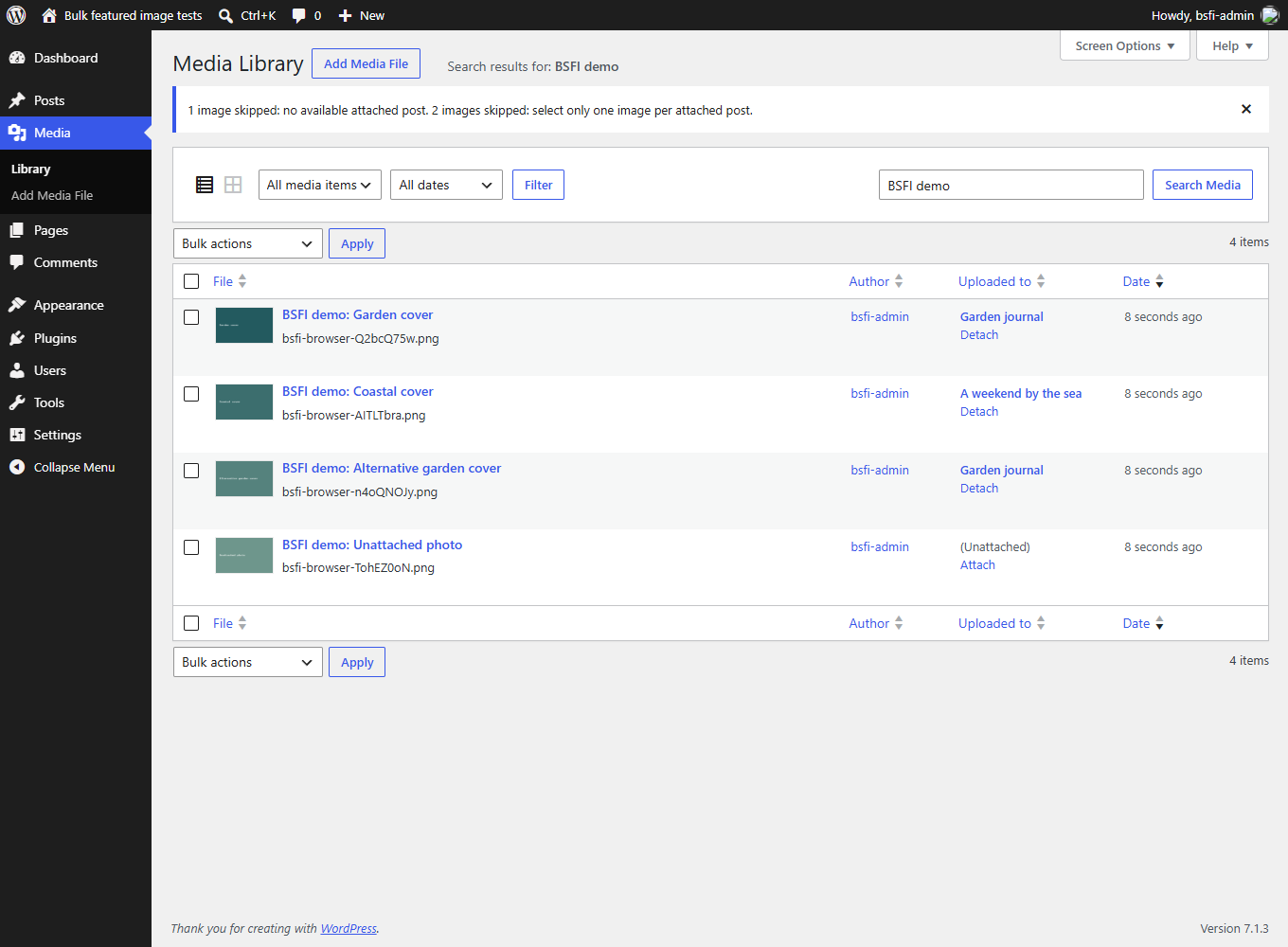
Set featured images for several posts without opening each post’s editor. In the Media Library’s List view, select your images, choose “Set featured images” from Bulk actions, then click Apply.
Each selected image becomes the featured image of the post shown in its “Uploaded to” column. Existing featured images are replaced. The familiar “Use as featured image” row action is also available for individual images.
- Uses WordPress’s existing checkboxes and bulk-action menu.
- Supports posts, pages and custom post types that allow featured images.
- Reports updated, unchanged and skipped items after each action.
- Skips ambiguous selections instead of choosing an image at random.
- Checks permission to edit both the image and its attached post.
- No settings page, external services, tracking or extra JavaScript.