

BuddyMeet
v2.6.0Cytech · 2020年2月19日 上架
Adds video and audio conferencing rooms to BuddyPress! Powered by Jitsi Meet!
- 正在使用
- 600+
- 评分
- 4.7 / 5
- 累计下载
- 3.8 万
- 最近更新
- 2025年7月3日
贡献者
 Cytech
截图
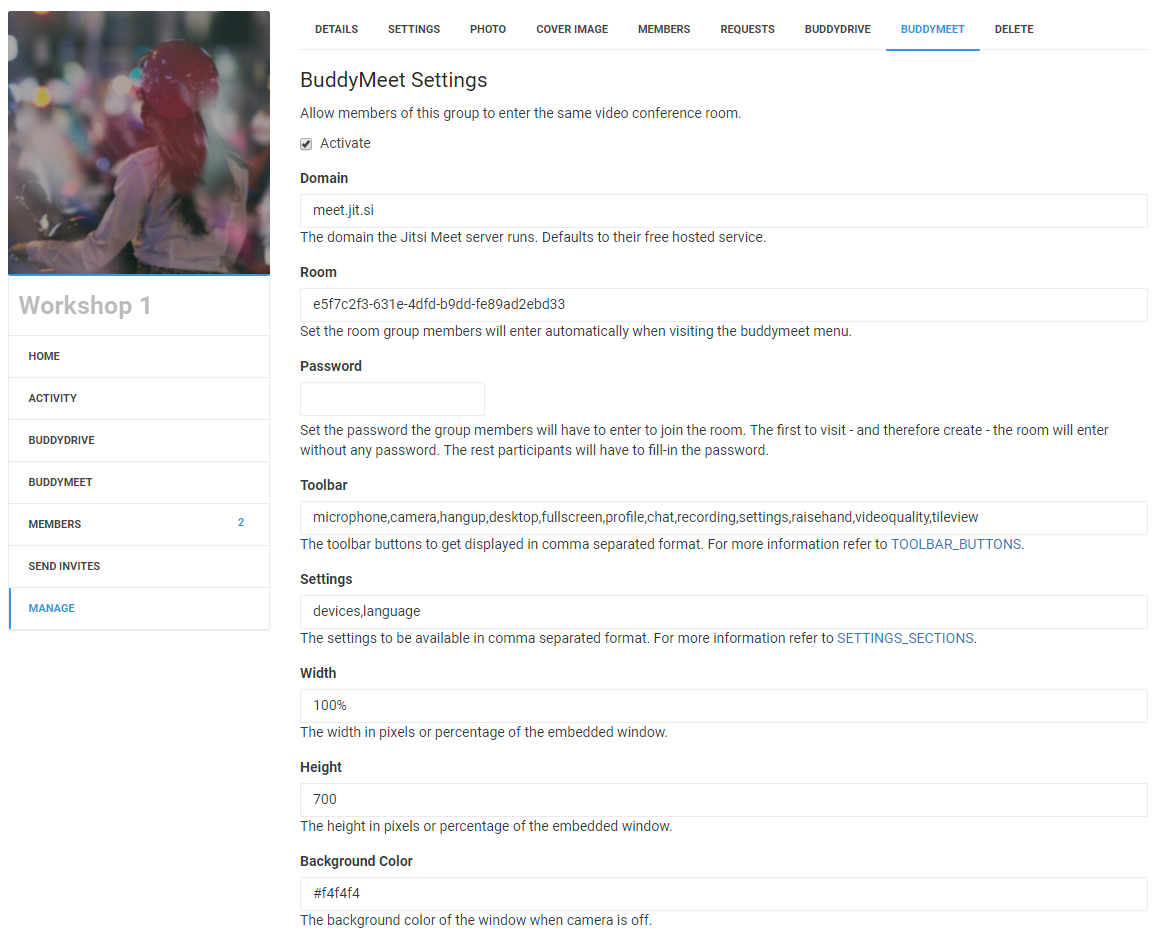
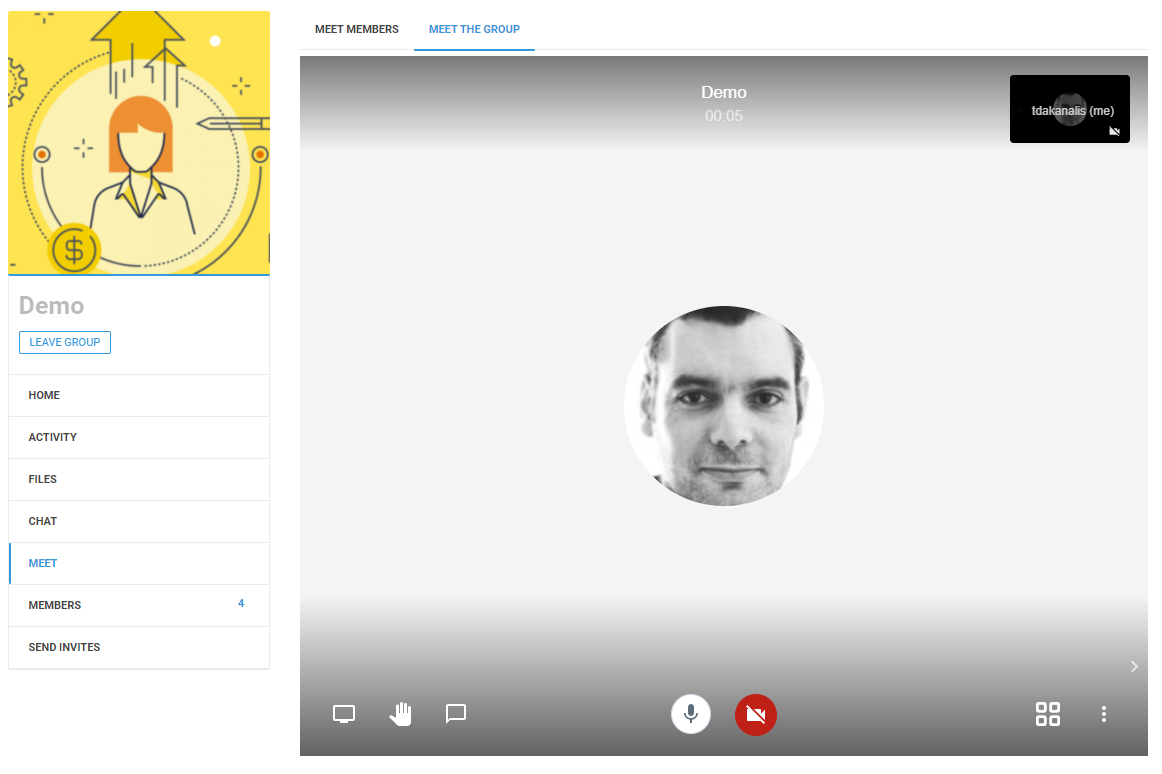
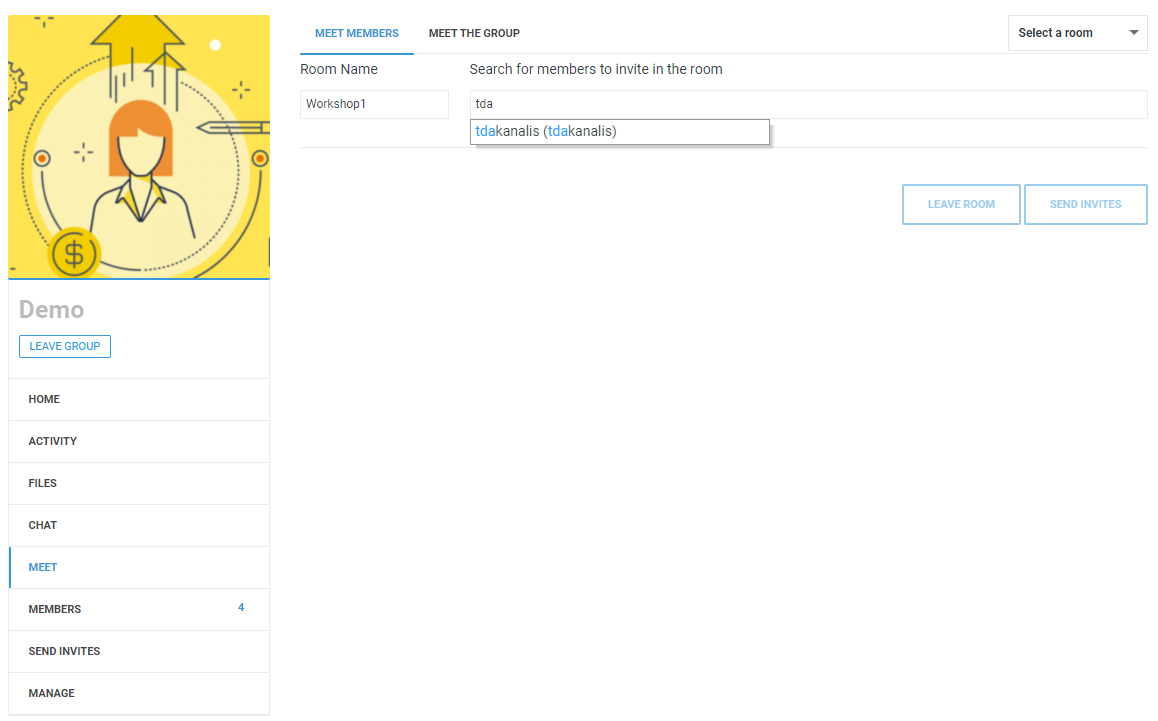
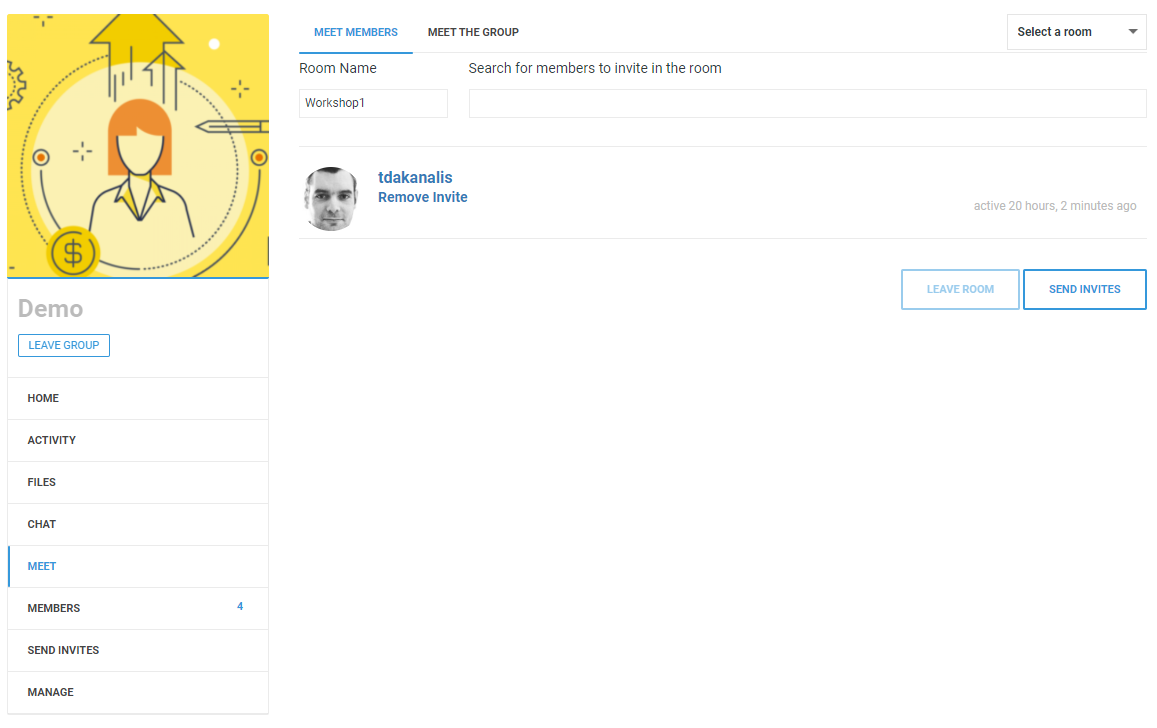
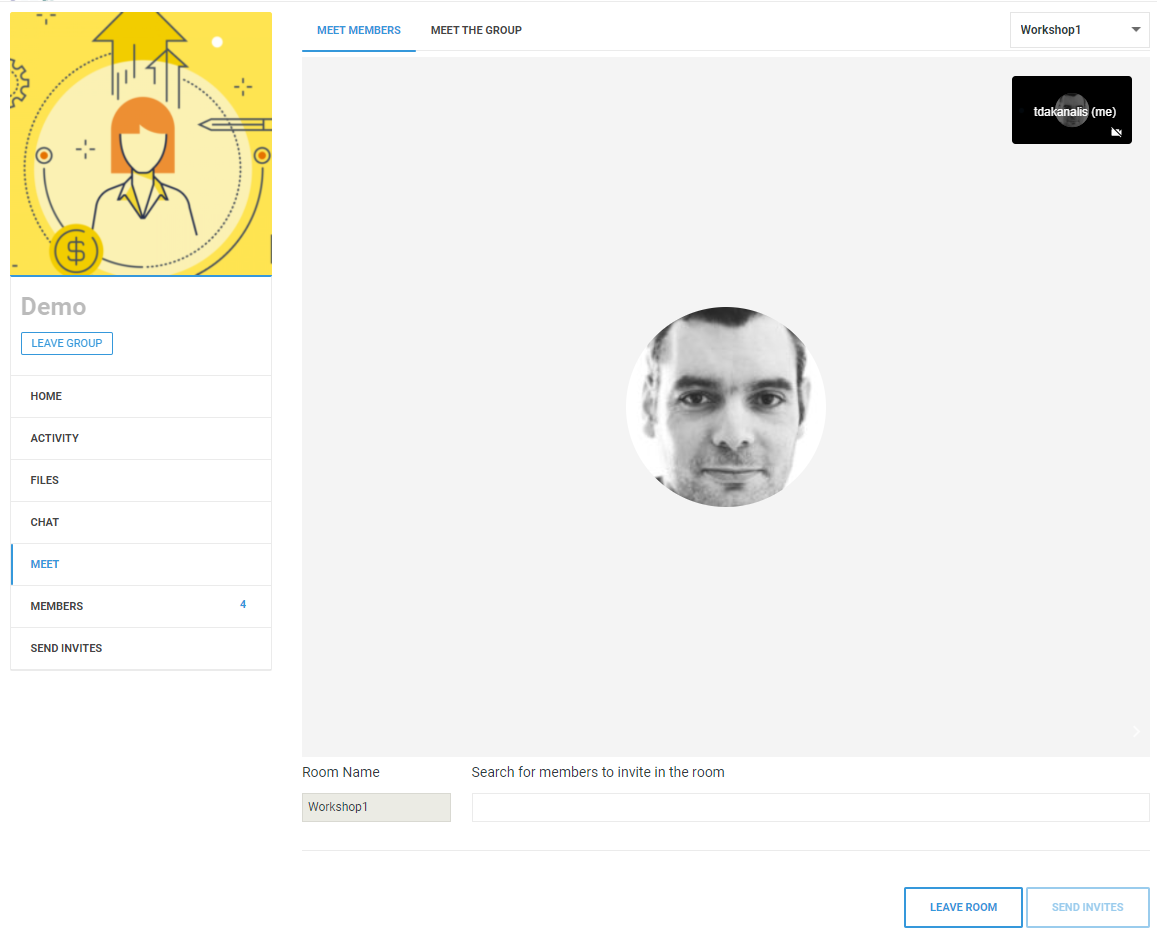
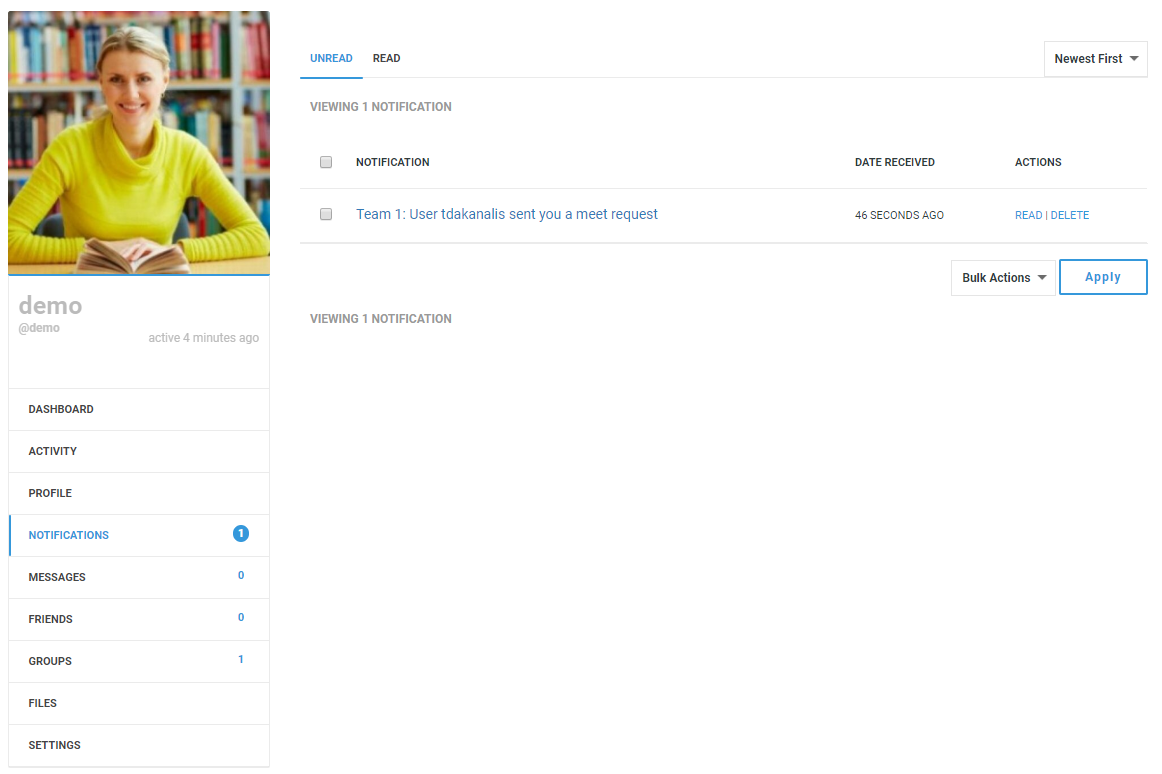
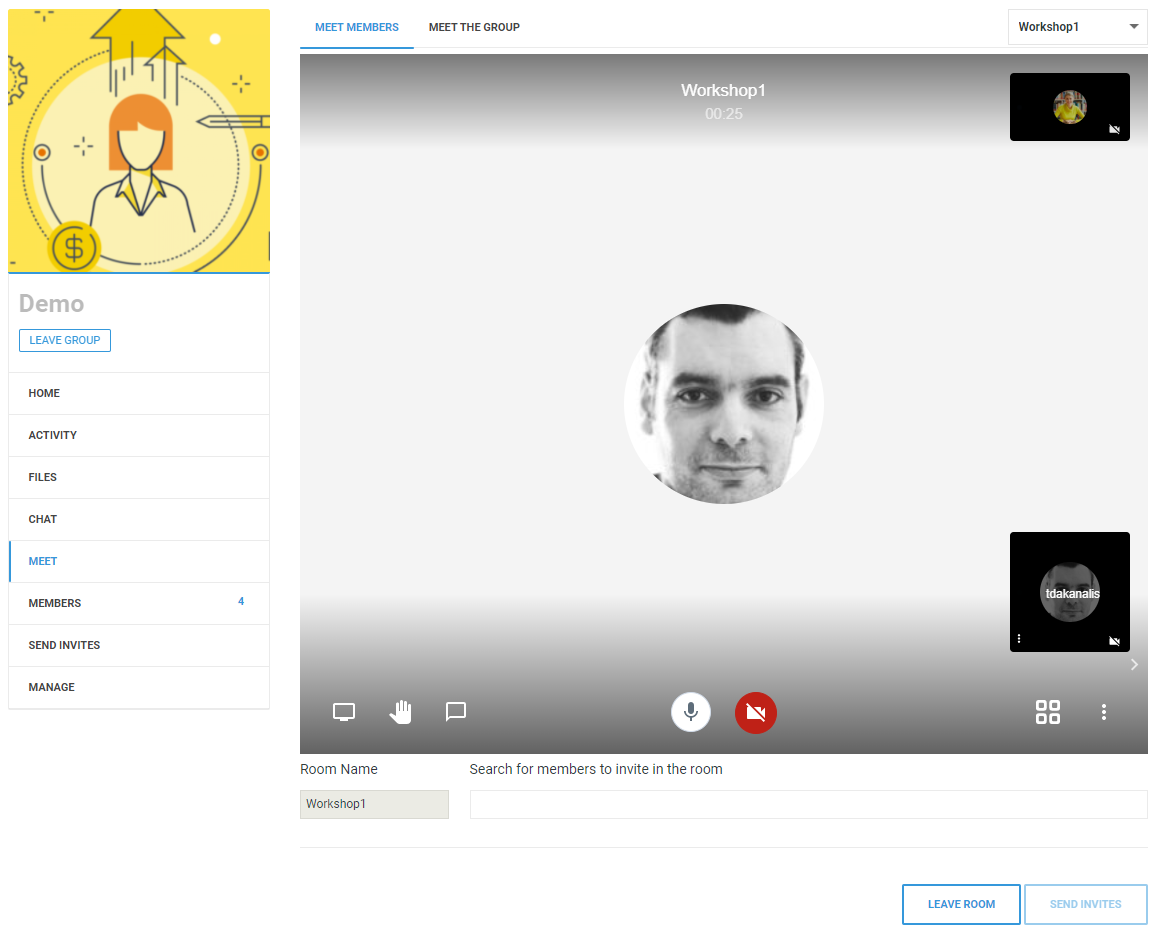
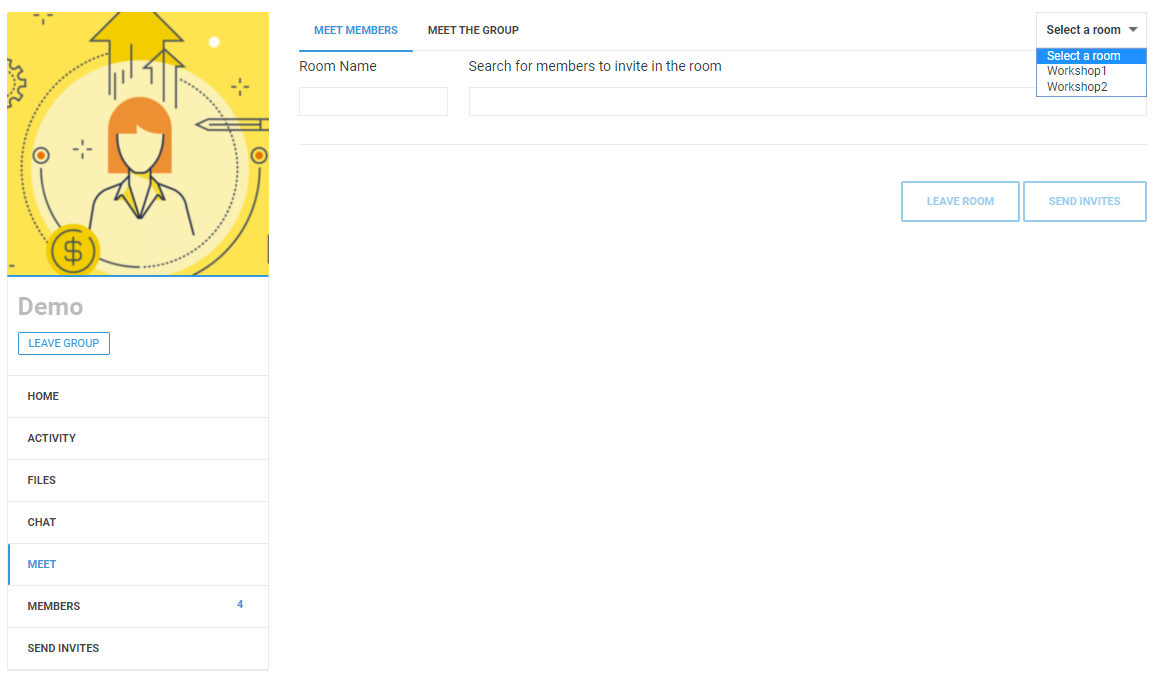
BuddyMeet is a BuddyPress (2.5+) plugin that uses Jitsi Meet to allow the members of a community to participate into virtual conference rooms with video and audio capabilities. BuddyMeet’s features include:
- A room where all members of a group can meet each other
- On demand rooms among specific invited group members
- Automatic customization of the room’s subject and the name/avatar of the participants
- Customization of all the parameters that Jitsi Meet API supports
- Support for RS256-signed JWT authentication. This enables secure connections to 8×8 JaaS (8×8.vc domain) and self-hosted Jitsi servers using RSA SHA-256 verified tokens.
Moreover, you can use the shortcode [buddymeet room=ROOM_HERE subject=SUBJECT_HERE] to add a conference room to any WordPress page. In that case, you have to pass any configuration by using the following shortcode parameters:
- domain: The domain of the Jitsi Meet installation. BuddyMeet uses by default the 8×8.vc service.
- room: The identifier of the room.
- subject: The subject of the room. If empty the room is being displayed as the subject.
- password: A password for the room. The first to enter the room sets that password and all other participants have to put it to enter.
- show_watermark: Whether to show the Jitsi.org watermark or not.
- show_brand_watermark: Whether to show a custom branded watermark or not.
- brand_watermark_link: the custom brand watermark to show.
- width: The width of the embedded window.
- height: The height of the embedded window.
- start_audio_only: Start the meet with the microphone only enabled and the camera off.
- film_strip_only: Start the meet in filmstrip only mode.
- disable_video_quality_label: Disable the video quality indicator.
- mobile_open_in_browser: Launch the meet directly within the browser in mobile devices without opening the jitsi mobile app.
- user: The user to display. Leave empty to automatically set the display name of the logged-in user.
- avatar: The url with the avatar to display. Leave empty to automatically set the avatar of the logged-in user.
- settings: A csv with the Jitsi Meet settings to get enabled. For the available options check here
- toolbar: A csv with the Jitsi Meet toolbar options to get enabled. For the available options check here.
- background_color: The background color of the window
- default_language: The default language of the Jitsi Meet interface.
BuddyMeet uses by default the 8×8.vc service which is maintained by the Jitsi team at 8×8. Upon the initialization of a room, BuddyMeet sends the following information to the service:
- The name of the current buddypress group as the subject of the call
- The name, the surname and the avatar of the currently logged-in user
However, if you want to use your own hosted installation of Jitsi Meet, you can just configure the corresponding domain via the “Manage” menu of a BuddyPress group. For more information about Jitsi Meet please follow the links below:
- What is Jitsi?
- FAQ
- Jitsi Meet API
- Jitsi License
- Jitsi Community Forum
- 8×8 Terms and Conditions and Policies
This plugin is currently available only in english.