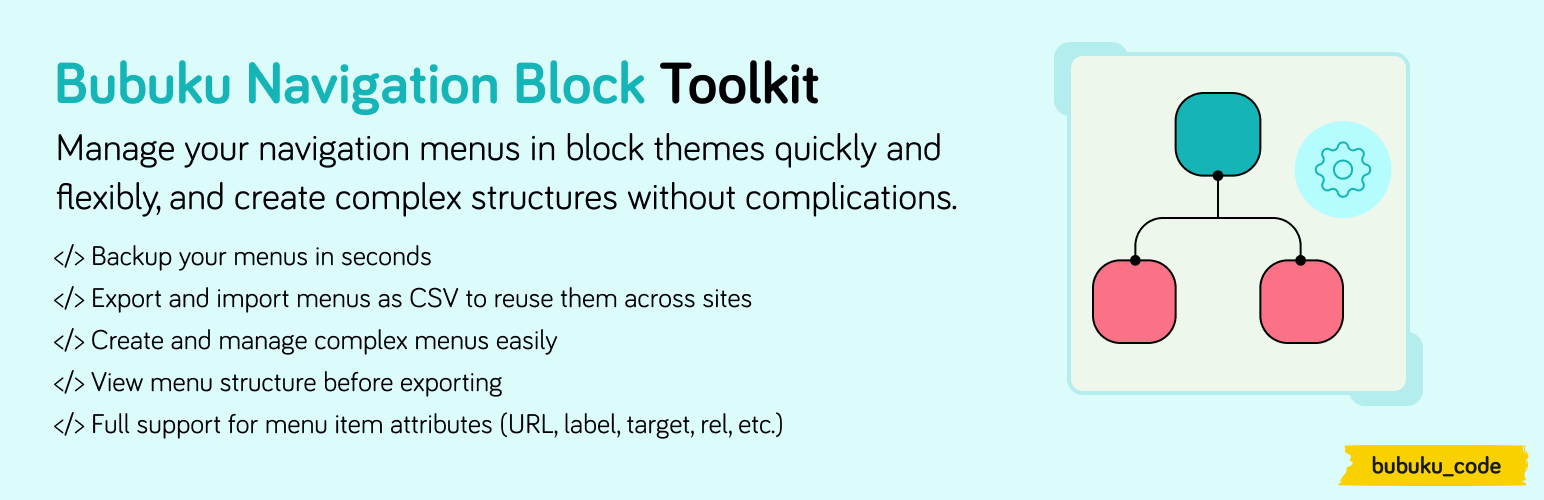

Bubuku Navigation Block Toolkit
v2.0.0Luis Ruiz · 2026年5月1日 上架
Back up, move and bulk-edit block theme navigation menus: export to CSV or JSON, preview every import, and undo with automatic backups.
- 正在使用
- 10 以下
- 评分
- 暂无
- 累计下载
- 557
- 最近更新
- 2026年11月7日
 Luis Ruiz
 Bubuku I Code
截图


Block theme menus live inside the Site Editor, so moving one to another site, keeping a copy before a redesign or building a 200-link mega menu means clicking item by item. One slip when you replace a menu and the old structure is gone.
Bubuku Navigation Block Toolkit exports your navigation menus to a file, imports them back into any site, and shows what will change before it touches anything. When an import overwrites a menu, the previous version is saved first so you can restore it.
Move menus between sites
- Export one or many menus and import them on another WordPress site.
- CSV is easy to edit in Excel or Google Sheets, so you can build large menus in a spreadsheet.
- JSON is an exact copy: Page List, Site Logo, search, social links and any other block come through untouched.
- Links to pages, posts and categories stay linked to the real content, with labels, URLs, new-tab, rel, CSS classes and submenus.
Import without fear
- Tick “Preview only” to see which menus would be created or overwritten, then confirm or discard.
- Menus with the same name are never overwritten by mistake: the plugin skips them and shows their IDs.
- Rows it cannot use are reported with the reason, never dropped silently.
Undo an overwrite
- Every overwrite saves a draft backup of the previous menu (the 5 latest per menu are kept).
- Restore any backup from the Backups tab in one click.
Automate it
- WP-CLI commands for scripts and deployments:
wp bnbt nav list,wp bnbt nav exportandwp bnbt nav import --dry-run. - Works on multisite with WP-CLI’s
--urlflag.
CSV exports neutralise spreadsheet formulas in item names, and uploads are limited to 2 MB.
Privacy Policy
The plugin does not collect personal data and makes no external requests. A pending import preview is kept for 15 minutes as a temporary record tied to your user. Backups are stored as draft navigation menus in your database until you delete them.
Support
Need help or have a suggestion?
Please use the official WordPress.org Support Forum for any issues related to the plugin.
Want to know more?
Your menus, backed up and ready to move: the plugin page explains how it works, what it records and what it deliberately leaves out. For anything else, or to get in touch with the development team, visit our official website.
Like the plugin?
Please leave a 5-star review and help others discover Bubuku Navigation Block Toolkit.
About Bubuku Code
We develop custom WordPress solutions focused on performance, accessibility, and maintainable code.