

Bricks Element Manager
v1.0.0Simrandeep Singh · 2024年4月24日 上架
Quickly deactivate/activate Bricks elements with easy to use settings page.
- 正在使用
- 20+
- 评分
- 暂无
- 累计下载
- 1,678
- 最近更新
- 2025年3月12日
需要 WordPress 6.0+已测试到 6.7.12PHP 7.4+
贡献者
 Simrandeep Singh
截图
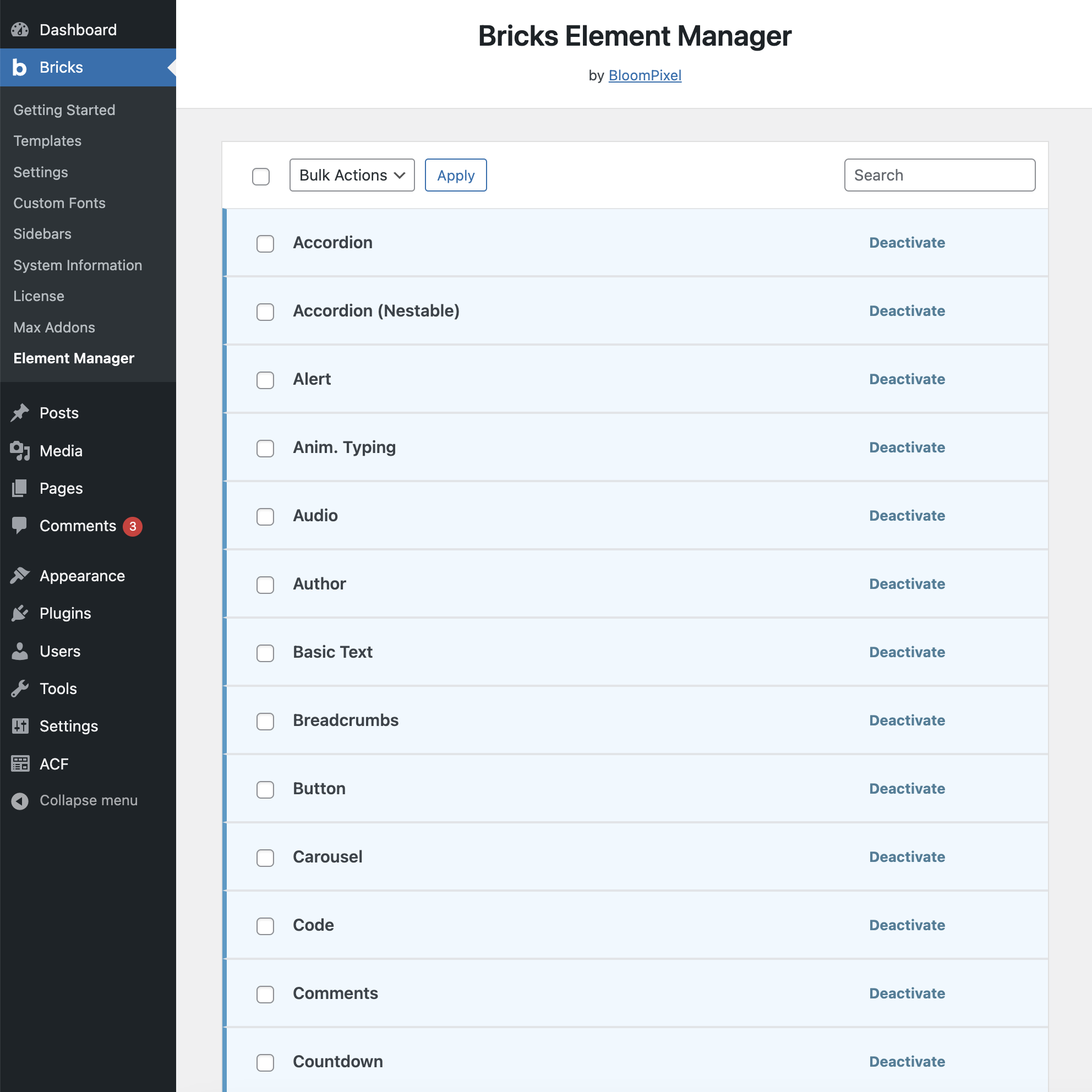
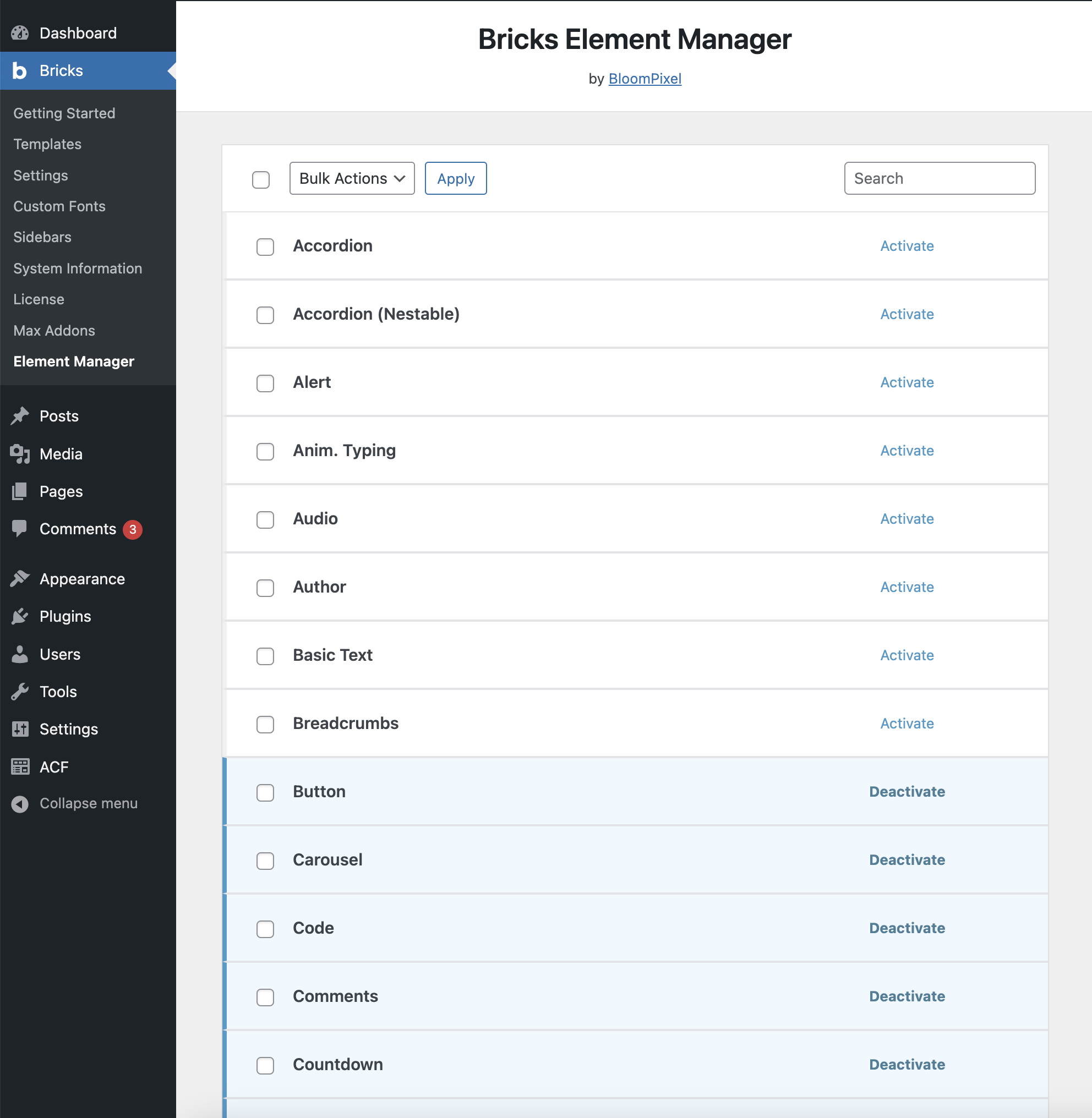
Bricks Element Manager provides a simple way to deactivate/activate Bricks elements from WP admin.
This simple plugin is useful for deactivating all the elements that are not in use, which makes it easier to find the required elements.
To deactivate an element, search for its name in the search bar and click the Deactivate button. The element will be deactivated instantly, and a notification will appear in the bottom left corner of the page.
Key Features Of Bricks Element Manager
- Search bar to search for the elements easily
- Option to deactivate/activate all elements at once
- Instantly activates or deactivates elements without reloading the page
About Us
Bricks Element Manager is built for the users of Bricks Builder by BloomPixel. BloomPixel is an exclusive WP design and development agency with over 11 years of experience. We are the makers of