

Brand Master – Customize Login and User Frontend Dashboard
v1.0.6PatternsWP · 2024年4月11日 上架
Customize your WordPress login page and provide a sophisticated frontend dashboard for your users with Brand Master.
- 正在使用
- 10 以下
- 评分
- 暂无
- 累计下载
- 1,790
- 最近更新
- 2026年11月25日
 PatternsWP
 codersantosh
截图
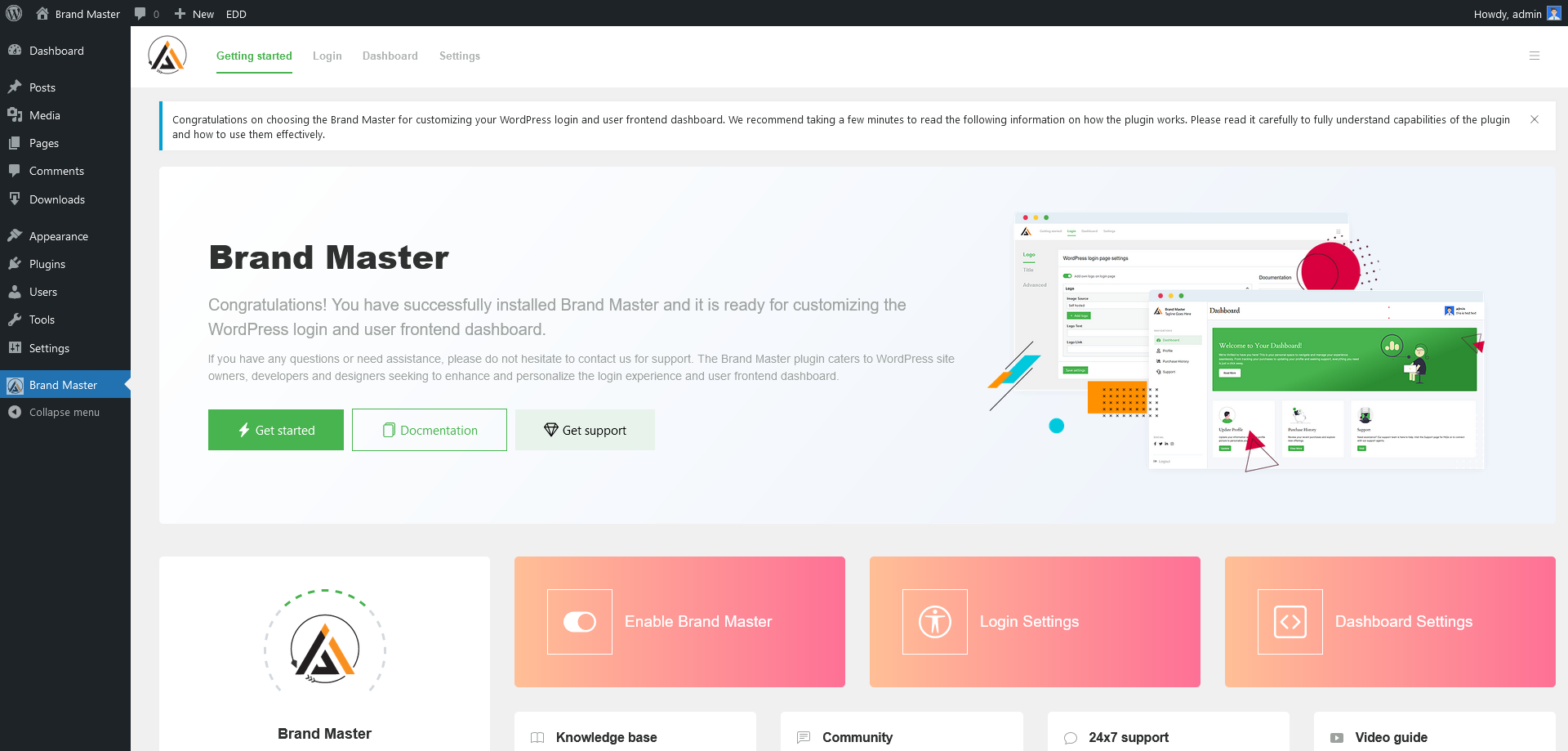
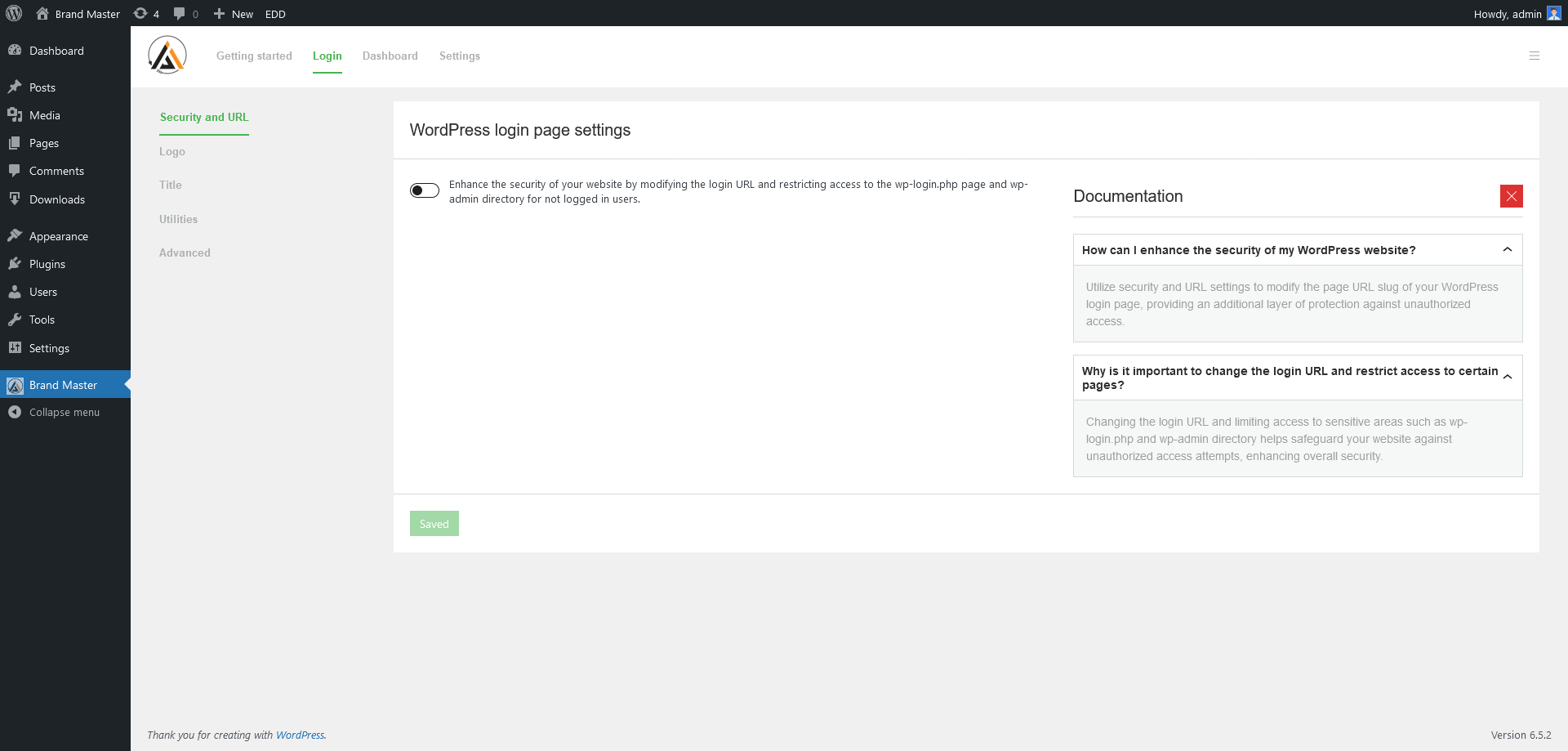
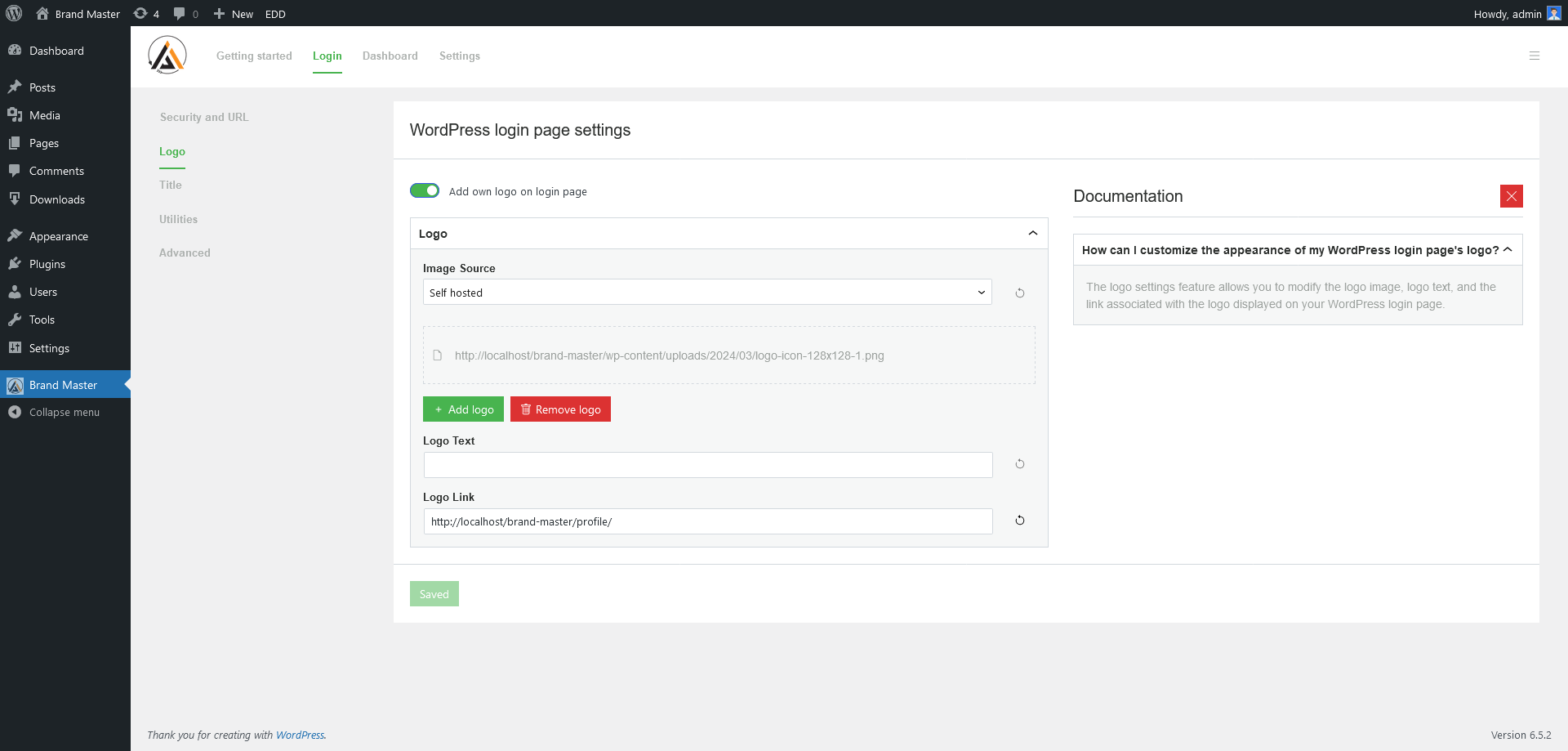
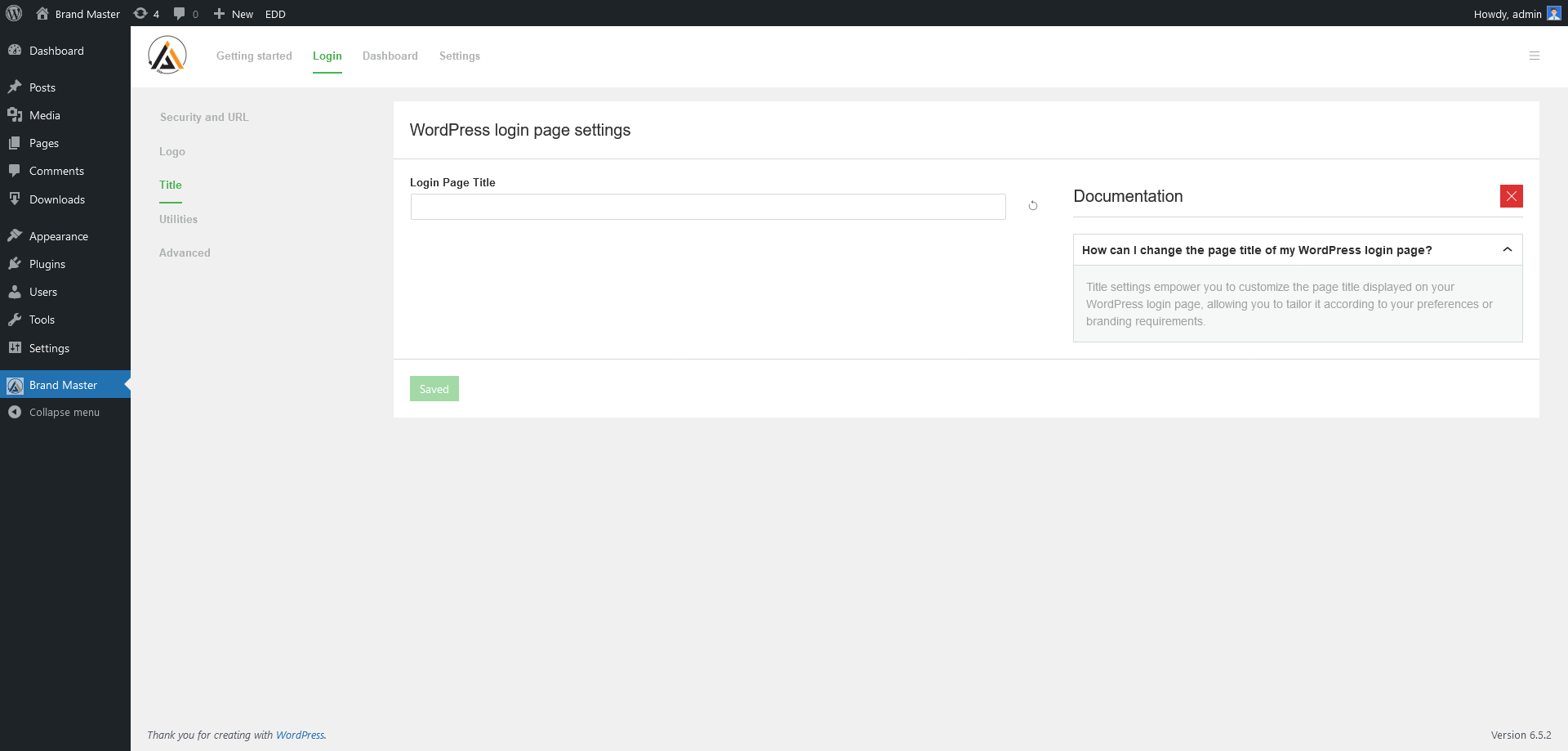
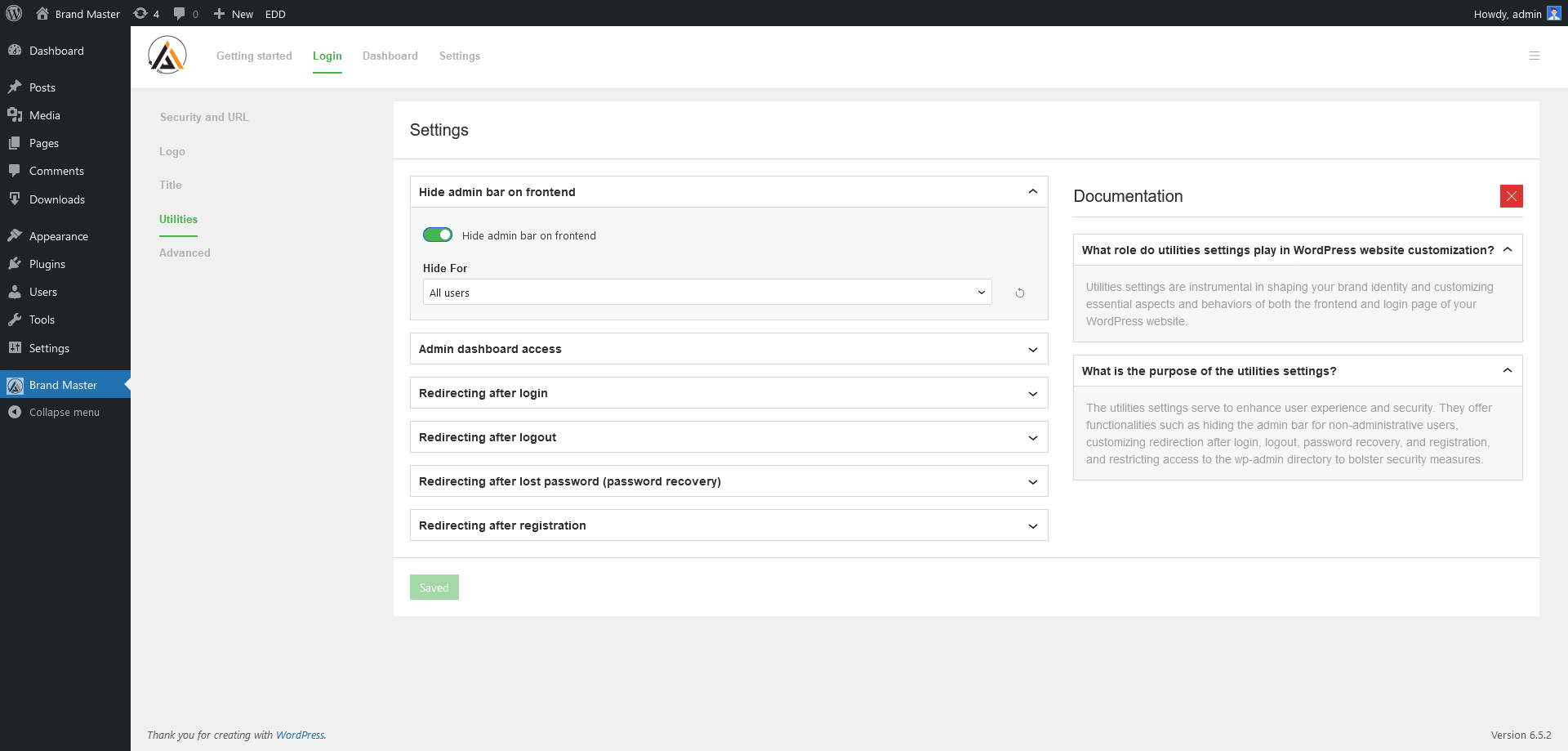
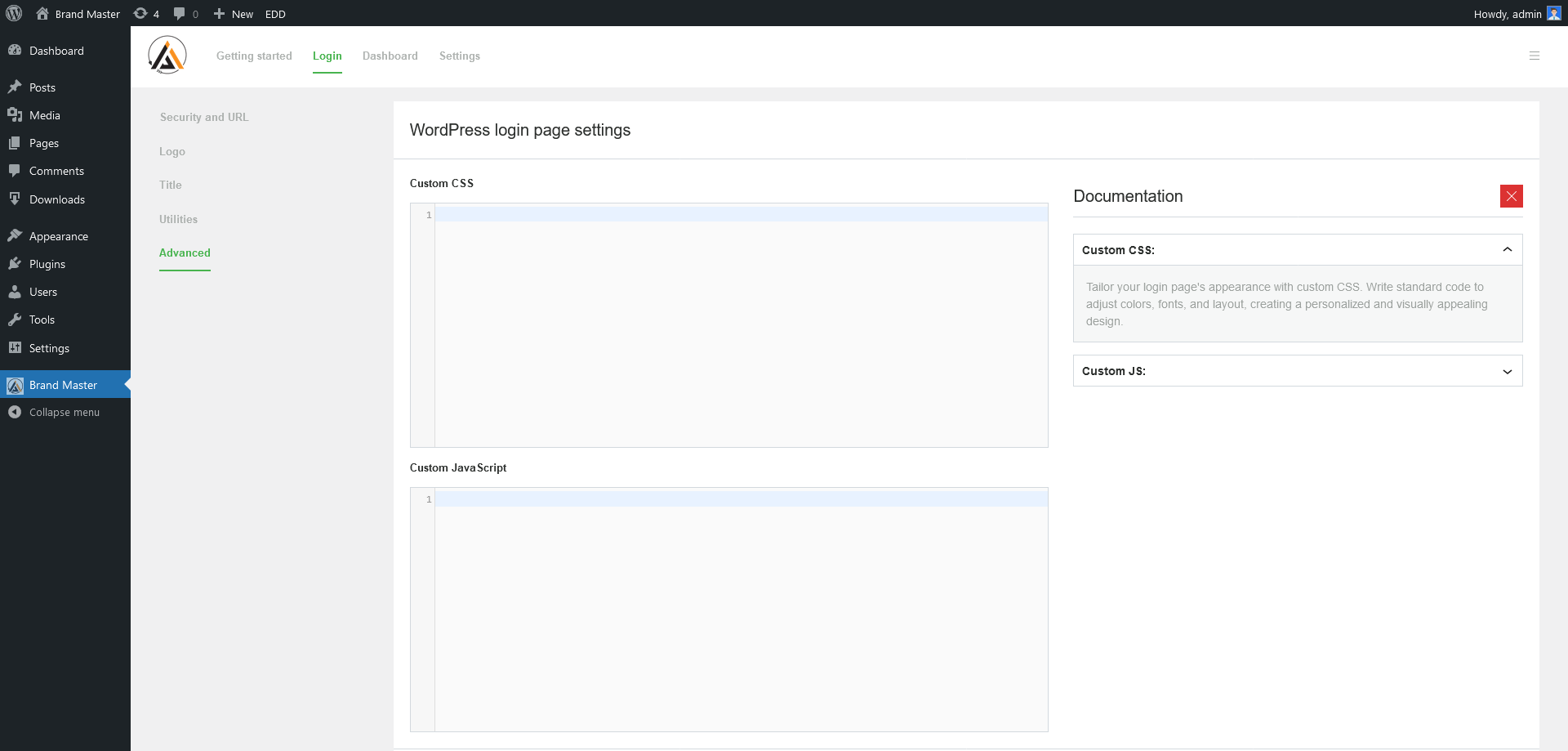

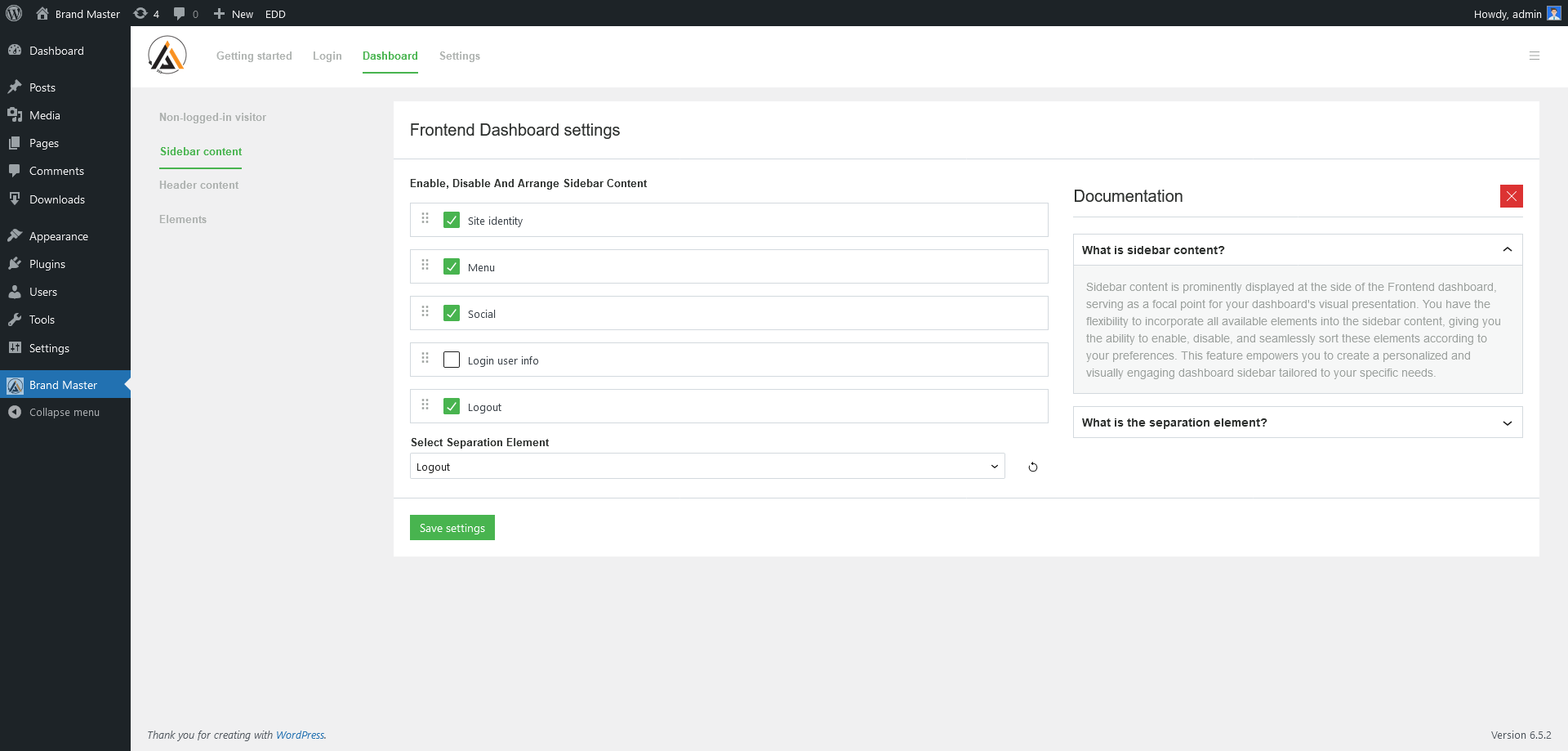
Brand Master is a powerful plugin designed to provide you complete control over the appearance and behaviour of your WordPress login pages, along with a seamless experience for users through a customized frontend dashboard. Elevate your brand by creating a unique and user-friendly login and frontend dashboard environment.
Available shortcodes
- [brand_master_dashboard /]
- [brand_master_login /]
Inbuilt Patterns for Quick Setup
The ‘Brand Master’ plugin comes with a collection of inbuilt Gutenberg Block Patterns that users can easily apply for a quick setup. It includes patters for dashboard main page and support page.
Locating and Inserting Patterns
-
Access the Block Editor: Open the page or post where you want to use a pattern. Click the “Add Block” button (+) or the “+” sign in the top left corner of the block editor.
-
Switch to the Patterns Tab: In the block inserter window, click the “Patterns” tab. This displays all available patterns.
-
Dashboard : Within the Patterns tab, find the category labeled “Dashboard.” This categorization ensures a quick and efficient search for the patterns tailored to your needs.
-
Insert a Pattern: Click on one of the pattern to insert it directly into your edit content area.
-
Modify as Needed: The inserted pattern serves as a starter template. Customize it effortlessly to align with your specific requirements. Modify text, colors, and any other elements to ensure your Dashboard page reflects your unique style.
Features
-
Login Page Customization:
- Personalize the login, registration, and password reset pages with your brand colors, logo, and background images.
-
Frontend Dashboard:
- Integrate a stylish frontend dashboard for users with customizable dashboard and menu content from selected pages.
-
Branding Options:
- Customize the WordPress logo on the login page and dashboard, reinforcing your brand identity.
-
Responsive Design:
- Ensure a consistent and responsive design across devices, providing a seamless experience for users on both desktop and mobile.
-
Additional Features:
- Display login user info with avatar, advanced menu options with menu title, slug, and page selection, social links with headings, and a logout link.
There are two ways to install the plugin:
- Upload the plugin’s zip file via Dashboard -> Plugins -> Add New -> “Upload Plugin”.
- Extract the plugin folder and place it in the “/wp-content/plugins/” directory.
After installation, activate the plugin through the ‘Plugins’ menu in WordPress.
Source code and build instructions: https://github.com/codersantosh/brand-master
Full changelog: changelog.txt