
Custom Profile Menu for BuddyPress
v1.0.3Nahid F Mohit · 2019年7月25日 上架
Create custom BuddyPress profile menu pages, gracefully.
- 正在使用
- 400+
- 评分
- 5.0 / 5
- 累计下载
- 2.6 万
- 最近更新
- 2023年6月4日
贡献者
 Nahid F Mohit
截图
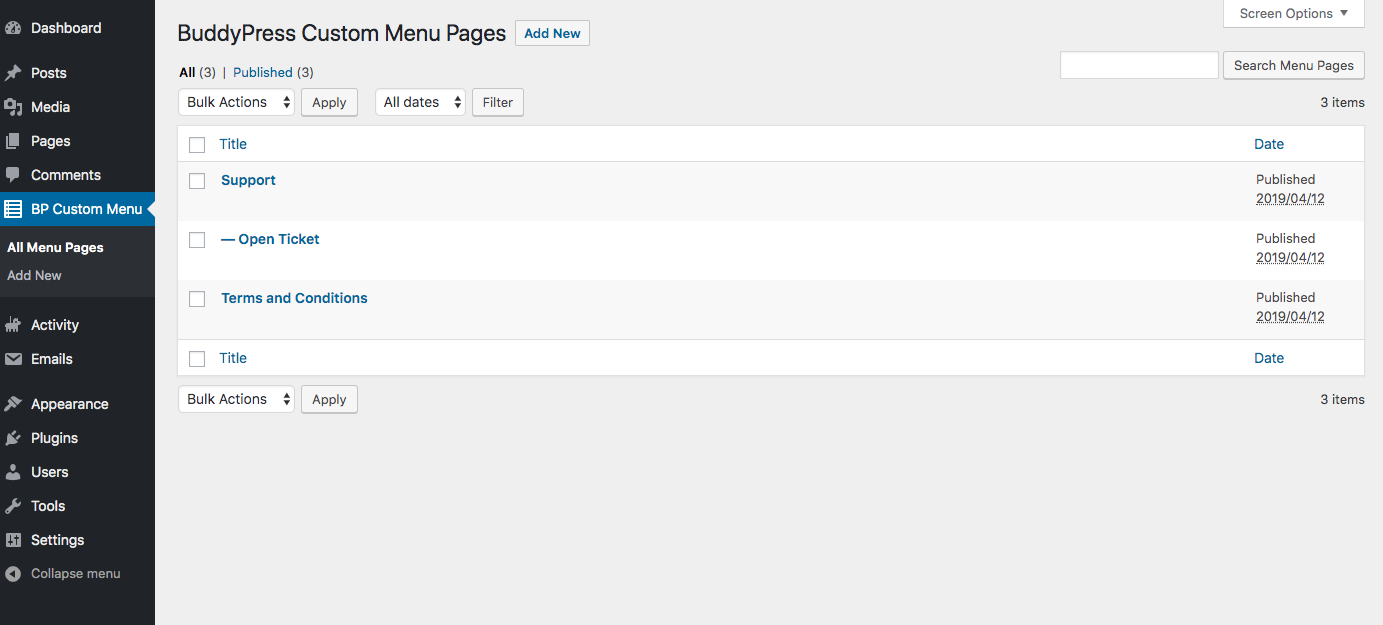
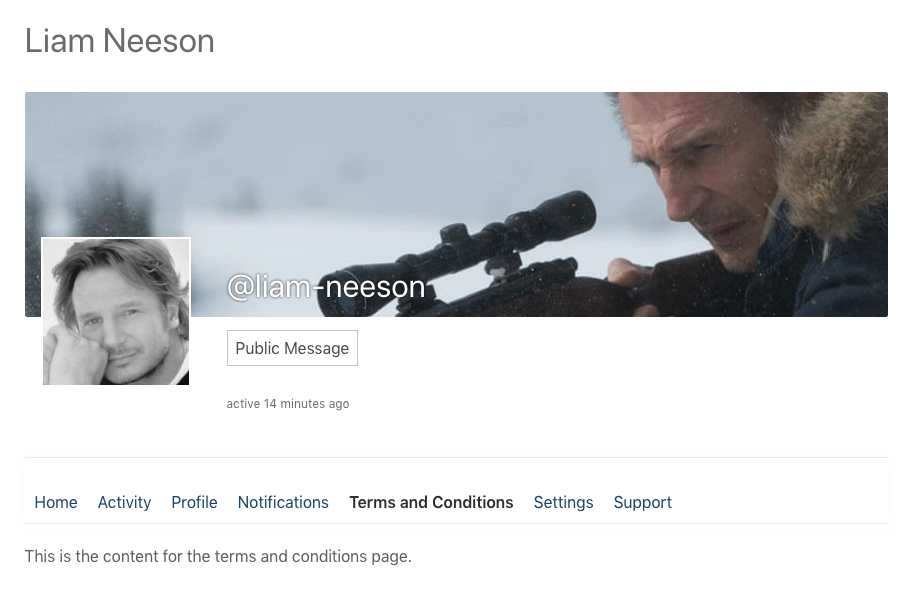
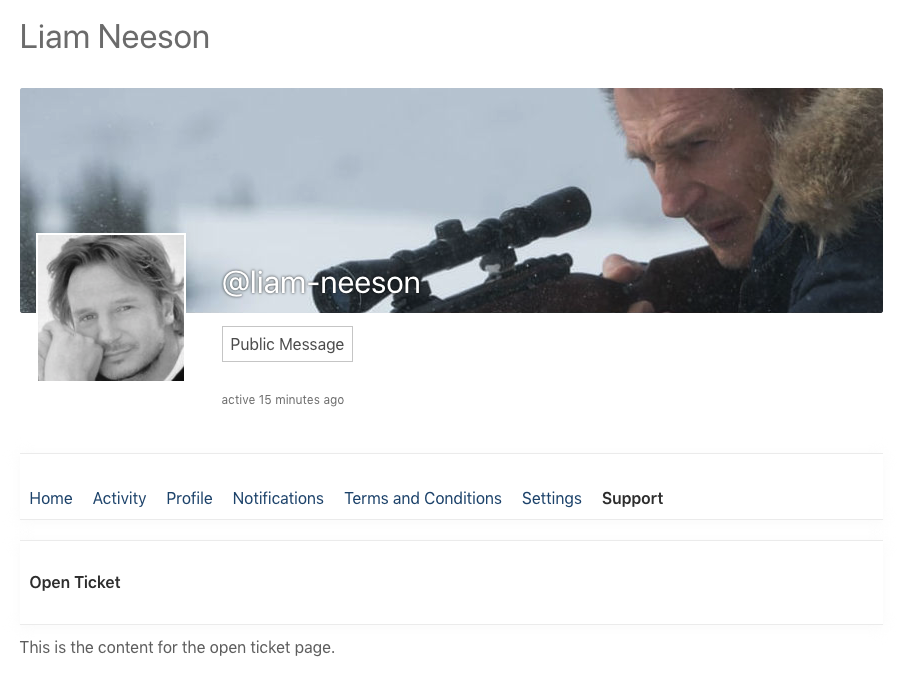
Ever wished you could add custom pages to the BuddyPress profile menu? Here’s a plugin for that. Simply install and activate the plugin, add your custom menu page(s). That’s it, Bingo!
The Custom Profile Menu for BuddyPress plugin lets you add custom static pages to the BuddyPress profile menu. Extend the extremely limited BuddyPress profile menu by adding your desired number of custom pages to it, with your desired content along with the built-in Home, Activity, Profile, Notifications, and Settings items.
Use Cases
The major use case of this plugin would be adding custom sections to the BuddyPress profile, e.g. a terms & conditions page or static pages with shortcodes for forms, appointment bookings, WooCommerce products, and other infinite possibilities.
Core Features
The core features of the plugin include the abilities to:
* Add custom static pages to the BuddyPress profile menu
* Add submenu pages by assigning a parent menu page
* Set a default submenu page for a parent submenu page
* Re-order the menu items.
Installation
Installation of the Custom Profile Menu for BuddyPress plugin is very simple. Follow along with the installation procedure in the dedicated Installation tab.
Usage
- Install and activate the plugin
- Go to your WordPress DashboardBP Custom Menu
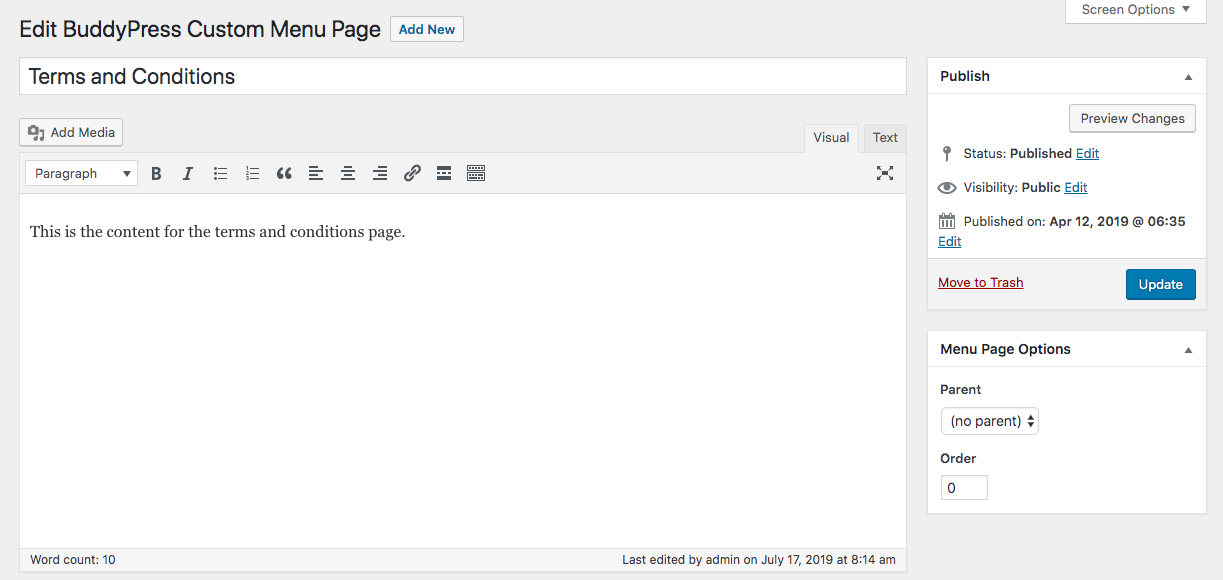
- Add a new page, enter your content, and publish. It will automatically show up as a menu item in the BuddyPress profile.
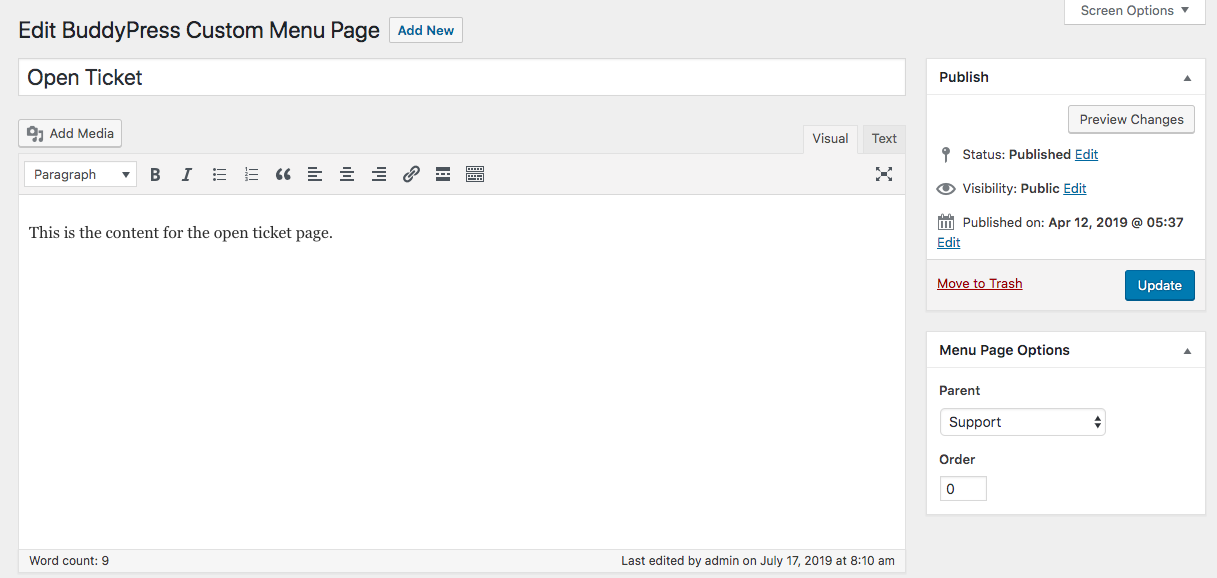
- In order to create a submenu page, please specify a “Parent” under the “Menu Page Options” in the right sidebar of the edit screen.
- In order to specify a default submenu for a parent page, select a submenu page in the “Set Default Submenu” selection under the “Menu Page Options” in the right sidebar of the edit screen.
- In order to re-order the menu items, enter an index in the “Order” field under the “Menu Page Options” in the right sidebar of the edit screen. A higher index means a higher level in the menu.
Support
If the above usage steps don’t answer your question(s), if you want to report an issue or if something is not working as expected, please create a topic in the Support Forum.
Contribute
If you want to contribute to the plugin by reporting issues, implementing new features and so on, here’s its development repository on Github.
Sponsor
You can sponsor this project and support my open-source development by becoming a Patron!