

Activity Share for BuddyPress
v3.6.1wbcomdesigns · 2016年12月6日 上架
Share BuddyPress activity, profiles and groups to Facebook, X, LinkedIn, WhatsApp and more, copy the link, or use the phone's share menu.
- 正在使用
- 300+
- 评分
- 4.2 / 5
- 累计下载
- 6.4 万
- 最近更新
- 2026年11月20日
 wbcomdesigns
 Varun Dubey
截图

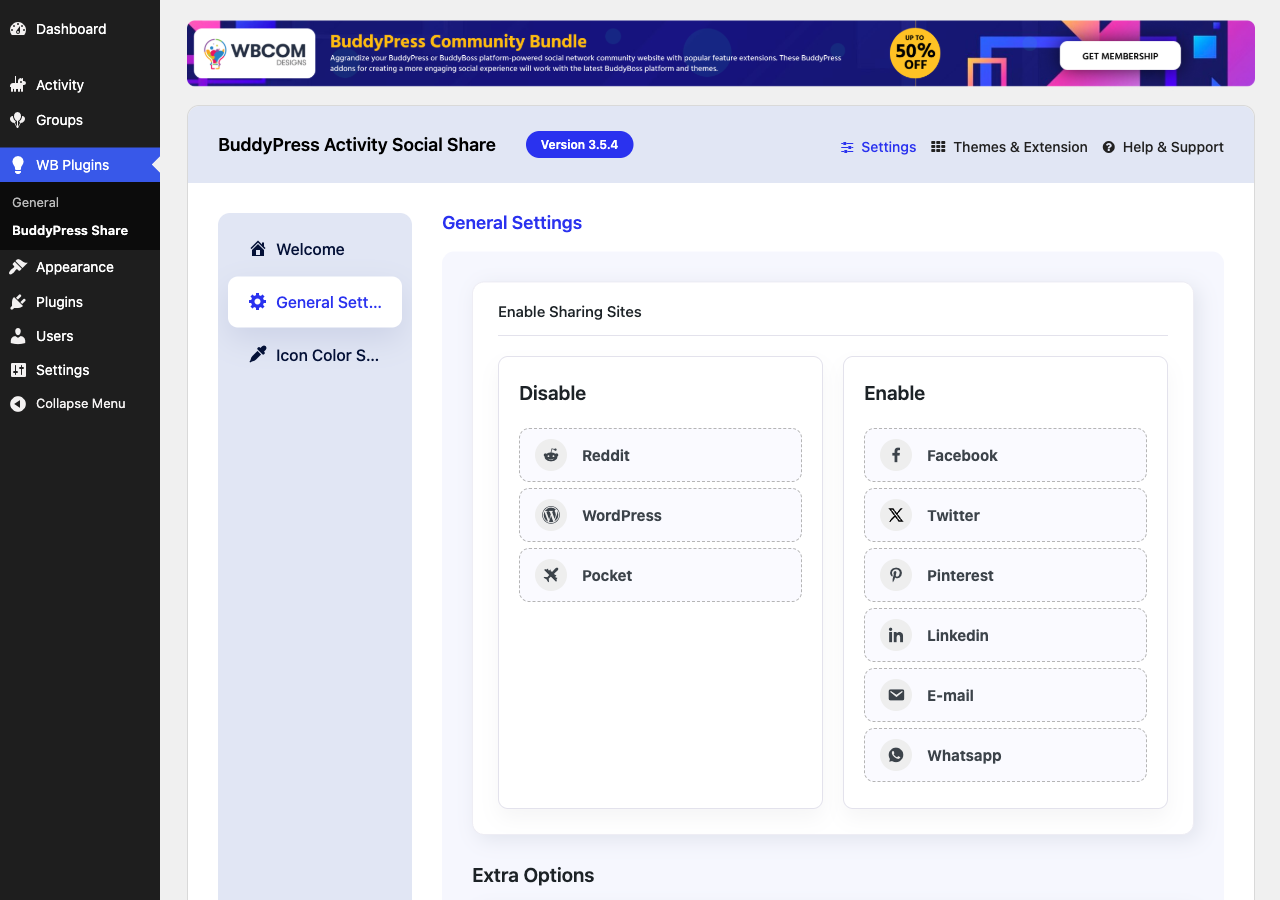

Activity Share for BuddyPress adds a Share button to every activity post, member profile and public group.
- Share anywhere: Facebook, X, LinkedIn, WhatsApp, Telegram, Bluesky, Reddit, Pinterest and email.
- Copy link: one tap copies the link, with a clear “Link copied” message.
- Phone share menu: on phones, “More options” opens the phone’s own share menu, so members can share to Instagram, Messages or any installed app.
- Visitors can share too: public posts can be shared by people who are not logged in. You can turn this off.
- Private stays private: activity in private and hidden groups never offers outside sharing.
- Looks right on phones: the menu opens as a bottom sheet with large touch targets.
- Fits your theme: follows your theme’s colours and dark mode (BuddyX, BuddyX Pro, Reign and most popular themes), with each network’s own colours or your theme’s accent.
- Good link previews: posts shared to Facebook, LinkedIn and WhatsApp show the post’s own image and text. If an SEO plugin (Yoast, Rank Math, AIOSEO, SEOPress) already adds preview tags, this plugin steps aside.
- Accessible: works with a keyboard and screen readers, and even without JavaScript.
- Translation ready, including right-to-left languages.
Settings
Go to WB Plugins > Activity Share:
- Networks: tick the networks to show and set their order.
- Who and where: visitors, member profiles, public groups.
- Appearance: button label, position before or after the other activity buttons, network colours or your theme’s colours, with a live preview.
Activity Share Pro
Activity Share Pro adds reposting inside your community (to your profile or a group, with a comment), sending posts privately to friends, sharing comment replies, share buttons on blog posts and any content type, share counts, a trending block, share rewards and share analytics.
For developers
Add your own network in a few lines:
add_action( 'bpas_register_networks', function () {
    bpas_register_network( 'mastodon', array(
        'label'     => 'Mastodon',
        'share_url' => 'https://mastodonshare.com/?url={url}&text={title}',
        'icon'      => '<svg ...>...</svg>',
        'color'     => '#6364FF',
    ) );
} );
The new network appears on the Networks screen, ready to switch on. Other hooks: bpas_share_context, bpas_share_menu_items, bpas_can_share_externally, bpas_share_url, bpas_open_graph_enabled. The share menu template can be overridden in your theme at bp-activity-social-share/share-menu.php.