

BookIvy
v2.6.1thomasgericke · 2026年8月6日 上架
Embed the BookIvy appointment calendar and the BookIvy chatbot anywhere on your site using shortcodes.
- 正在使用
- 10 以下
- 评分
- 暂无
- 累计下载
- 768
- 最近更新
- 2026年11月25日
贡献者
 thomasgericke
截图
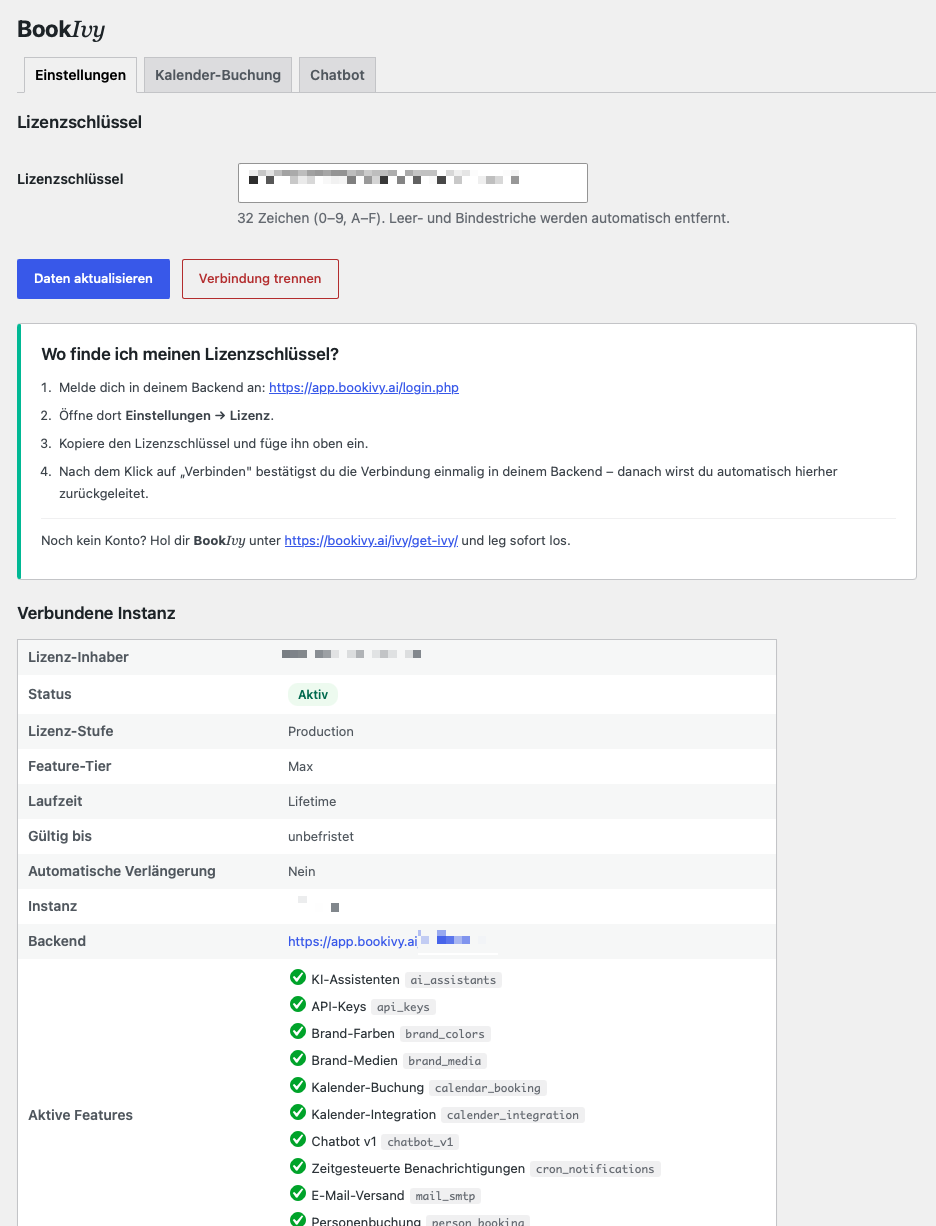
BookIvy connects your WordPress site to your BookIvy instance. You enter your licence key
once and confirm the connection in your BookIvy backend. From then on the plugin picks up
everything else automatically: the booking URL and the chatbot address of your instance.
Features
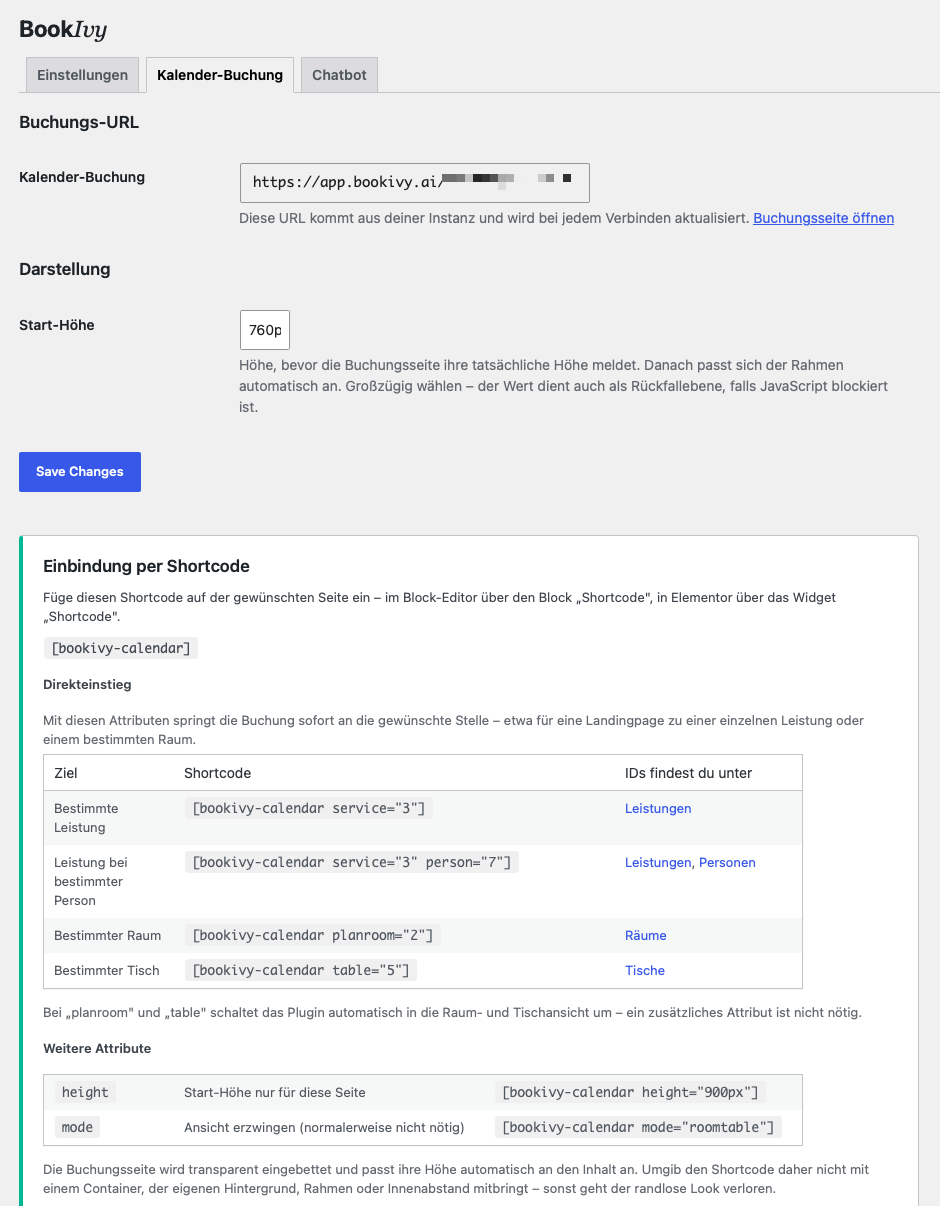
- Appointment calendar – The booking flow is embedded directly into your page with a
transparent background and no visible frame. Its height adjusts automatically to each
step, so there is no inner scrollbar and no empty space below the form. - Events – Embed your event overview, a single event or a whole series. Shown only if
events are enabled for your instance. - Products – Embed your product page, a single product or a product group. Shown only
if products are enabled for your instance. - Entry points – Show only part of your offer on a page: just the rooms, just the
events, or any combination. Everything else stays out of reach, so several embeds can
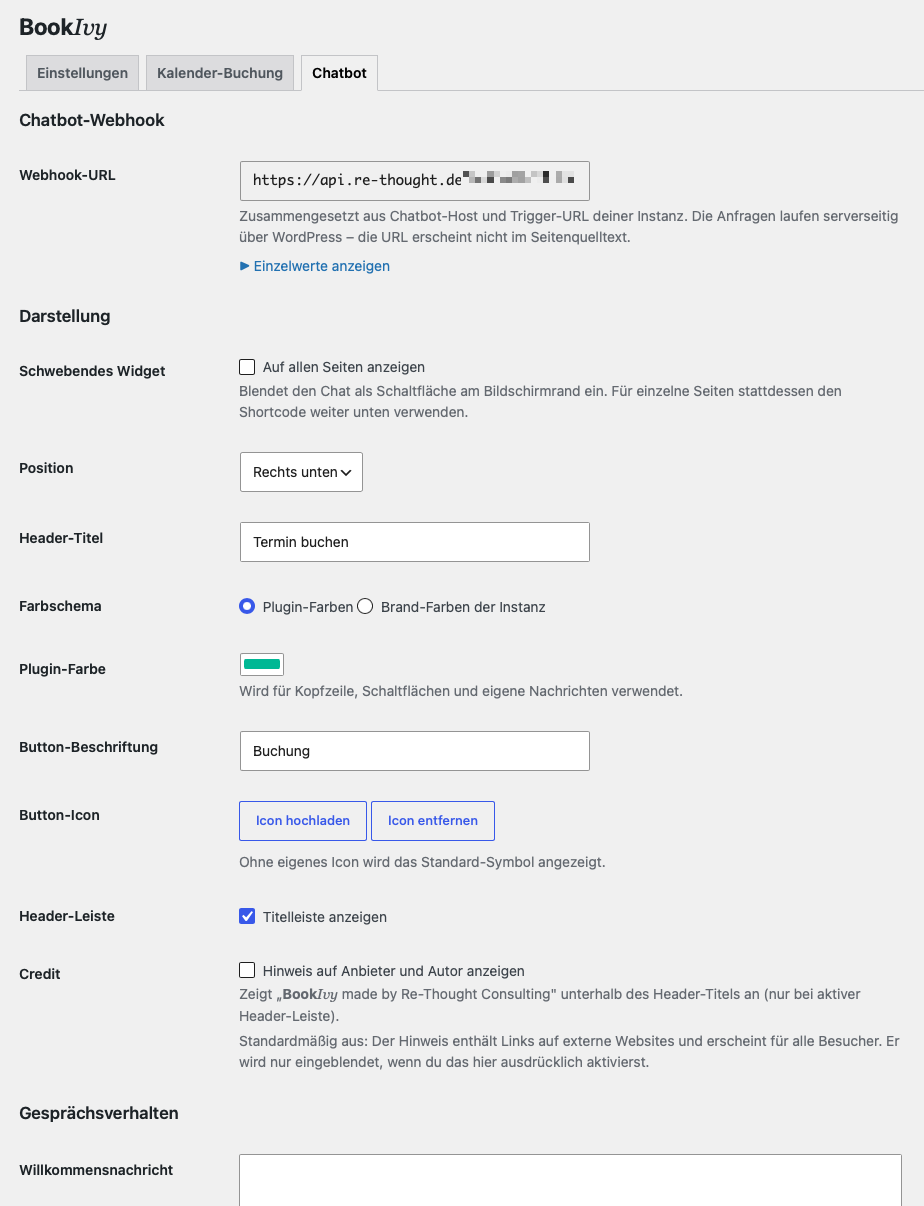
run side by side, each with its own section. - Chatbot – An AI booking assistant, either as a floating button on every page or
placed inline on selected pages. - No manual configuration – Addresses come straight from your instance and are
refreshed every time you reconnect. There is nothing to copy and paste. - Brand colours – Optionally use the colours defined in your instance instead of the
plugin defaults. Text colour on coloured surfaces is calculated automatically for
readable contrast. - No advertising on your site – The credit line naming the provider and the author is
switched off by default and only appears if you explicitly turn it on.
Shortcodes
Appointment calendar:
[bookivy-calendar]
[bookivy-calendar height="900px"]
[bookivy-calendar service="3"] – a specific service
[bookivy-calendar service="3" person="7"] – a service with a specific person
[bookivy-calendar room="2"] – a specific meeting room
[bookivy-calendar table="5"] – a specific table
[bookivy-calendar planroom="2"] – the interactive floor plan of a room
Entry points – show only part of your offer:
[bookivy-calendar] – meeting rooms only
[bookivy-calendar] – tables and desks only
[bookivy-calendar] – people and services only
[bookivy-calendar] – events only
[bookivy-calendar] – the shop only
[bookivy-calendar] – several of them side by side
Anything not listed is neither visible nor reachable by a link, so several embeds can run
next to each other, each showing its own section.
Events:
[bookivy-events] – all bookable events
[bookivy-events event="summer-party-2026"] – a single event
[bookivy-events serie="afterworks"] – a series with all its dates
Products:
[bookivy-products] – the full catalogue
[bookivy-products product="4"] – opens the order form of that product
[bookivy-products product="4" view="details"] – opens the product page with images and details
[bookivy-products product="4" view="card"] – a small product card; a click opens the product page as a popup
[bookivy-products product="4" view="card" width="300px"] – the same card with a different maximum width
[bookivy-products product="4" view="card" height="420px"] – a card with a fixed height; the image fills the space next to the text
[bookivy-products group="2"] – a product group
Chatbot:
[bookivy-chat-widget]
[bookivy-chat-widget height="500px"]
External services and data processing
This plugin communicates with the BookIvy platform. It cannot work without that
connection, because all content it displays is provided by your instance.
- Licence connection – When you click “Connect”, you are redirected to
https://app.bookivy.ai/admin/endpoint/wp-connect.php. Your licence key and the return
address of your site are transmitted. The platform sends back the master data of your
instance, cryptographically signed. This step happens exclusively in the WordPress
admin area and is always triggered by a logged-in administrator. - Appointment calendar – The booking page of your instance is embedded as an iframe.
Visitor data is exchanged directly between the browser and your instance. - Chatbot – Chat messages are forwarded server-side through WordPress to the chatbot
address stored in your instance, so that address never appears in the page source.
Since 2.4.0 the visitor’s IP address is sent along, signed with your licence key, so the
abuse protection of your instance can block a single visitor instead of every visitor of
your site. The instance stores only a non-reversible value derived from it, and only if the
protection is switched on. Behind a proxy or CDN, use the filterbookivy_chat_client_ip
to pass the real visitor address.
Provider: Re-Thought Consulting, https://www.re-thought.de/
Product information: https://bookivy.ai/
Privacy policy: https://bookivy.ai/ivy/recht/datenschutz/
Legal notice: https://bookivy.ai/ivy/recht/impressum/