

Bonaire
v1.1.1Demis Patti · 2020年1月4日 上架
Reply to Contact Form 7 messages stored by Flamingo directly from your WordPress dashboard.
- 正在使用
- 10+
- 评分
- 暂无
- 累计下载
- 1,905
- 最近更新
- 2026年10月22日
需要 WordPress 6.7+已测试到 7.1.5PHP 8.0+
贡献者
 Demis Patti
截图
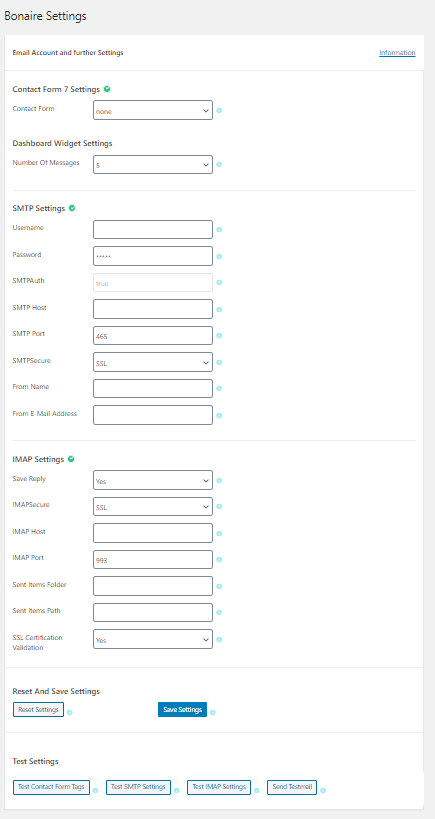
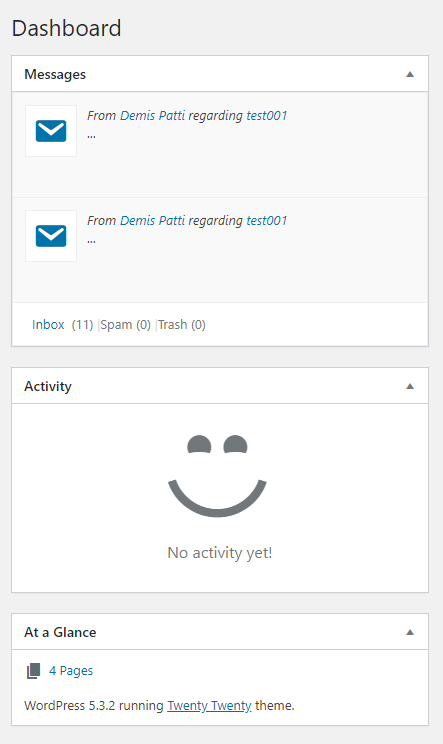
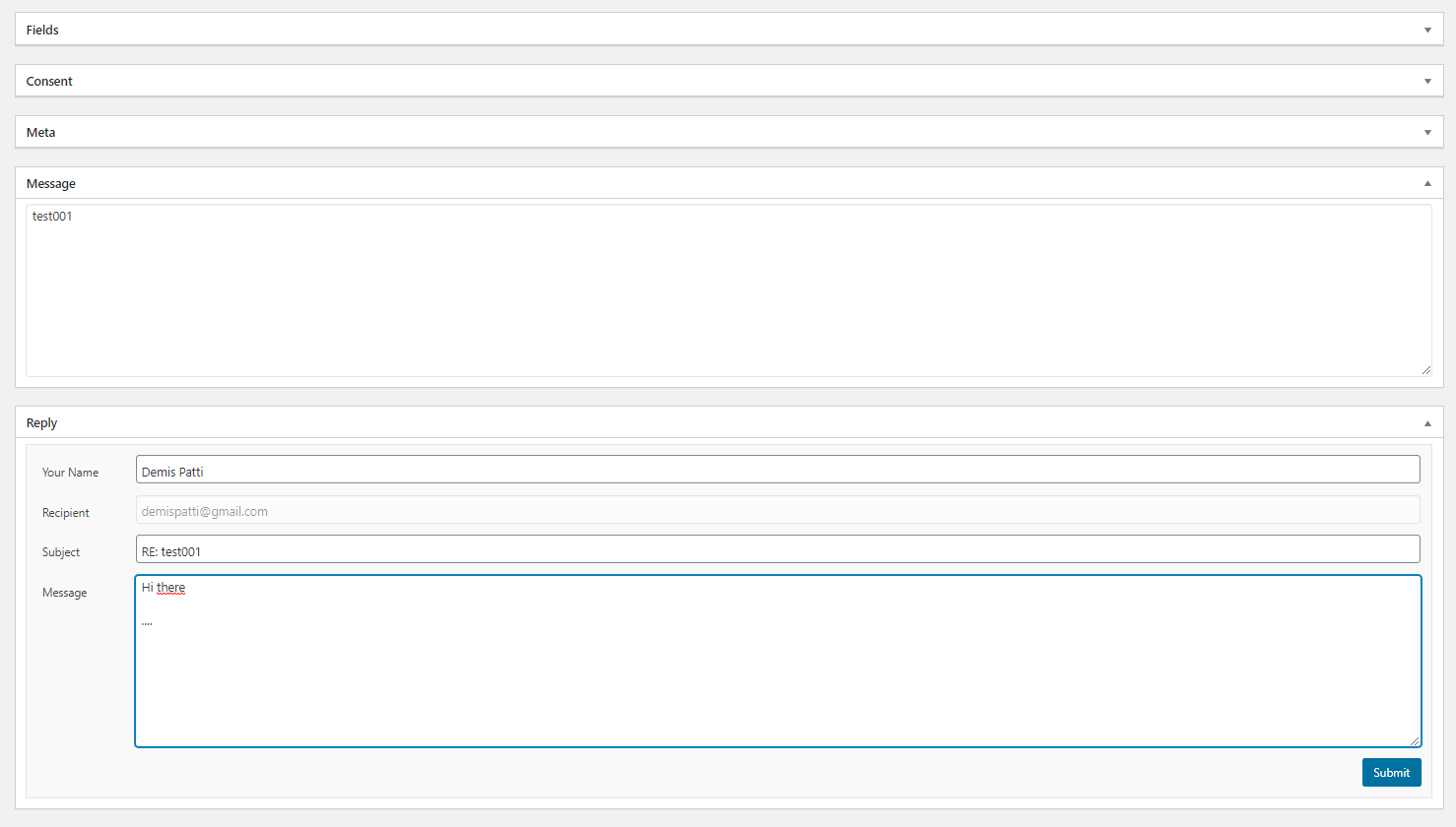
Send replies to messages you received trough a default Contact Form 7 contact form and you store with Flamingo.
Features
- Send replies to messages received trough a default “Contact Form 7” contact form
- Store replies on your mail server’s ‘Sent Items’ folder
- Dashboard Widget lists incoming messages
- Email replies are text-only
Requirements
- Familiarity with configuration and usage of both Contact Form 7 and Flamingo
- Contact Form 7 installed and activated
- Flamingo installed and activated
- PHP IMAP extension installed and enabled on your web server
- PHP 8.0 or newer with OpenSSL
Privacy
Bonaire processes and displays personal data stored by Flamingo, including sender names, email addresses, subjects, and message bodies. Account credentials are stored locally in the WordPress database using authenticated encryption. Sending a reply transmits its content and recipient address to the configured SMTP and, when enabled, IMAP servers.