

Total Upkeep – WordPress Backup Plugin plus Restore & Migrate by BoldGrid
v1.17.4BoldGrid · 2018年5月23日 上架
Automated backups, remote backup to Amazon S3 and Google Drive, stop website crashes before they happen and more. Total Upkeep is the backup solution …
- 正在使用
- 4 万+
- 评分
- 4.8 / 5
- 累计下载
- 233 万
- 最近更新
- 2026年8月19日
贡献者
 BoldGrid
 Joe Cartonia
 Brad Markle
 Rafael Ramos
 Nicole Paschen Caylor
 James Rosado
 Joseph W
 Andy V
截图
Total Upkeep is more than just a “backup plugin.” It can help stop website crashes before they even happen.
Website data loss can happen even if you’re doing everything “right,” like keeping your WordPress and plugins updated or having a backup plugin installed. There’s so many things outside of your control that could totally wipe out your website without any warning.
To keep your website safe, you’ll need more than just a “backup plugin.” You need a backup solution that helps prevent catastrophic data loss in the first place, and if the worst occurs, provides you with the tools to easily, quickly and painlessly get your site up and running again.
Total Upkeep is a full 360 solution that keeps your data safe and protects your website from catastrophic data loss. Features include:
- Automated and manual backups
- Full file and database backup or customize settings based on your needs
- Remote backups via FTP / SFTP, Amazon S3 and Google Drive (Premium)
- Total Upkeep checks to ensure that your web server has the necessary features to properly create backup archives, which protects the integrity of your backups
- Clone, duplicate and/or migrate your site with just a few clicks
- Site Check monitors your site for issues that could lead to site crashes, provides a tool set to restore your site even if your WordPress installation is inaccessible
- Auto rollback feature creates a backup before updates, restores your site to the last backup if an update fails
- Create staging sites to test new plugins or themes with Total Upkeep + Cloud WordPress
I’m Intrigued! Tell Me More About Your Features…
Supports Both Automated and Manual Backups
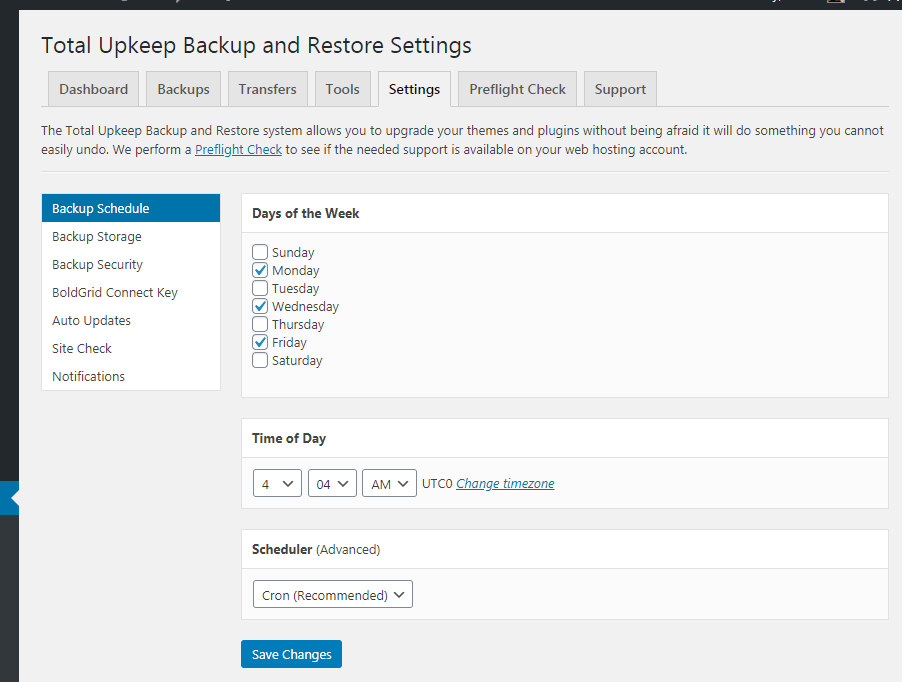
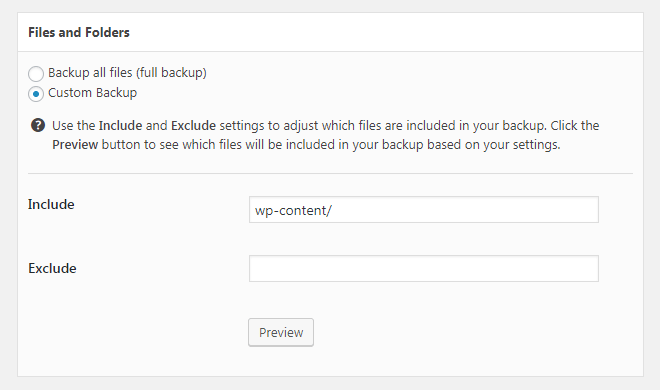
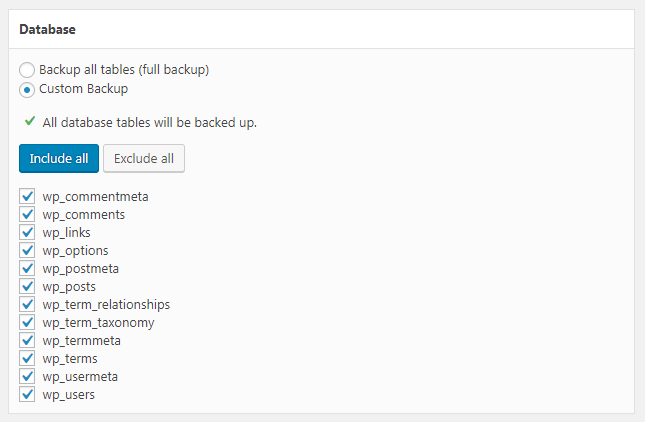
Simply select a date and time for automatic backups and Total Upkeep will create a backup archive of your entire WordPress installation and its database. If a full website or database backup isn’t required, you can choose to backup only certain files, folders and database tables.
Remote Backups
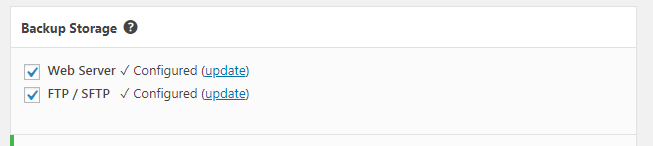
Safely store backups remotely via FTP / SFTP. The premium version of Total Upkeep allows you to automatically upload archives to Amazon S3 or Google Drive.
Easy Site Restoration and Website Migration
Download, restore, or delete backups with a single click from the Total Upkeep Dashboard.
Restore Your Website Even If WordPress Is Down
Use our restoration script to restore a backup from outside of WordPress in the event WordPress itself has been corrupted.
Restore Entire Backup Archive or Single Files
Need to restore only one file from a backup? Total Upkeep Premium gives you the option to restore a single file within the backup browser.
Historical Versions
Do you have a file that needs to be restored, but not sure which backup it’s in? The Historical Versions feature allows you to view a list of all of your backups containing that file and provides an easy way to restore the file.
Easily Clone or Migrate Your Websites
Total Upkeep allows you to easily clone a website and migrate it to another WordPress installation with just a few clicks. Install Total Upkeep on both WordPress sites, create a backup archive on the first site, then restore that backup on your second site using a protected link – simply copy and paste the link! It’s the easiest and fastest way to duplicate / clone your website.
Site Check
Site Check monitors your site at specified intervals for errors that could lead to catastrophic data loss. If Site Check detects an error, it will send you an email alert and auto restore your website using your latest backup.
Built-in Diagnostic Tools
Site Check keeps a running historical error log, allowing you to easily diagnose and troubleshoot website issues.
Powerful Website Restoration Functionality
You can configure Site Check’s settings from the Total Upkeep settings page, or via command line. If your site is totally non-functional, you can use the command line to easily restore your website from the last full backup archive.
Auto Rollback
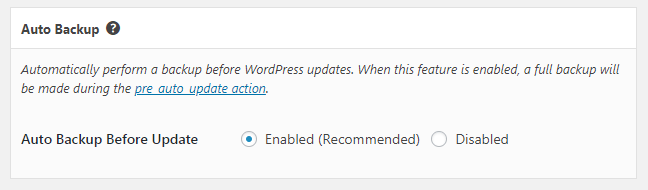
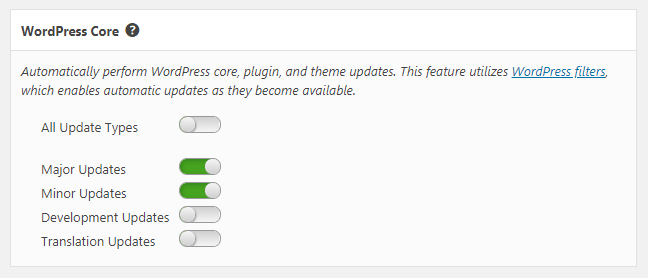
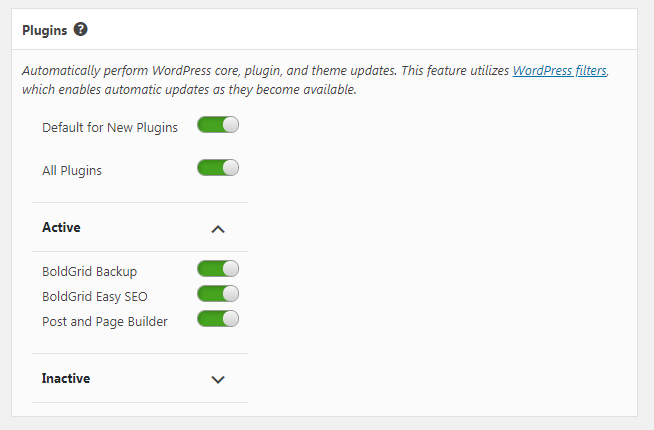
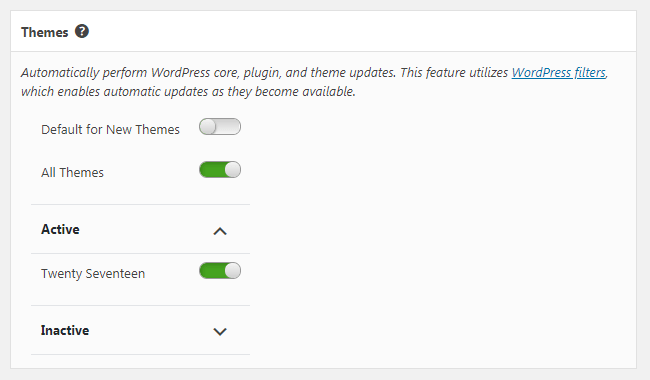
You can set Total Upkeep to automatically backup your site before updates, and automatically rollback your site to the last backup if an update fails. Automatic updates can be set for WordPress core, plugins, and themes individually.
Create Staging Sites with Total Upkeep + Cloud WordPress
Cloud WordPress allows you to create a fully functional free WordPress demo (with or without BoldGrid) in just a few clicks. Use Total Upkeep to clone and migrate your website to a Cloud WordPress installation, where you can test themes, plugins and other website changes without fear of breaking your live site.
Try out the Total Upkeep Plugin on Cloud WordPress to see for yourself!