

Blogsmith API
v1.22.4ruzekora · 2026年7月1日 上架
Write, optimize and publish AI blog content — articles, images, keywords and authors — inside WordPress with your Blogsmith account.
- 正在使用
- 10 以下
- 评分
- 暂无
- 累计下载
- 709
- 最近更新
- 2026年11月20日
贡献者
 ruzekora
截图
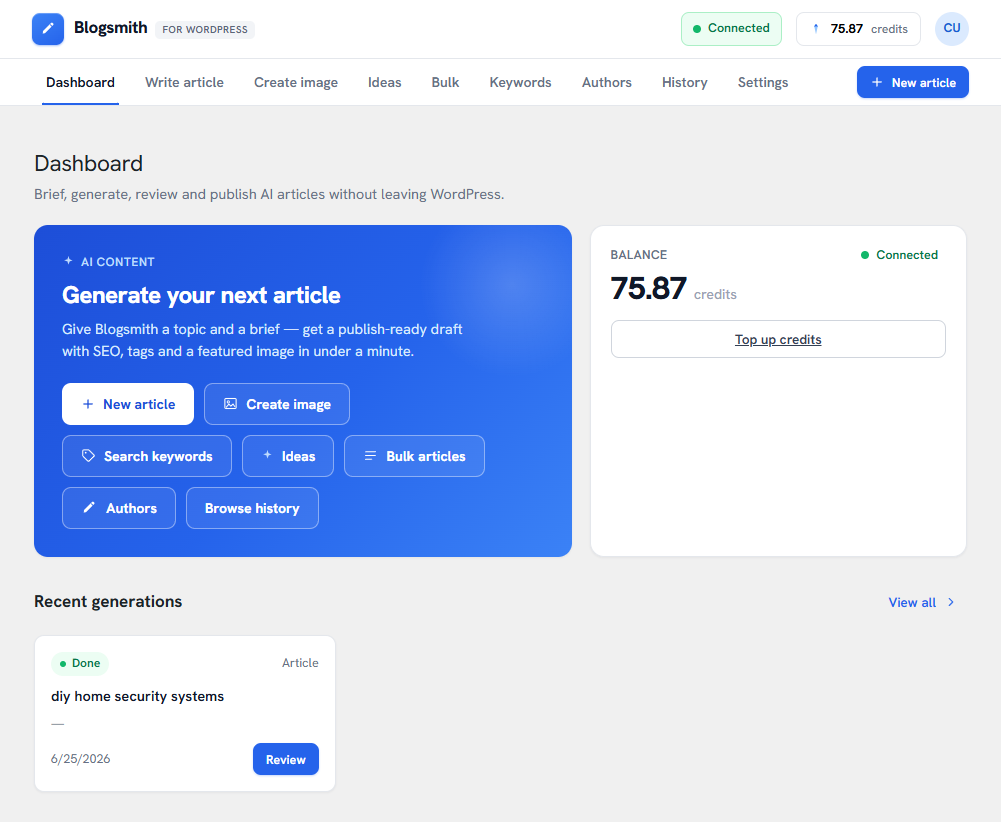
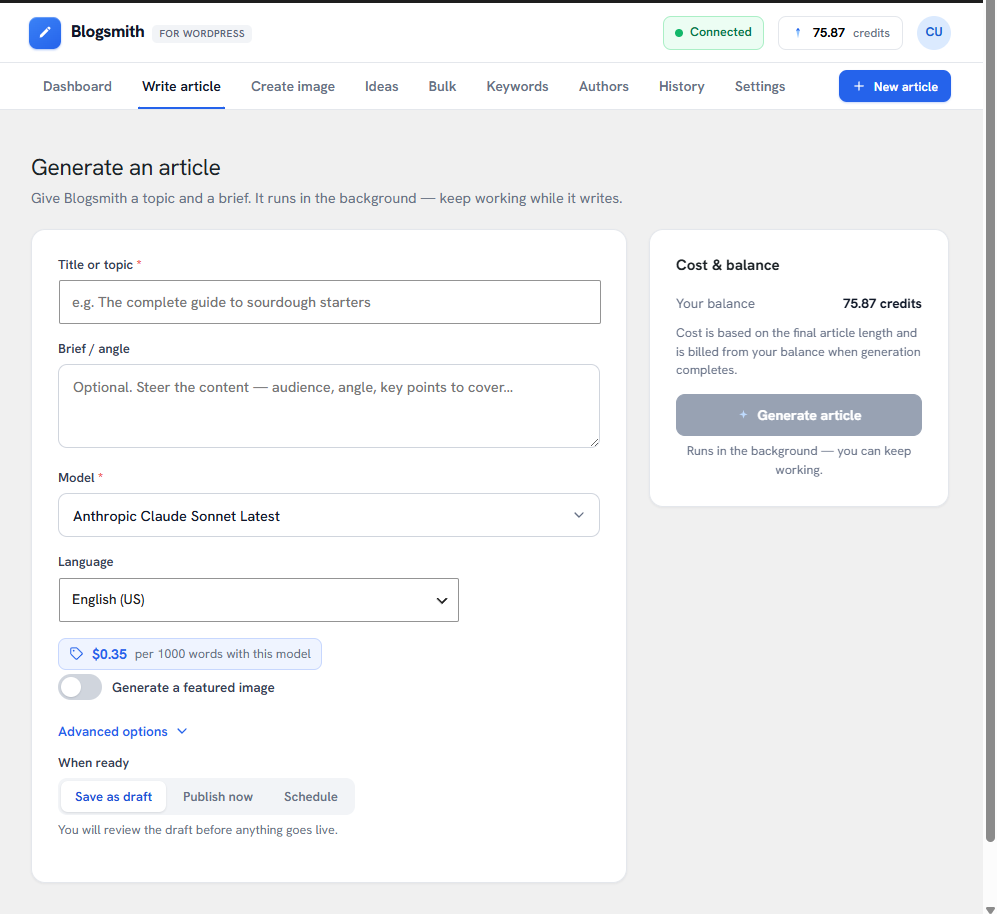
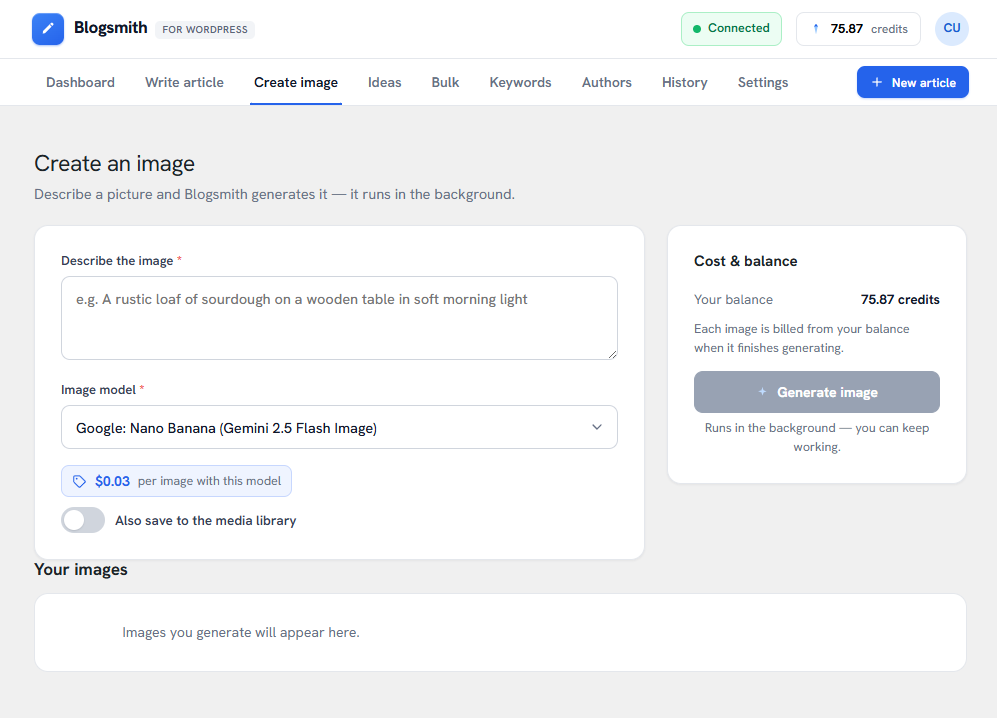
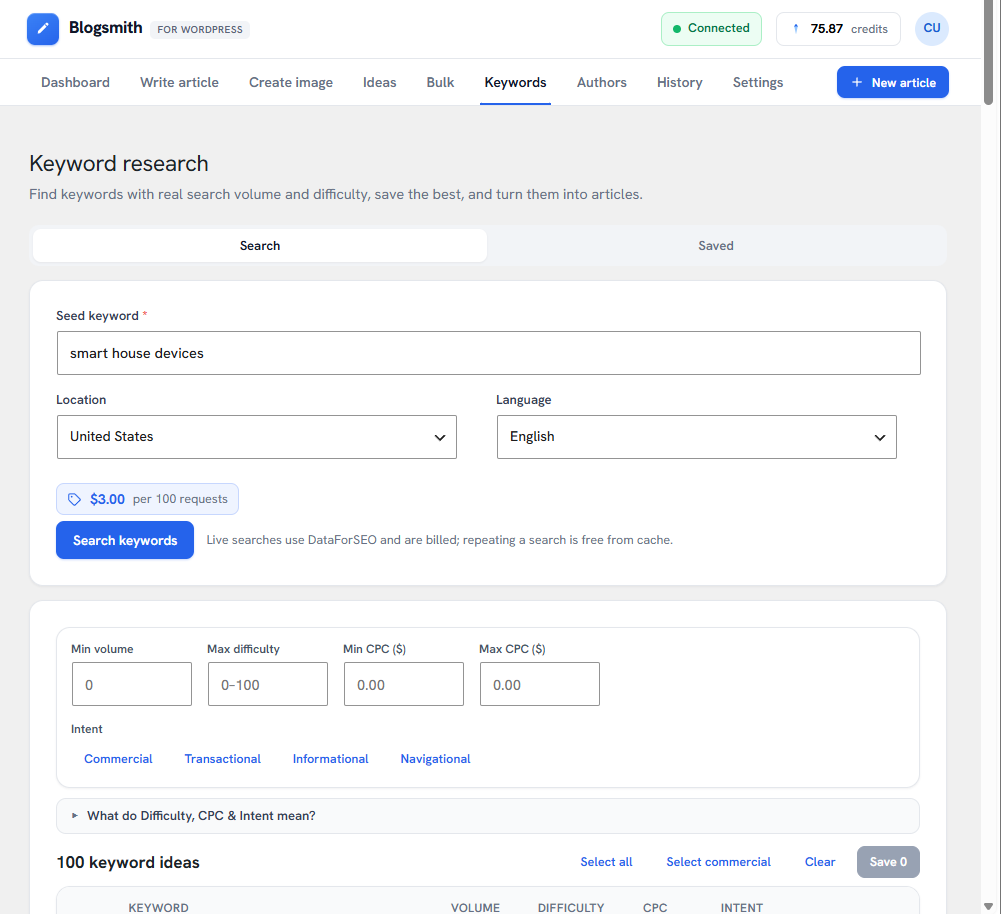
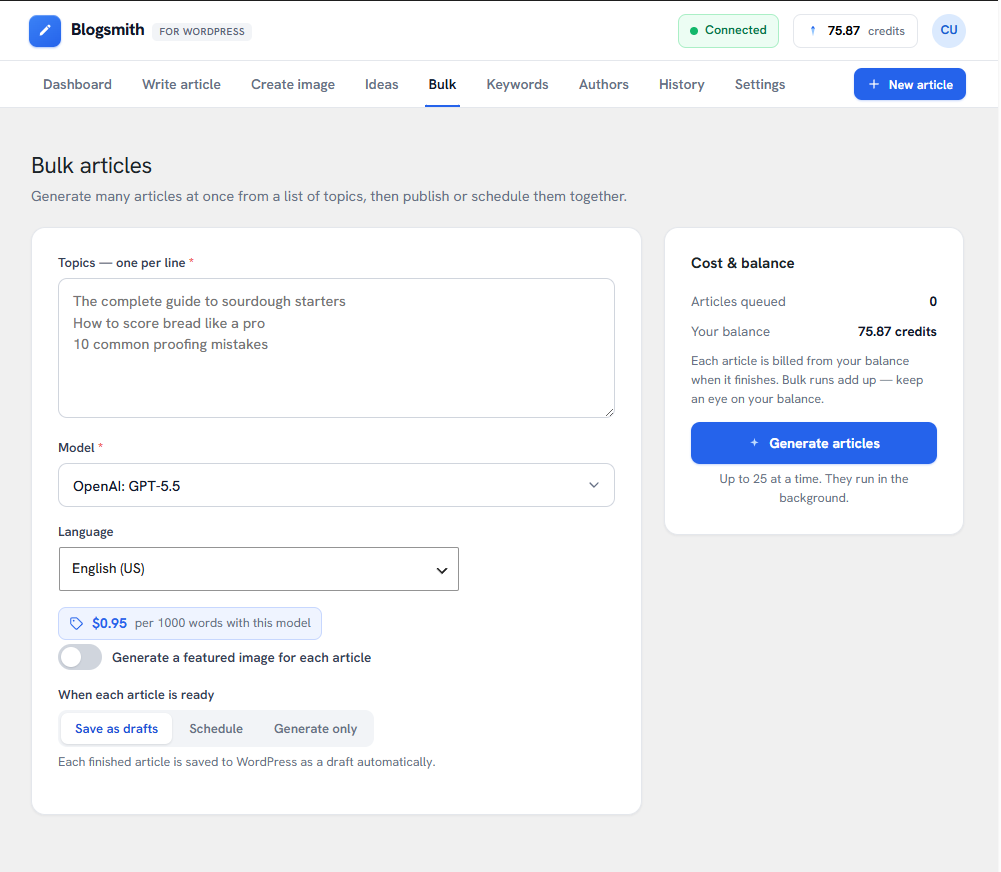
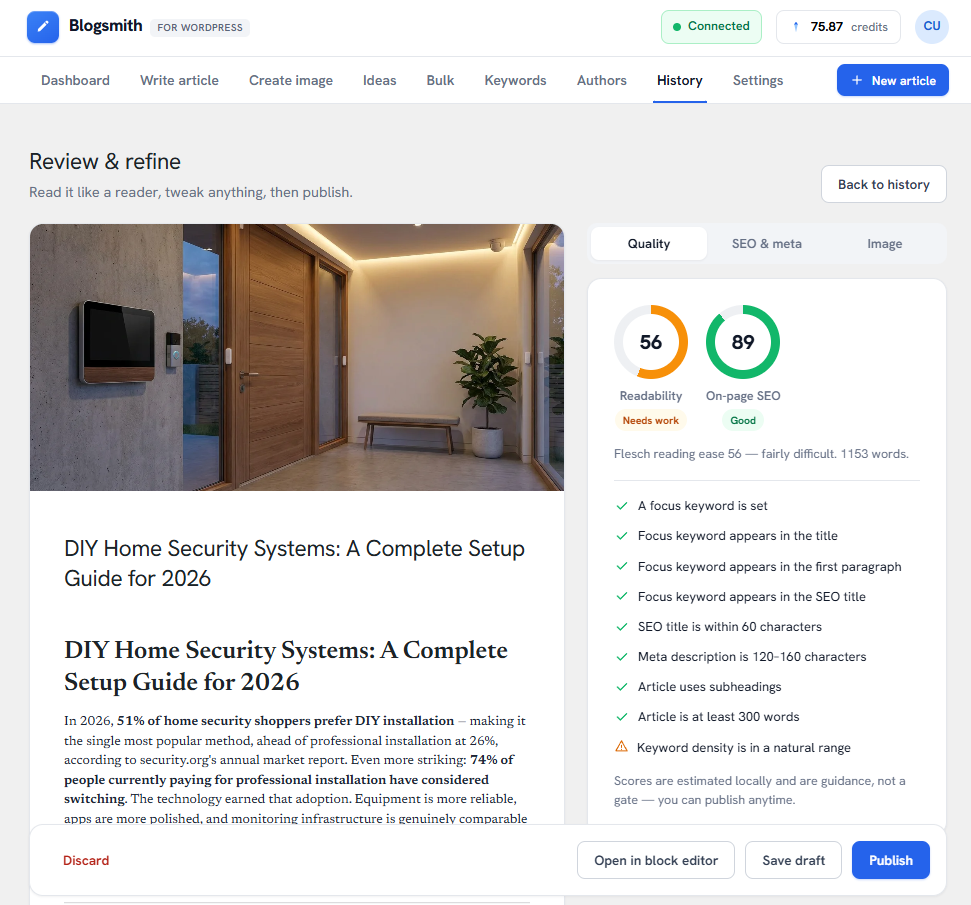
Blogsmith is an AI content studio for WordPress. Connect your site to the Blogsmith service and write, optimize and publish blog content — without leaving your dashboard.
The plugin adds a “Blogsmith” studio to wp-admin where you can:
- Write articles with AI — give a title, brief and target keywords, pick a model, language and target-market region, and generate a ready-to-edit draft.
- Generate images — create a featured image or standalone artwork and save it straight to your media library.
- Research keywords — real search volume, difficulty, CPC and intent (powered by DataForSEO), then turn a keyword into an article in one click.
- Brainstorm ideas — get suggested article topics and blog categories, and add the categories to your site.
- Bulk-generate — paste a list of topics and produce many articles at once, saved as drafts or scheduled across days.
- Create authors — generate an author persona (name, bio and optional portrait) and add it as a WordPress user.
- Review and publish — in-plugin readability and SEO guidance, editable SEO meta and tags, then publish, schedule, save as a draft, or hand off to the block editor.
Under the hood the plugin also exposes a secure, API-key-authenticated REST API so the Blogsmith service can publish and manage posts, authors, categories, tags, media and custom post types on your site — including across a multisite network.
A Blogsmith account is required. The studio features call the Blogsmith service (blogsmith.pro) using the account you connect on the Settings screen, and content generation is billed to your Blogsmith balance. One-click pairing connects your site — there are no API keys to copy. See the External services section below for exactly what is sent and when.
Translations: the studio ships with Spanish (es_ES, es_MX, es_US) and Russian (ru_RU) and is fully translation-ready.
Older WordPress or PHP? This version needs WordPress 4.7 or newer and PHP 7.0 or newer. If your site runs an older WordPress, or PHP 5.6, download a compatible build for older systems from https://blogsmith.pro/downloads — it keeps you running until you can update.
External services
This plugin connects to third-party services. The connections below only happen
after you explicitly configure and enable the relevant feature.
- Blogsmith content management service (blogsmith.pro)
This plugin is the WordPress client for the Blogsmith content management service.
Blogsmith authenticates to this site’s REST API (using the site key exchanged
when you click “Connect”) to publish and manage posts, authors, categories, tags,
media and structured data. The plugin’s admin pages also link to your Blogsmith
control panel at blogsmith.pro. Site data (post content, authors, media, system
information) is exchanged with Blogsmith when you use the service.
In addition, the content-generation studio (the “Blogsmith” admin screen) calls
the Blogsmith public API at https://blogsmith.pro/api/v1 on your behalf, using the
account key Blogsmith issues when you connect. These outbound requests happen
only after you connect and use the studio: they read your account balance and
available models, create and poll article-generation tasks (the title, brief and
keywords you provide are sent), and download generated images. No requests are
made to this endpoint until you connect.
Terms of service: https://blogsmith.pro/terms.html
Privacy policy: https://blogsmith.pro/privacy.html
- Google Search Console API (googleapis.com)
Used only when the optional “Google Indexation” feature is enabled and you have
supplied a Google service account key. The plugin sends the URLs of your
published posts to Google to check their indexation status. Requests go to
oauth2.googleapis.com (authentication) and searchconsole.googleapis.com (URL
inspection).
Google API Terms of Service: https://developers.google.com/terms
Google Privacy Policy: https://policies.google.com/privacy
API Documentation
All API endpoints are available at: https://your-site.com/wp-json/blogsmith/v1/
Authentication:
Include your API key in the X-API-Key header with every request.
Available Endpoints:
GET /health– Check API status and plugin version (no authentication required)GET /system-info– Environment diagnostics: PHP/WordPress/database versions, server, limits (API key required)GET /websites– List all websitesPOST /keys/rotate– Rotate API keyGET /categories– Get all categoriesPOST /categories– Create/update categoriesPOST /topics– Create a new postGET /topics/{id}– Get a postPUT /topics/{id}– Update a postDELETE /topics/{id}– Delete a postGET /authors– List all authorsPOST /authors– Create an authorGET /authors/{id}– Get an authorPUT /authors/{id}– Update an authorGET /structured– Get available custom post typesPOST /structured– Create structured contentGET /structured/{id}– Get structured contentPUT /structured/{id}– Update structured contentDELETE /structured/{id}– Delete structured content