
Blocks Product Editor for WooCommerce
v1.7.0ethereumicoio · 2022年7月7日 上架
Blocks Product Editor for WooCommerce plugin enables the Gutenberg Editor for WooCommerce products.
- 正在使用
- 100+
- 评分
- 5.0 / 5
- 累计下载
- 6,457
- 最近更新
- 2026年11月24日
贡献者
 ethereumicoio
截图


Blocks Product Editor for WooCommerce plugin enables the Gutenberg Editor for WooCommerce products.
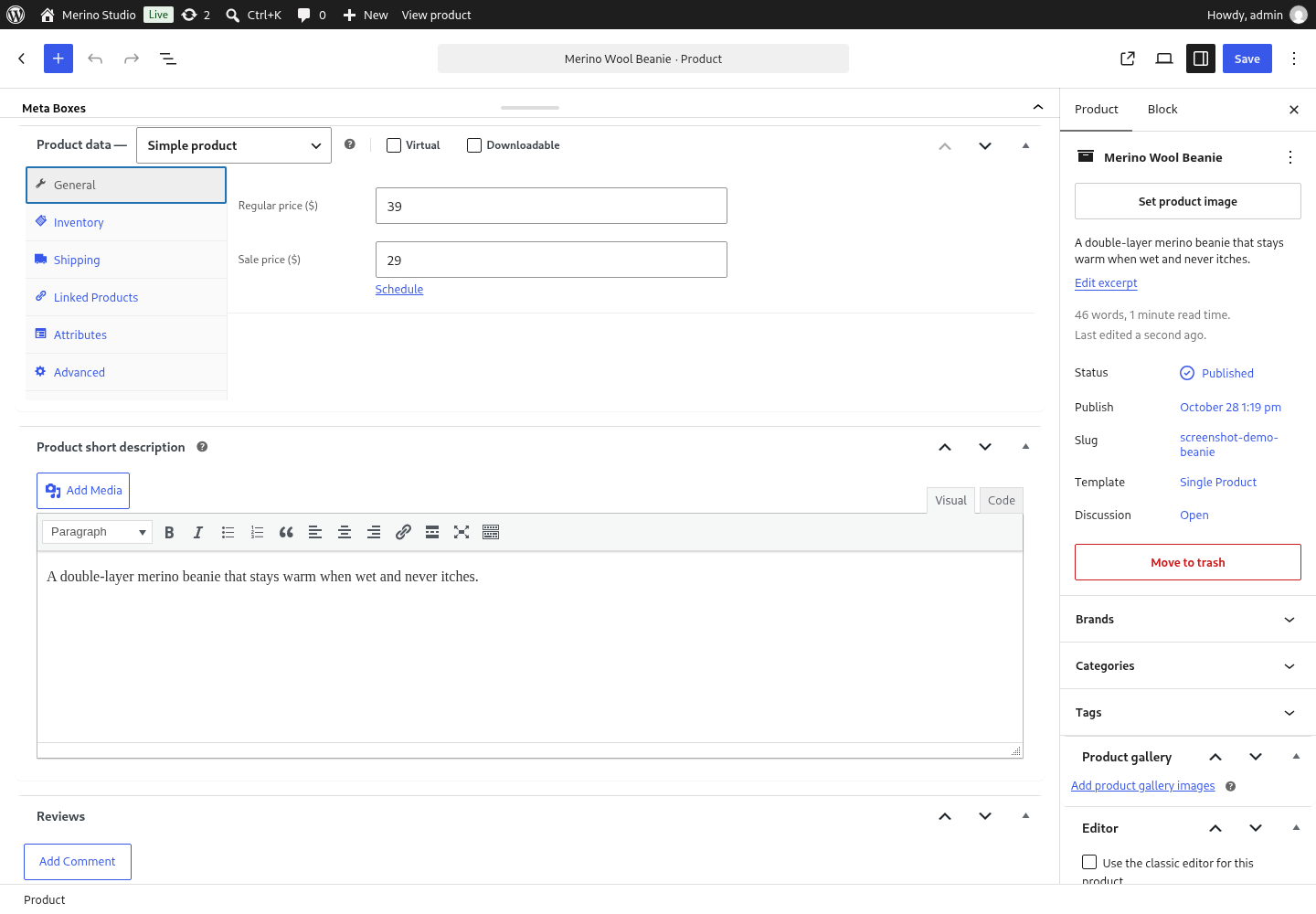
WooCommerce shipped its own block-based product editor and then removed it in 11.0 with no replacement, so a product description is edited in the classic editor again. This plugin brings the WordPress block editor back to the product screen: every product, its description, its short description and the product taxonomies are edited with blocks, and the classic editor is one switch away when a shop needs it.
Works with the WooCommerce versions that still ship a product block template (7.7 – 10.x) as well as with 11.0 and newer, which have none – the plugin only edits that template away where it exists.
Features
Every claim below has its own frame in this gallery.
- Edit a product’s description, short description and taxonomies in the WordPress block editor, with prices, stock and third-party boxes still in the product data panel.
- Type the regular price and the sale price on the block editor screen, without switching to the classic editor.
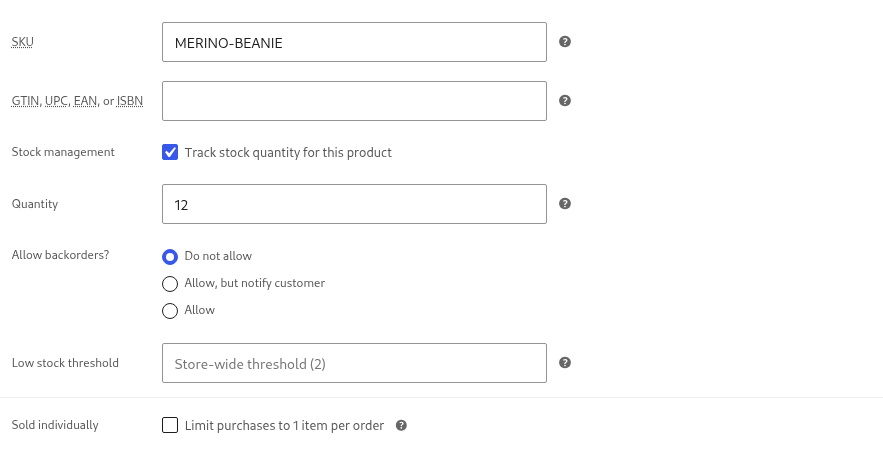
- Set the SKU, the tracked stock, the backorder choice and the “sold individually” flag in the same panel as before.
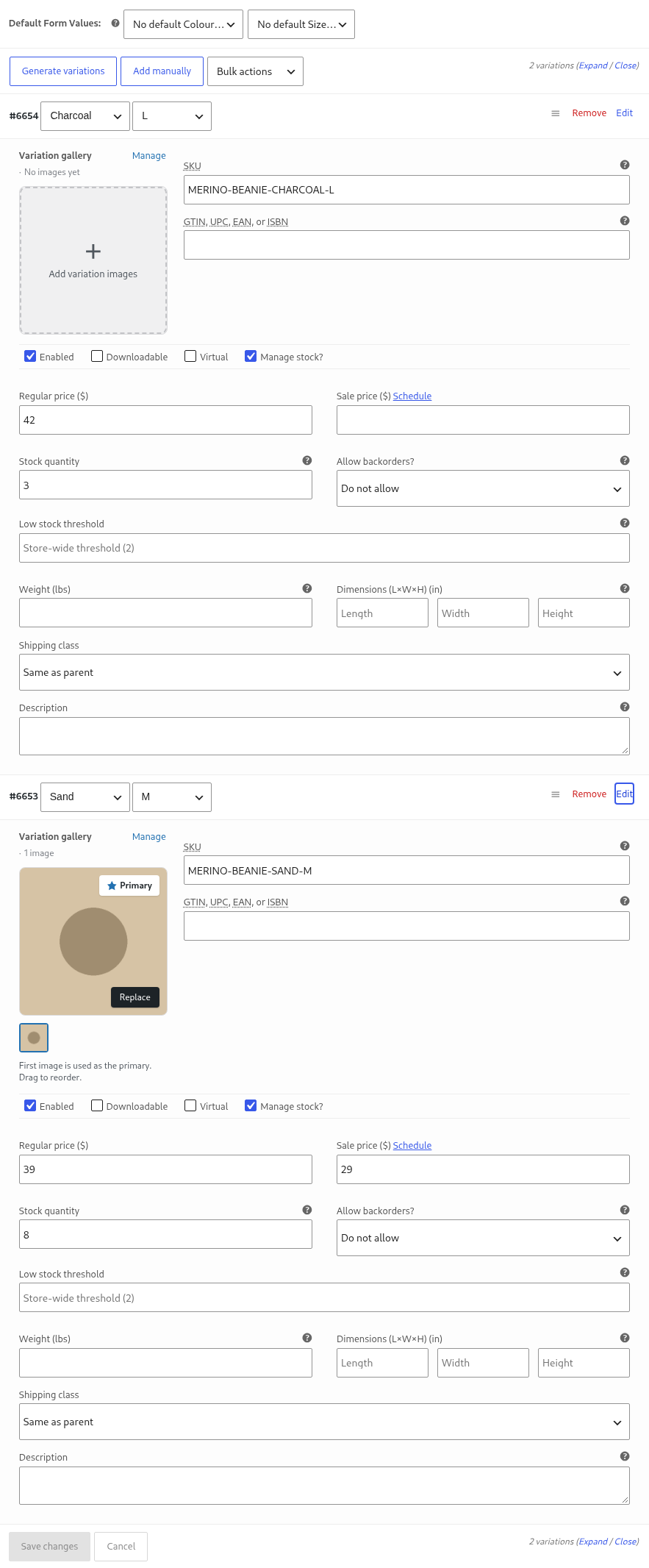
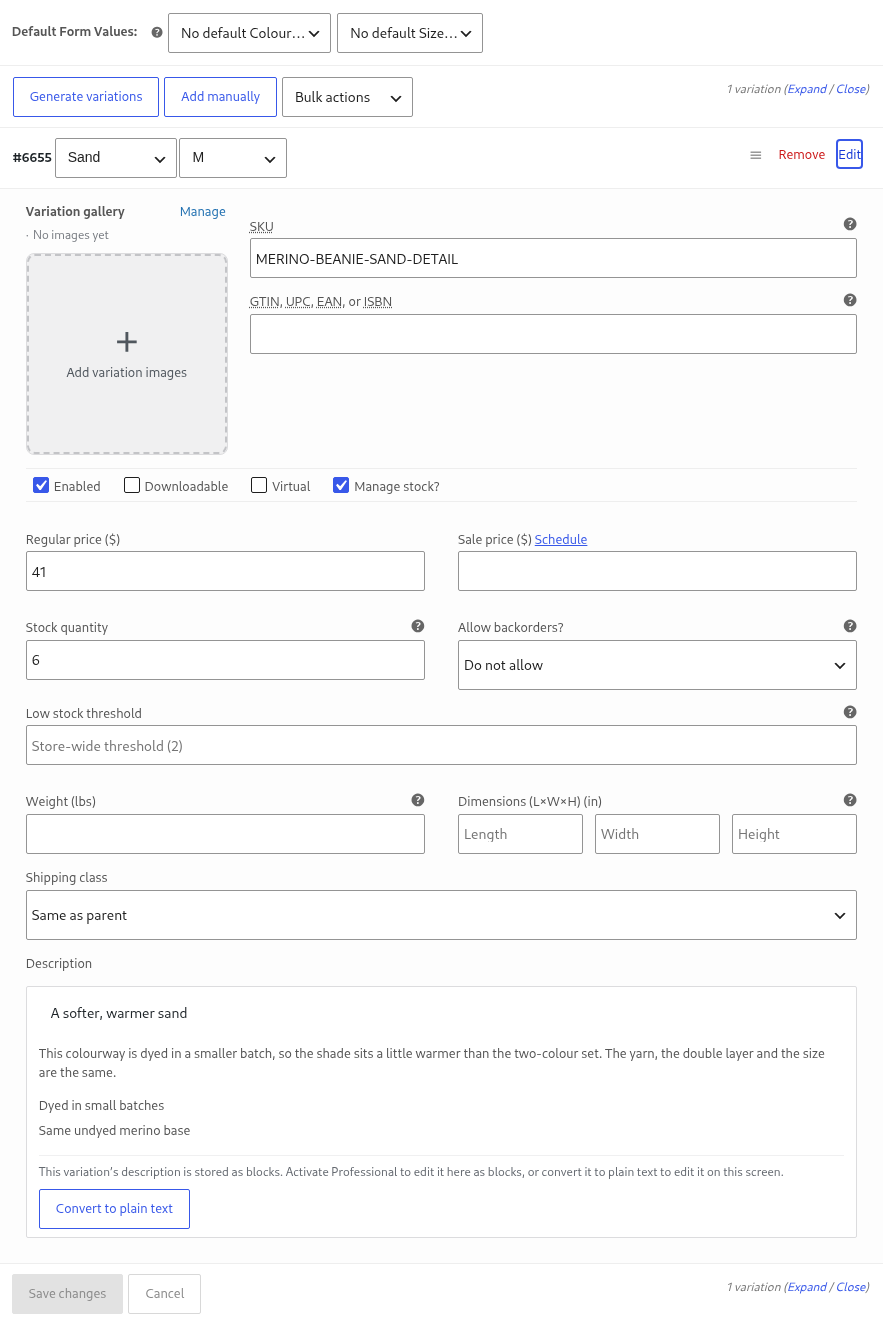
- Keep WooCommerce‘s own Variations tab on the free build: the attributes, prices and stock of every variation stay editable where they always were.
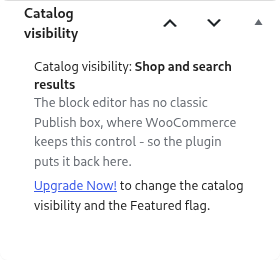
- See and change the product’s “Catalog visibility” and “Featured” flag in the editor sidebar, where WooCommerce‘s classic Publish box no longer reaches.
- Turn the block editor on for products with one switch, and read a diagnostics report of this install – WooCommerce and its version, the block editor, the measured plugins – with a status and what to do next for every row.
- Never lose a variation description written with blocks: the classic variations screen shows it as a readable preview, and one button turns it back into plain text, formatting dropped.
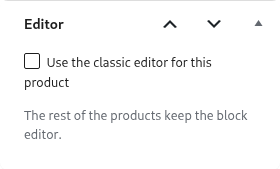
- Send a single product back to the classic editor from its own screen, while the rest of the shop keeps blocks.
PRO Features
Every claim below has its own frame in this gallery. These come with the PRO licence, and the free build keeps them visible but locked.
- Edit a product’s price, sale price, SKU and stock in a fields panel in the editor sidebar.
- Edit the attributes, SKU, price, sale price, stock and image of every variation in one table.
- Select several variations and write the same value into all of them in one request.
- Choose a variation’s image from the media library straight in its row.
- Decide which user roles and which product types get the block editor – shop managers, for example, can keep the classic screen.
- Edit the product short description in the full WordPress editor instead of a plain textarea.
- Pick each variation attribute from a list in its row, including “Any …” for an attribute a variation leaves open.
- Edit a variation’s description with the full block editor in a modal window.
l10n
This plugin is localization ready.
Languages this plugin is available now:
- English
- Arabic (عرب)
- Czech (čeština)
- Danish (Dansk)
- German (Deutsche)
- Greek (Ελληνικά)
- Spanish (Español)
- Persian (فارسی)
- French (Français)
- Hebrew (עִברִית)
- Hindi (हिन्दी)
- Indonesian (Bahasa Indonesia)
- Italian (Italiano)
- Japanese (日本)
- Korean (한국인)
- Malay (Melayu)
- Norwegian (Norsk)
- Netherlandish (Nederlands)
- Polish (Polski)
- Portuguese (Português)
- Russian (Русский)
- Slovak (Slovenský)
- Finnish (Suomalainen)
- Swedish (Svenska)
- Thai (ไทย)
- Philippine (Pilipinas)
- Turkish (Türk)
- Vietnamese (Tiếng Việt)
- Chinese (中国人)
Feel free to translate this plugin to your language.