
Blocks – Ultimate Page Building Blocks for Gutenberg
v1.0.4templatic1 · 2018年9月24日 上架
Blocks Builder is a suite of page builder Gutenberg blocks for writers, publishers and content marketers.
- 正在使用
- 10+
- 评分
- 5.0 / 5
- 累计下载
- 2,707
- 最近更新
- 2018年12月27日
贡献者
 rbhavesh
截图
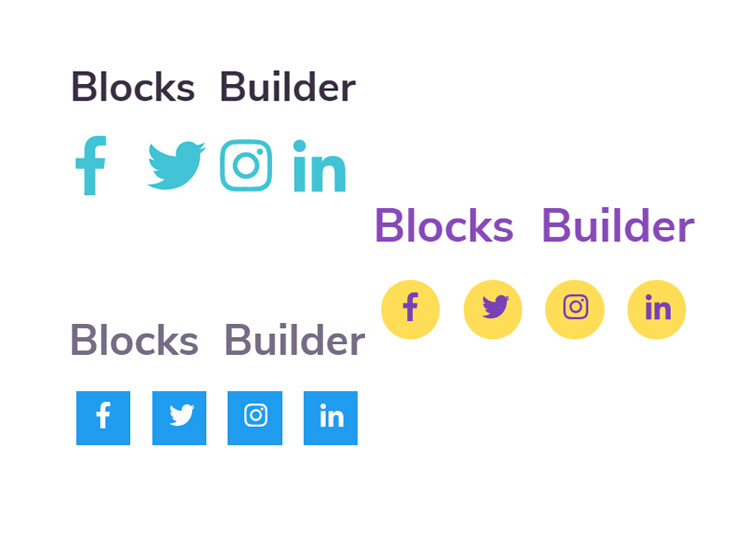
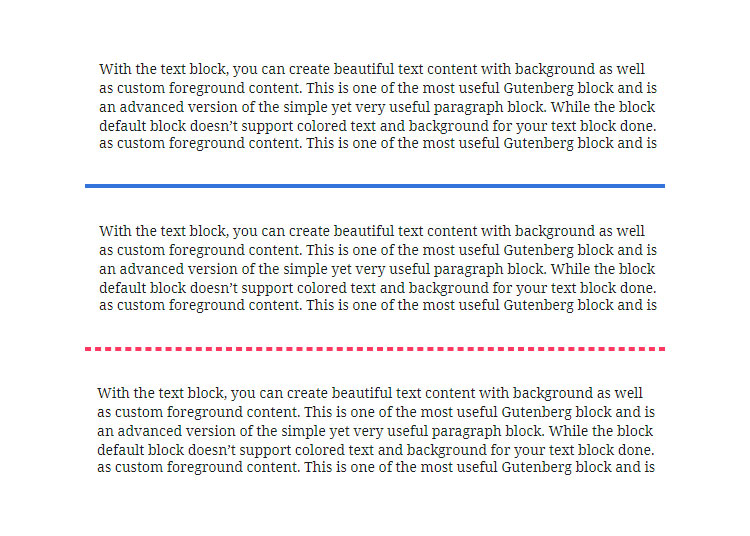
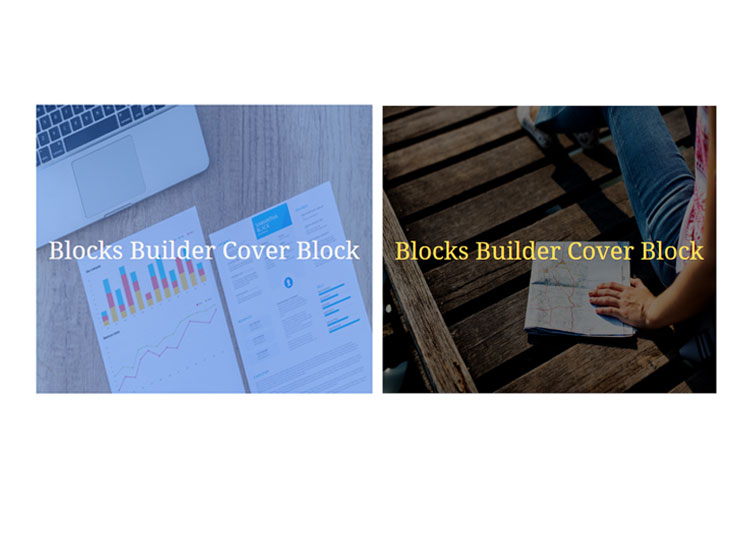
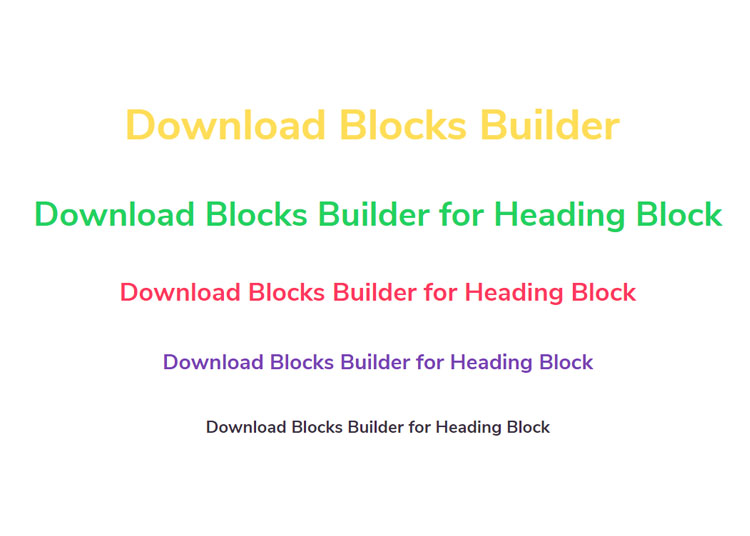
Blocks Builder add new & customizable content blocks to the Gutenberg editor. Besides content blocks, there are blocks that lets you place the social media icons anywhere you need.
This is a lightweight plugin to let you create attractive & colorful content sections. The flexible Blocks Builder adds more customization possibilities to the basic blocks like the text block, or the heading block.
Custom settings for each block
Each of the Blocks of Blocks Builder come with some simple and intuitive options to manage the block and the content. The basic settings include changing the color of the text, size, background color management, etc.
Blocks Builder block includes the following blocks
-
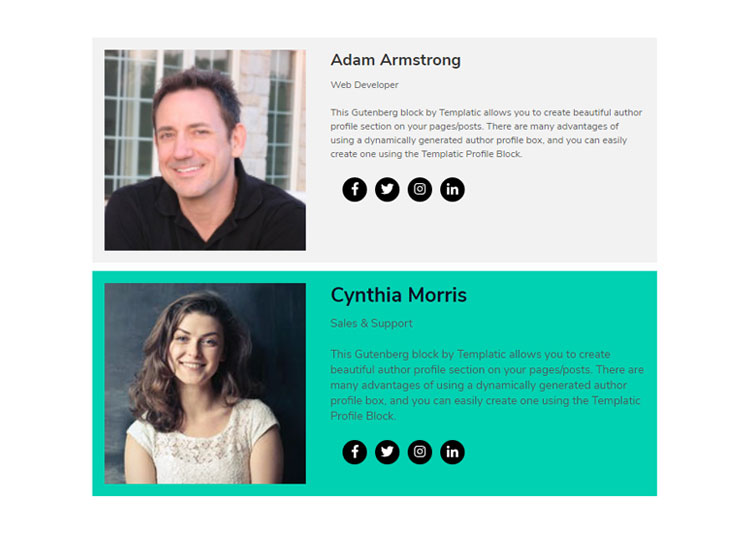
Profile Block: The profile block, lets you create an author profile section on your blog. It lets you update the author image and biographical text. With the Blocks Builder Author profile block, you can even add customizable social media icons for the author.
Block Demo -
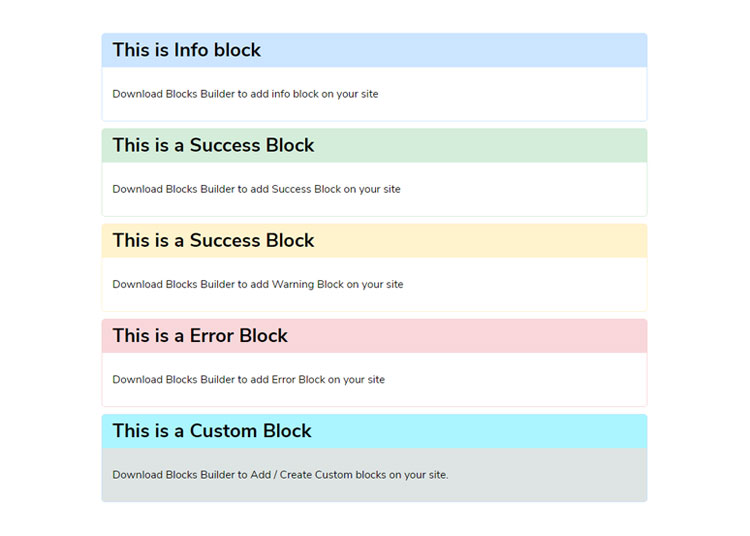
Alert block: This is a block for creating alert box, for highlighted content on your page. You can change the heading and the text color, set background for both, change the border color and choose the kind of alert box.
Block Demo -
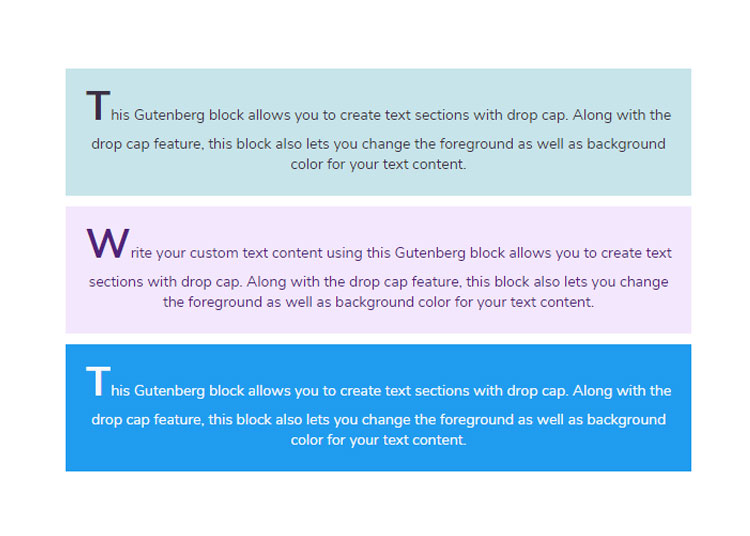
Drop cap block: Create a text section with colored background and a drop cap. This section lets you change the text color, background color, font size and enable drop cap.
Block Demo -
Social Media block: Lets you insert social media icons within your content area in a WordPress blog or page. The blocks lets you choose from Facebook, Twitter, Instagram, and LinkedIn. It lets you set the social icon and background color, set round or square icons, & set the URL to link to your social media profile.
Block Demo -
Separator block: A simple line separator to differentiate two different text sections. You can choose if you want the separator to be a solid line or a dashed one. Also, you can adjust the thickness of the separator and set its color. Also, you can opt for a full width separator that spans across the content width.
Block Demo -
Cover Image block: This block lets you create gorgeous section with a background image. You can even change the overlay color of this section, manage the text color and change the text size.
Block Demo -
Heading block: The heading block lets you set a colored heading for your blog/page content. You can choose the heading level, the alignment of the heading (left, right, centered) and the color of the heading text.
Block Demo -
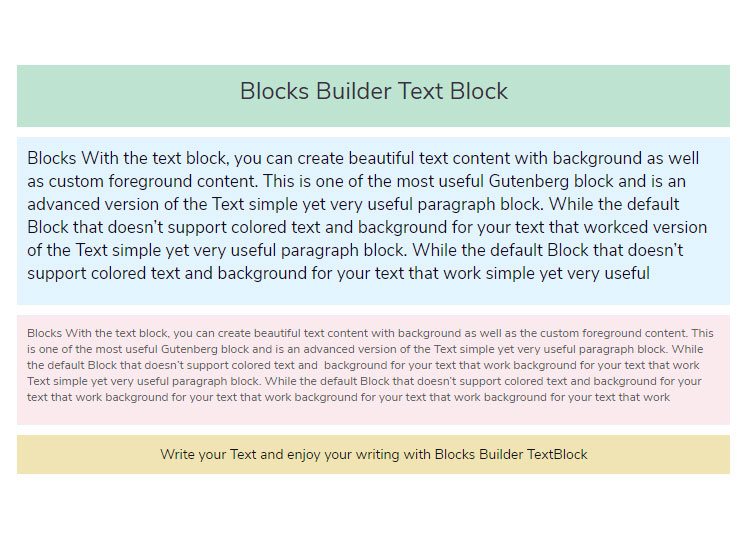
Text block: This block lets you create beautiful text sections with background color. You can adjust the text font size, change the text color and set a background color of your choice.
Block Demo -
Map Block: This is a block for creating Maps on your site. You can add map with location and set its zoom as per your requirement. You can also set the height and width of the Map box.
Block Demo -
Price Block: This block helps you to create a beautiful price table with just one click. You can add price tables as per your requirements with the color of your choice.
Block Demo -
Button Block: Button block to create attractive buttons on your website. The button block is completely customizable and lets you choose the colors, style and size of your buttons.
Block Demo -
Tweet Block: The Click to tweet block allows you to integrate the “Click & tweet” feature on your page/block. Enter the clickable text in the box and the user will be able to click it instantly when he clicks over it.