
BlockBee Cryptocurrency Payment Gateway for WooCommerce
v1.6.2BlockBee · 2022年10月18日 上架
Accept Bitcoin, Ethereum, USDT, USDC, Solana and other cryptocurrency payments in WooCommerce, paid straight to your own wallet.
- 正在使用
- 50+
- 评分
- 3.0 / 5
- 累计下载
- 6,932
- 最近更新
- 2026年11月16日
贡献者
 BlockBee
截图
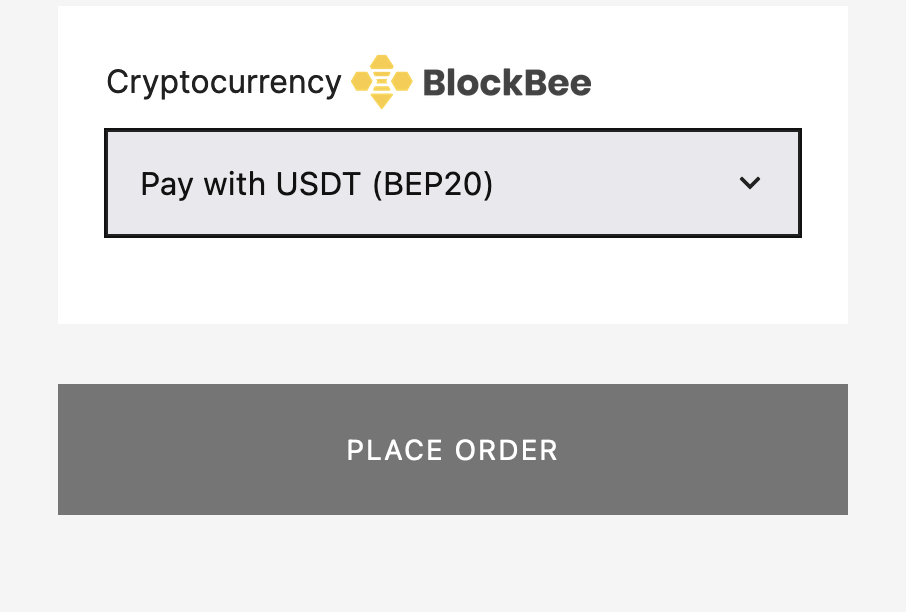
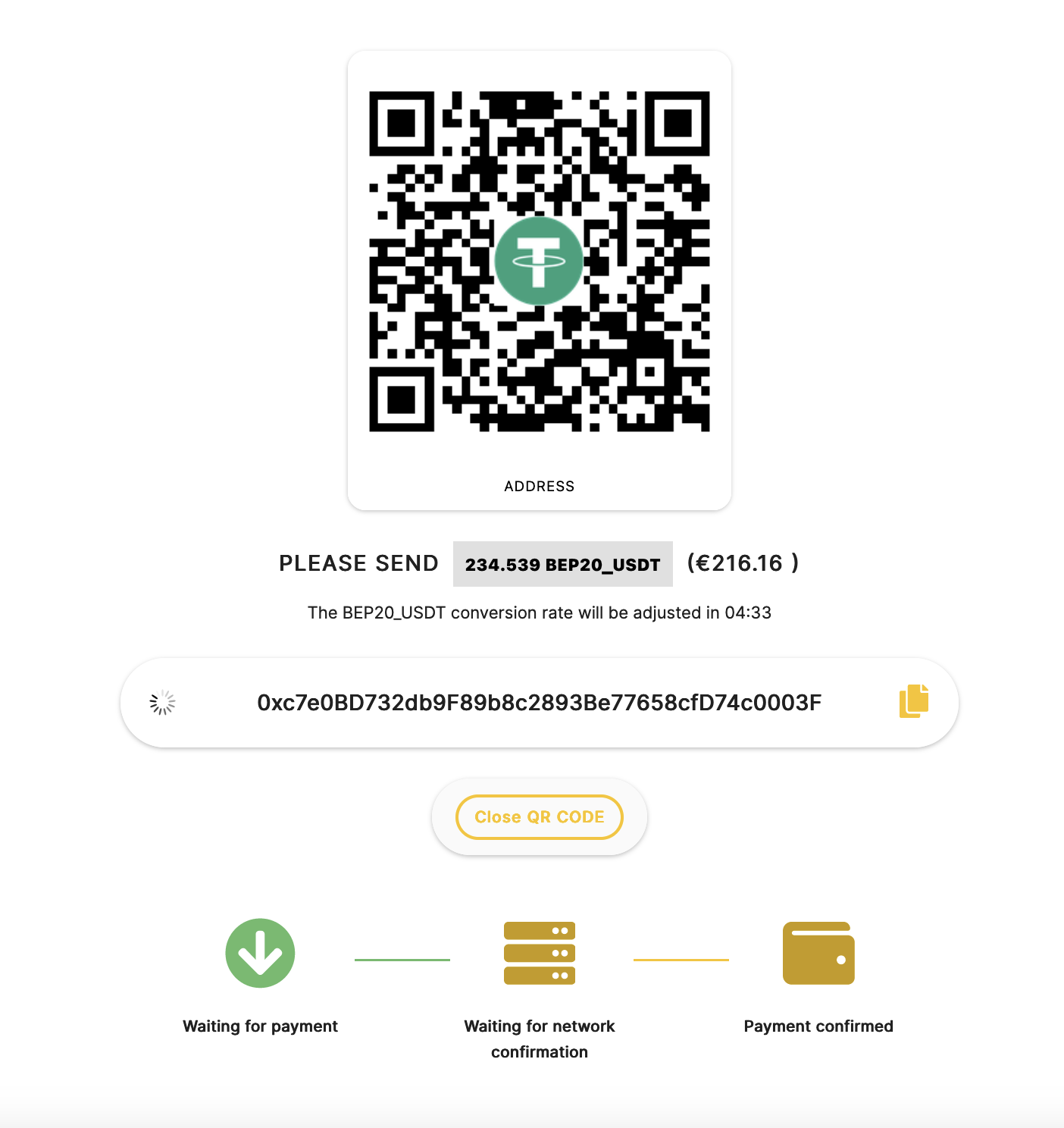
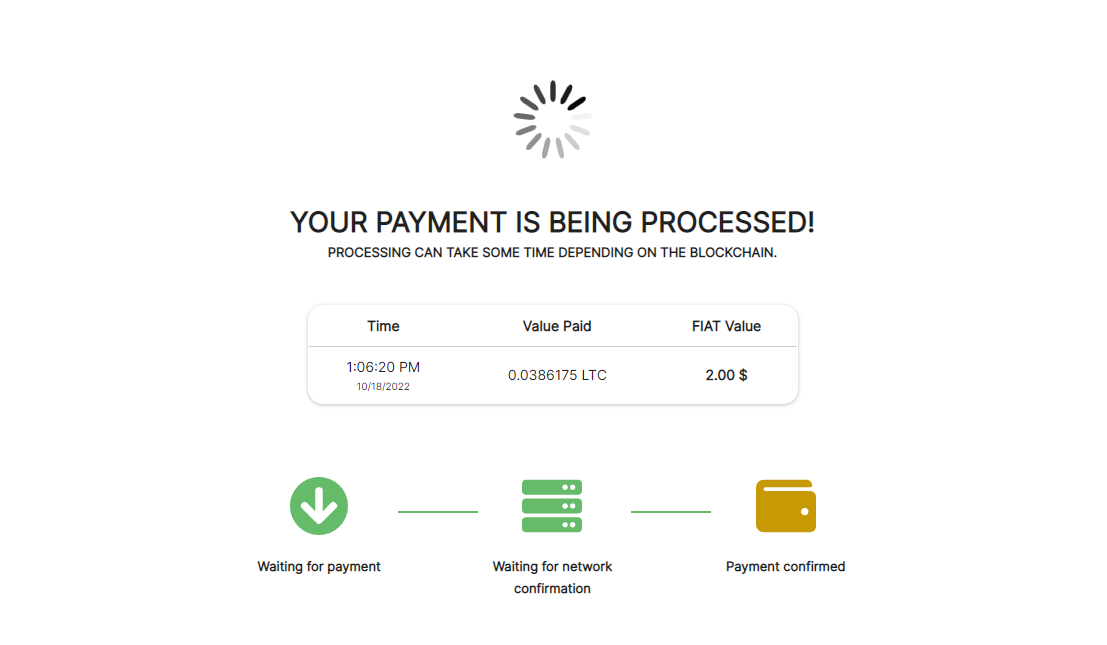
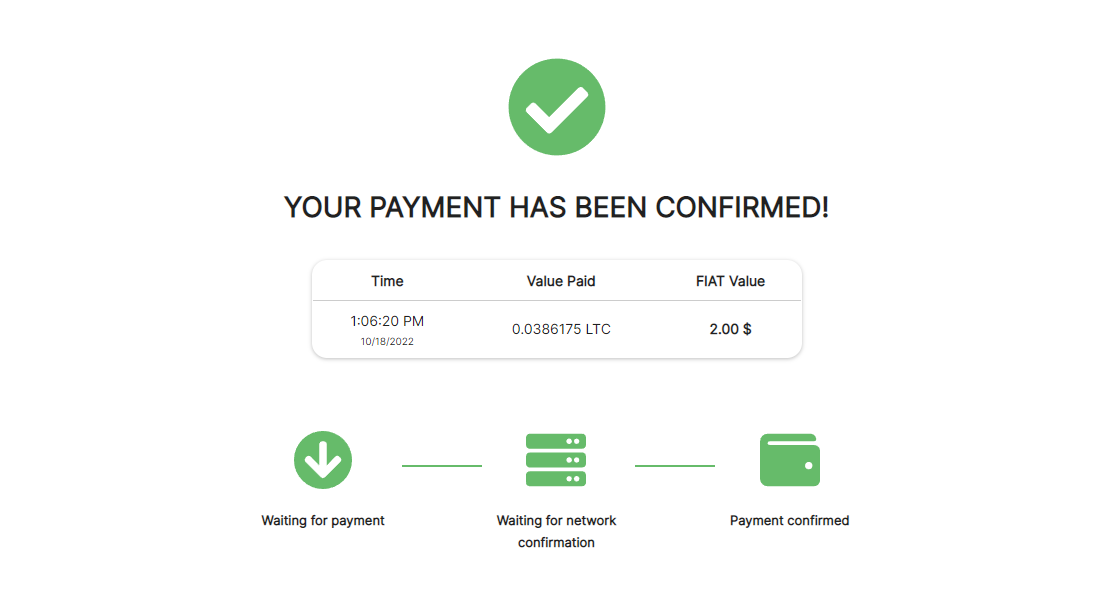
Accept payments in Bitcoin, Ethereum, Bitcoin Cash, Litecoin, Solana, BNB, USDT, SHIB, DOGE, and many more directly to your crypto wallet.
Allow users to pay with crypto directly on your store
The BlockBee plugin extends WooCommerce, allowing you to get paid in crypto directly on your store, with a simple setup.
Accepted cryptocurrencies & tokens include:
- (BTC) Bitcoin
- (ETH) Ethereum
- (BCH) Bitcoin Cash
- (LTC) Litecoin
- (TRX) Tron
- (BNB) Binance Coin
- (USDT) USDT
- (USDC) USDC
- (SHIB) Shiba Inu
- (DOGE) Dogecoin
- (SOL) Solana
among many others, for a full list of the supported cryptocurrencies and tokens, check this page.
Stablecoins include USDT on TRC20 (Tron), ERC20, BEP20, Polygon, Solana, Base and TON, and USDC on ERC20, BEP20, Polygon, Solana, Base and Arbitrum.
Features
- Works with both the WooCommerce block checkout and the classic checkout
- Supports WooCommerce Subscriptions
- Supports WooCommerce HPOS (High-Performance Order Storage)
- QR codes with or without the amount
- Handles partial payments and shows a payment history on the order page
- Payment tolerance for small underpayments
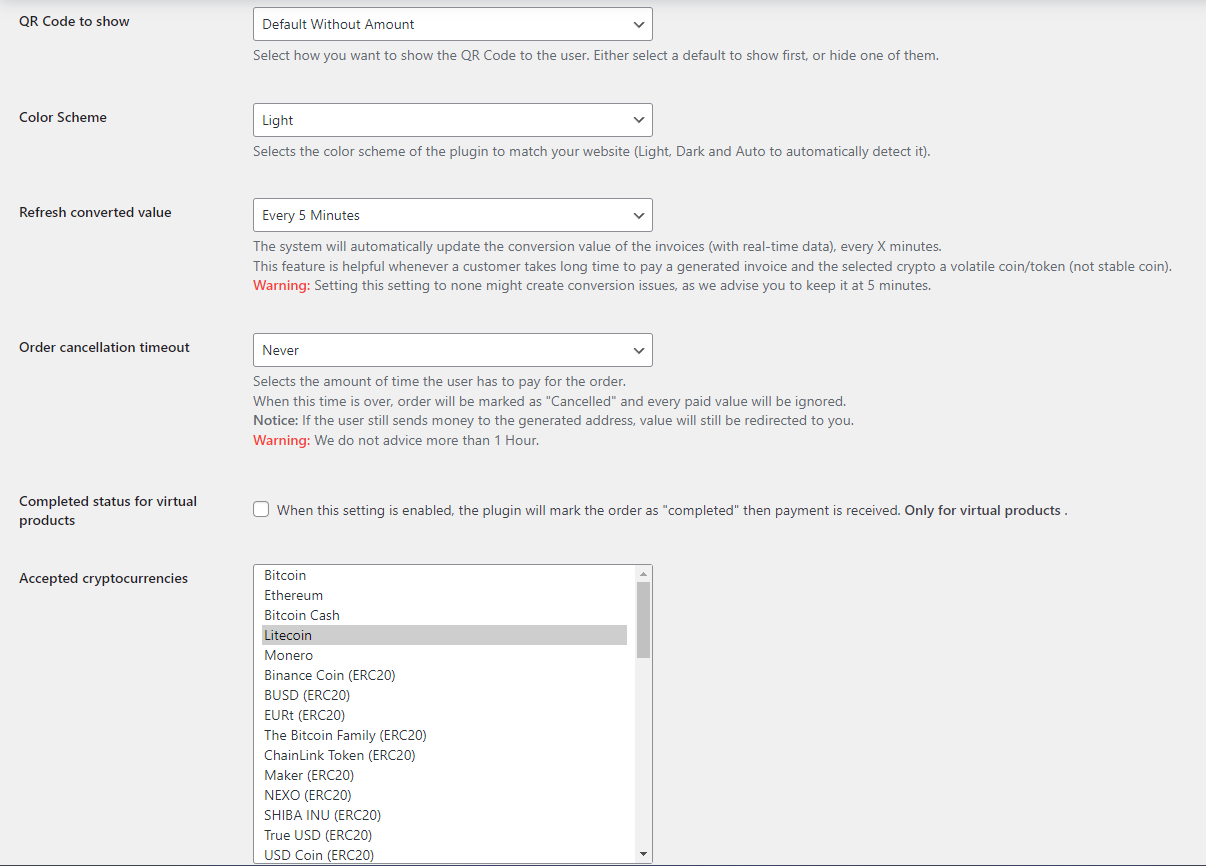
- Cancels unpaid orders after a time you choose
- Can add service and blockchain fees at checkout
- Light and dark color schemes
- Translated into German, Spanish, French, Italian, Portuguese, Russian, Ukrainian and Chinese
Auto-value conversion
BlockBee will attempt to automatically convert the value you set on your store to the cryptocurrency your customer chose.
Exchange rates are fetched every 5 minutes from CoinGecko.
Supported currencies for automatic exchange rates are:
- (USD) United States Dollar
- (EUR) Euro
- (GBP) Great Britain Pound
- (CAD) Canadian Dollar
- (JPY) Japanese Yen
- (AED) UAE Dollar
- (MYR) Malaysian Ringgit
- (IDR) Indonesian Rupiah
- (THB) Thai Baht
- (CHF) Swiss Franc
- (COP) Colombian Peso
- (SGD) Singapore Dollar
- (RUB) Russian Ruble
- (ZAR) South African Rand
- (TRY) Turkish Lira
- (LKR) Sri Lankan Rupee
- (XAF) CFA Franc
- (RON) Romanian Leu
- (BGN) Bulgarian Lev
- (HUF) Hungarian Forint
- (CZK) Czech Koruna
- (PHP) Philippine Peso
- (PLN) Poland Zloti
- (UGX) Uganda Shillings
- (MXN) Mexican Peso
- (INR) Indian Rupee
- (HKD) Hong Kong Dollar
- (CNY) Chinese Yuan
- (BRL) Brazilian Real
- (DKK) Danish Krone
If your WooCommerce’s currency is none of the above, the exchange rates will default to USD.
If you’re using WooCommerce in a different currency not listed here and need support, please contact us via our live chat.
Note: BlockBee will not exchange your crypto for FIAT or other crypto, just convert the value.
Why choose BlockBee?
BlockBee has no setup fees, no monthly fees, no hidden costs.
All you need to do is to register at our dashboard click here, set up your addresses, get an API Key, and you’re ready to go.
As soon as your customers pay we forward your earnings directly to your own wallet.
BlockBee has a low 1% fee on the transactions processed. No hidden costs.
For more info on our fees click here.
Configuration
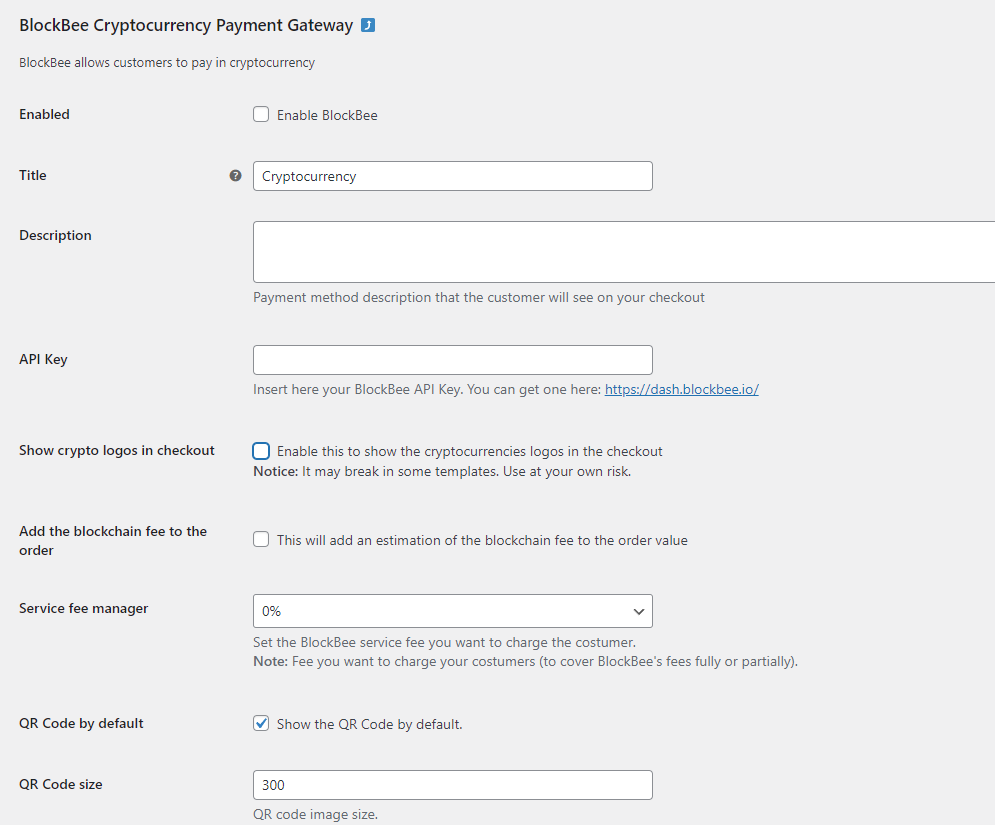
- Go to WooCommerce settings
- Select the “Payments” tab
- Activate the payment method (if inactive)
- Set the name you wish to show your users on Checkout (for example: “Cryptocurrency”)
- Fill the payment method’s description (for example: “Pay with cryptocurrency”)
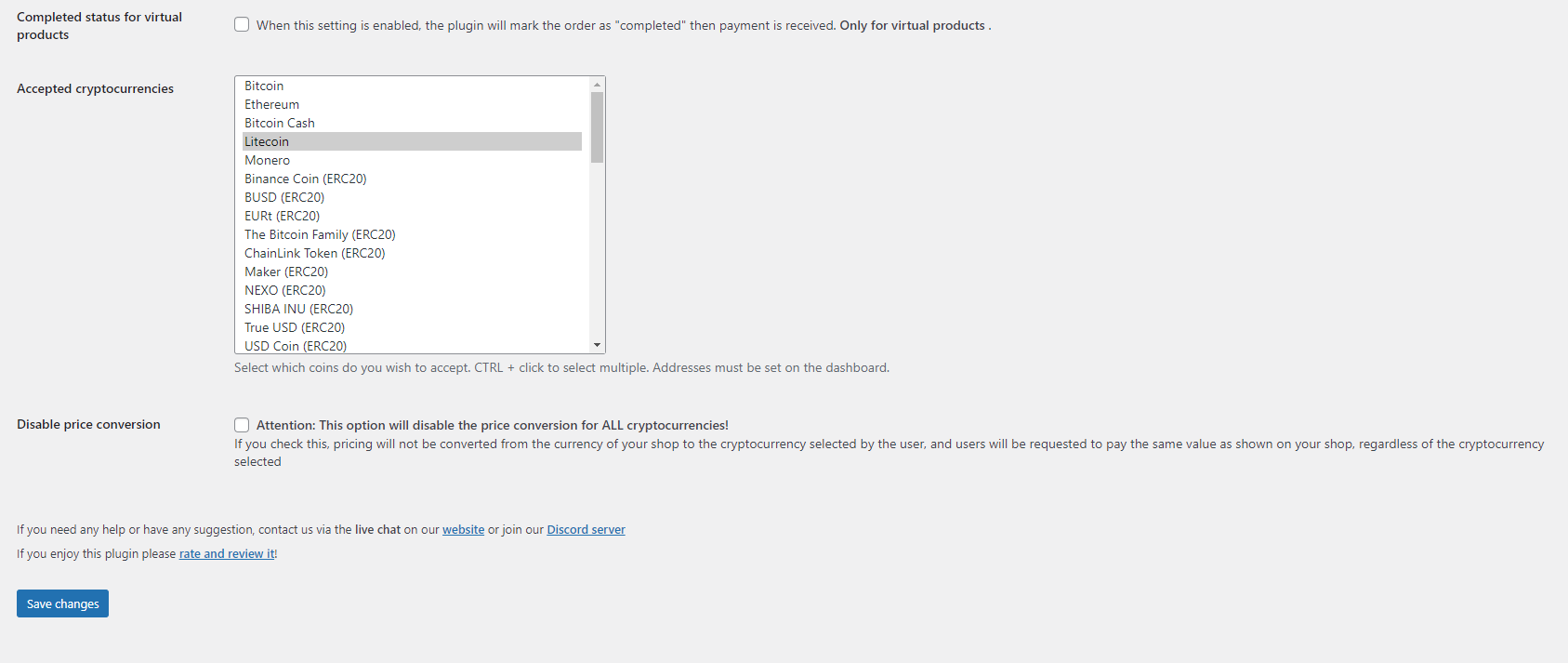
- Select which cryptocurrencies you wish to accept (control/command + click to select many). Addresses are set in BlockBee dashboard.
- Paste the API Key you got from your BlockBee dashboard.
- Click “Save Changes”
- All done!