

Block Navigation
v4.1.1Alvaro · 2018年11月1日 上架
Block Navigation sidebar panel for the new Block editor.
- 正在使用
- 3,000+
- 评分
- 5.0 / 5
- 累计下载
- 6.3 万
- 最近更新
- 2022年5月20日
贡献者
 Alvaro
截图


Demo – Documentation – GitHub
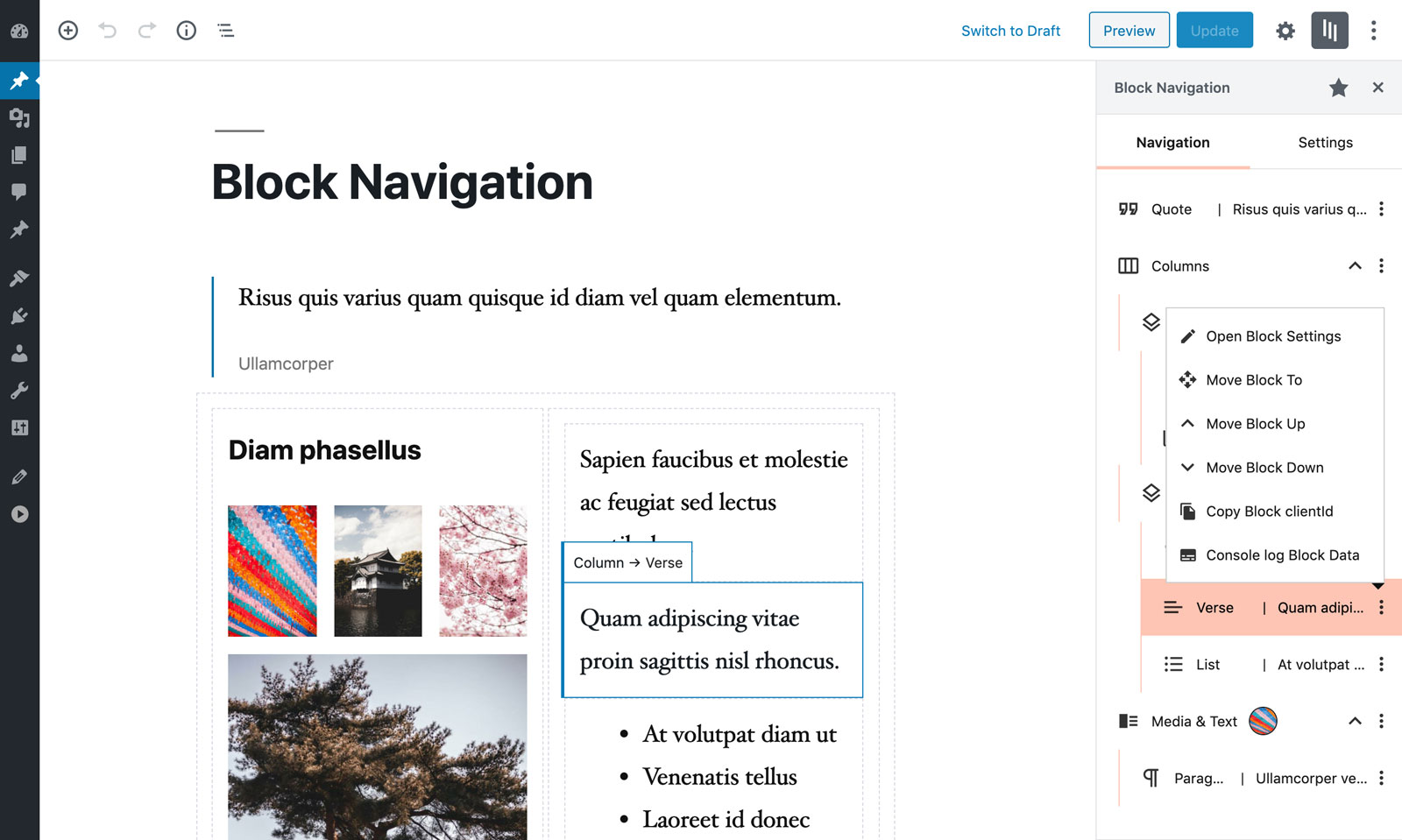
Block Navigation provides a sidebar with the current post/page’s blocks and some tools to facilitate the editing process in the new Gutenberg editor.
Features
The features are especially useful for nested blocks – blocks that are inside parent blocks which are difficult to select or move in the editor.
Inside the panel several utilities are included to enhance the UX, such as:
- Dragging blocks to a different location
- Moving blocks by click
- Selecting blocks
- Easily recognising the block from a small snippet of the block’s content
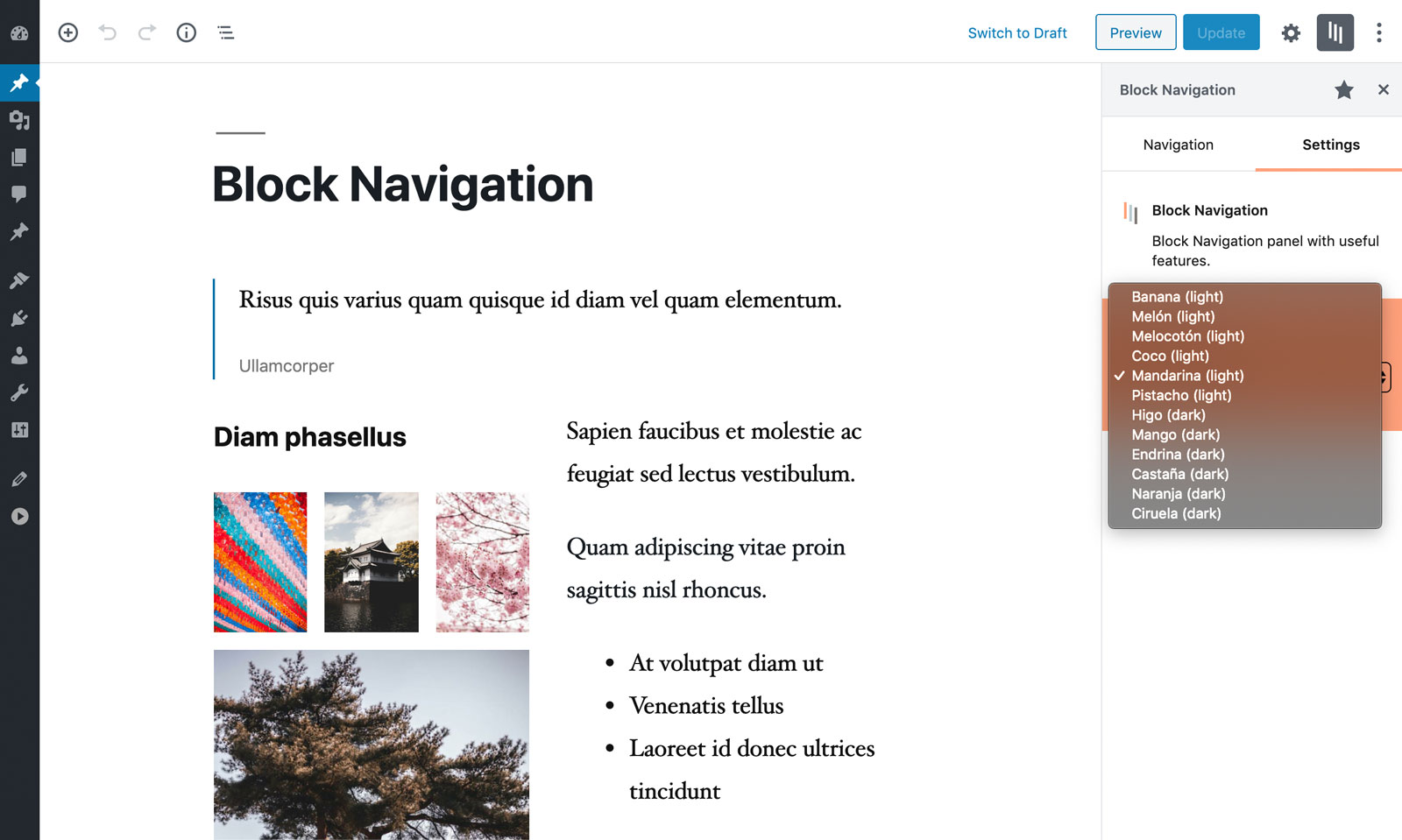
The user can select a dark or light color scheme, from the multiple included.
Plugin and Theme developers
The plugin also provides some features for Plugin and Theme developers, such as:
- Click and Copy the block’s clientId
- Click to console.log helpful data from the block
Usage
Inside the Post editor on the right side of the top Block’s Toolbar the plugin icon/button should appear (if not, please read the FAQ below).
Click the icon/button to open the plugin sidebar.
Credits
Images from the readme banner and screenshots belong to Charles Postiaux.