
Block Minimap
v1.2.1Adam Silverstein · 2019年10月21日 上架
A minimap for the block editor: see the shape of the whole post at a glance and scroll through it from the sidebar.
- 正在使用
- 10 以下
- 评分
- 暂无
- 累计下载
- 2,614
- 最近更新
- 2026年11月17日
需要 WordPress 5.4+已测试到 7.2PHP 5.6+
贡献者
 Adam Silverstein
截图


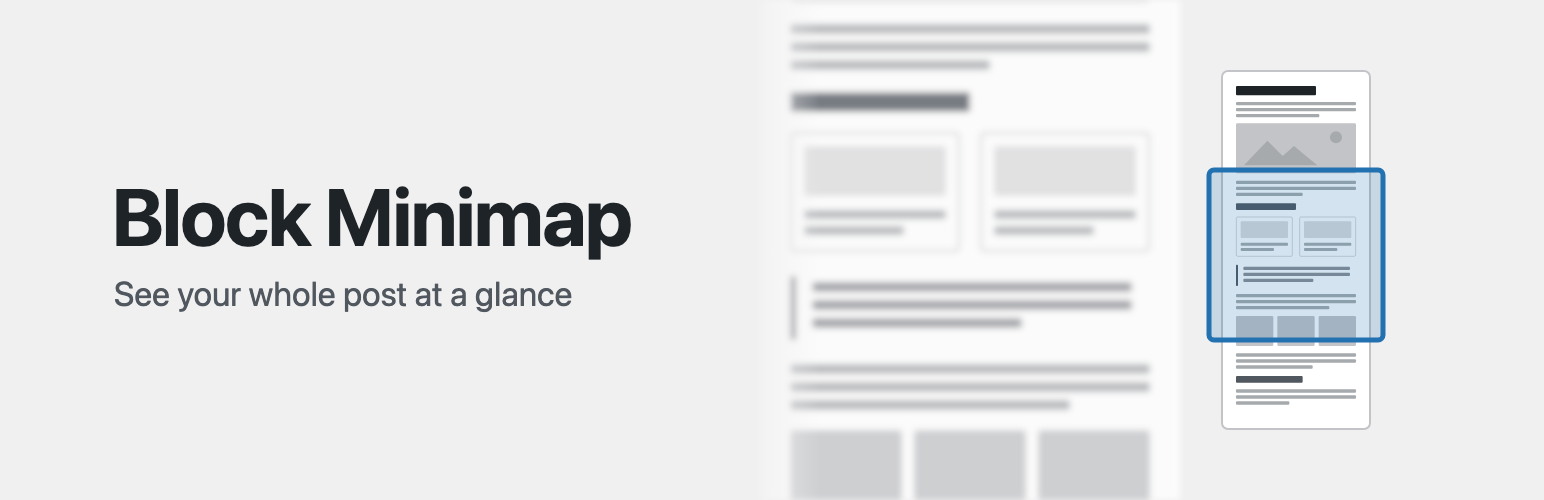
Long posts get hard to navigate in the block editor. Block Minimap adds a sidebar that draws the whole post in miniature, so you can see its structure at a glance and move around it quickly.
- Every block gets a shape. Headings, paragraphs, lists, quotes, tables, code, images, galleries, media and text, buttons, social links, embeds and more each render as a small sketch of what they look like in the post. Third party blocks without their own shape fall back to their block icon and title.
- Nested blocks show the document tree. Groups, covers and other container blocks draw their inner blocks inside them, and Columns sit side by side the way they do in the post.
- Scroll sync. The minimap and the editor canvas stay scrolled to the same content. Scroll the post and the minimap follows; scroll the minimap and the post follows.
- Compact sizes. Below 100%, body text draws as gray bars the length of each line while headings stay readable, so a long post fits in fewer sidebar screens. Automatic picks a size from the length of the post.
- Viewport spotlight. A frame marks the part of the minimap visible in the editor and dims the rest. Drag the frame to scroll the post.
- Safe previews. Custom HTML, shortcode and classic blocks render as escaped source rather than live markup.
Open the minimap from the Block Minimap item in the editor’s Options menu.
Try Block Minimap in WordPress Playground – it opens a long demo post in the editor with the minimap already showing, no install needed.
Development takes place in the GitHub repository. Issues and pull requests are welcome.