

Block Editor Colors
v1.2.7jetmonsters · 2020年3月9日 上架
Change Gutenberg block editor colors or create new ones.
- 正在使用
- 3,000+
- 评分
- 4.8 / 5
- 累计下载
- 3.7 万
- 最近更新
- 2026年6月30日
 MotoPress
 endzevich
截图
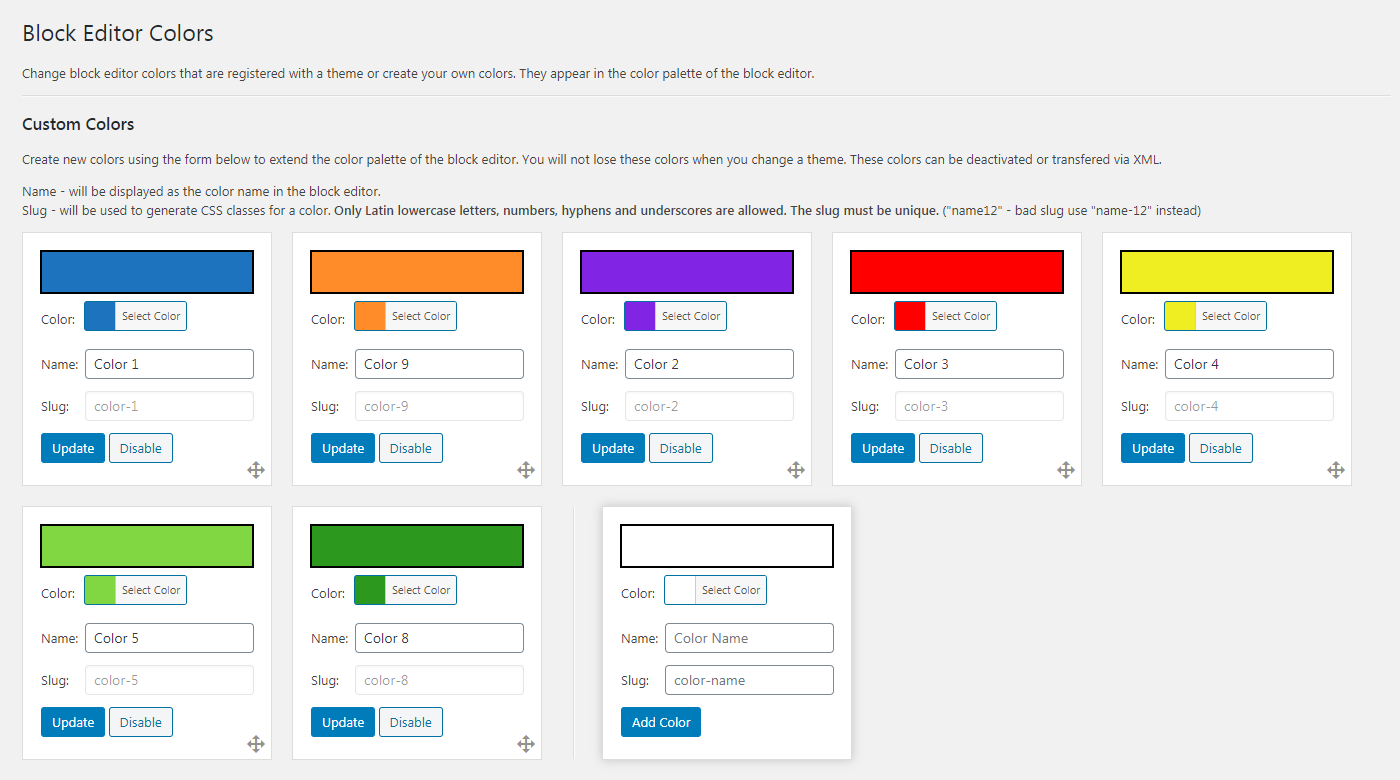
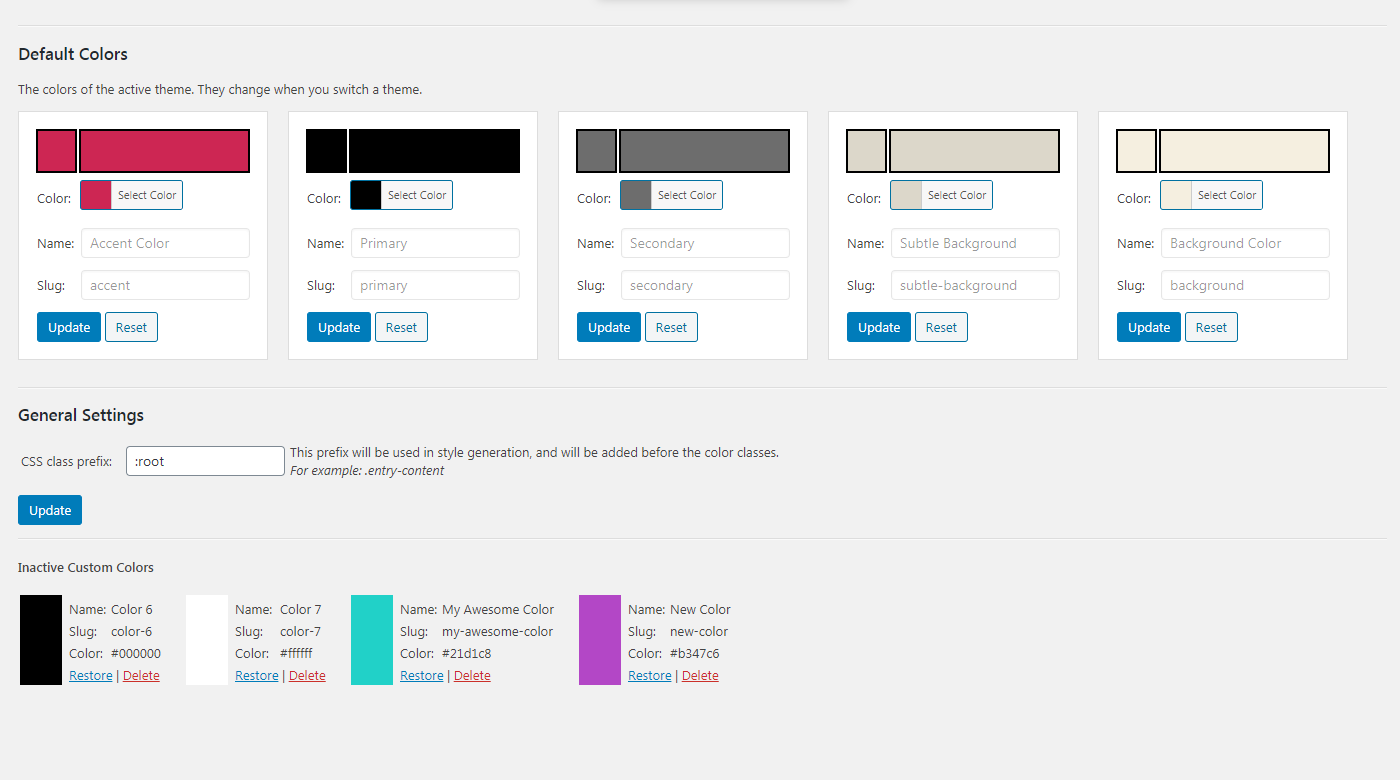
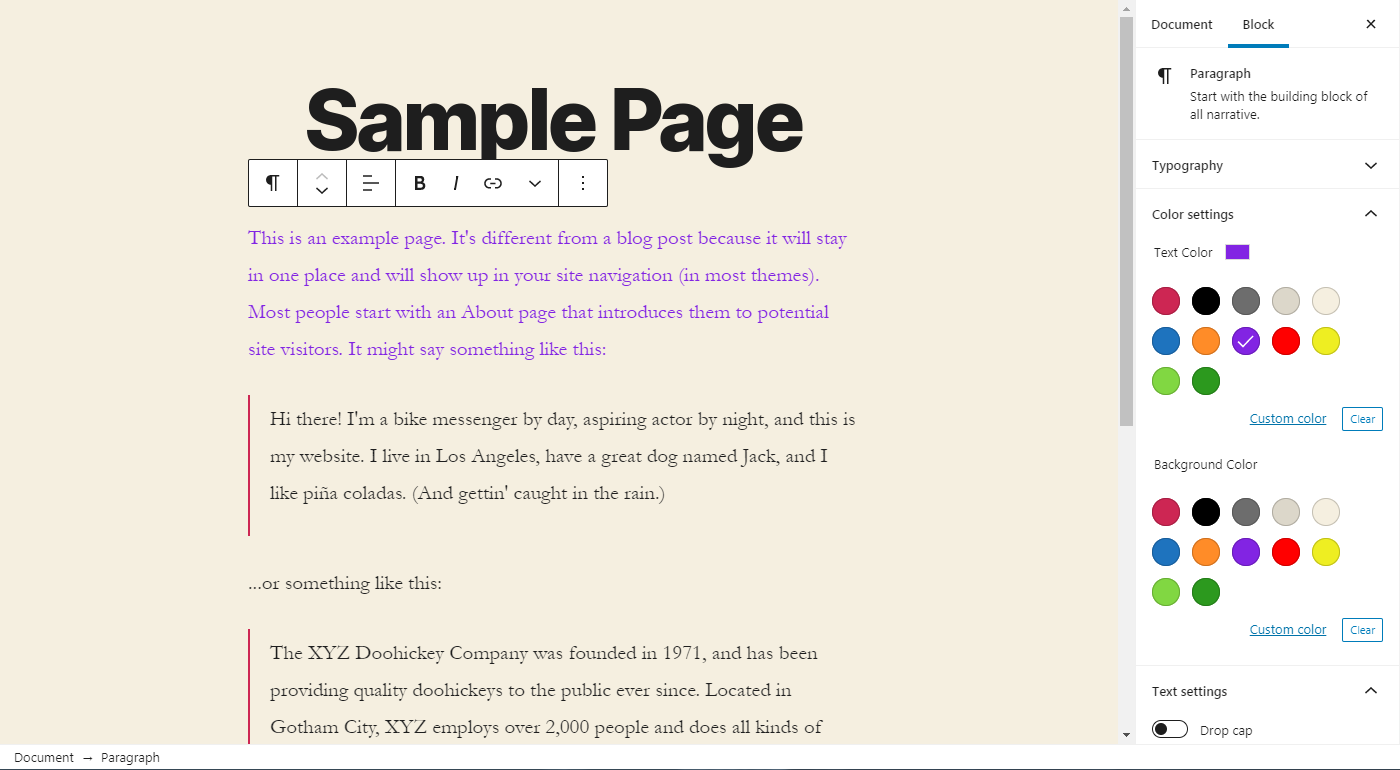
This plugin allows you to edit default Gutenberg block editor colors or the ones registered in a theme, as well as add your own colors! Since this is a global site configuration (applied sitewide), you can much easier go with your brand color scheme, without a need to manually change colors for each block each time.
Once the plugin is installed and activated, navigate to Settings > Editor Colors to customize colors.
There are two sections to customize colors globally for your website:
Custom Colors
Here you can create new colors for the block color palette. You will not lose these colors when you change a theme. These colors can be deactivated or transferred via XML.
Default Colors
Here you can edit colors that are registered by your active WordPress theme or default Gutenberg block colors.
Need more blocks?
If you feel short of blocks, don’t lose the opportunity to install 40+ more free blocks and pre-made design patterns by Getwid WordPress blocks. This is a fantastic customization booster and design toolkit for the Gutenberg era in WordPress.
Copyright
Block Editor Colors, Copyright (C) 2020, MotoPress https://motopress.com/
Block Editor Colors plugin is distributed under the terms of the GNU GPL.