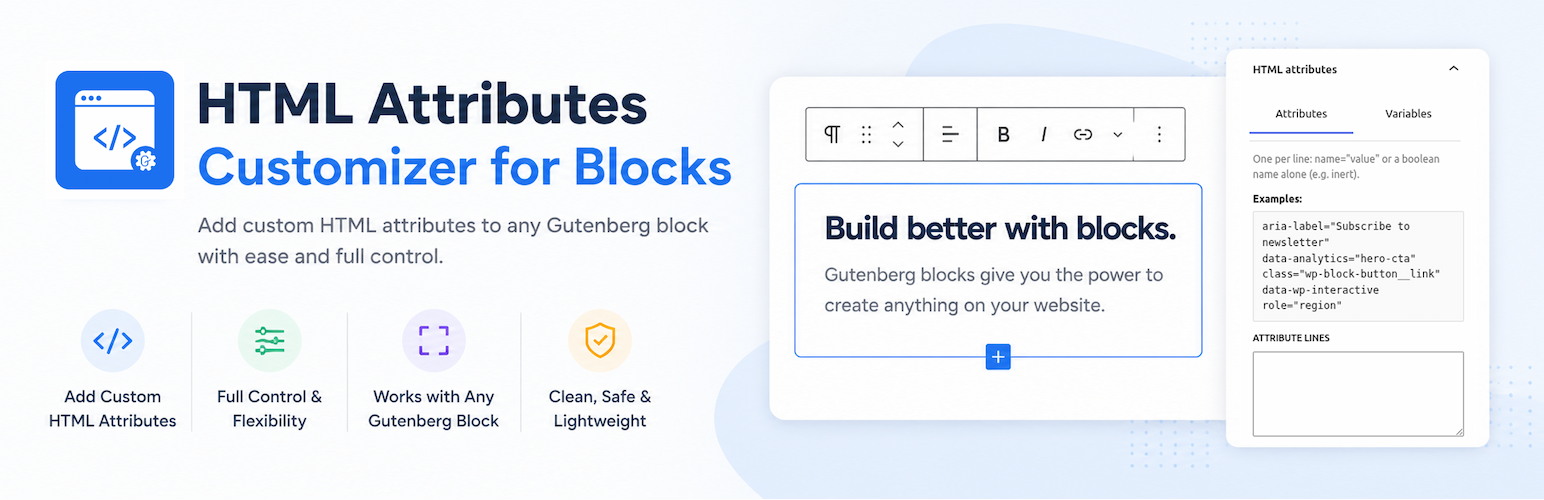

HTML Attributes Customizer for Blocks
v1.0.4NEERAJ K · 2026年5月22日 上架
Add custom HTML attributes to any Gutenberg block: data-*, class, id, aria, fetchpriority. Dynamic {{variables}} on the front end.
- 正在使用
- 10 以下
- 评分
- 暂无
- 累计下载
- 557
- 最近更新
- 2026年9月24日
 NEERAJ K
 Midnay
截图


Try in Playground — opens WordPress Playground with this plugin installed and lands on the Add Post editor.
HTML Attributes Customizer for Blocks adds an HTML attributes panel in the block sidebar. Enter one attribute per line as name="value" (double quotes), or a boolean attribute as a single name (for example inert).
Attributes are stored on the block as JSON objects: htmlbacAttributes and htmlbacInnerAttributes (for example {"fetchpriority":"high","data-nolazy":"0"}). Boolean flags use true.
Merging: Duplicate names on multiple lines are combined. Values merge with spaces (semicolons for style). class merges with the block’s existing classes instead of replacing them.
Variables: Use tokens such as {{post.title}} or {{user.auth_status}} inside quoted values. They are replaced when the block renders on the front end.