
Block Areas
v0.2.0Felix Arntz · 2019年7月4日 上架
Introduces a simple method for defining block areas to use the block editor outside of the post content.
- 正在使用
- 50+
- 评分
- 5.0 / 5
- 累计下载
- 28 万
- 最近更新
- 2019年8月21日
贡献者
 Felix Arntz
截图
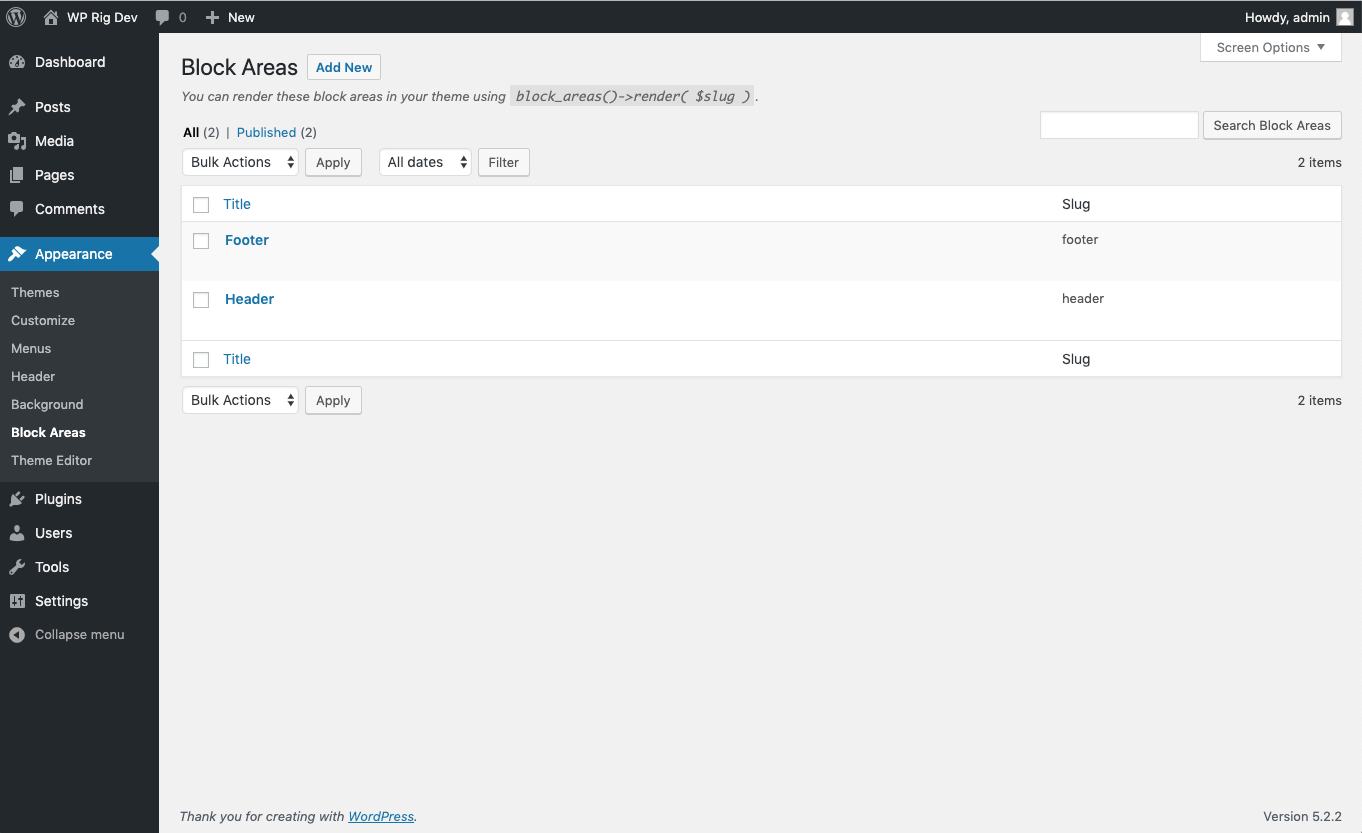
Introduces a simple method for defining block areas to use the block editor outside of the post content.
This is an experimental plugin that explores basic usage of Gutenberg blocks outside of the content bubble, on a sitewide level.
In the long term it will likely eliminate itself once WordPress core and Gutenberg will have completed the next phase of advancing to the sitewide level. The plugin exists as a baseline to have an easy way for experimenting with similar functionality already today.
Usage
After activating the plugin, you can create and edit block areas under Appearance > Block Areas. There should be two block areas already, header and footer.
Block areas are identified by their unique slug. Since header and footer are expected to exist, make sure not to delete them.
In order to print a specific block area, for example in your theme, use block_areas()->render( $slug ) (e.g. block_areas()->render( 'header' )).
You can also explicitly add theme support, specifying which block area slugs your theme relies on (e.g. add_theme_support( 'block-areas', 'header', 'footer' )).