
BizzSwatches – Variation Swatches for WooCommerce
v1.0.4Saiful Islam · 2026年2月14日 上架
Beautiful color, image, and button variation swatches for WooCommerce product attributes. Transform your product variations into stunning swatches.
- 正在使用
- 10 以下
- 评分
- 暂无
- 累计下载
- 864
- 最近更新
- 2026年10月13日
 Saiful Islam
 CodeAstrology IT Firm
 Bizzplugin
截图
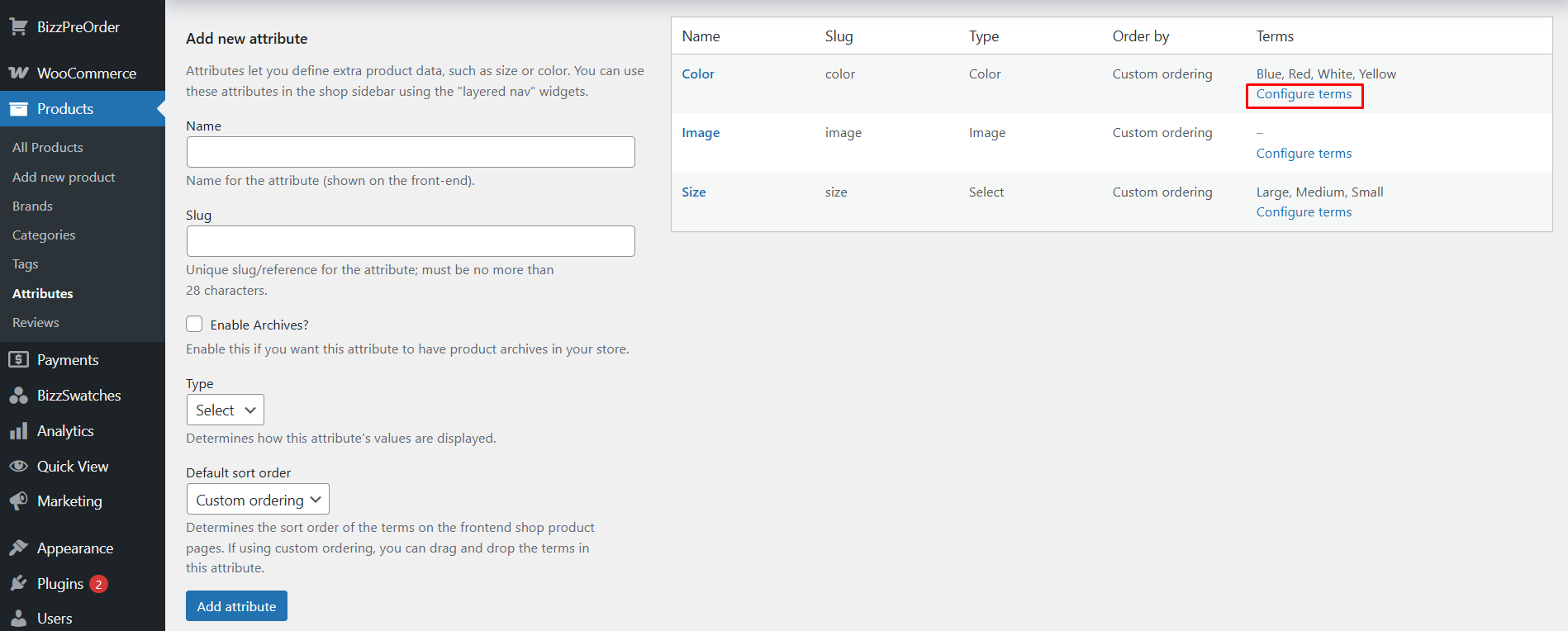
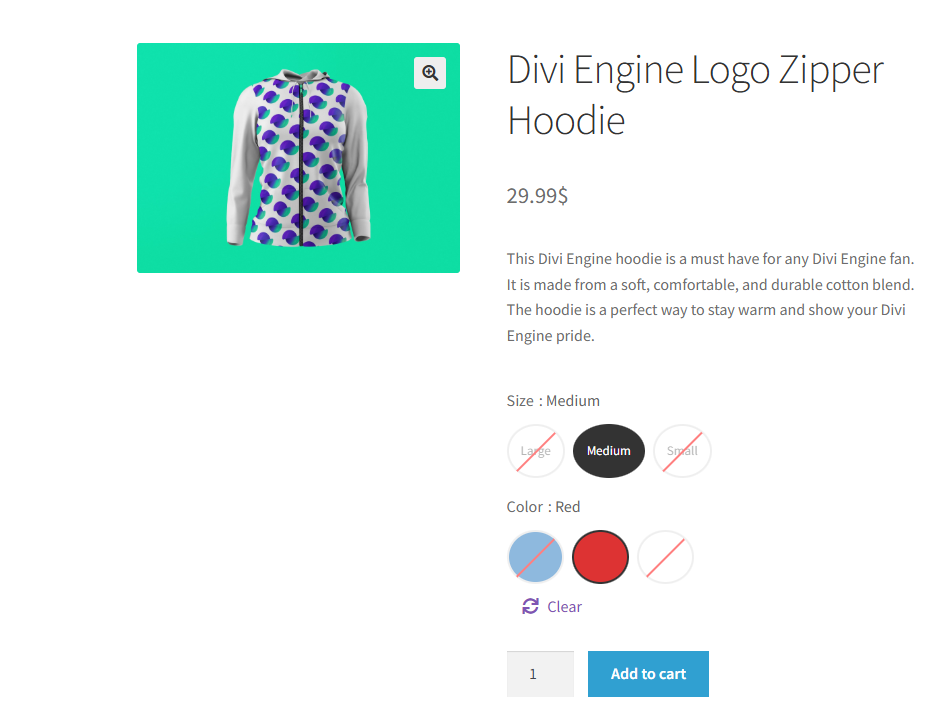
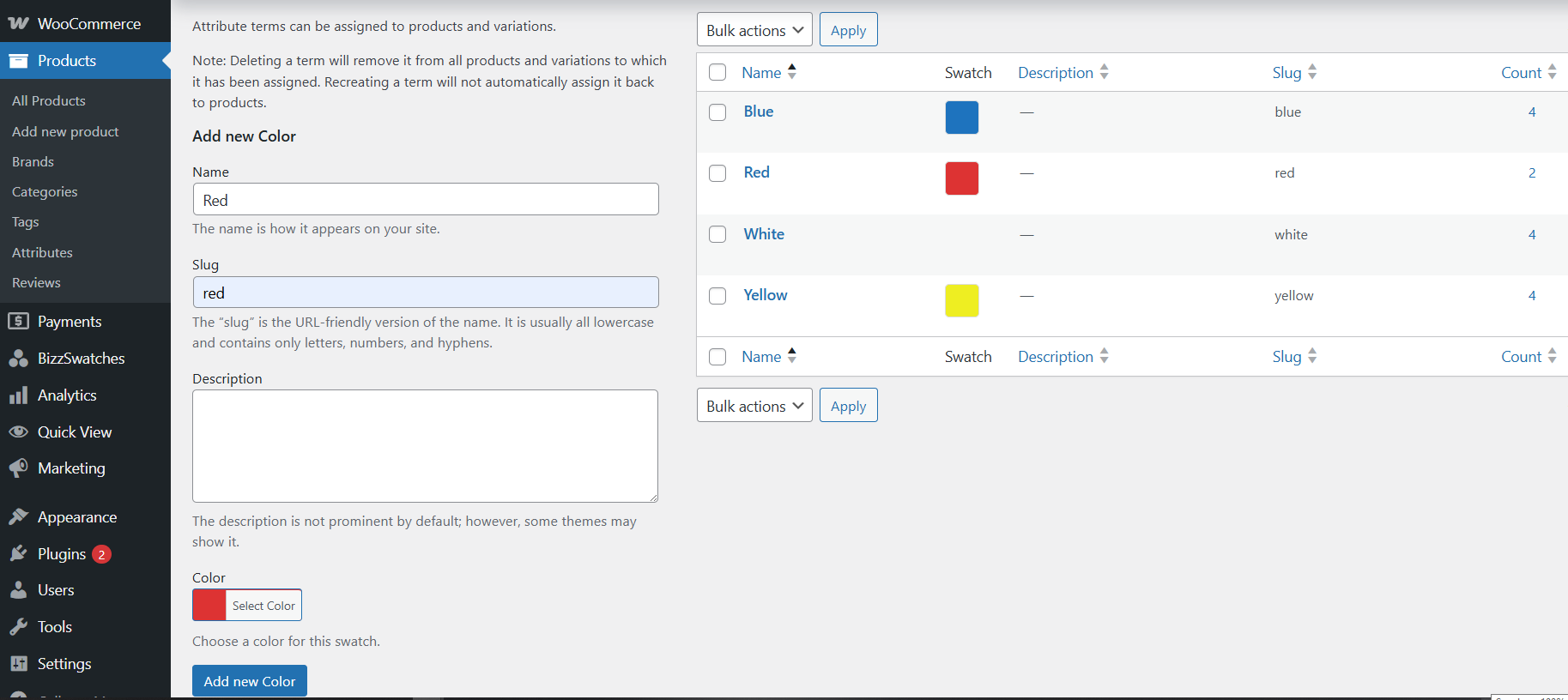
BizzSwatches is a powerful WooCommerce plugin that transforms the default dropdown select boxes for product variations into beautiful, user-friendly swatches. Display your product attributes as colors, images, buttons, or radio buttons.
See BizzSwatches in Action
Watch how it works:
Key Features
Color Swatches
Display color options as beautiful color circles or squares. Perfect for clothing, accessories, and any product with color variations.
Image Swatches
Use custom images to represent product variations. Great for patterns, textures, or any visual variation.
Button Swatches
Convert dropdown menus to stylish button labels. Ideal for sizes, materials, or any text-based variation.
Multiple Shape Styles
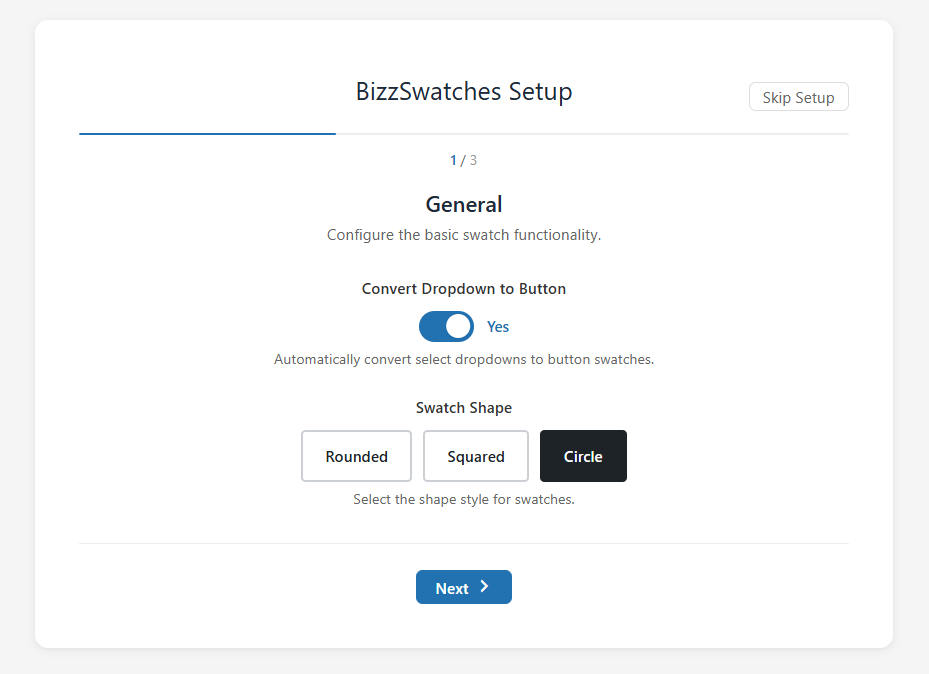
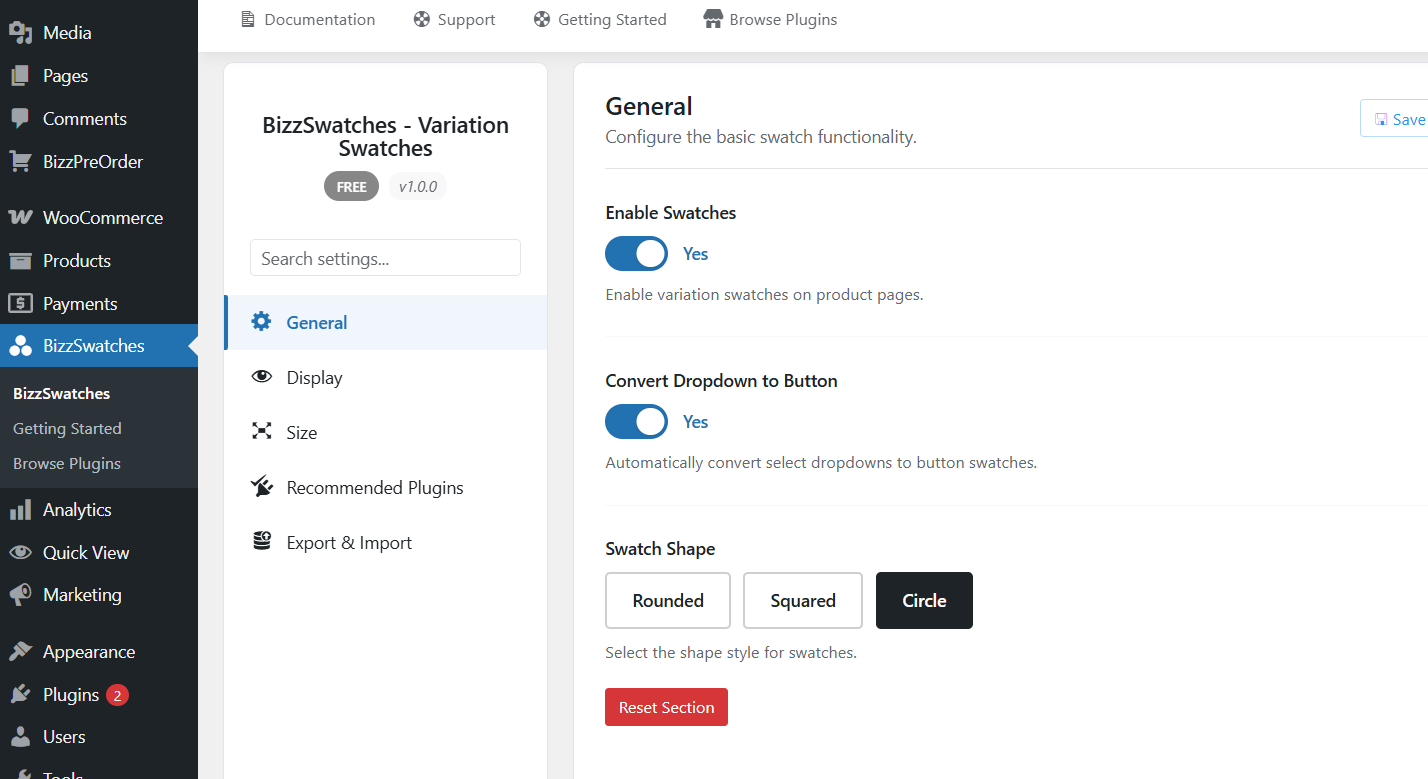
Choose from rounded, squared, or circle shapes to match your store’s design.
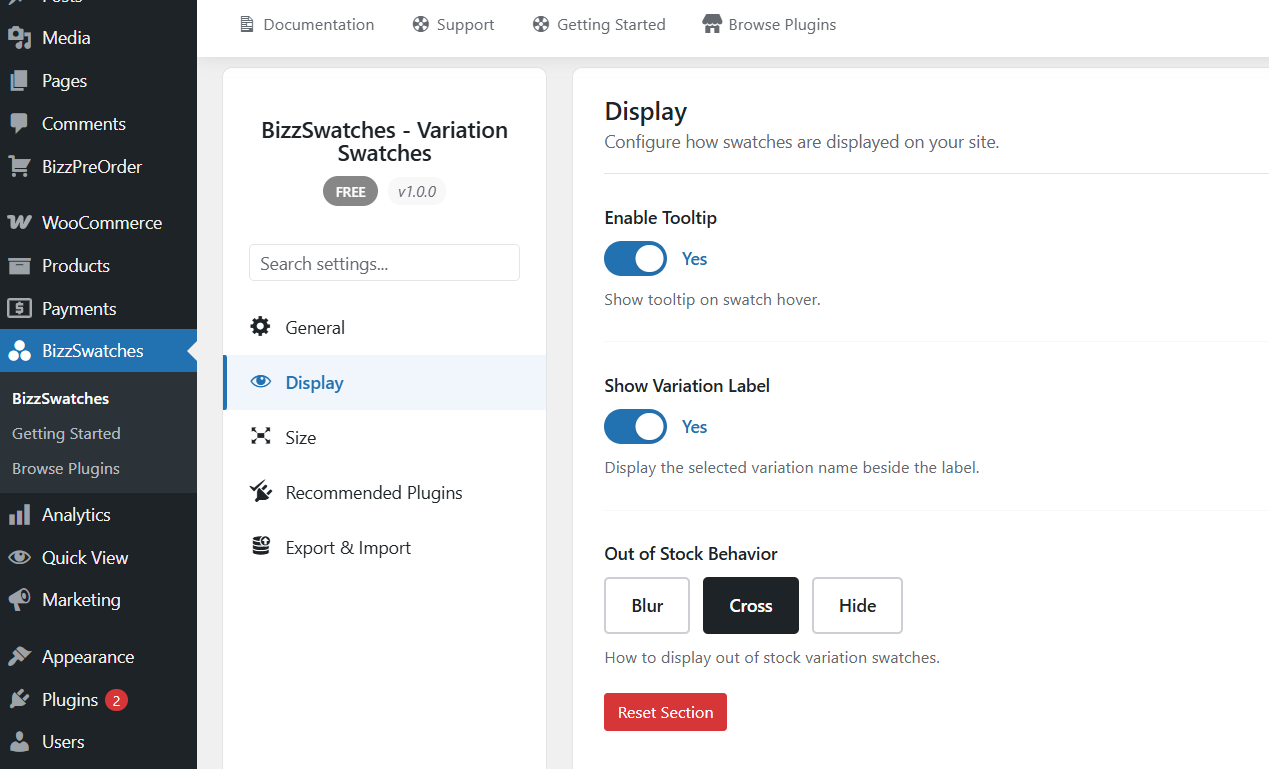
Tooltip Support
Show helpful tooltips on swatch hover to provide more information about each variation.
Stock Behavior Options
Configure how out-of-stock variations are displayed – blur, cross out, or hide completely.
Product-Level Settings
Override global settings on individual products for complete customization control.
Why Choose BizzSwatches?
- Easy Setup – Works out of the box with no coding required
- WooCommerce Native – Built specifically for WooCommerce
- Lightweight – Minimal impact on page load speed
- Customizable – Extensive settings to match your design
- Modern Code – Built with OOP patterns and WordPress standards
- HPOS Compatible – Works with WooCommerce High-Performance Order Storage
- Future-Ready – Designed for easy premium extension
Quick Start Guide
- Install and activate the plugin
- Go to Products > Attributes
- Create or edit an attribute
- Select a swatch type (Color, Image, Button, or Radio)
- Configure attribute terms with colors or images
- Create variable products using your attributes
- That’s it! Swatches will automatically appear on product pages
Settings
Visit BizzSwatches > Settings to configure:
- Enable/disable swatches
- Select swatch shape style
- Enable tooltip display
- Configure out-of-stock behavior
- Set swatch dimensions
- Auto-convert dropdowns to buttons