
Bioscore Dashboard Pro
v1.6.9bioscore · 2025年10月20日 上架
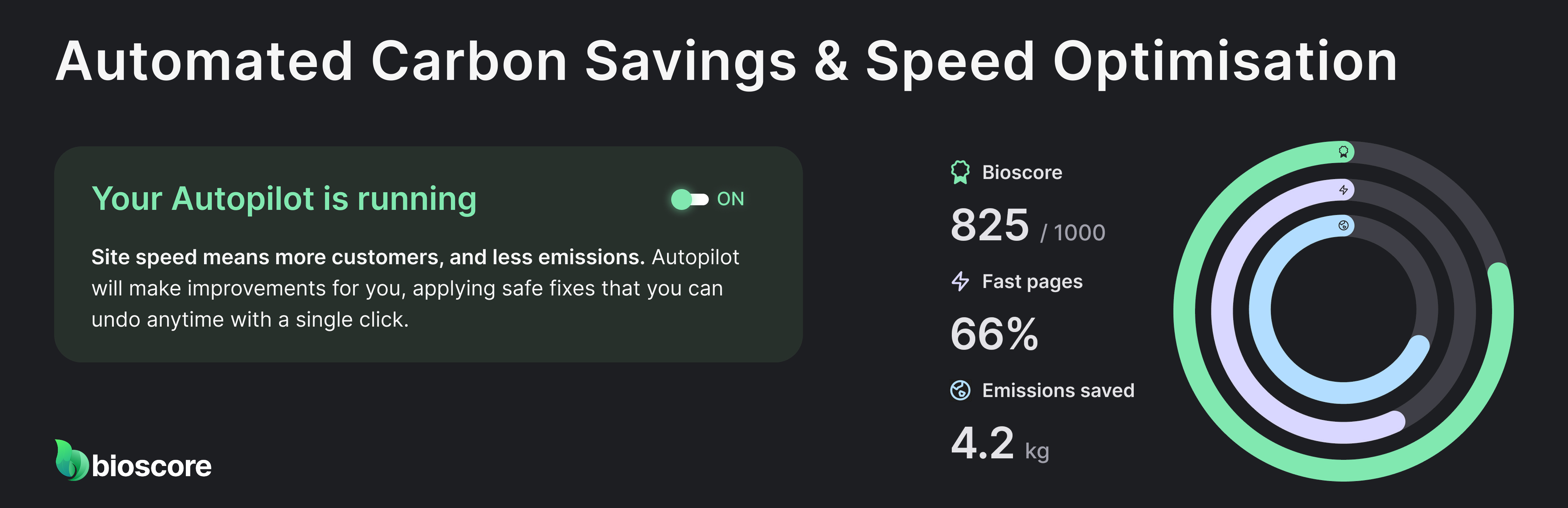
Connect your WordPress site to Bioscore to measure and improve site speed and digital carbon footprint. Automatically adds required tracking scripts.
- 正在使用
- 10 以下
- 评分
- 暂无
- 累计下载
- 979
- 最近更新
- 2025年11月4日
贡献者
 bioscore
截图
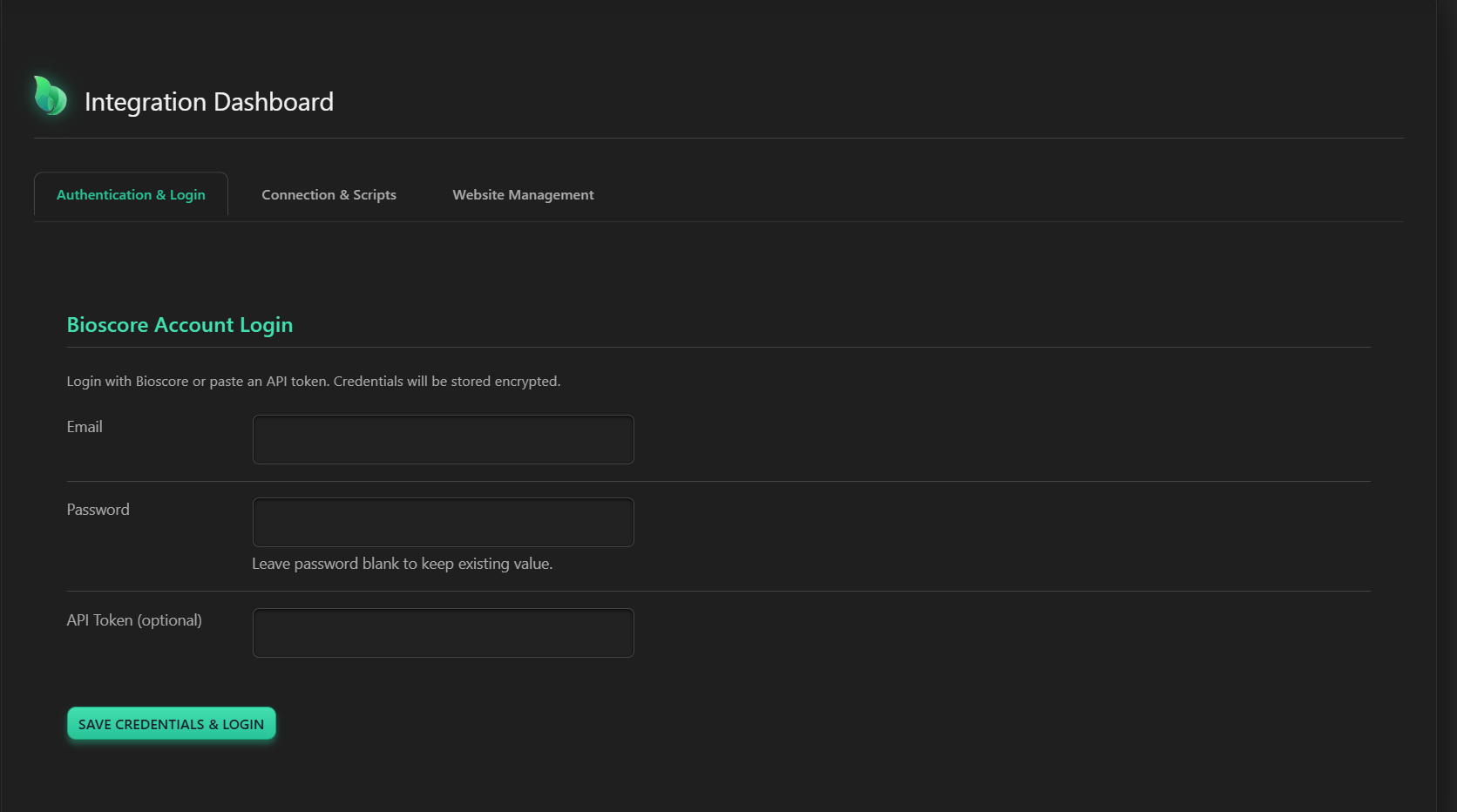
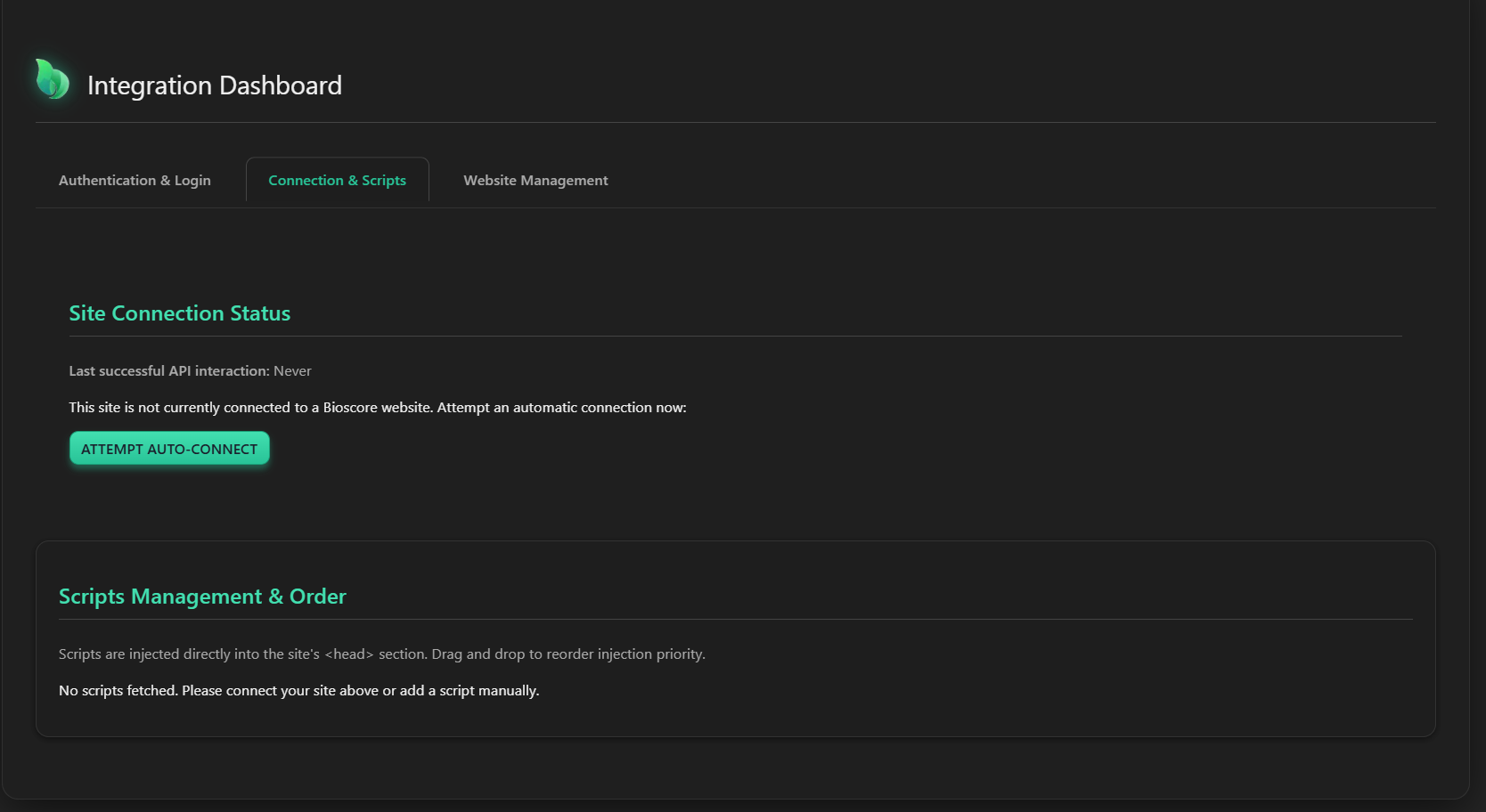
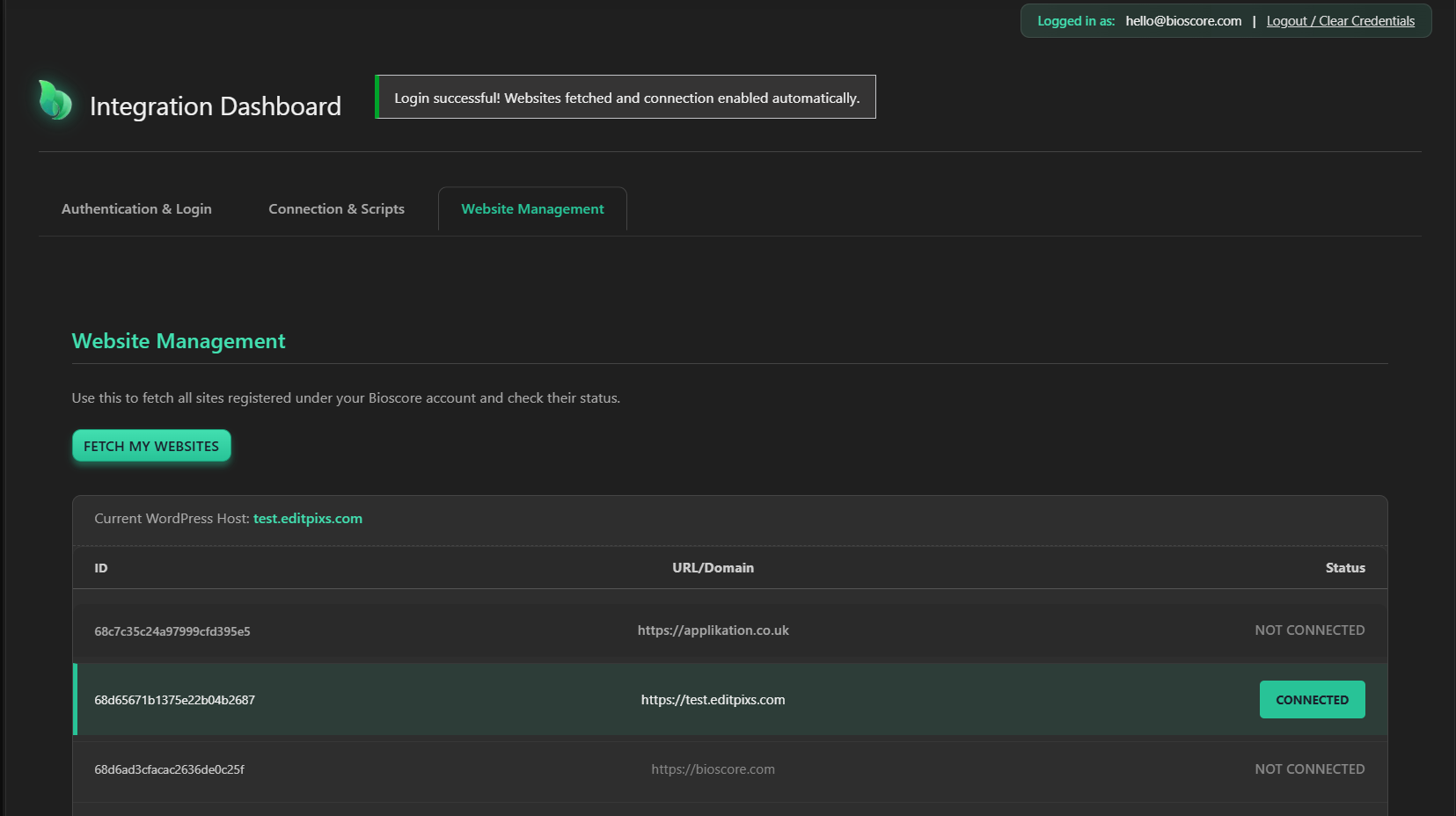
The Bioscore Dashboard Pro plugin provides a seamless, secure, dark-mode administrative interface to integrate your WordPress website with your Bioscore account. Instead of manually editing your theme files or relying on custom code snippets, this plugin handles the entire process automatically and securely:
Secure Authentication: Log in using your Bioscore credentials or API token. Credentials are saved encrypted.
Automatic Script Injection: reliably injects the necessary Bioscore optimization and tracking scripts directly into your site’s section on all pages (using the wp_head hook with high priority).
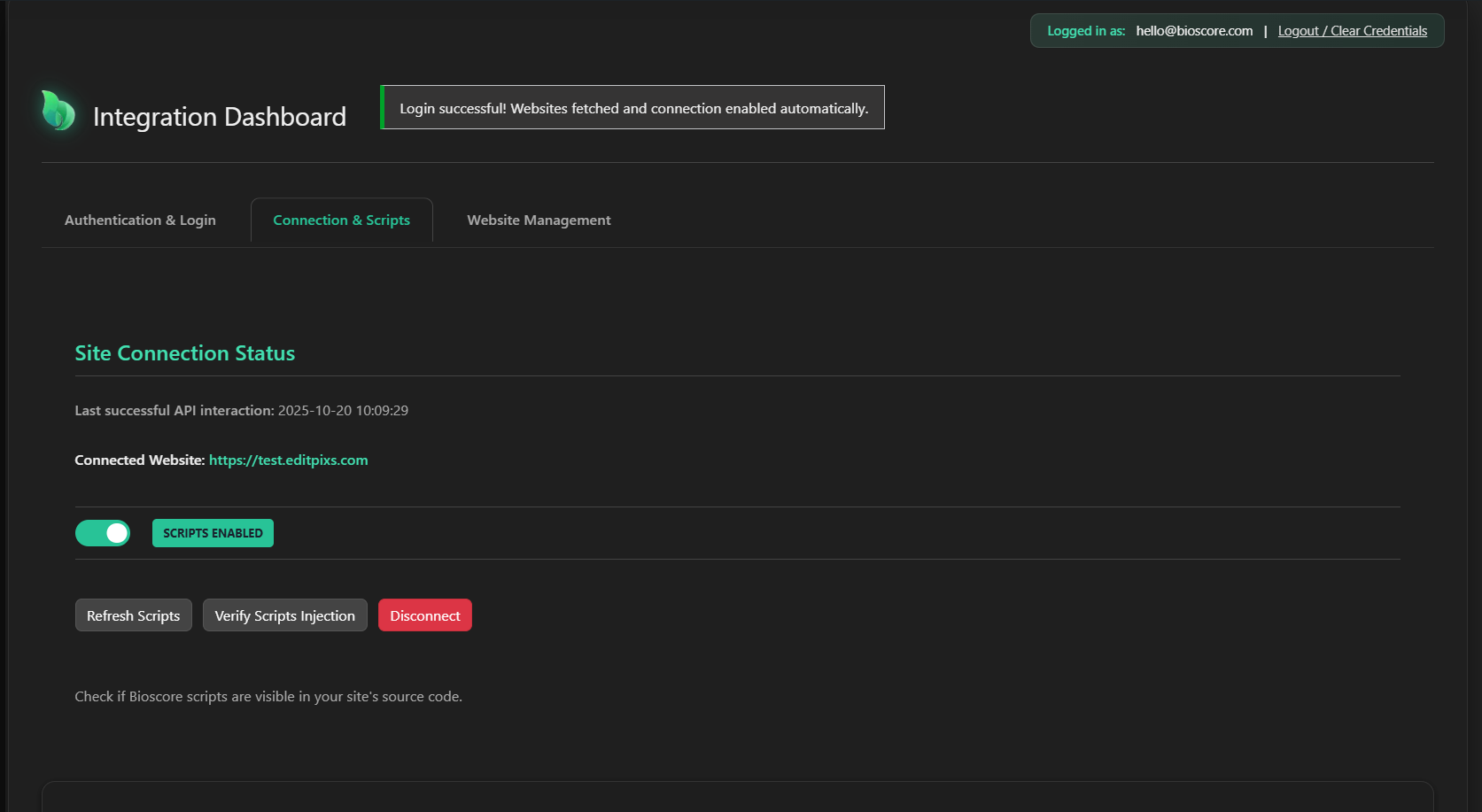
Connection Management: Provides a central toggle to instantly enable or disable script injection without deleting any settings.
Verification Tool: Includes an integrated button to verify that the Bioscore scripts are successfully present in your site’s live front-end source code.
Account Control: Easy access to your logged-in status and a secure Logout / Clear Credentials feature.
How It Works
1. Install & Activate: Add the Bioscore plugin to your WordPress site and activate it.
2. Login to Bioscore: Securely log in with your Bioscore account directly from your WordPress admin dashboard.
3. Auto Domain Detection: The plugin automatically detects your WordPress domain and connects it to your Bioscore account.
4. Automatic Header Setup: The required tracking headers are automatically added to your website, no coding or manual edits needed.
5. Manage Headers Anytime: From your WordPress admin, you can review and manage the tracking headers added by Bioscore, ensuring full control and flexibility.
6. Start Tracking: Once connected, your website’s speed, sustainability, and carbon data begin flowing into your Bioscore dashboard in real time.
Configuration
- Go to Bioscore -> Integration Dashboard.
- Navigate to the Authentication & Login tab.
- Enter your Bioscore Email and Password or paste your API Token.
- Click “Save Credentials & Login”. The plugin will fetch your site list and attempt to auto-connect.
- Go to the Connection & Scripts tab.
- Use the main toggle to ensure the connection is Scripts ENABLED (green badge).
- Click “Verify Scripts Injection” to confirm the scripts are correctly appearing on your live website.
External Services
This plugin is the official connector for Bioscore.com and requires a connection to its external API to function. This is necessary to authenticate your account, manage your websites, and fetch the required optimization scripts.
- Service: Bioscore API (https://bioscore.com/api/)
- Data Sent: When you log in, your email and password (or API token) are sent to the Bioscore authentication endpoint to verify your account. When connecting a site, the current WordPress site URL is sent to associate it with your Bioscore profile.
- Terms of Service: https://www.bioscore.com/terms
- Privacy Policy: https://www.bioscore.com/privacy