

AI Search by Biel.ai – Instant Site Search With Ask AI Answers
v1.0.2TechDocs.Studio · 2026年8月6日 上架
Replace WordPress search with AI search: instant site search as visitors type, plus Ask AI answers grounded in your indexed pages.
- 正在使用
- 10 以下
- 评分
- 暂无
- 累计下载
- 450
- 最近更新
- 2026年11月7日
贡献者
 TechDocs.Studio
截图
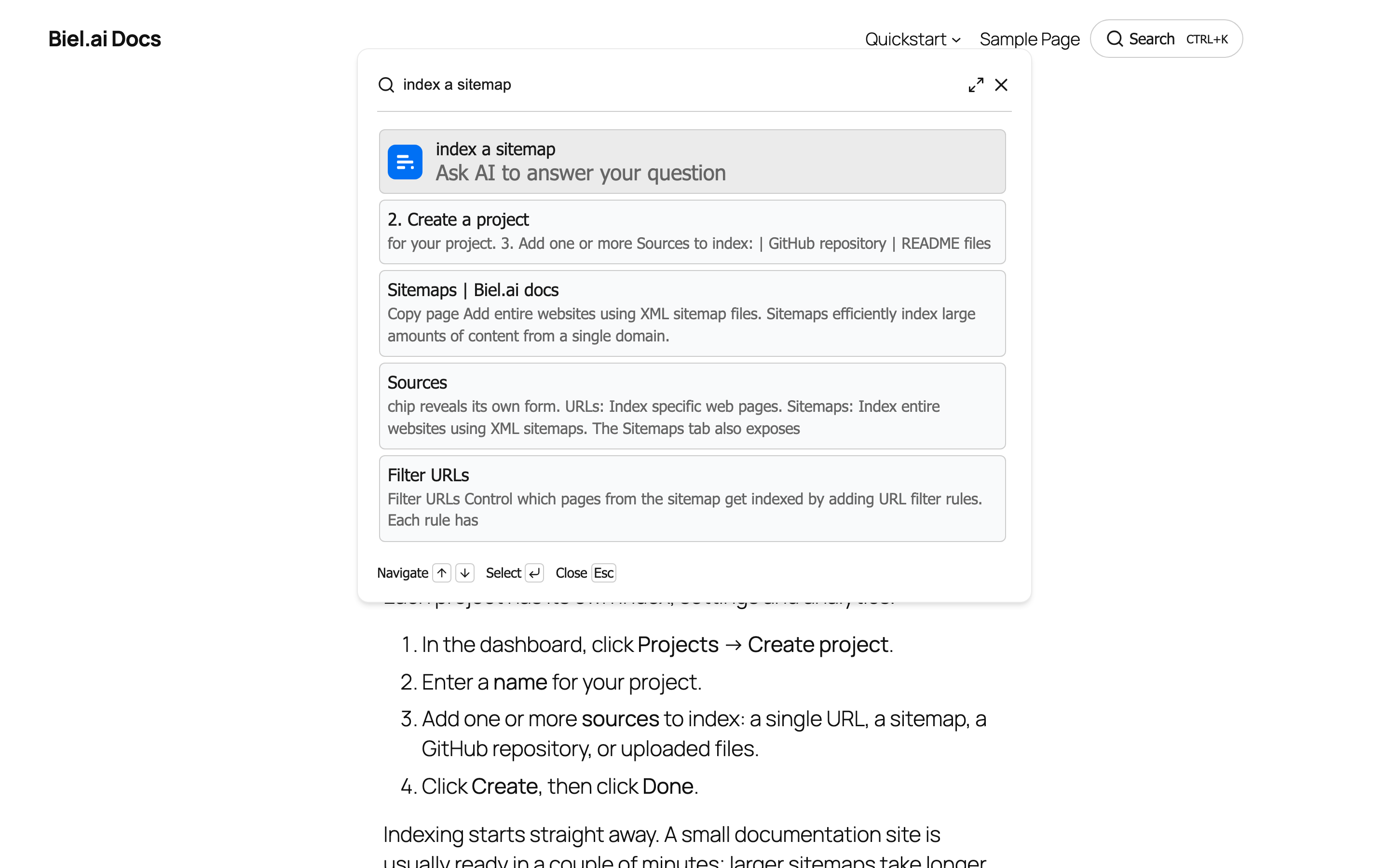
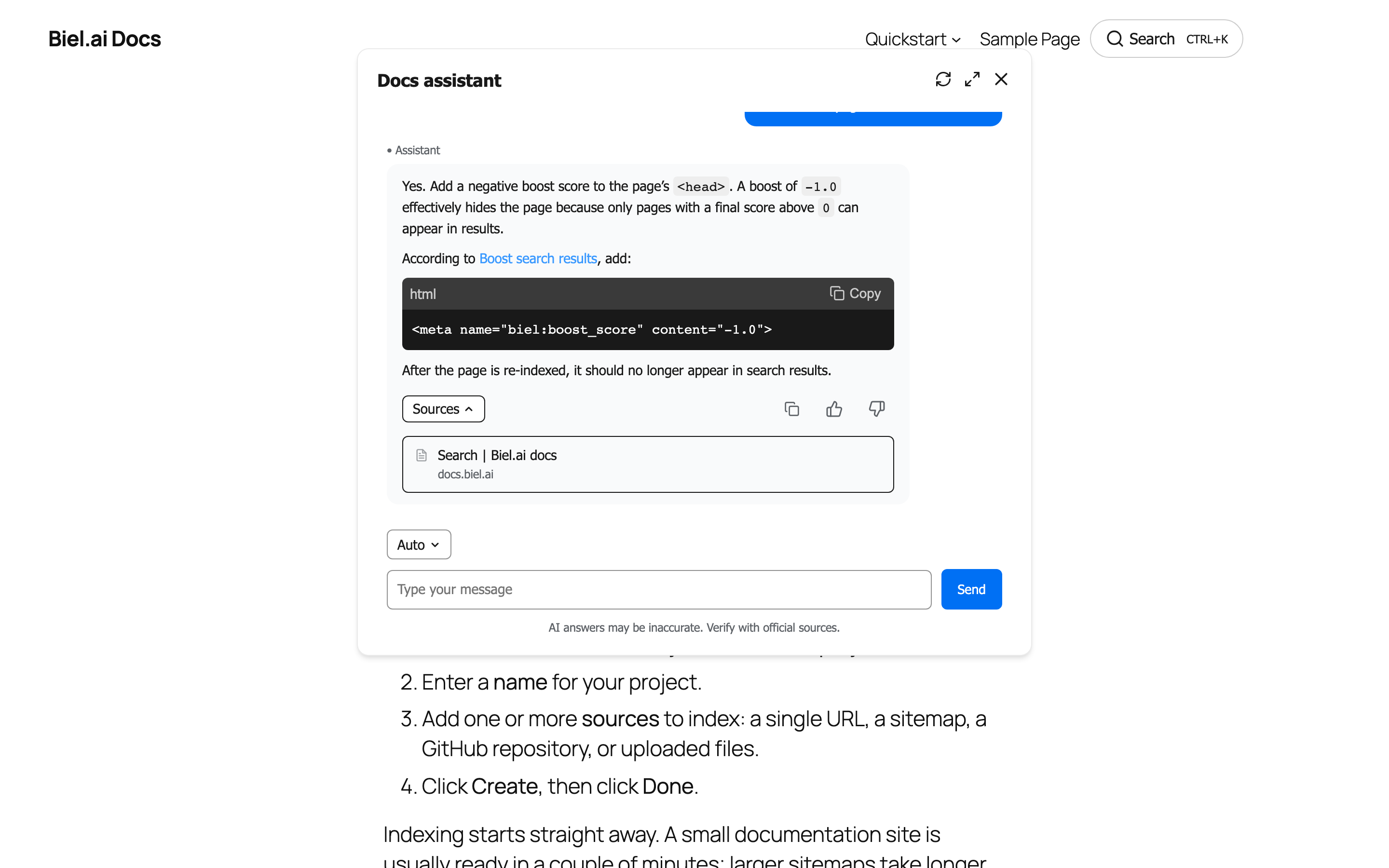
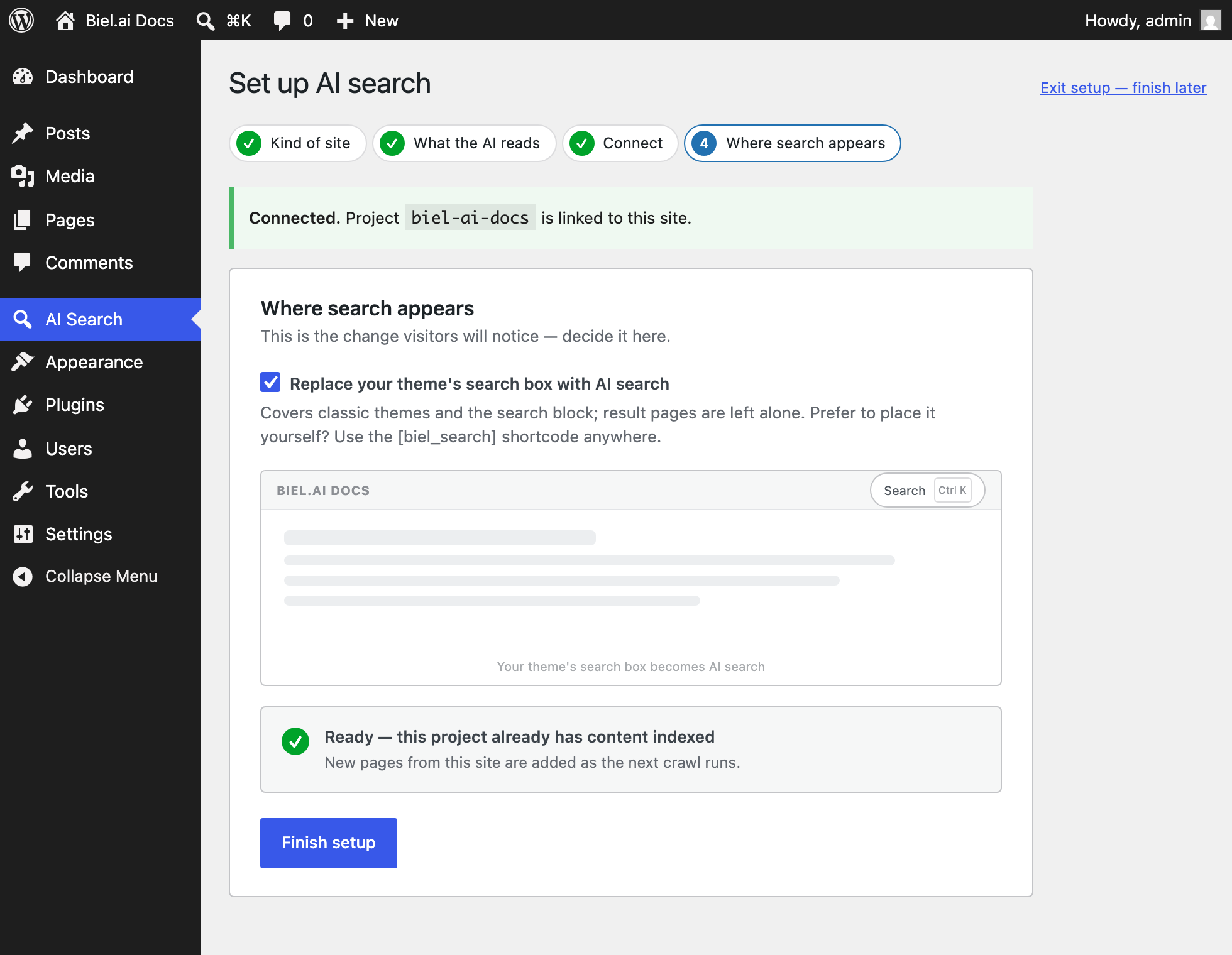
Biel.ai AI Search replaces the search box your theme already has with an AI search panel: a visitor starts typing, results appear as they type, and if none of them answers the question they hit Ask AI and get a written answer grounded in your indexed pages, with links to the sources used.
That order matters. Search comes first and AI is the escalation, not the other way round: most questions are answered by a page you have already written, and the AI is there for the ones that are not.
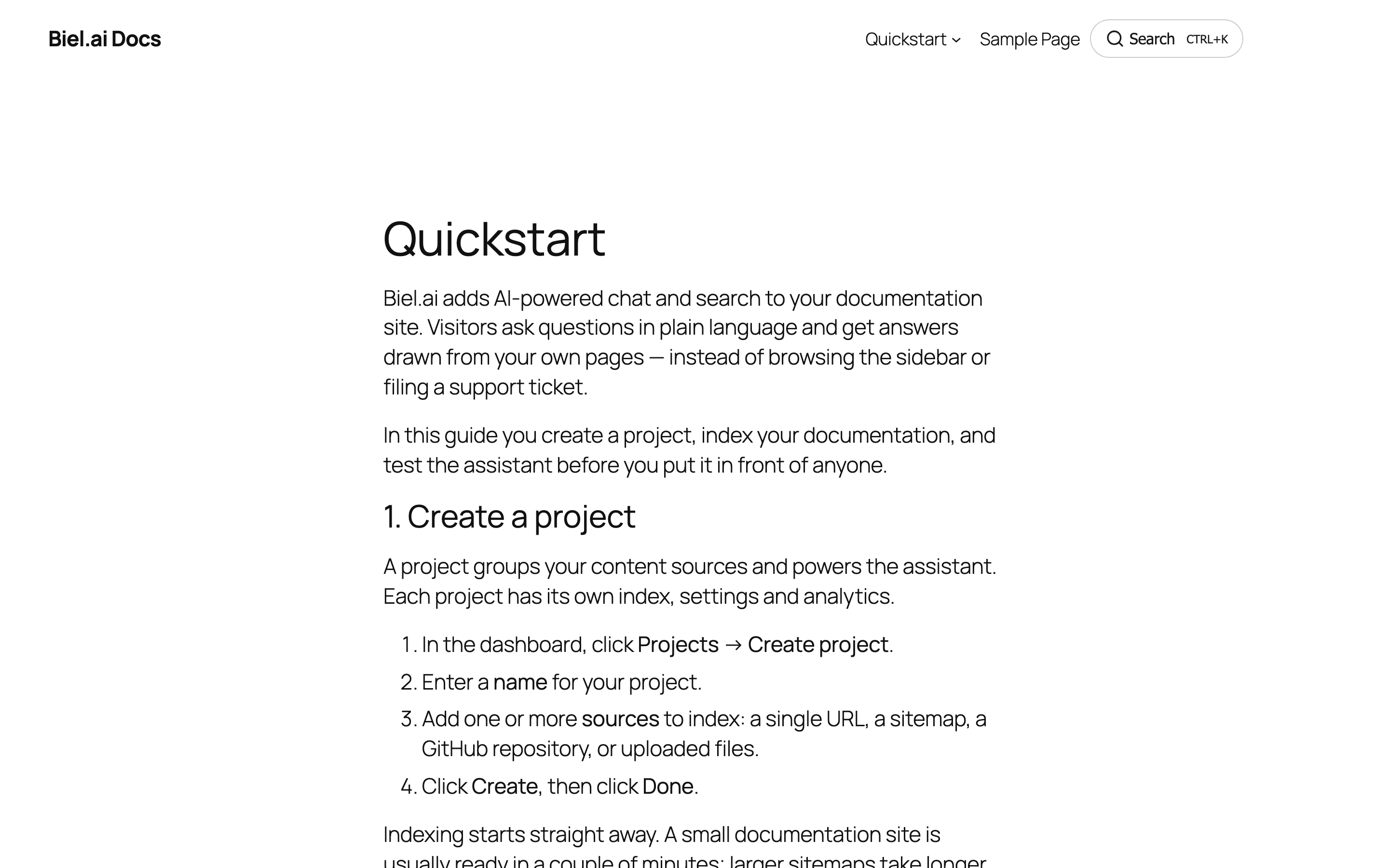
Works with documentation sites, blogs, knowledge bases, WooCommerce stores and membership sites. The search panel uses your own colors and font, so it matches your theme.
What you get
- Re-crawl whenever you want – Biel.ai re-crawls on your plan’s schedule, and a Recrawl now button in the settings picks up new content without waiting for it
- Replaces the search you already have – the theme’s search form and the search block both become AI search, with no template editing. One checkbox turns it off again
- Instant results as you type – live search results as visitors type, in a Ctrl+K panel over the page, instead of a round trip to a results page
- Ask AI when results don’t answer – a written answer grounded in your indexed pages, with source links so visitors can check the response
- Shortcode placement –
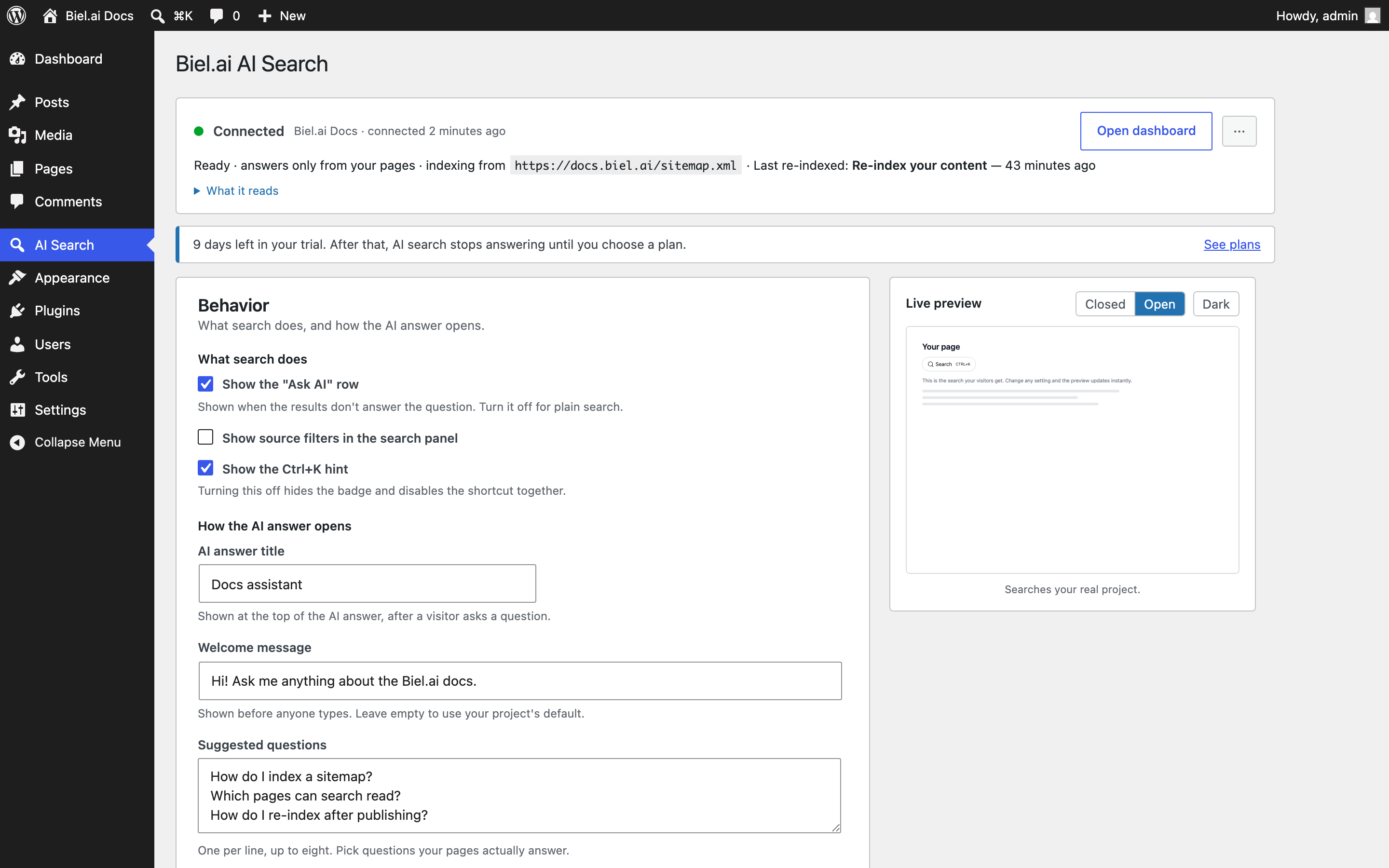
[biel_search]puts the search trigger anywhere: a page, a post, a widget area or a template - Customize everything – colors, font, button style, panel position, placeholders and every label, with a live preview that follows you down the page
- Show it only where it helps – include and exclude URL rules, so you can replace search in your docs and leave the shop alone
- Analytics in your dashboard – what people search for, what the AI answered, and the questions nothing on your site answers
- Connect docs to AI tools – enable Show MCP connector under Advanced to show the widget’s Connect menu in the Ask AI panel. It copies Biel.ai’s hosted MCP URL or a Claude Code setup command, or opens Cursor or VS Code/Copilot setup, so readers can use the same indexed docs in AI tools.
Plans
Every site gets the same plugin. What you pay for is the service that indexes your content and answers questions.
- 14-day free trial – the full product, no credit card.
- When the trial ends – search pauses until you pick a paid plan, and resumes the moment you subscribe. There is no free tier.
- Paid plans differ in how many pages are indexed and how many questions are answered per month.
See the Biel.ai pricing page for current plans.
External services
This plugin is a connector for Biel.ai, a third-party service that indexes your site’s content and answers questions about it. A Biel.ai account is required. Visitors’ searches and questions, and the page they are made from, are sent to Biel.ai to produce results and answers. Your server connects to Biel.ai with an API key stored in your WordPress database.
By default the search panel uses your theme’s font and makes no other third-party requests. If you turn Use your theme font off, it loads the Inter font from Google Fonts in your visitors’ browsers, subject to the Google privacy policy.
The bundled search component is the biel-search npm package, MIT licensed. Its readable source ships with the plugin in assets/vendor/biel-search/collection/.