Better Pricing for WC Paid Listings
v1.0.1wpfred24 · 2021年11月12日 上架
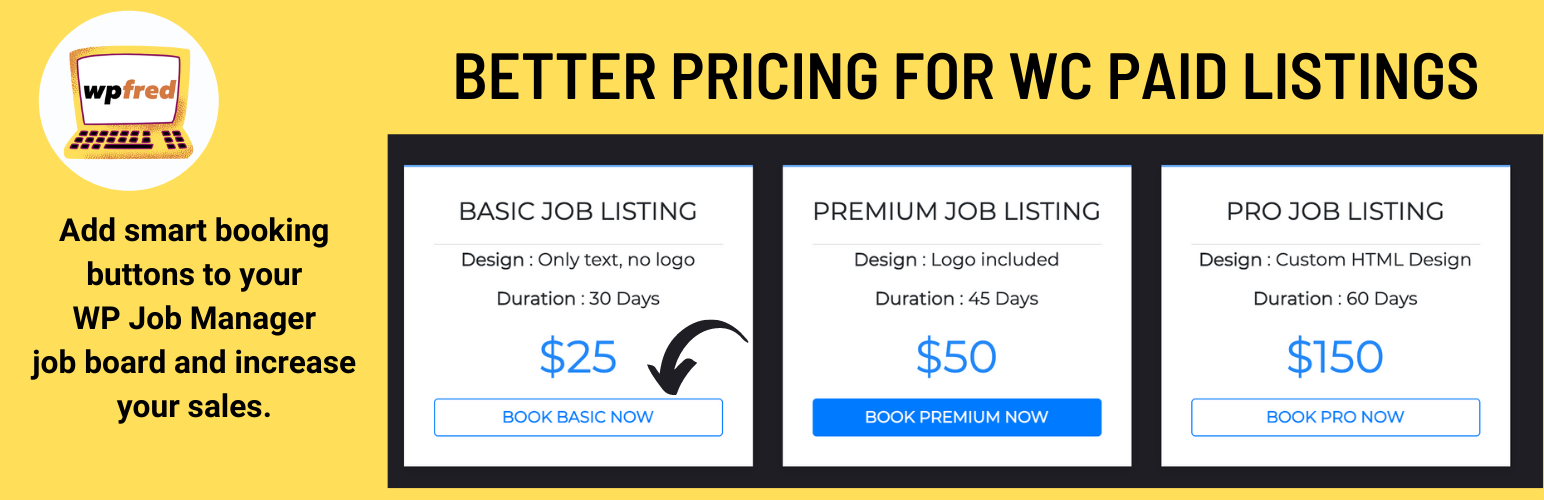
Boost your sales by building a custom pricing page and skip the limited "Choose a Package" screen provided by WC Paid Listings.
- 正在使用
- 10 以下
- 评分
- 5.0 / 5
- 累计下载
- 1,250
- 最近更新
- 2021年11月13日
贡献者
 wpfred24
Boost your sales by building a custom pricing page and skip the limited “Choose a Package” screen provided by WC Paid Listings.
What does the plugin do?
It creates a shortcode [job_package_button] which you can add to your custom pricing page or on any other page or post on your site. You must use the shortcode attribute “id” (= product_id) to specify which product you are referring to. The <button> then redirects your customer to step 2 of the job submission form skipping the “Choose a Package” screen provided by WC Paid Listings. By adding the product id as a attribute in the shortcode the product is already selected in the background.
Why is this plugin helpful?
WC Paid Listings is a great little plugin that adds a custom “Job Product” to WooCommerce and helps you and your customers manage their job packages easily. But it comes with a very limited frontend pricing template called “Choose a Package”. There are no styling options and you cannot change the order of the products (default is order by product_id which does not make much sense). Every E-Commerce business needs a beautiful pricing page where all your products, features and prices are displayed. You can do that now with this simple plugin.
Where should I insert the shortcode?
You can insert this shortcode on any post or page created on your site. There are plenty of pricing templates out there for Gutenberg, Elementor, Visual Composer or any other page builder. You can also use WooCommerce’s product-related Gutenberg blocks to display your products but instead of the “Add to Cart” button you can add a “Book a listing now” button that redirects to the job submission form.
Can I see a demo?
Sure, here you go: https://demo.wpfred.com/