

Better Click To Share – Shareable Quote Boxes for X (Twitter)
v6.0.1Ben Meredith · 2014年11月20日 上架
Get more shares on social: add one-click shareable quote boxes to any post so readers can share your best lines on Social Media in one click.
- 正在使用
- 6,000+
- 评分
- 4.8 / 5
- 累计下载
- 67 万
- 最近更新
- 2026年9月4日
 Ben Meredith
 wpsteward
截图
Want more of your content shared on X? Better Click To Share turns your best quotes into one-click share boxes so readers can post them to X (formerly Twitter) without copying, pasting, or trimming — and you get a link back to your post every time.
Why use a shareable quote plugin for X?
Most readers won’t bother to copy a quote, open a social media site, and paste. Give them a single click: your quote plus a link to your post are pre-filled. You grow reach and engagement; they share in seconds. No coding, no design work — add a block or shortcode and you’re done.
What you get with Better Click To Share
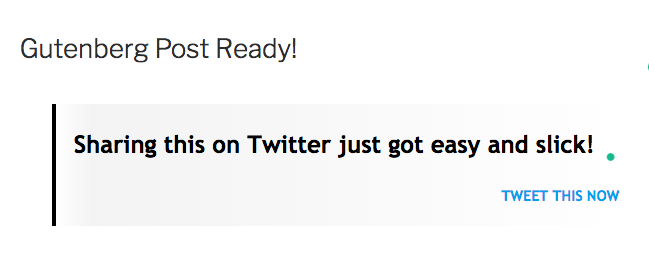
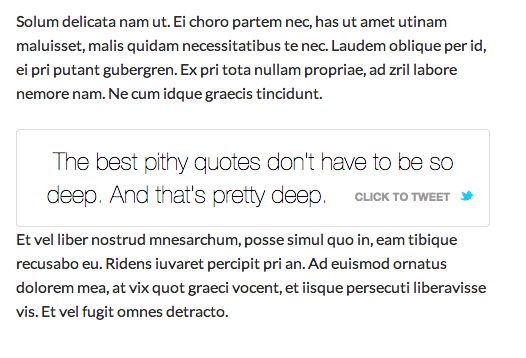
- One-click share on X — Readers see a styled quote box; one click opens X with your quote and your post link ready to post.
- More engagement — Make your best lines easy to share so your content spreads further and drives traffic back to your site.
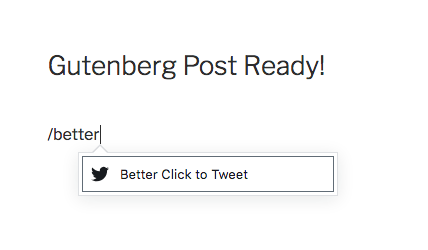
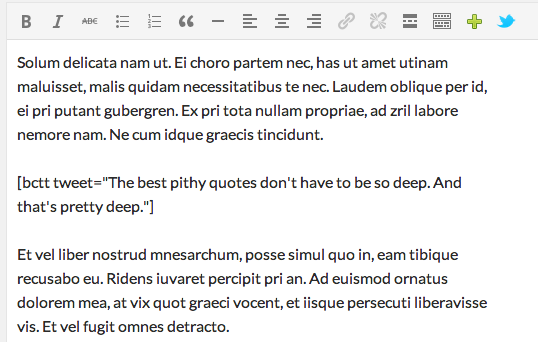
- Block editor + shortcode — Use the “Better Click To Share” block (slash command
/tweet) or the classic[bctt]shortcode in any post or page (full shortcode support keeps BCTS compatible with things like Elementor, Divi, and even WP Bakery!). - Smart character count — Stays within X’s limits and accounts for your “via @username” and link so shares never get cut off.
- Optional AI suggestions — With WordPress Connectors, get draft share text suggested from your content (usage charges apply per your provider). You can turn this off in settings.
- Premium styles and add-ons — Premium Styles let you pick different looks without touching CSS; Power User Guide and custom CSS options for developers.
Developer or designer? We welcome PRs and feature requests: GitHub repository. Translations: WordPress.org translation project.