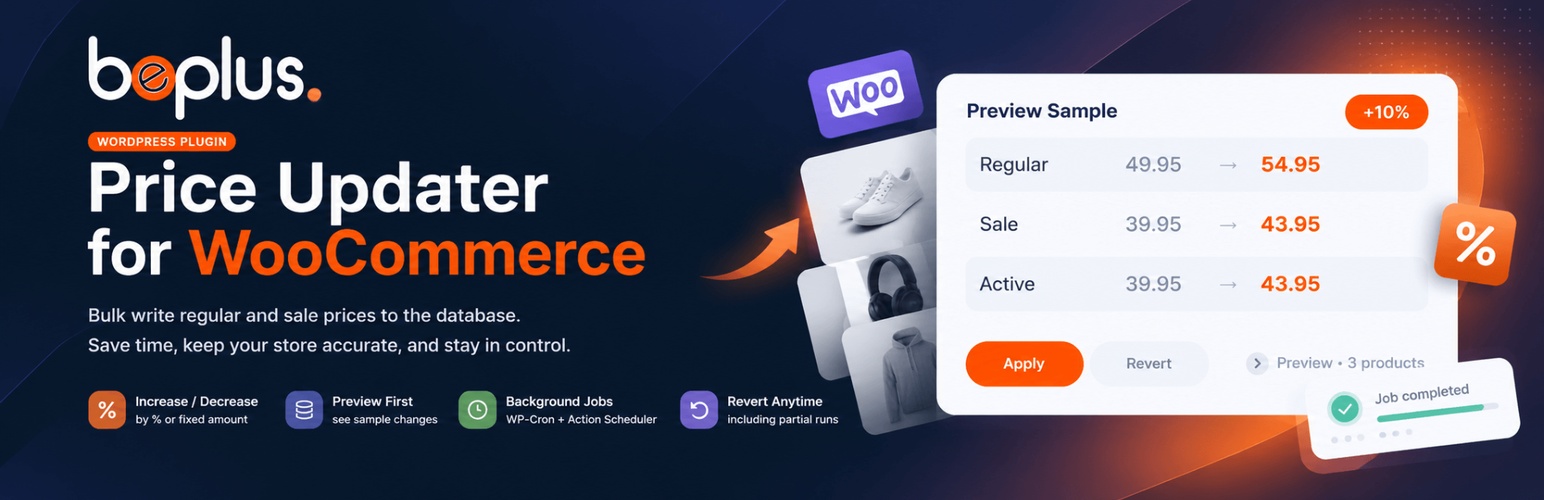

Beplus Price Updater for WooCommerce
v1.1.1Beplus · 2026年10月6日 上架
Bulk update WooCommerce product prices in the database. Preview, apply, and revert changes.
- 正在使用
- 10 以下
- 评分
- 暂无
- 累计下载
- 506
- 最近更新
- 2026年11月16日
 Tap Tran
 Beplus
截图


Beplus Price Updater for WooCommerce writes new regular and sale prices into the WooCommerce database. Use it when you want a one-time catalogue change (increase or decrease by a percentage or a fixed amount) instead of a runtime overlay that recalculates prices on every page load.
Jobs keep running in the background through WP-Cron and Action Scheduler, even if you close the admin tab. You can preview the impact first, then apply, and revert the last apply if you need to undo it.
Key features
- Increase or decrease prices by percentage or fixed amount
- Optional nearest/up/down step rounding and decimal price endings (requires two currency decimals)
- Regular-only, sale-only, both, or sale-from-regular targets; set exact prices and clear sales
- Cost markup and target margin pricing using native WooCommerce COGS or a configured product meta key
- Advanced stock, price, product type, tag, brand and attribute filters
- Named presets, CSV export/import previews, scheduled campaigns and opt-in completion emails
- Scope: all products, or selected products and categories
- Exclude products and categories when updating the full catalogue
- Preview sample before writing anything
- Background jobs with progress, history, and per-item details
- Cancel a running job; revert the last apply that wrote prices, including partial runs
- Updates both regular and sale prices; variation parents are synced after writes
- Works with simple, variable, and WooCommerce Subscriptions products
How it works
- Open WooCommerce Price Updater.
- Choose the action, amount, rounding, and product scope.
- Click Preview to scan matching products and see sample results.
- Click Apply to database to write the confirmed preview snapshots. Changed settings require a fresh preview. Price conflicts are skipped, not overwritten.
- Use Revert last apply if you need to restore the previous stored prices.
- Use Cancel job to stop a running preview, apply, or revert.
Privacy
The plugin stores job settings and price snapshots in custom tables on your site (beplus_pu_jobs and beplus_pu_items). It does not send product, customer, or price data to Beplus. Optional completion notifications are sent to the initiating user’s email through WordPress wp_mail and your configured mail transport. Named presets and email preferences are stored in user metadata. Scheduled campaigns store per-job price snapshots and depend on WordPress cron; they may execute later than the requested time on low-traffic sites. Uninstalling the plugin drops those custom tables and unschedules background jobs, which deletes job history. Product prices already written to WooCommerce are kept. Deactivating the plugin only unschedules jobs and does not delete history.
About BePlus
This plugin is developed and maintained by BePlus, a WordPress and Shopify development studio with 10+ years of experience building themes and plugins for nonprofits and eCommerce brands.
Learn more at beplusthemes.com.