
Beplus Performance Booster
v1.3.5Beplus · 2026年6月18日 上架
Lightweight WordPress optimizer with JS/CSS minification, lazy loading, asset cleanup, and browser cache headers. Zero dependencies.
- 正在使用
- 10 以下
- 评分
- 暂无
- 累计下载
- 1,497
- 最近更新
- 2026年11月20日
贡献者
 Beplus
 minhbeplus
截图


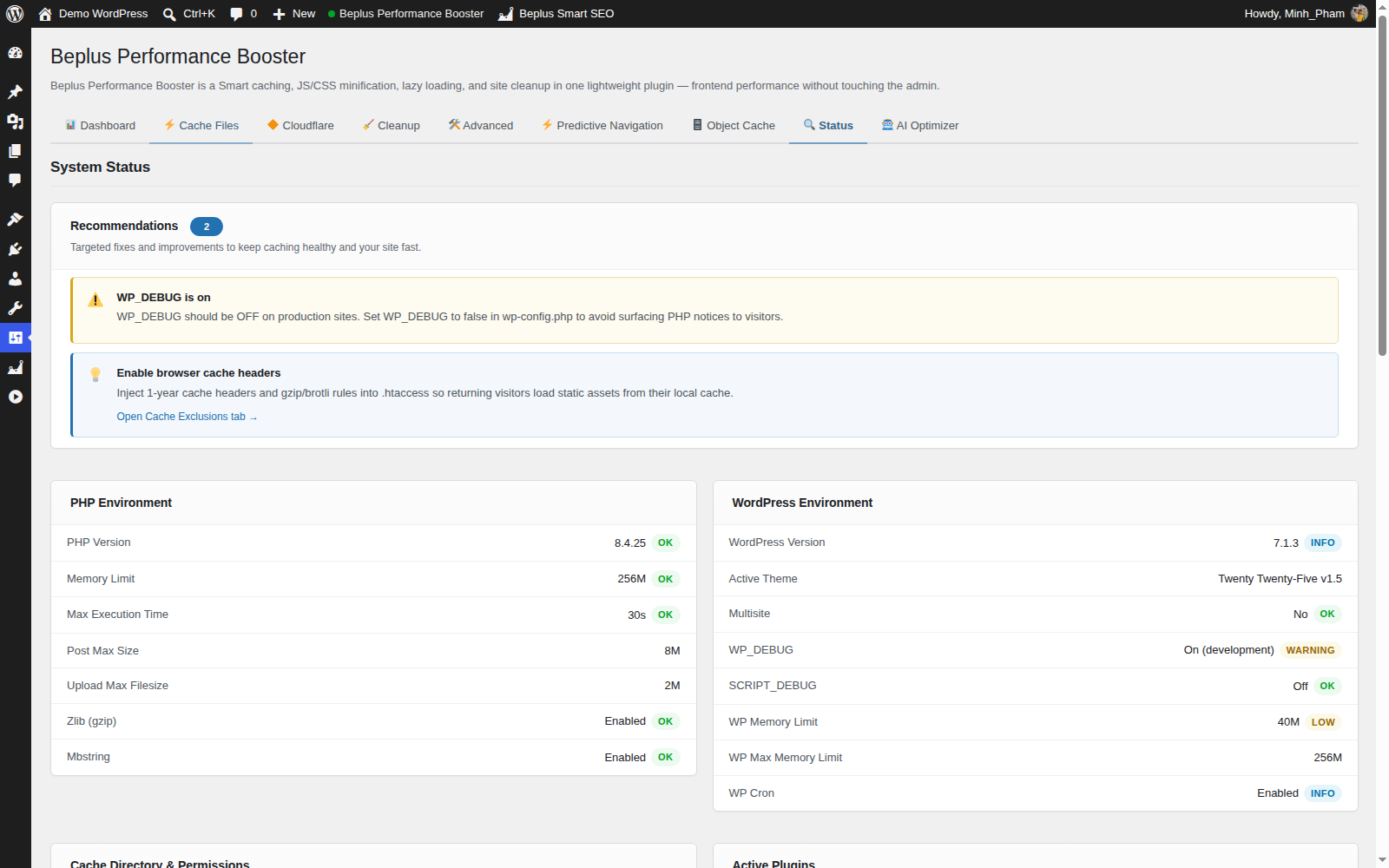


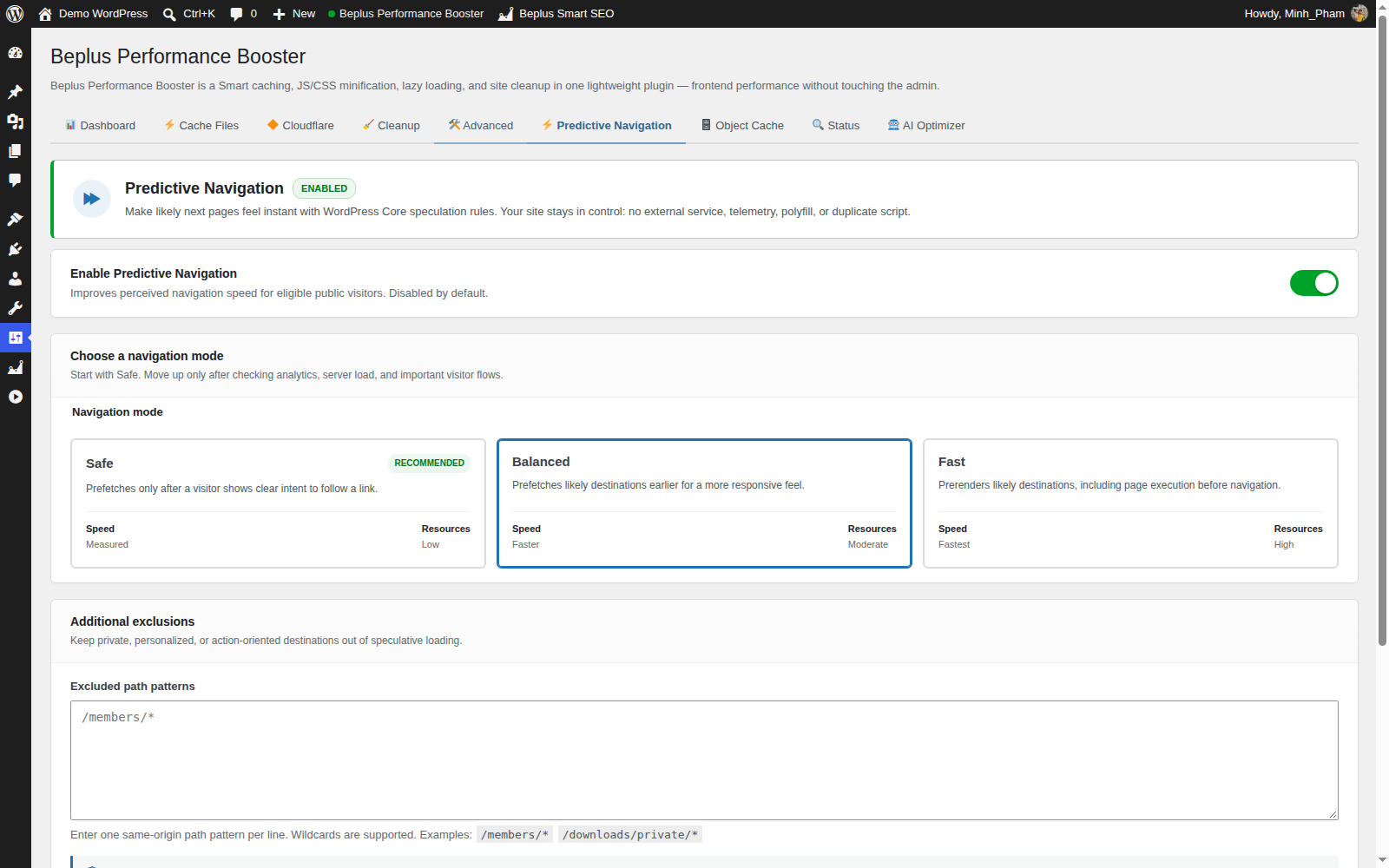
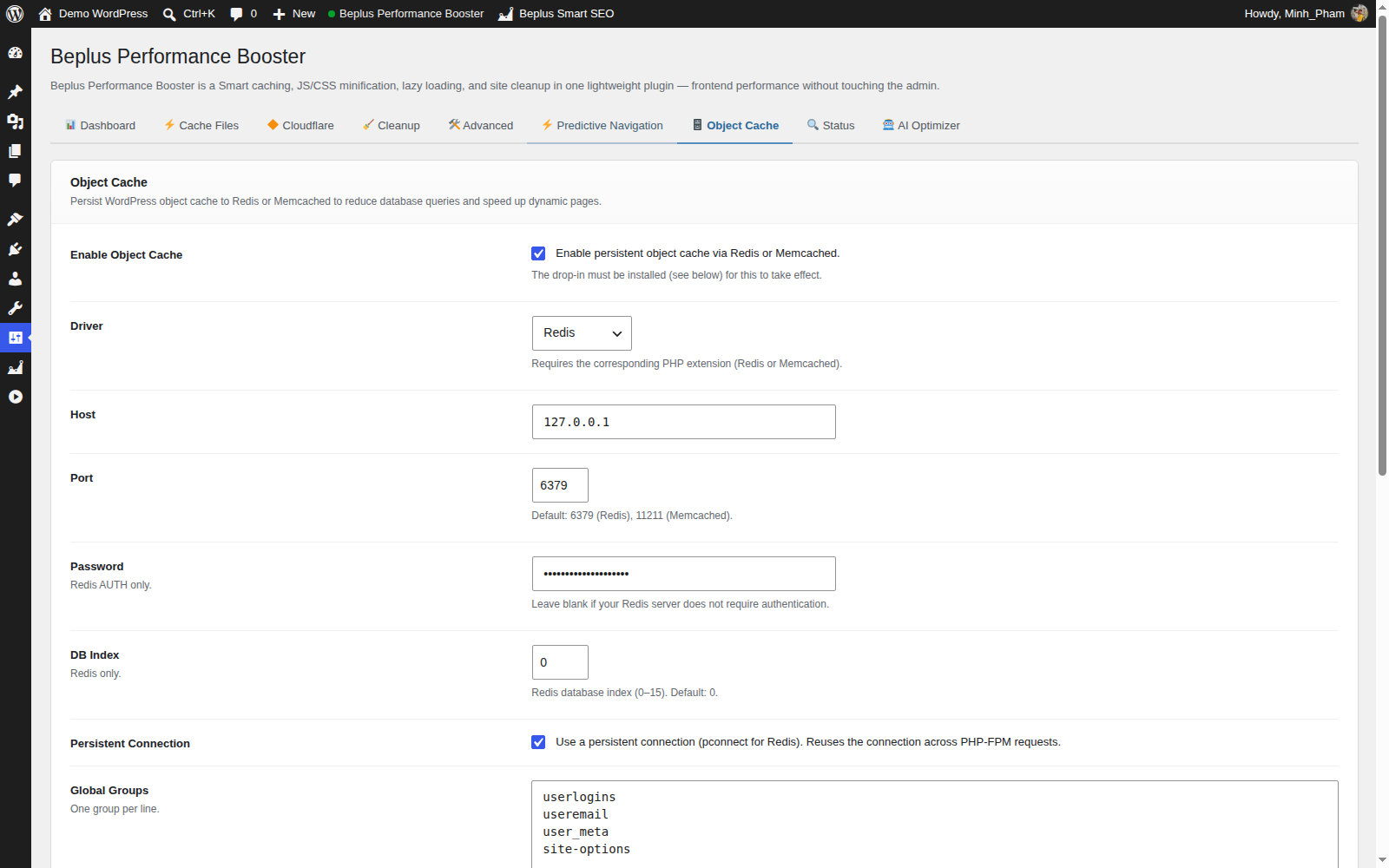
Beplus Performance Booster is a no-bloat performance plugin that gives you fine-grained
control over your site’s front-end assets. All features can be toggled independently
from a single settings page (Settings > Beplus Performance Booster).
All front-end optimisations are bypassed for logged-in administrators so you never
accidentally break the admin panel or your own editing experience.
Feature summary:
- JavaScript delay (Simple / Advanced mode) and defer with per-script exclude list
- JS Release Delay: image-load fallback timer for releasing delayed scripts
- CSS file and inline minification with cache
- Remove Unused CSS: per-URL cached stripping of unused CSS rules
- Non-render-blocking stylesheet loading
- WordPress Core-managed image loading policy with targeted exclusions
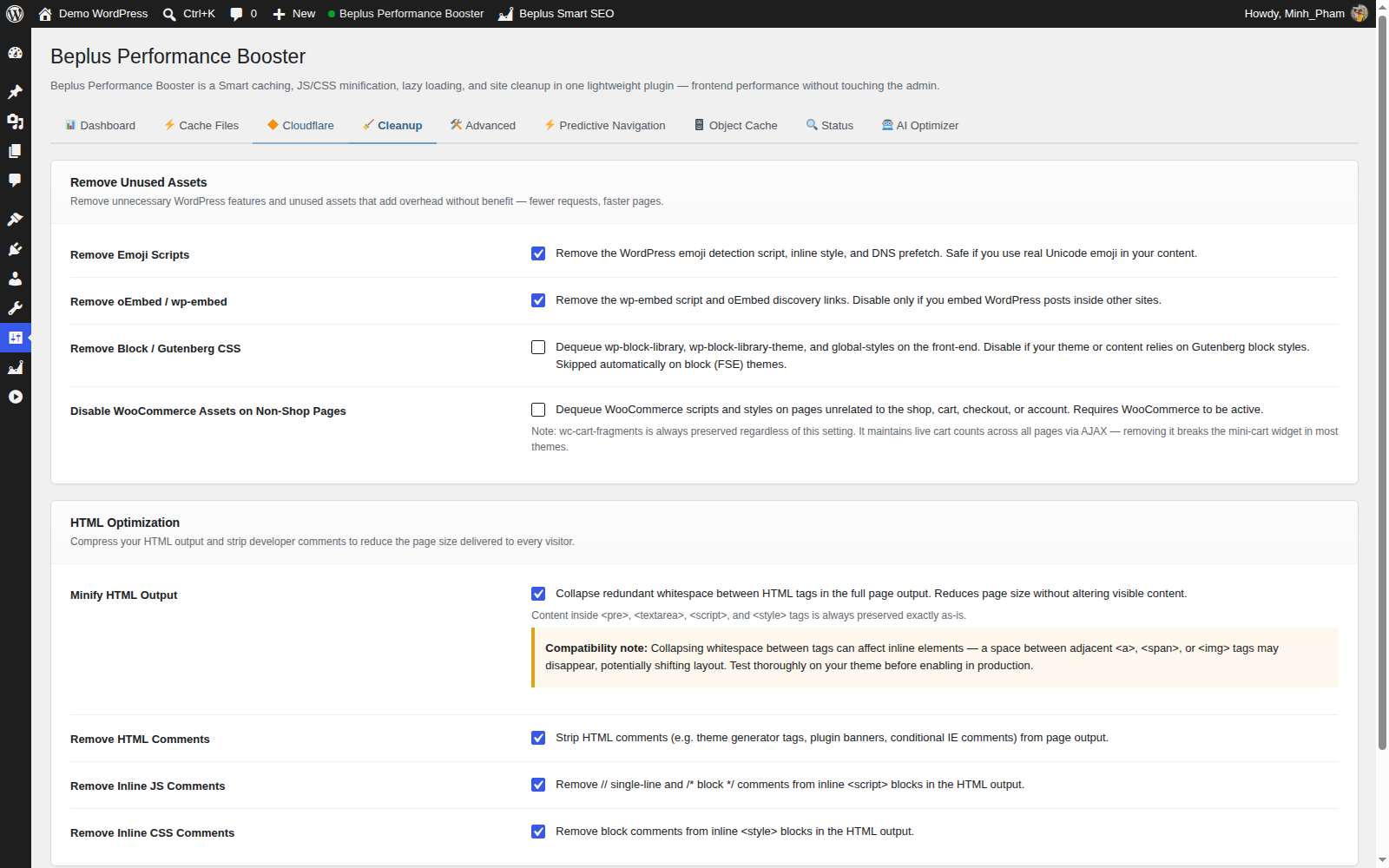
- Remove emoji, wp-embed, Gutenberg CSS, WooCommerce assets on non-shop pages
- HTML minification and comment stripping
- Browser cache and gzip/brotli rules via .htaccess
- Per-page option to disable the cache for specific posts/pages
- Custom CDN (pull-zone) URL rewriting for static assets
- Automatic WebP/AVIF image serving when a matching file already exists
- Cloudflare integration: one-click cache purge, zone auto-detection via API
Token, and Development Mode toggle from wp-admin - Critical CSS per page type, generated in your own browser, so stylesheets can load after the first paint without a flash of unstyled content
- Priority Images (LCP): preload and top priority for the hero image, plus an “Analyze LCP” tool in the admin bar that finds it for you
- Google Fonts: font-display and preconnect, or download the fonts once and serve them from your own site
- Heartbeat control: slow the WordPress Heartbeat down or switch it off in the dashboard and on the front end
- Resource hints: preconnect and dns-prefetch for the third-party servers your first screen uses
- Safe Testing: try the optimizations as administrator while visitors see the untouched site, and compare any page with
?bepluspb_off=1 - Automatic exclusions for WooCommerce, Elementor, Divi, Slider Revolution, Gravity Forms and payment/CAPTCHA scripts
- Cloudflare: purge only the pages you edit instead of the whole zone
Full settings reference (every option, default, and what it does) has moved out of this readme to keep the Description section within WordPress.org’s import limits: https://github.com/minhpham2015/beplus-performance-optimizer/blob/master/docs/SETTINGS_REFERENCE.md
Credits: the Advanced “Delay JS” runtime (assets/js/delay-advanced.js) is derived from WP Meteor by Aleksandr Guidrevitch (https://wordpress.org/plugins/wp-meteor/), licensed GPLv3 or later, and modified for this plugin. Because of it the plugin as a whole is distributed under GPLv3 or later terms (GPLv2-or-later code may be combined with GPLv3-or-later code).
External services
This plugin connects to outside services only in the two cases below. Both are optional and off by default, and neither runs on a visitor’s page load.
Google Fonts (only when “Google Fonts Self-host” is selected)
Your server downloads the Google Fonts stylesheets your own pages already use from fonts.googleapis.com and the font files they name from fonts.gstatic.com, once, in the background (WP-Cron) or when you press “Download now”. The requests are made over HTTPS by your server with a generic browser User-Agent; they contain only the font stylesheet or font file being requested, no visitor data and no information about your site. After that your pages link the local copies. Google Fonts terms and privacy information: https://developers.google.com/fonts/terms and https://developers.google.com/fonts/faq/privacy
Cloudflare (only when you enter an API token under “Cloudflare”)
When you press Test Connection, purge the cache or toggle Development Mode (or clear the plugin’s cache with Cloudflare purging enabled), your server calls the Cloudflare API (api.cloudflare.com) with your API token to look up your zone and perform that action. Nothing about your visitors is sent. Cloudflare terms and privacy policy: https://www.cloudflare.com/website-terms/ and https://www.cloudflare.com/privacypolicy/
The optional Page Cache Preload only requests your own site’s pages.