
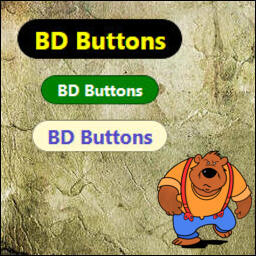
BD Buttons
v1.0.5Douglas "BearlyDoug" Hazard · 2021年5月20日 上架
BD Buttons was developed to empower the every day person to be able to buttonize any link with an attention grabbing design.
- 正在使用
- 10+
- 评分
- 暂无
- 累计下载
- 1,669
- 最近更新
- 2023年11月24日
 Douglas "BearlyDoug" Hazard
截图


BD Buttons was developed to empower the every day person to be able to buttonize any link with an attention grabbing design.
For my day job, I had a location’s site that needed to have a way to create their own eye-catching call to action link design. Other work sites also utilize these types of catchy link styles, so I came up with a plugin that provides an easy to use interface for creating your own link “button” styles, and an even easier way to get them deployed on any page or post (including custom post types).
Comes with 7 default link buttons, and allows you to customize your own color combinations, via a color palette or HTML color codes (if you already know what color combinations you want).
Current Version 1.0.5
Features:
- Built into the Visual Editor, just type a few things, click a few things and your link is stylized.
- Easy to use admin interface for creating your own unique link button color combinations.
- CSS and “BD Button” configuration reside inside wp-content/uploads, to avoid permission issues.
This plugin is not compatible with WordPress versions less than 5.0. Requires PHP 5.6+.
TROUBLESHOOTING:
- Upon activation, the “bdbuttons” folder inside the main plugin folder gets moved to wp-content/uploads. If this fails, you can manually move that folder over. It’ll need to be either owned by the Apache user, or the entire folder needs to be CHMOD’d to 777, so that the two files (one .css and one .txt) can be web-writeable. No PHP code and no JS code can be executed directly from either file, FYI.
- On some systems, the CSS file is cached. You will need to clear your server’s cache to reflect any changes you make via custom link button additions.