
Bayle Booking Widget
v0.3.0Bayle · 2026年10月24日 上架
Embed Bayle table booking on your restaurant website. Guests book in place; WordPress never holds API keys.
- 正在使用
- 10 以下
- 评分
- 暂无
- 累计下载
- 213
- 最近更新
- 2026年10月24日
贡献者
 Bayle
截图
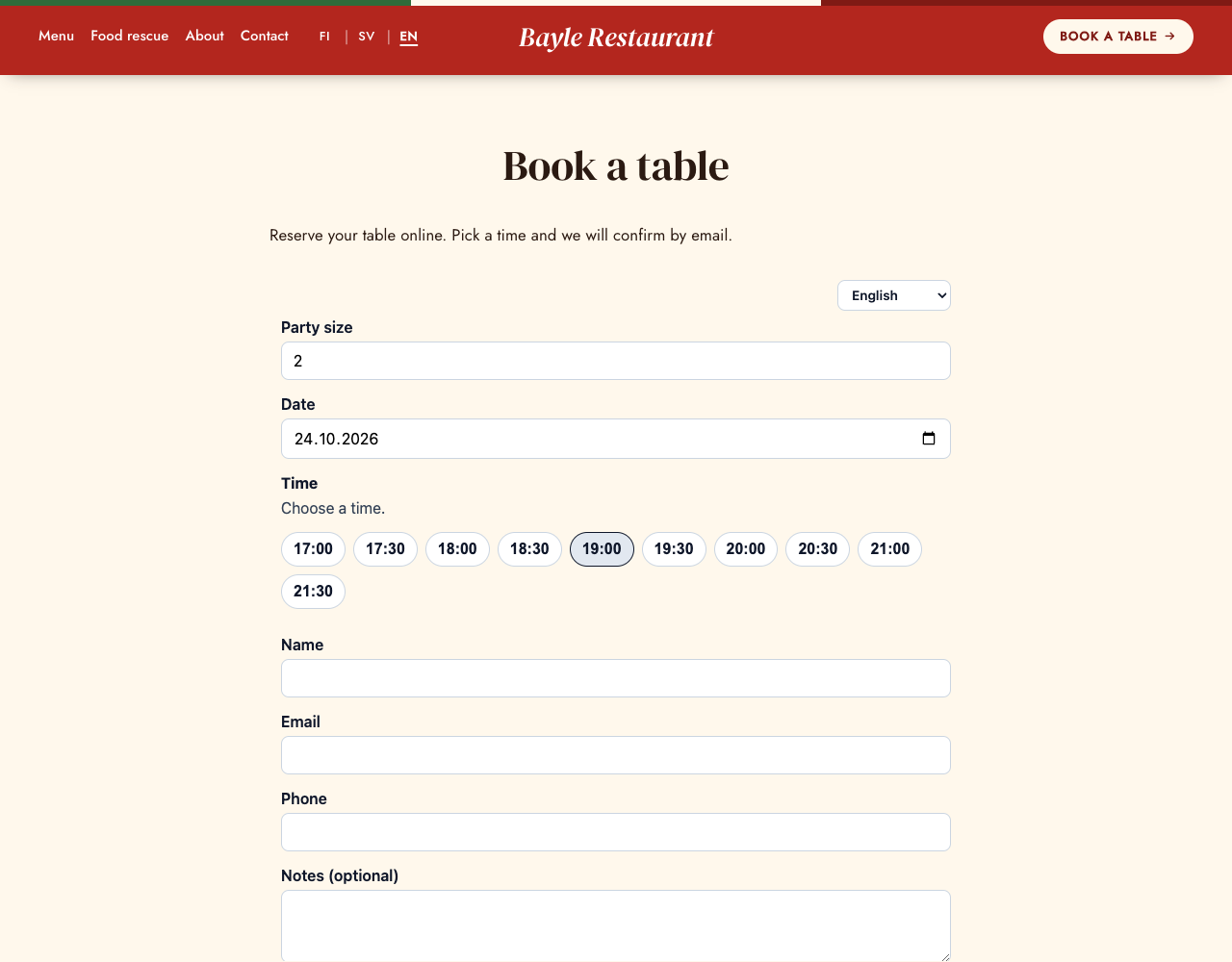
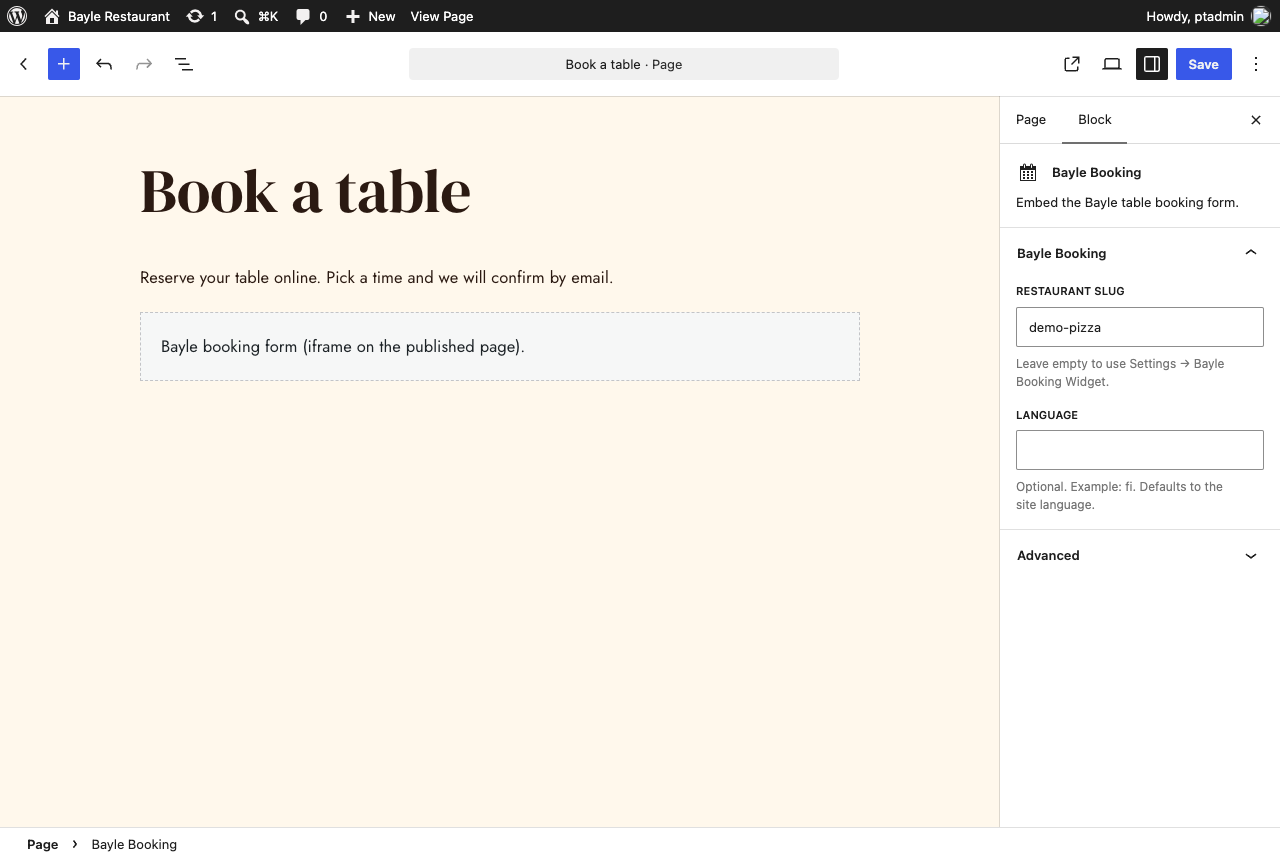
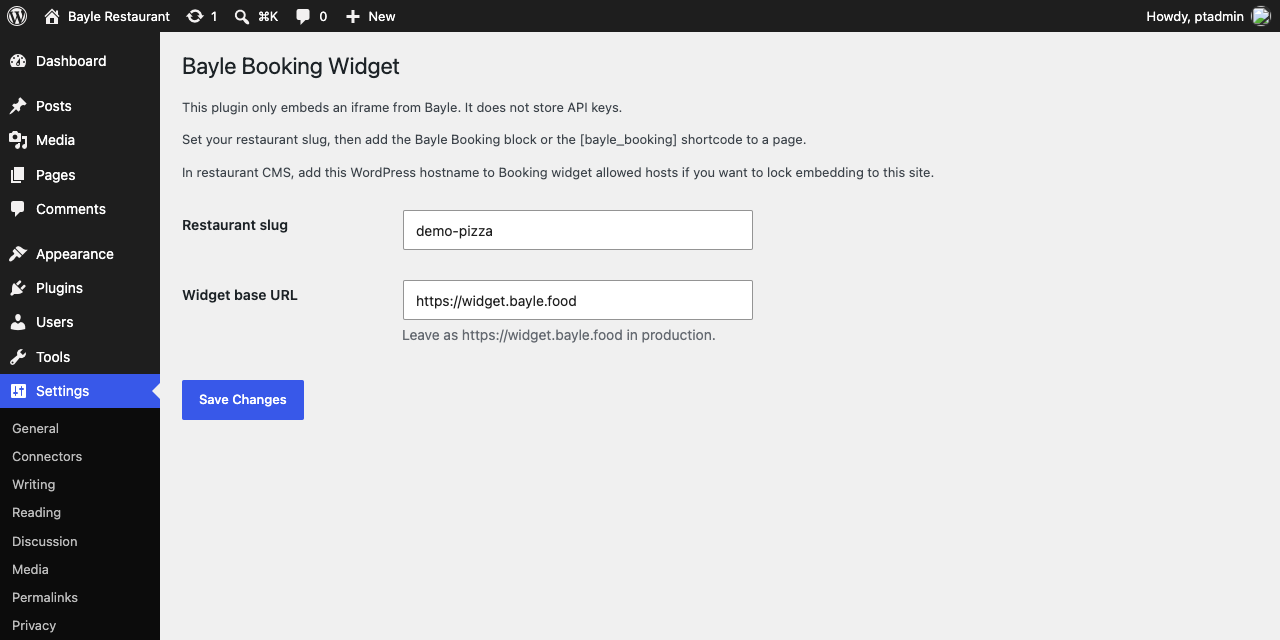
Bayle Booking Widget embeds the Bayle reservation form on a WordPress page.
This plugin is an interface to the Bayle booking service at https://widget.bayle.food. You need an active Bayle restaurant with the booking widget module turned on. The plugin stores only the restaurant slug and widget base URL. It does not store API keys and does not call Bayle food APIs from PHP.
Booking finishes inside the iframe. Guest name, email, phone, and optional notes entered in the form are sent to Bayle to create the reservation.
Add the Bayle Booking block, or the shortcode [bayle_booking].
External services
This plugin connects to the Bayle booking service, operated by Bayle (https://bayle.food). It is required: without it there is no booking form.
- Service: Bayle booking widget, loaded in an iframe from
https://widget.bayle.food(or another officialhttps://*.bayle.foodhost set by the site admin). - When: every time a visitor loads a page that contains the Bayle Booking block or the
[bayle_booking]shortcode, and when the visitor submits a reservation. - What is sent: the restaurant slug and optional language code in the iframe URL; the visitor’s IP address and the embedding site’s address (referrer origin) as part of the normal page request; and, on submit, the reservation details the visitor types (name, email, phone, party size, date, time, optional notes).
- Human verification: inside the iframe, the form runs a Cap.js proof-of-work captcha from Bayle’s own captcha service at
https://captcha.bayle.food(the challenge script and verification API are loaded from that host when the visitor fills in the form). No Google reCAPTCHA or other third-party captcha is used, and the plugin itself does not load this script on your site. - Why: to show live table availability and create the booking with the restaurant.
- Terms of Service: https://bayle.food/legal/terms/
- Privacy Policy: https://bayle.food/legal/privacy/
The plugin itself makes no server-side requests to Bayle, sets no cookies and adds no tracking.
Shortcode
Basic:
[bayle_booking]
Override the slug or language on one page:
[bayle_booking slug="demo-pizza" lang="fi"]

base_url can also be overridden, but only with an official `https://*.bayle.food` address; other values are ignored.

lang is matched to the restaurant's enabled storefront locales. If omitted, the plugin sends the WordPress site language.