
Badge
v1.6eroux · 2011年2月13日 上架
Display a badge (based the "badges") without requiring file-system access or knowledge of HTML.
- 正在使用
- 70+
- 评分
- 暂无
- 累计下载
- 9,045
- 最近更新
- 2024年5月3日
需要 WordPress 6.0+已测试到 6.5.15
贡献者
 eroux
截图
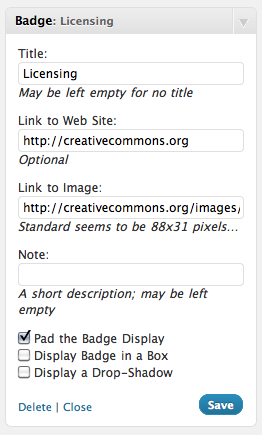

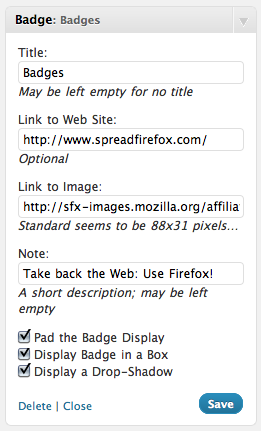
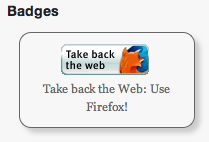
Display “Badges” in the side-panel which points to a web-site and an image which is then used to build the “badge”.
To access the configuration you have to go to Appearance > Widgets and edit the settings in the Panel.
Using the Widget you can choose whether to:
- (Optionally) display a Title
- Link to a site
- Required link to an image to mark that site (any size will work, but the “standard” seems to be 88 pixels wide by 31 pixels high)
- Pad the Badge (including centring the text); some people may prefer using their own CSS, so this is an optional configuration.
- Enable “Display Badge in a Box” (enabled by default)
- Enable the Displaying of a Drop-Shadow
If more control is needed, or more badges need to be displayed, the badges plugin on the WordPress site might be a better fit.