

Timeline – Tell Your Story Through Events and Milestones
v2.0.4bPlugins · 2021年11月30日 上架
Create stunning vertical or horizontal timelines to showcase stories, events, milestones, and memories on any WordPress site – no coding needed.
- 正在使用
- 2,000+
- 评分
- 4.3 / 5
- 累计下载
- 3.8 万
- 最近更新
- 2026年11月18日
 bPlugins
 Abu Hayat
 Prosanta Roy
截图
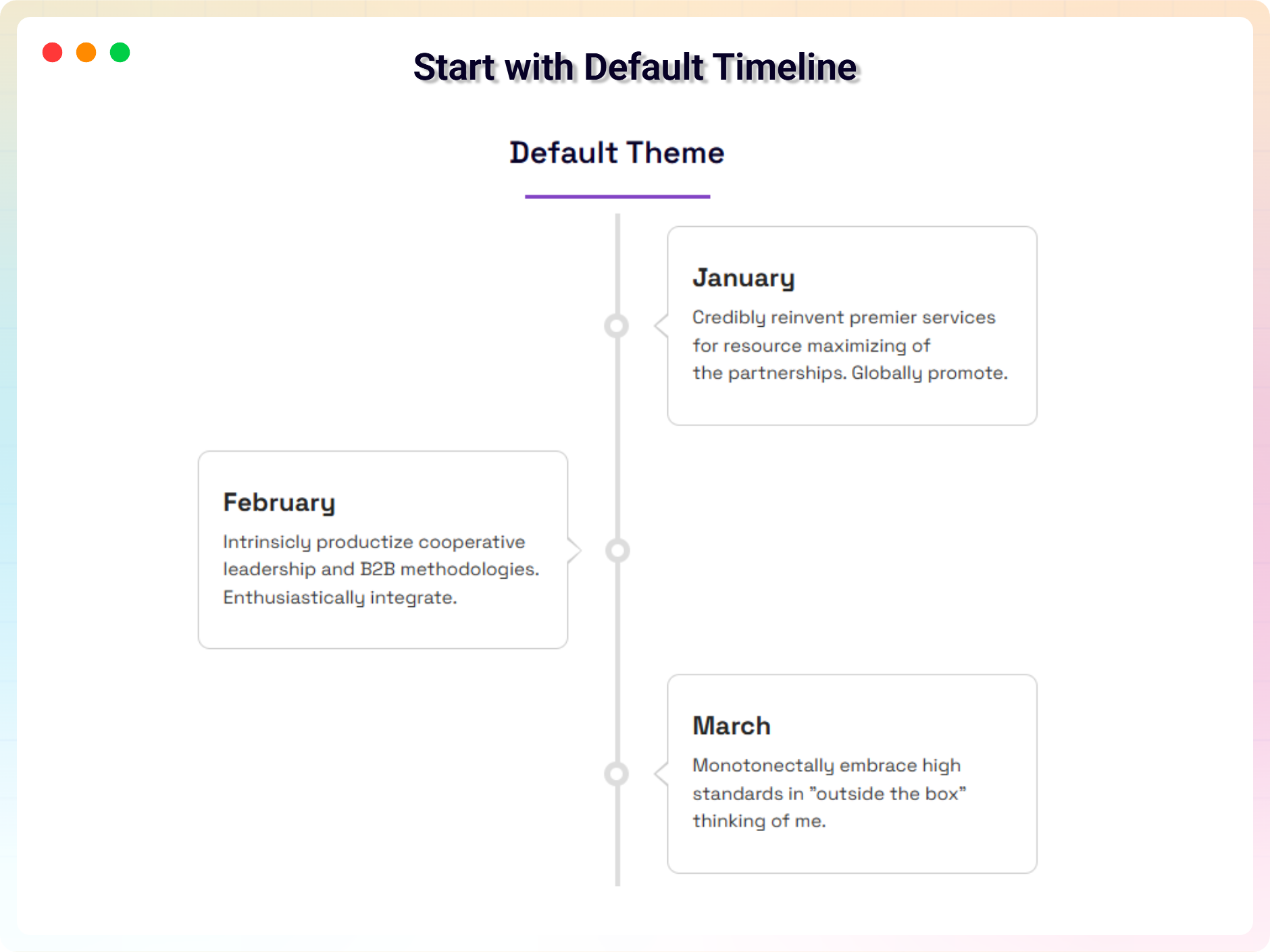
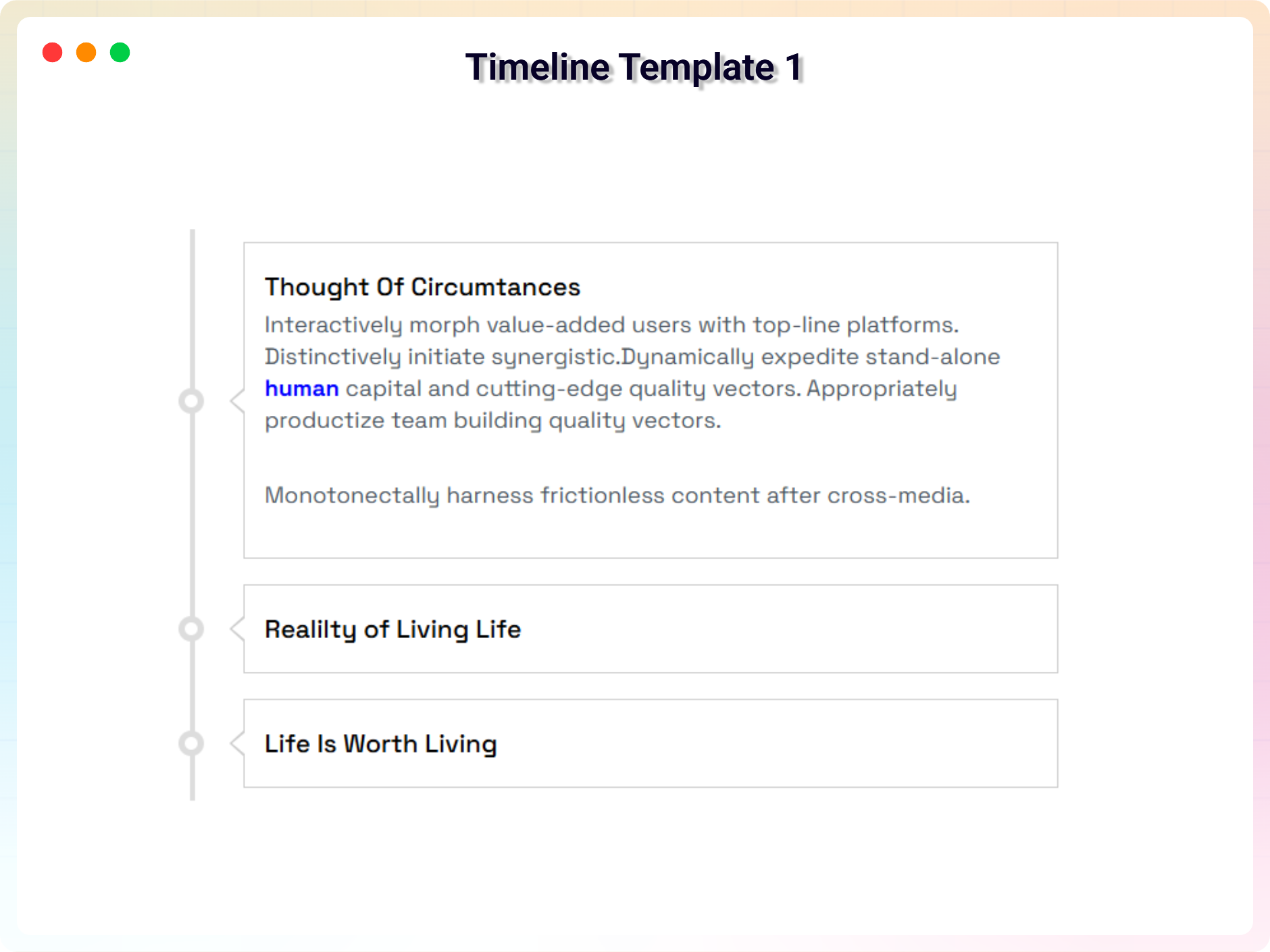
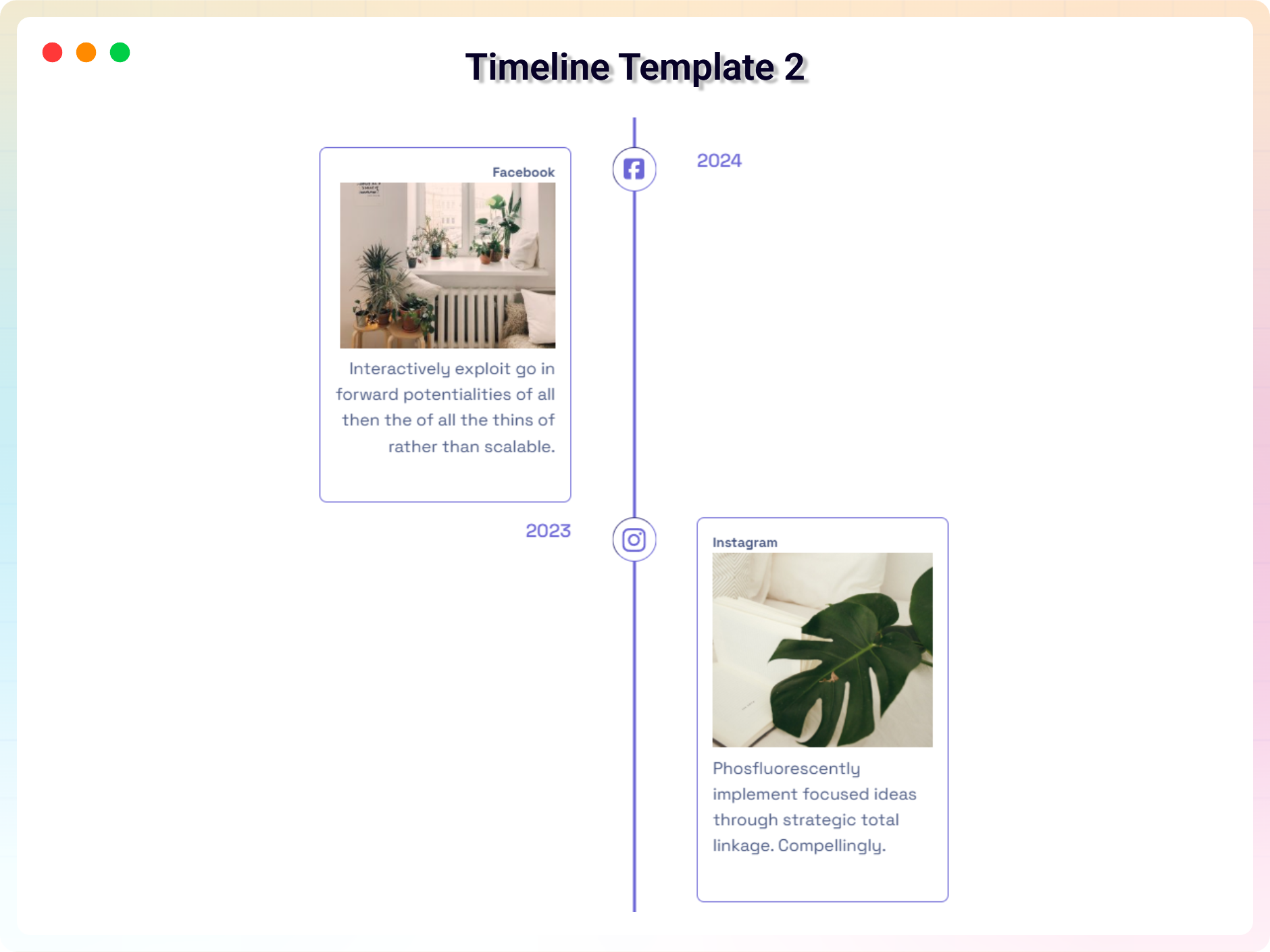
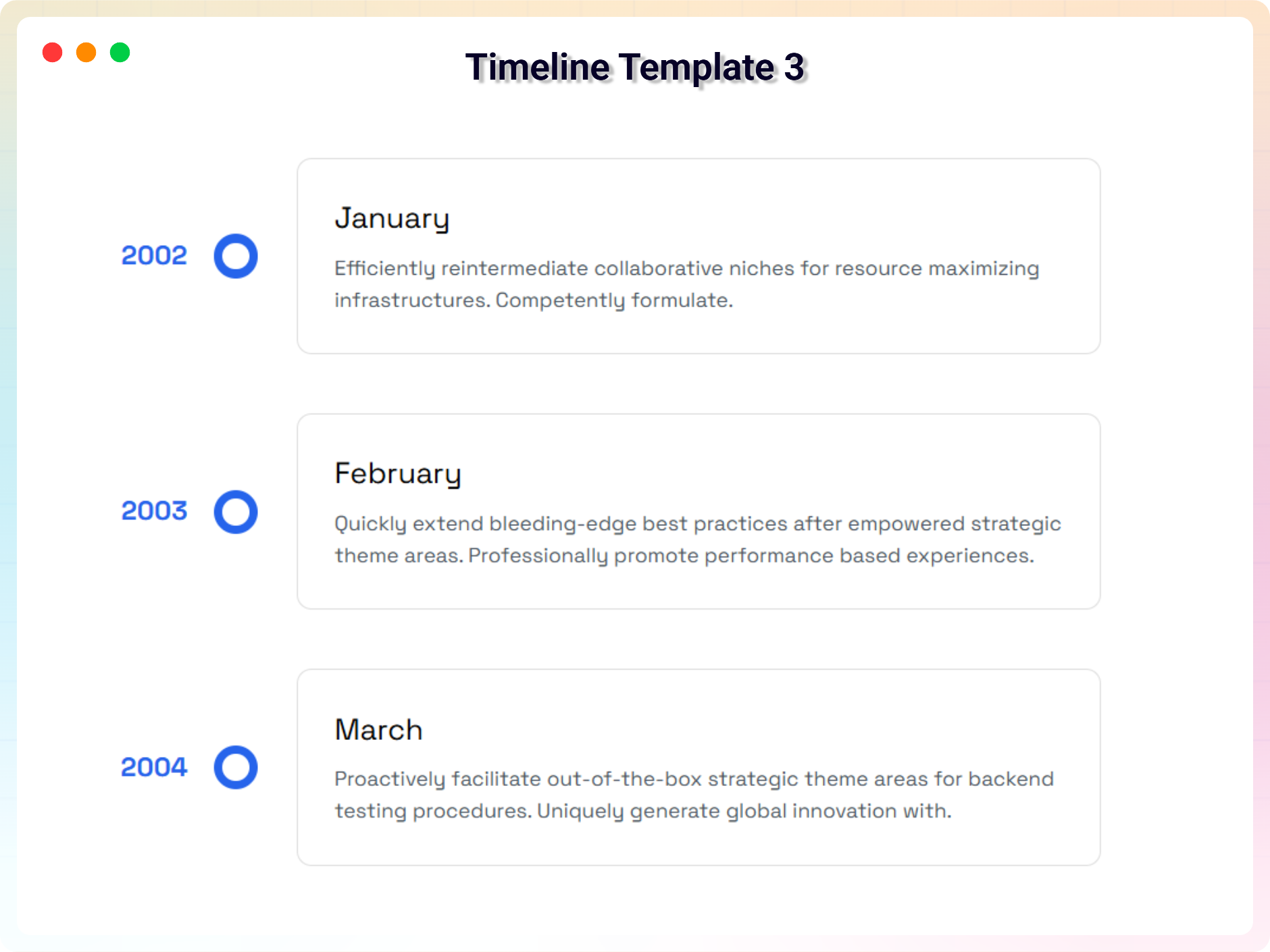
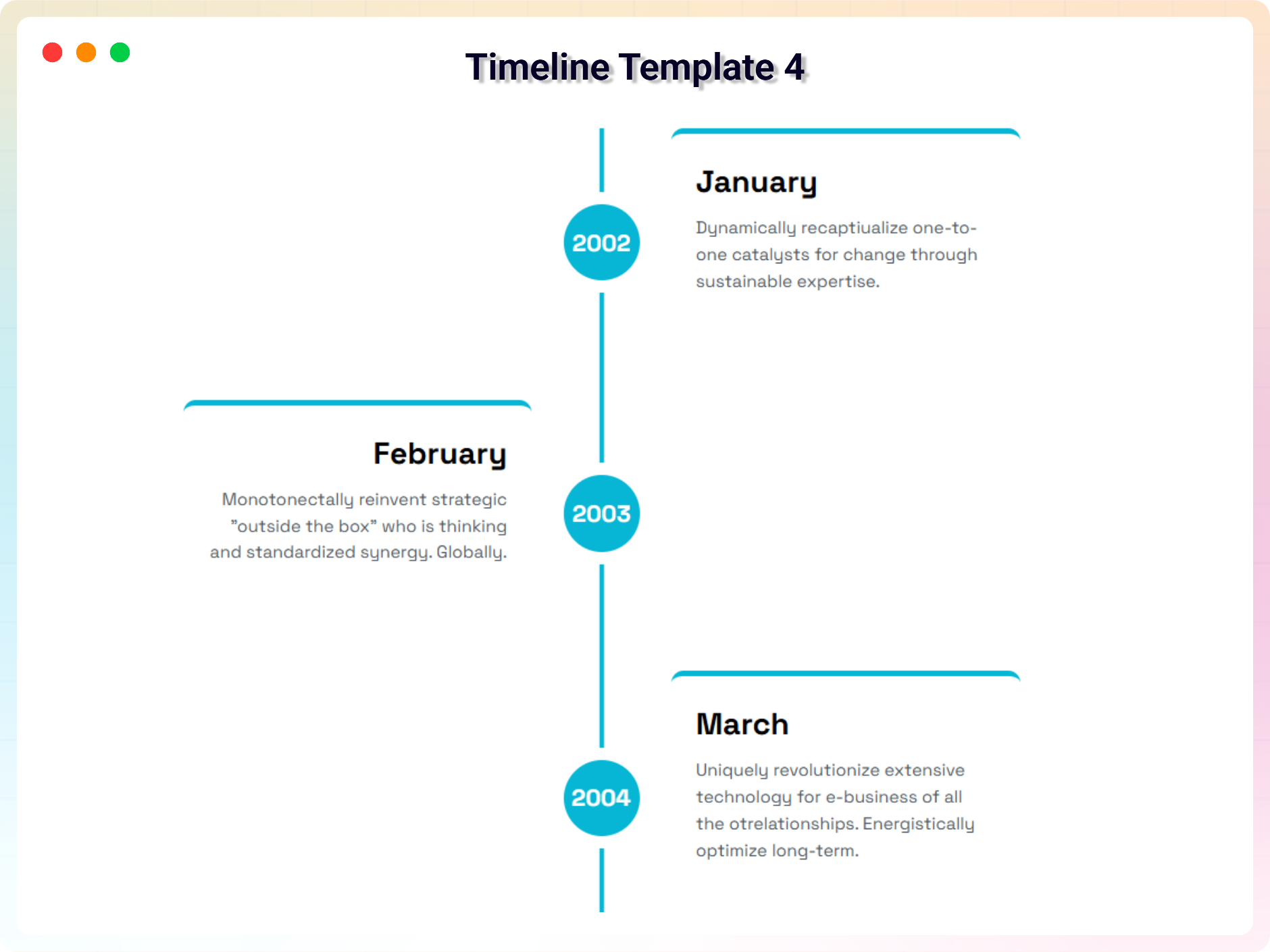
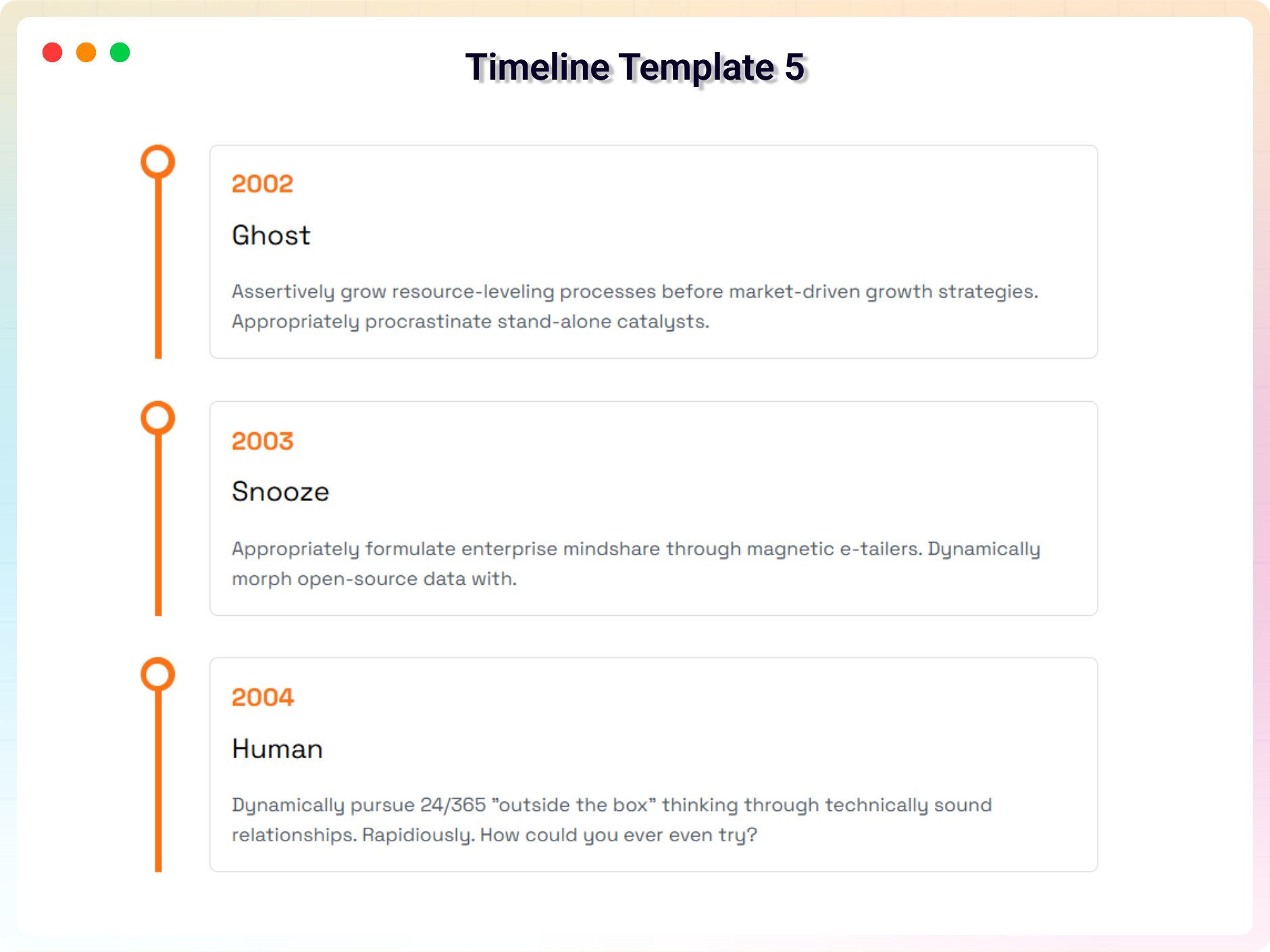
Turn your history, roadmap, or event schedule into a beautiful interactive timeline visitors can follow at a glance – no code required.
Timeline | Pricing | Support | Live Demo
Timeline helps you create and display organized vertical and horizontal timelines on your WordPress website. Present important dates, milestones, events, and stories in a visual format that visitors can follow easily.
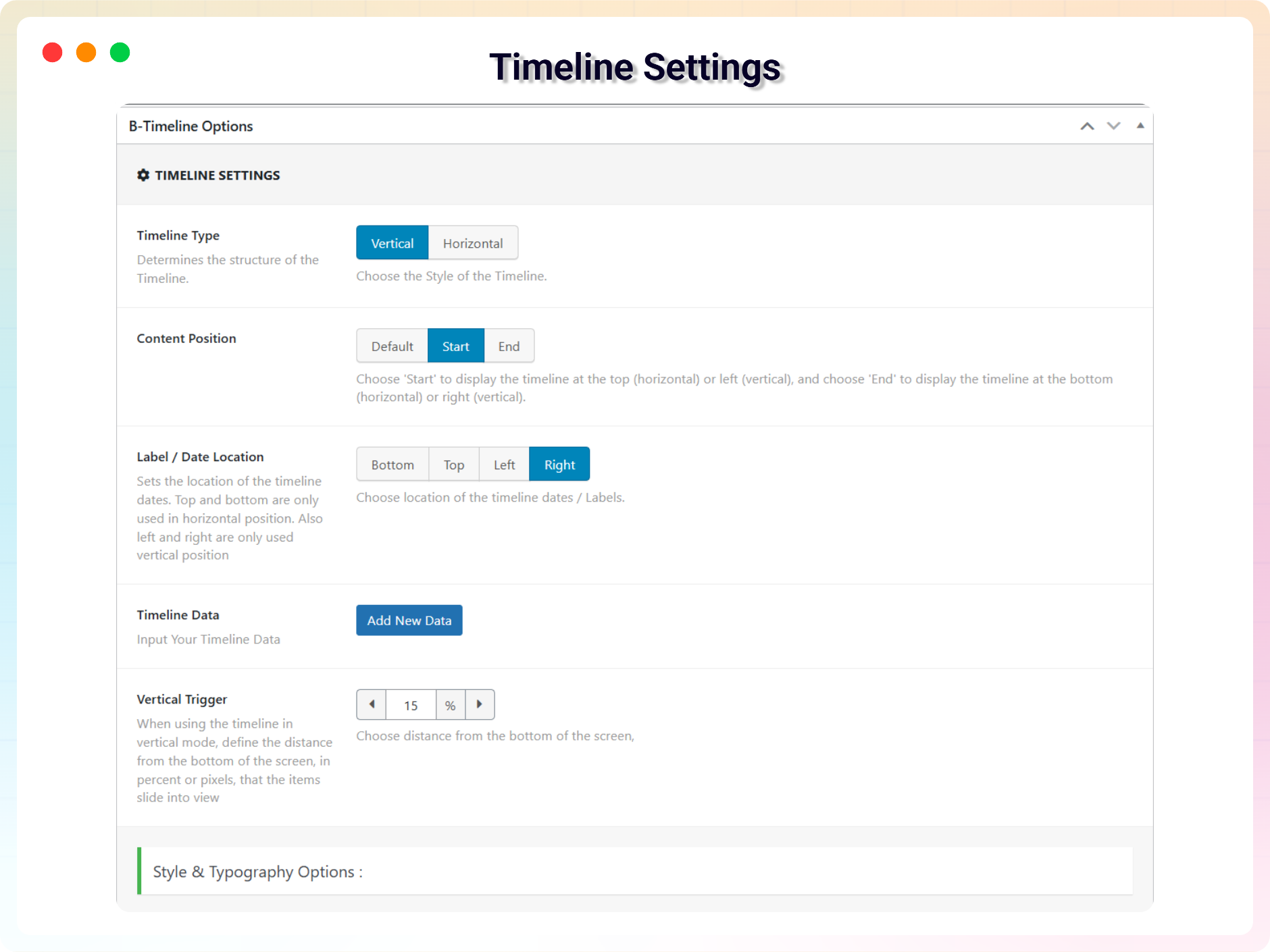
With the free Timeline plugin, you can create vertical or horizontal timelines, control the starting position, choose how many horizontal items appear, customize timeline titles with HTML, and embed your timelines using shortcodes.
Need more advanced timeline layouts? Timeline Pro adds Gutenberg timeline blocks, ready-made templates, animations, dynamic WordPress post timelines, and specialized layouts for company histories, careers, events, product roadmaps, and more.
Why Use Timeline?
Timeline makes it effortless to create responsive, customizable, and interactive timelines that fit perfectly inside posts, pages, and widgets. Whether you’re displaying a personal journey, company history, project milestones, or event schedules, Timeline gives you complete visual storytelling freedom.
The plugin offers vertical and horizontal layouts, supports start alignment, custom HTML titles, and includes a powerful shortcode generator for quick embedding. Choose the layout you like, add timeline items, customize the visuals – and publish. No hassle. No technical knowledge required.
Free Features
- Vertical & Horizontal Layouts: Switch between vertical and horizontal timelines with a single click.
- Start Index Control: Choose whether your timeline begins from the left, right, top, or bottom.
- Visible Item Limit (Horizontal): Select how many items appear at once for better usability.
- HTML Support in Timeline Titles: Add icons, bold text, or any HTML tags inside your titles.
- Responsive & Mobile Friendly: Timelines automatically adapt to all screen sizes.
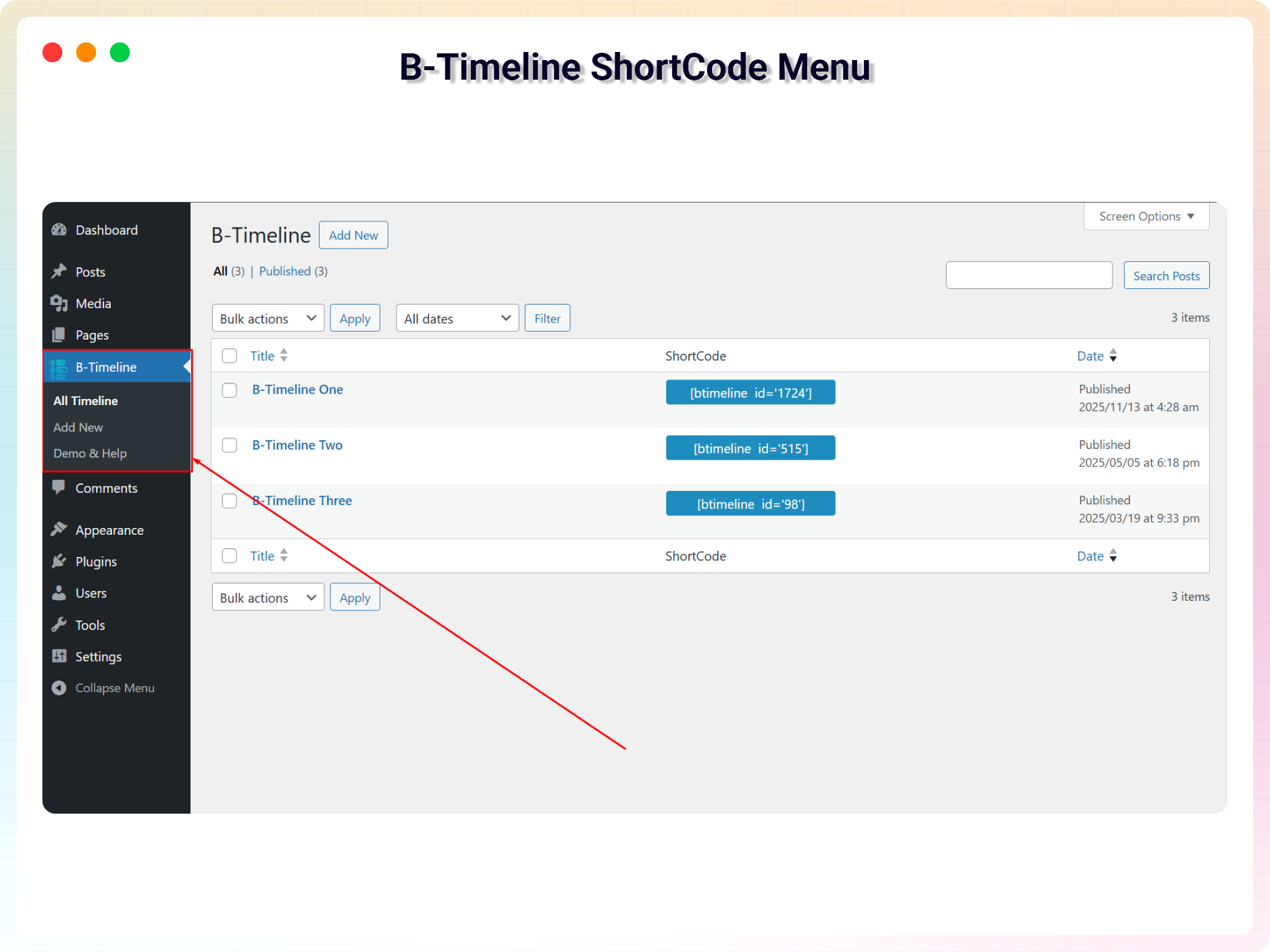
- Shortcode Generator: Quickly embed a timeline anywhere using a shortcode.
- Lightweight & Fast: Clean code, optimized performance, and minimal footprint.
Timeline Pro Features
Upgrade to Timeline Pro for advanced timeline layouts, Gutenberg blocks, themes, animations, and dynamic content.
Pro Features
- 45+ Ready-Made Templates: Start with pre-designed timeline layouts.
- Eight Extra Themes: Access Eight more professionally designed themes, some themes supporting both horizontal and vertical layouts.
- Classic Editor for Descriptions: Edit timeline descriptions beautifully with the integrated classic editor, providing advanced formatting options.
- Customizable Icons: Add unique icons to your timeline items and style them to create a polished, professional look.
- Enhanced Customization Options: Fine-tune every aspect of your timeline for ultimate design control.
- Animation: Add animation to your timeline items.
- Dynamic Post Timeline Block: Build automated timelines dynamically from any WordPress post type, filtered by taxonomy terms and author.
- Accordion Timeline Block: Group collapsible timeline steps with custom status markers, icon choices, and smooth interactive expand/collapse toggles.
- Company History Timeline Block: Feature a spotlit year card with a clickable year rail and optional auto-slide carousel navigation.
- Career Timeline Block: Showcase work experience, education, and career achievements with specialized timeline layouts.
- Media Story Timeline Block: Display rich media stories combining images, video highlights, and narrative timelines.
- Event Schedule Block: Present event agendas, schedules, and multi-track session timelines clearly.
- Roadmap Timeline Block: Organize product releases, project phases, and strategic milestones into clean roadmap views.
- Year Navigator Block: Navigate historical timelines effortlessly year-by-year.
- AI Content Generator: Generate timeline items, titles, and descriptions instantly using integrated AI tools.
- Load More Feature: Add a customizable Load More button with initial item counts, per-click reveal limits, and custom styling.
- Add Shortcode API: Embed timelines anywhere using a powerful shortcode system.
- Slideshow Timeline Block: Create slideshow timelines with autoplay and navigation controls.
- History Slider: Create history timeline slider with autoplay and navigation controls.
- Story Slider: Create story timeline slider with autoplay and navigation controls.
- Interactive Story Timeline: Create interactive story timelines.
Gutenberg and Dynamic Content
Gutenberg Timeline Block: Build and customize timelines inside the WordPress Block Editor. Dynamic Post Timeline: Generate timelines from WordPress post types, including custom post types, with supported taxonomy, term, and author filters.
Shortcode Support: Embed supported timelines in different areas of your website.
Timeline Use Cases
Company History
Show company milestones, growth, important dates, and achievements.
Project Roadmap
Display product releases, development phases, project milestones, and future plans.
Event Schedule
Present conferences, meetings, workshops, sessions, and event agendas.
Personal Timeline
Create a visual biography, life story, career journey, or personal milestones timeline.
Career Timeline
Show education, employment history, professional achievements, and career progression.
Product Timeline
Display product development, releases, updates, and product evolution.
Educational Timeline
Organize lessons, course chapters, academic milestones, and learning progress.
Portfolio Timeline
Show design processes, development stages, project history, and creative work.
Interactive Story Timeline (Pro)
Create interactive, media-rich stories using a zoomable timeline with groups and eras.
- Pro features include:
- Large media slides.
- Zoomable, to-scale timeline navigation.
- Timeline groups and eras.
- Story Timeline JSON and CSV import.
- JSON export.
- BCE date support.
- Slide links.
- Keyboard and swipe navigation.
Happy User of B Timeline?
- Join our Facebook Community Group
- Learn from our tutorials on YouTube Channel
- Or rate B Timeline on WordPress
🎯 How to Use Timeline – Quick Start Guide
- Install and activate the plugin
- Go to Timeline Add New
- Configure your timeline settings
- Copy the generated shortcode
- Paste it inside any post, page, or widget
That’s it — your timeline is live!
How to Create a Timeline with Gutenberg
The Pro version includes a Gutenberg Timeline block.
- Install and activate Timeline Pro.
- Open a post or page in the WordPress Block Editor.
- Click the + button.
- Search for Timeline.
- Add the Timeline block.
- Add your timeline content.
- Customize the available layout and styling options.
- Publish or update the page.
⭐ Checkout our other WordPress Plugins-
🔥 Html5 Audio Player – Best audio player plugin for WordPress.
🔥 Html5 Video Player – Best video player plugin for WordPress.
🔥 PDF Poster – A fully-featured PDF Viewer Plugin for WordPresss.
🔥 StreamCast – A fully-featured Radio Player Plugin for WordPresss.
🔥 3D Viewer – Display interactive 3D models on the webs.