
Affiliate WP – s2Member Pro Coupon Codes
v1.0.0QFNetwork · 2019年4月18日 上架
Track your AffiliateWP referrals using s2Member Pro Coupon Codes
- 正在使用
- 10 以下
- 评分
- 暂无
- 累计下载
- 1,619
- 最近更新
- 2019年4月18日
贡献者
 QFNetwork
 rahilwazir
截图



When the plugin is activated, navigate to s2Member – Pro Coupon Codes – Pro-Form Coupon Code Configuration. You will see a new column named Affiliate.
In the Legend below, for the above configuration fields, it is mentioned:
s2Member Pro Coupon Codes checks this field to assign this coupon to the affiliate registered on AffiliateWP. You need to input the Affiliate user login (username).
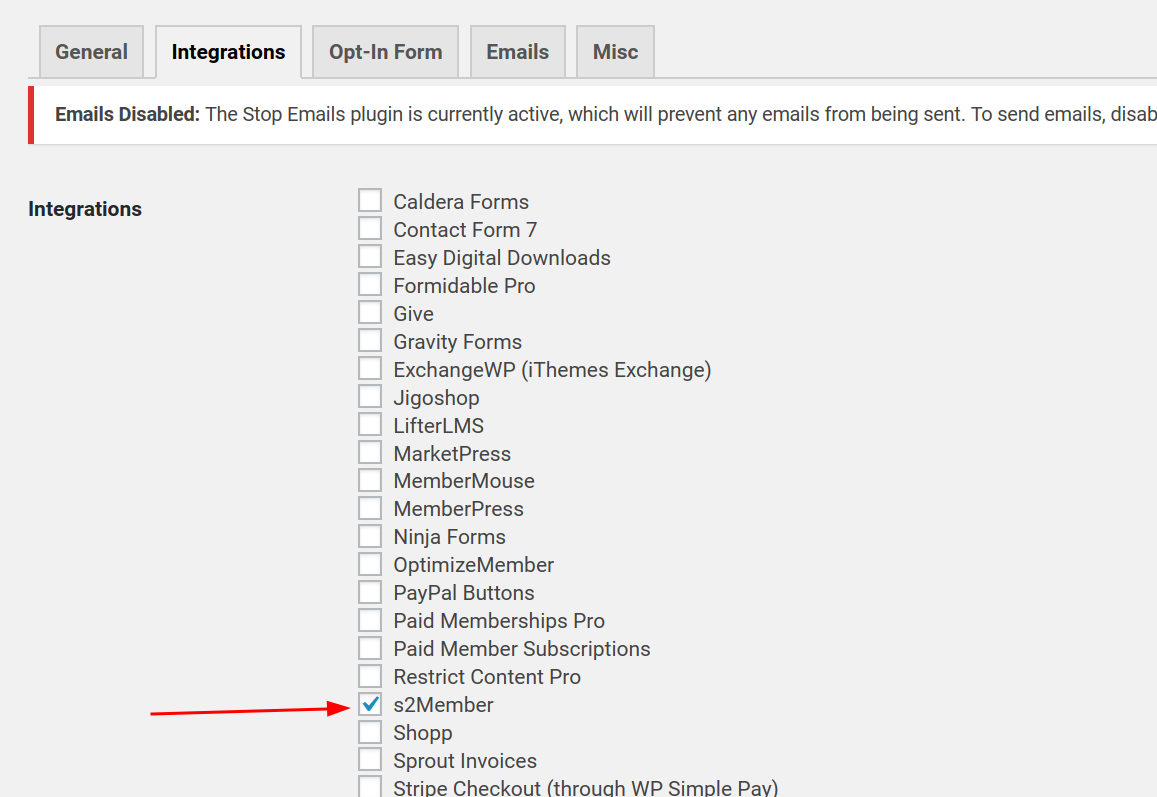
Also, the s2Member integration is selected in AffiliateWP – Integrations screen.
How to find Affiliate User Login?
Affiliates – Affiliates, select the appropriate affiliate and see the Username field.
Paste that username on the Affiliate column of s2Member Pro Coupon Codes.
Apply Coupon
Once that’s done, apply the coupon through s2Member checkout form and happy tracking!