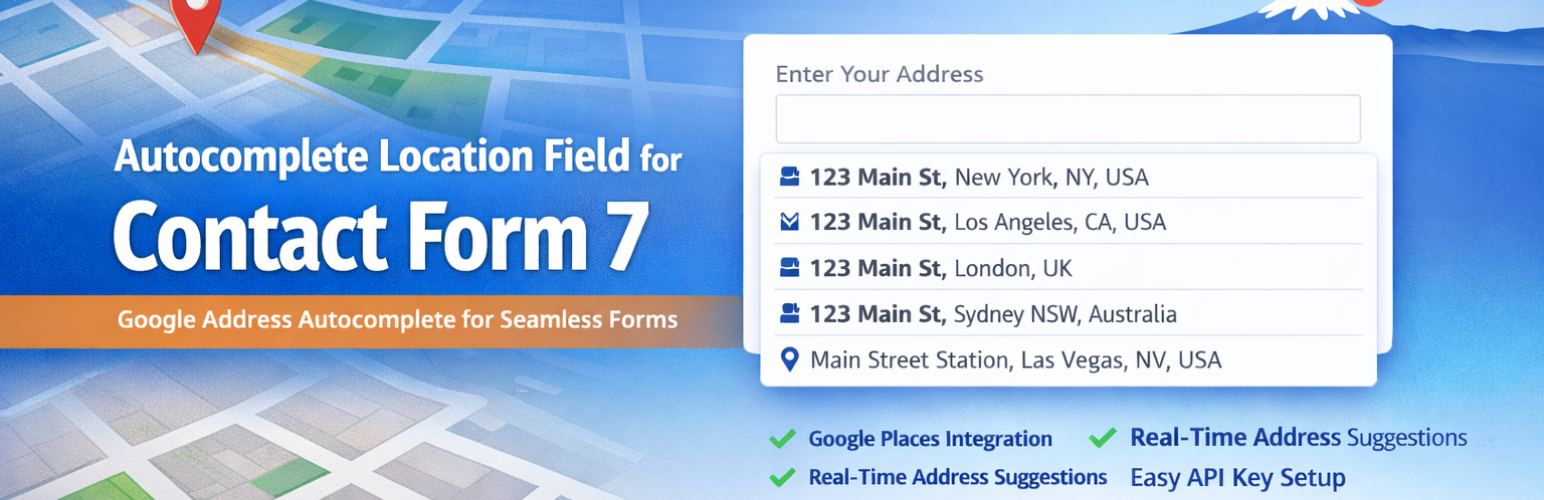

Autocomplete Location Field for Contact Form 7
v10.0theme funda · 2019年12月9日 上架
Add a Google Address Autocomplete field to Contact Form 7 forms. Powered by Google Places API for real-time address suggestions and accurate data coll …
- 正在使用
- 1,000+
- 评分
- 5.0 / 5
- 累计下载
- 2.2 万
- 最近更新
- 2026年10月25日
贡献者
 theme funda
截图
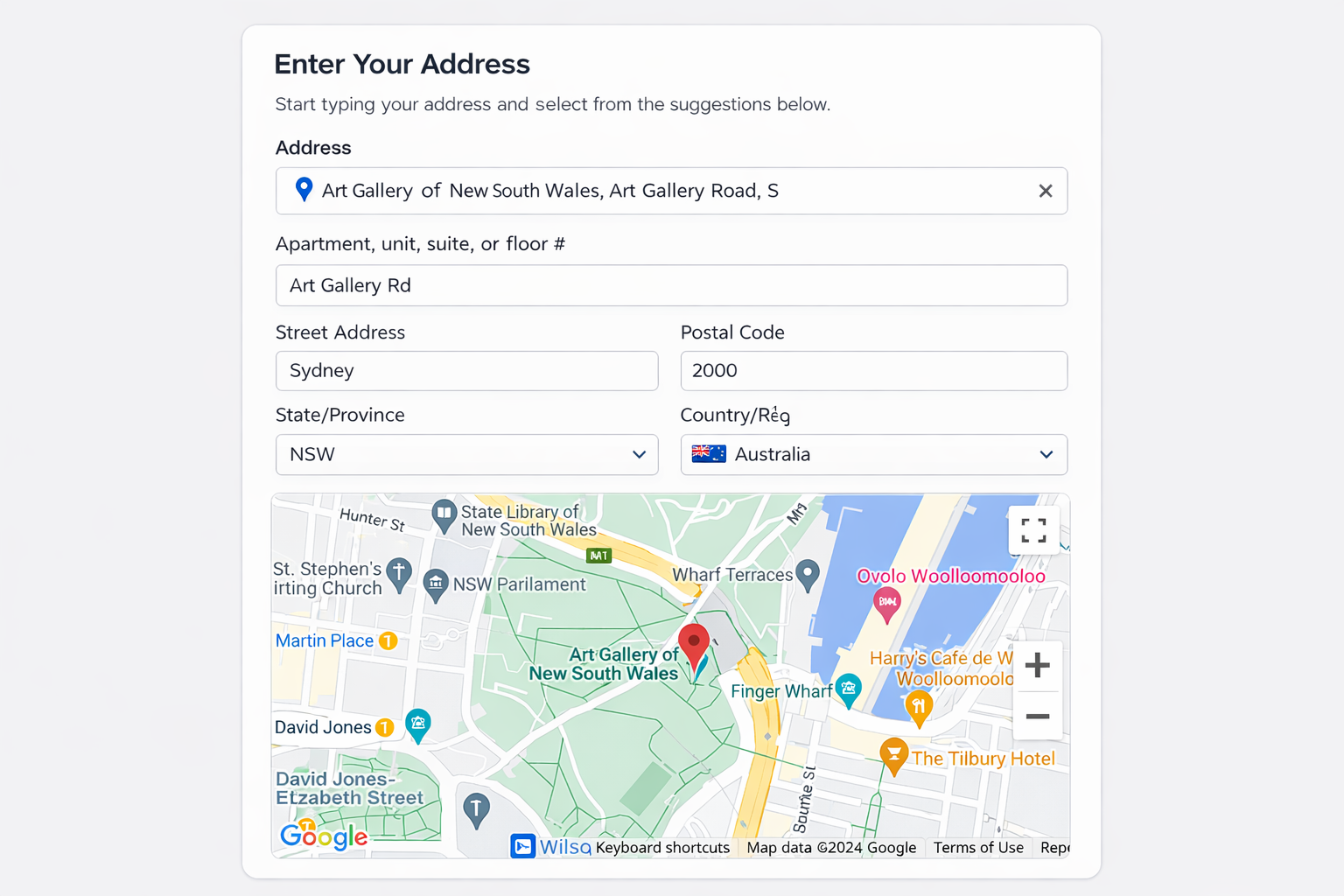
Autocomplete Location Field for Contact Form 7 is the easiest way to add a smart Google Address Autocomplete field to any Contact Form 7 form on your WordPress website.
Powered by the Google Places API, this plugin delivers real-time address suggestions as users type — reducing typos, incomplete submissions, and user frustration. Whether you run a delivery service, real estate agency, booking platform, or local business, this plugin helps you collect accurate location data effortlessly.
🔗 Pro Version | Support | Get a Google Places API Key
Why Use Autocomplete Location Field for Contact Form 7?
Manually typed addresses are prone to errors. This plugin eliminates that problem by integrating Google’s powerful address intelligence directly into your CF7 forms. Users get instant, accurate suggestions — and you get clean, reliable data.
Perfect for:
– 📦 Delivery and shipping address forms
– 🏠 Real estate and property listing sites
– 📅 Booking and appointment forms
– 🛠️ Service area and local business websites
– 📬 Business contact and inquiry forms
✅ Key Features (Free)
- Google Address Autocomplete — Real-time suggestions powered by Google Places API
- Seamless CF7 Integration — Works natively inside the Contact Form 7 editor
- Simple API Key Setup — Connect your Google API key in minutes
- Lightweight & Optimized — Minimal impact on page load speed
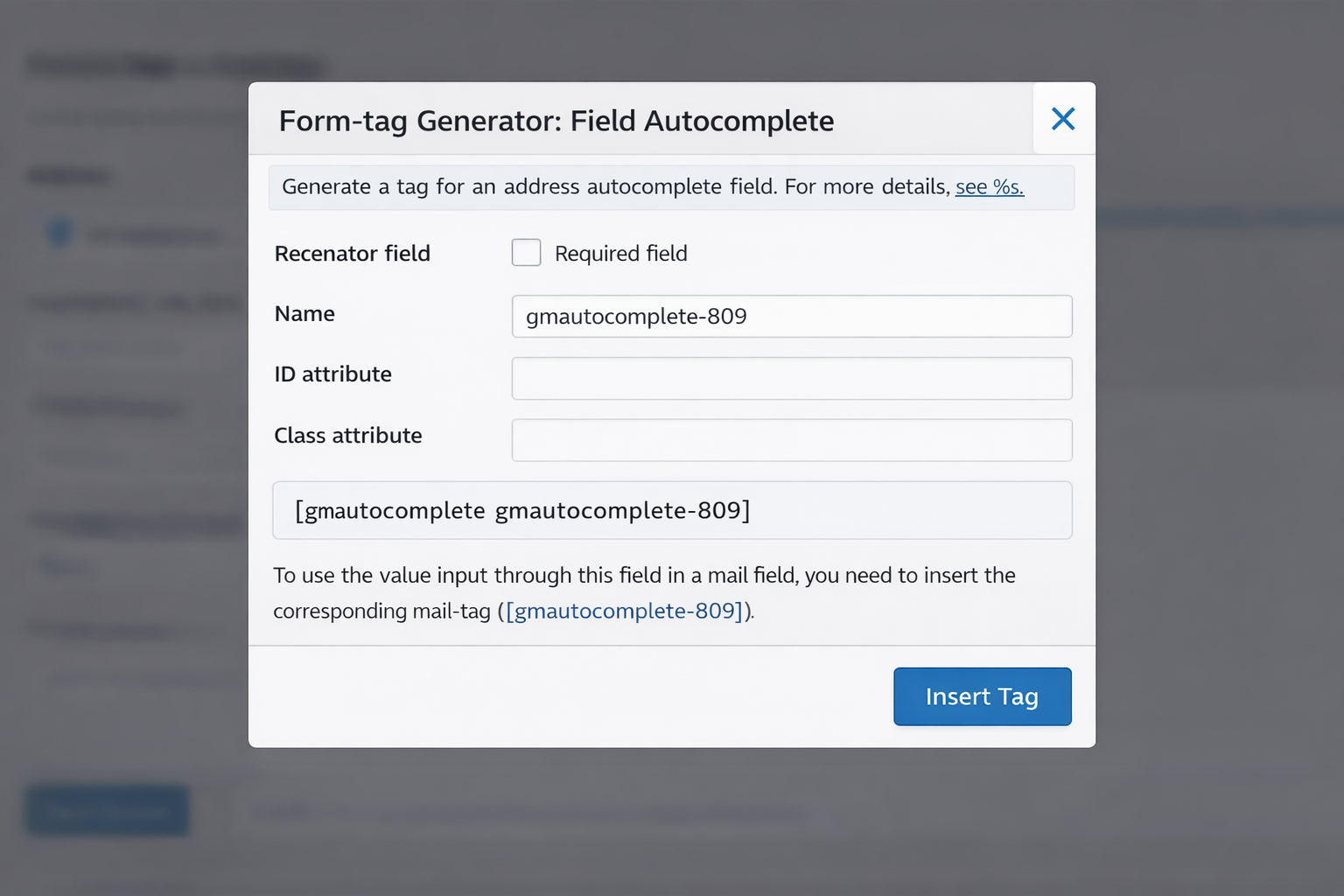
- Easy Field Insertion — Add the autocomplete field with a single click in the CF7 editor
🚀 Pro Features
Upgrade to Pro for advanced location control:
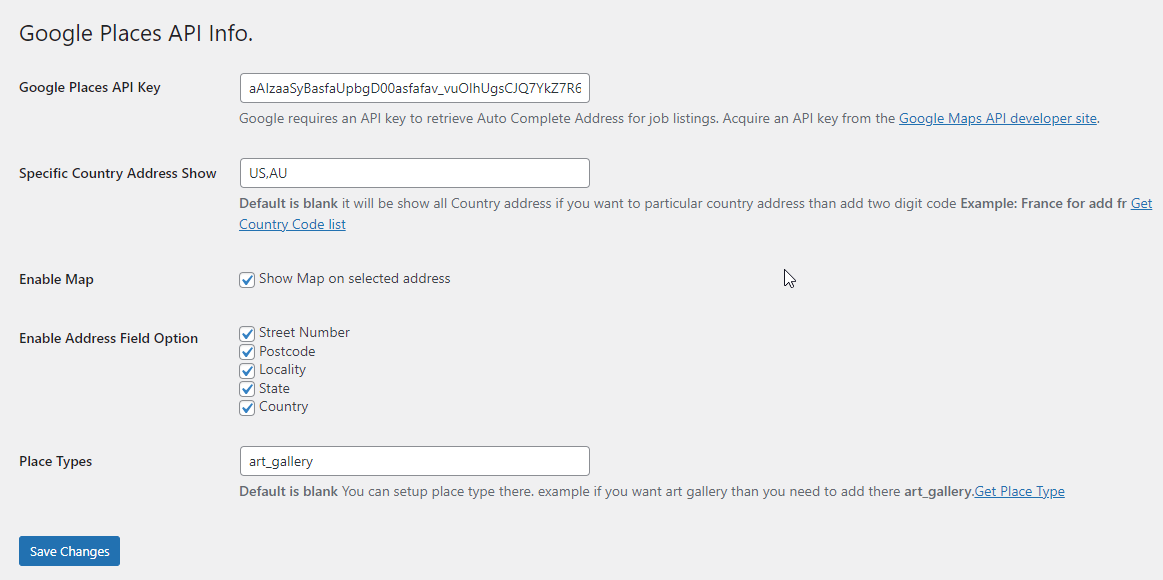
- 🌍 Country Restriction — Limit autocomplete suggestions to specific countries (e.g. US, UK, AU)
- 🗺️ Google Map Display — Show an interactive map when a location is selected
- 🧩 Separate Address Components — Capture Street, City, State, Country, and Postcode in individual fields
- 🏷️ Place Type Filtering — Restrict suggestions by type (e.g. establishments, geocodes, art galleries)
- 🌐 Custom Placeholder Translation — Localize your field placeholder text
- ⚡ Priority Support — Get fast, dedicated help from our team
How It Works
- Install and activate the plugin.
- Navigate to Contact Google Place API in your WordPress admin.
- Paste your Google Places API Key.
- Open any Contact Form 7 form editor.
- Click “Field Autocomplete” to insert the location field shortcode.
- Save the form and publish your page.
That’s it — your form now has intelligent address autocomplete!
Get your free Google API Key: Step-by-step guide | Official Google Docs
Additional Information
- Support: codesmade.com/contact-us
- Pro Version: codesmade.com/store
- API Key Guide: codesmade.com/create-google-map-place-api-key