
Auto Featured Image (Auto Post Thumbnail)
v5.0.10Themeisle · 2010年4月21日 上架
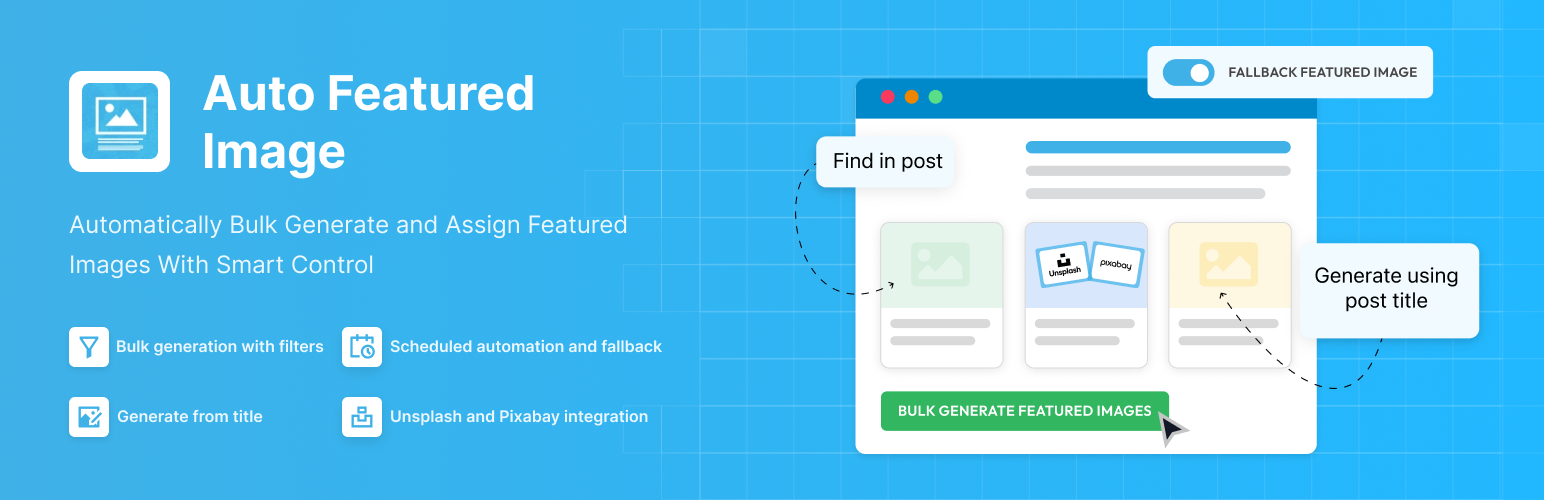
Automatically generate, assign, and manage featured images in bulk so every post on your site has a featured image.
- 正在使用
- 4 万+
- 评分
- 3.9 / 5
- 累计下载
- 200 万
- 最近更新
- 2026年11月16日
贡献者
 Themeisle
截图
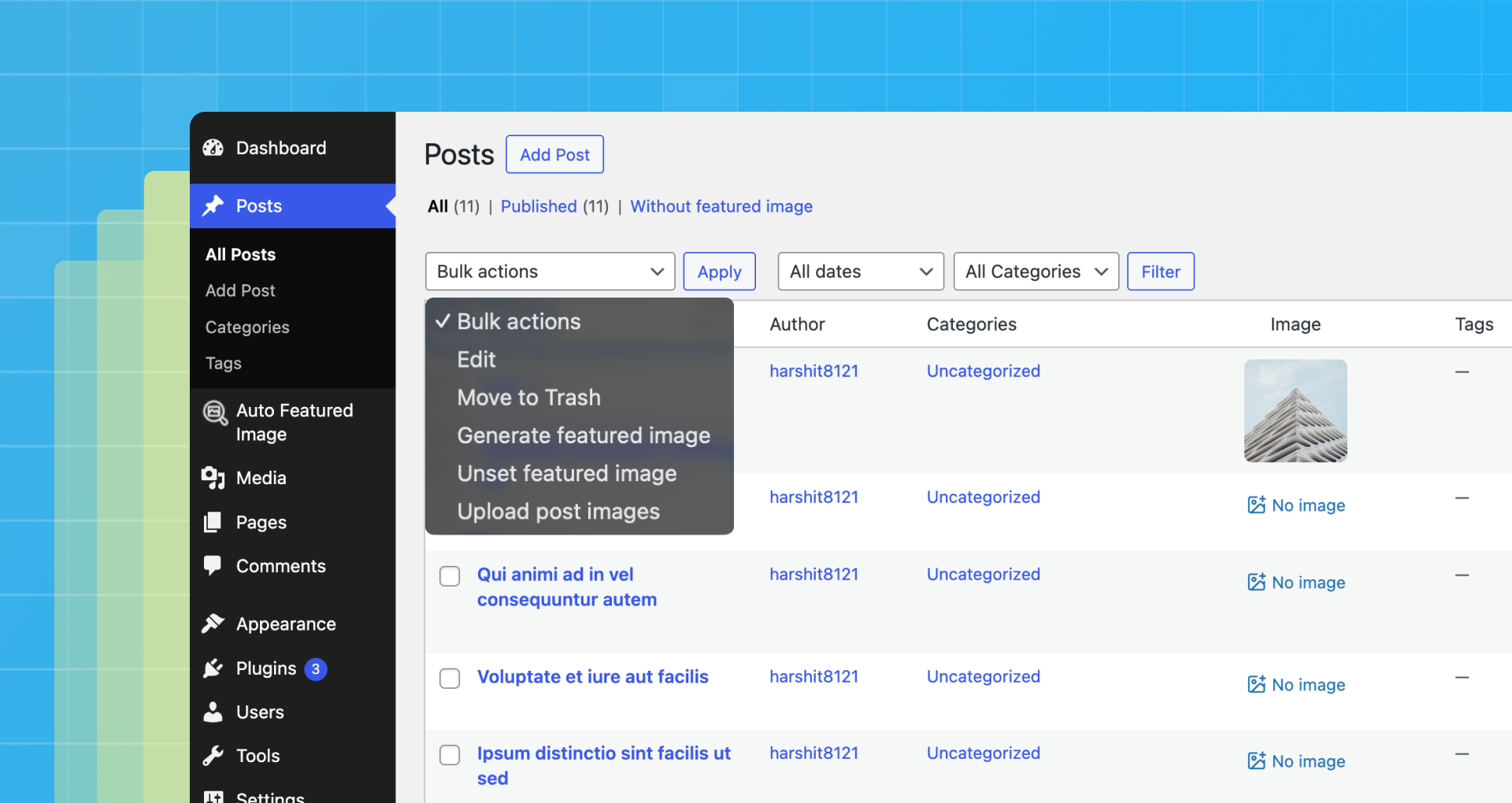
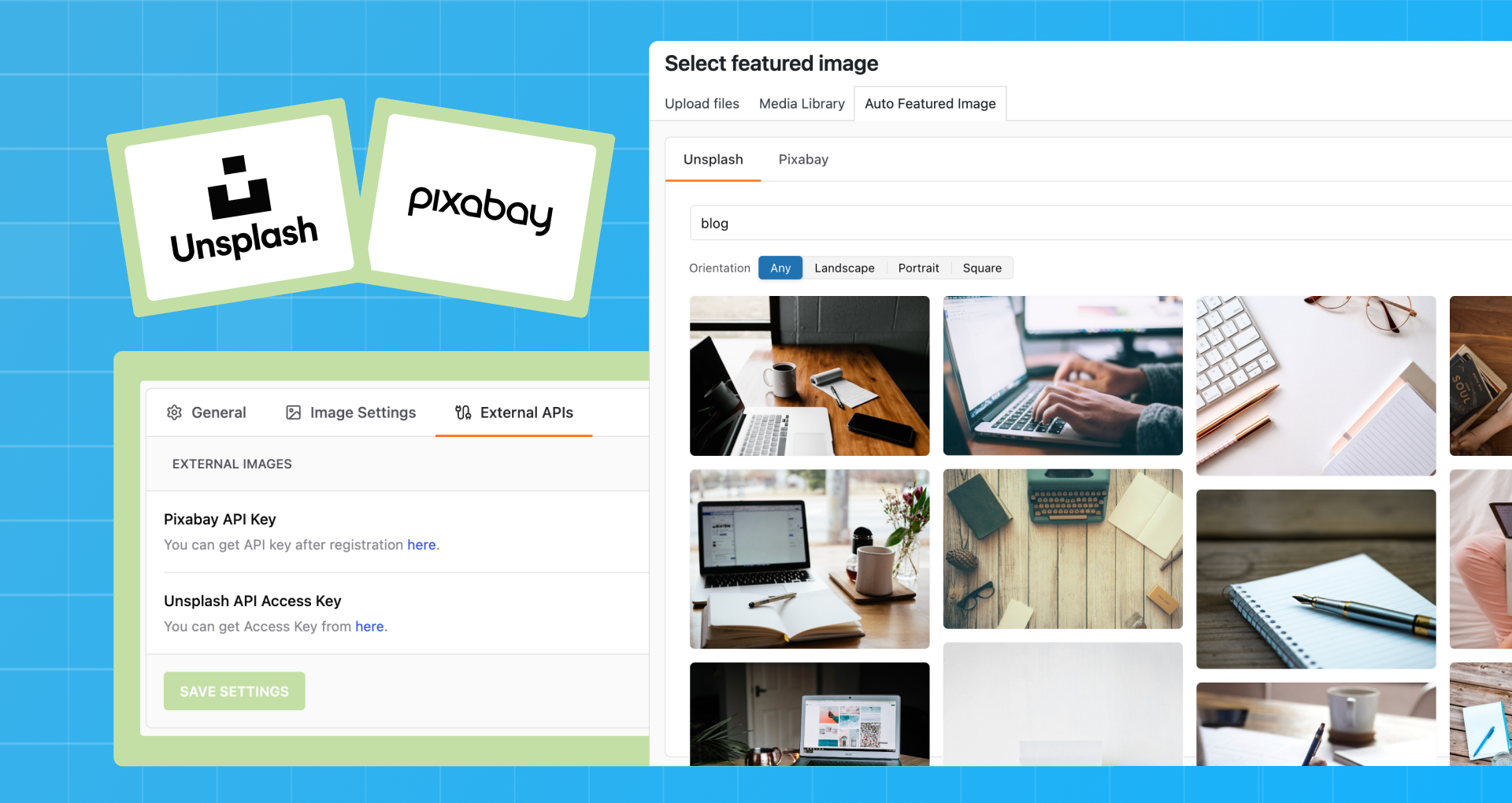
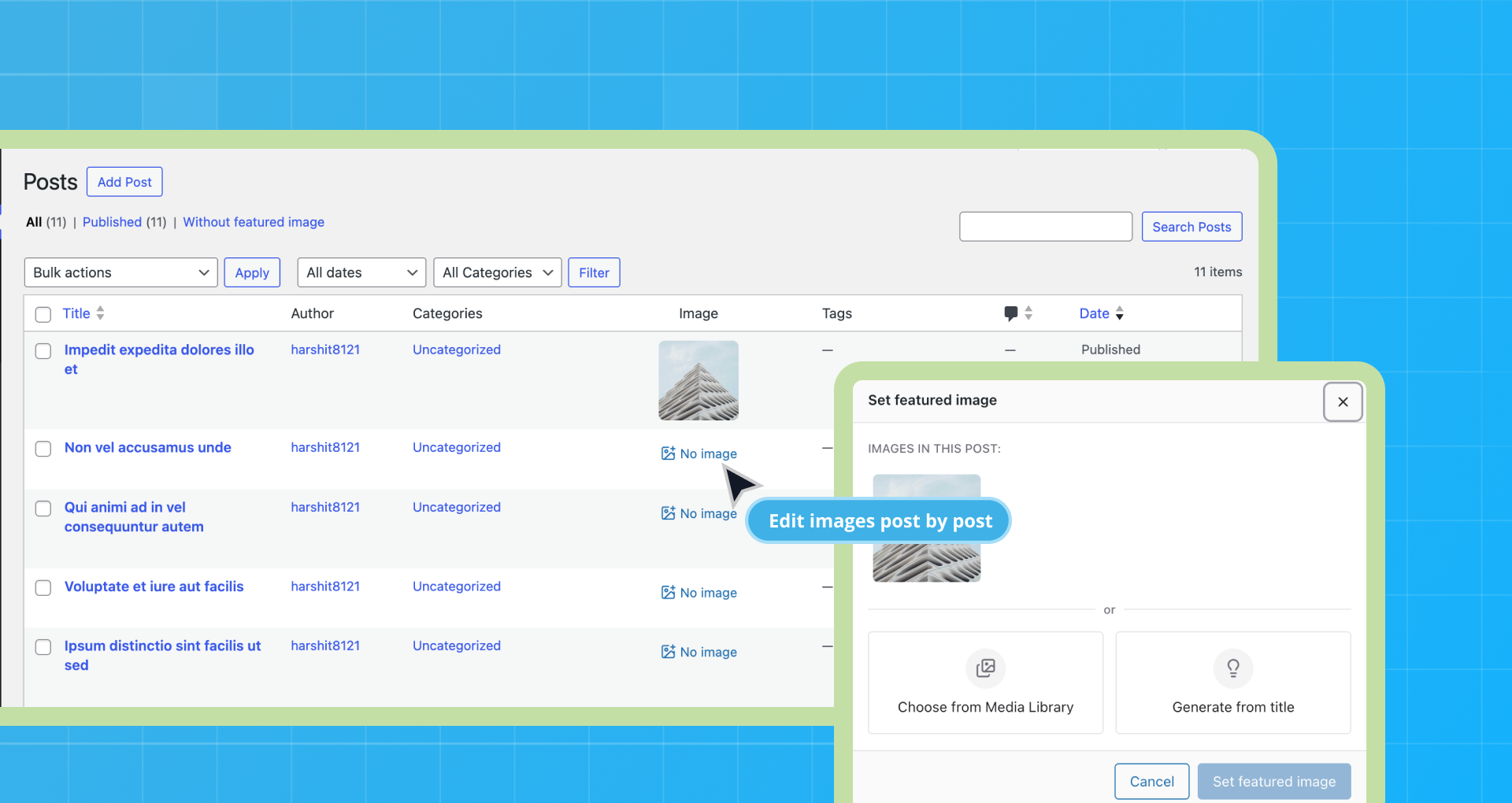
Auto Featured Image automatically fixes missing featured images and thumbnails across your WordPress site.
Generate featured images from post titles, extract images from post content, or bulk assign thumbnails using advanced filters and scheduling — all in just a few clicks.
It works seamlessly with Gutenberg, Elementor, Classic Editor, and any custom post type.
No more manual uploads. No more posts going live without featured images.
With Auto Featured Image, you can:
- Generate featured images in bulk
- Create dynamic images from post titles
- Detect and assign images already inside post content
- Automatically apply default fallback images
- Set advanced filters and control generation rules
- Schedule bulk image generation
Whether you run a small blog or manage thousands of posts, Auto Featured Image saves hours of repetitive work and keeps your website visually consistent — automatically.
⚡ Quick Links
🚀 How It Works
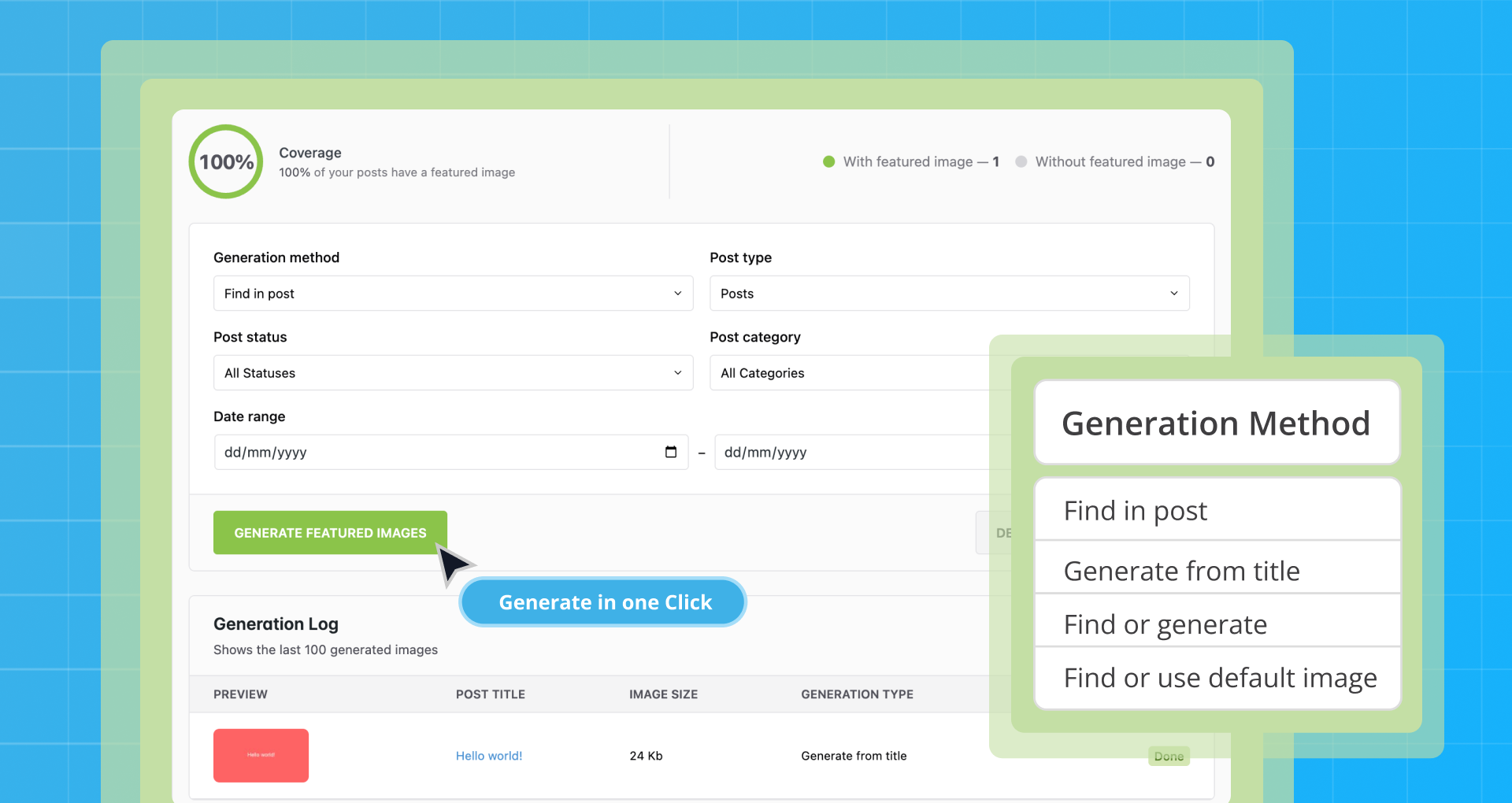
Step 1: Choose a Generation Method
Select how featured images should be created:
- Find in post – Uses the first image found inside the content.
- Generate from title – Creates a featured image dynamically using the post title.
- Find or generate – Uses existing images, otherwise generates one.
- Find or use default image – Falls back to a predefined image if none is found.
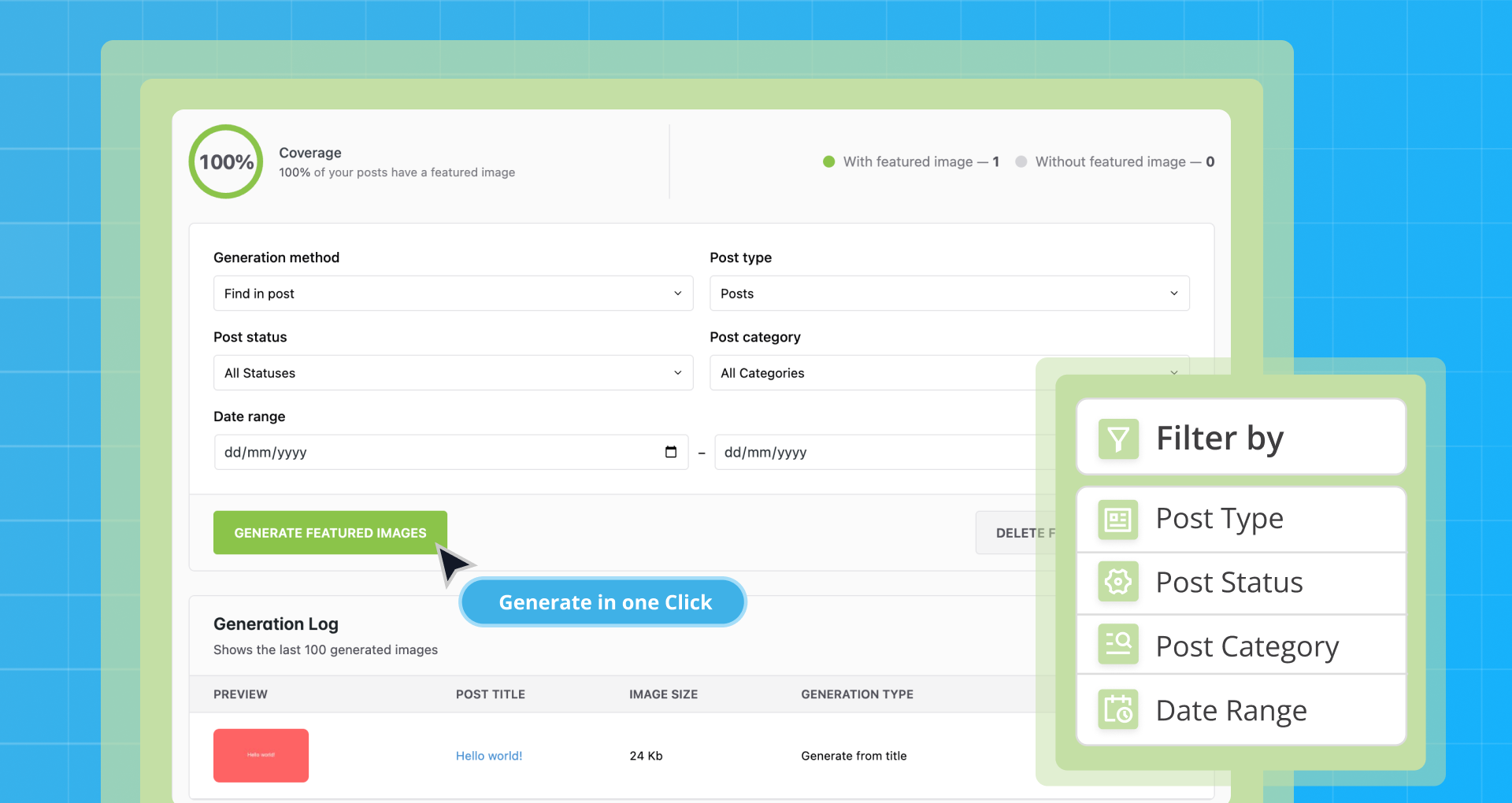
Step 2: Filter Your Posts
Apply filters to control exactly where images should be generated:
- Post Type
- Post Status
- Post Category
- Date Range
This ensures you only modify the content you intend to.
Step 3: Generate in One Click
Click Generate Featured Images and the plugin:
- Processes posts in bulk
- Shows real-time progress
- Logs the last 100 generated images
- Updates thumbnails instantly in the posts list
🔥 Core Features (Free Version)
✅ Bulk Generate Featured Images: Automatically create and assign featured images to multiple posts at once. Perfect for fixing older content in minutes instead of hours.
✅ Find Images Inside Content: Automatically detect the first image inside a post and set it as the featured image. Ideal for blogs that already include images but missed setting thumbnails.
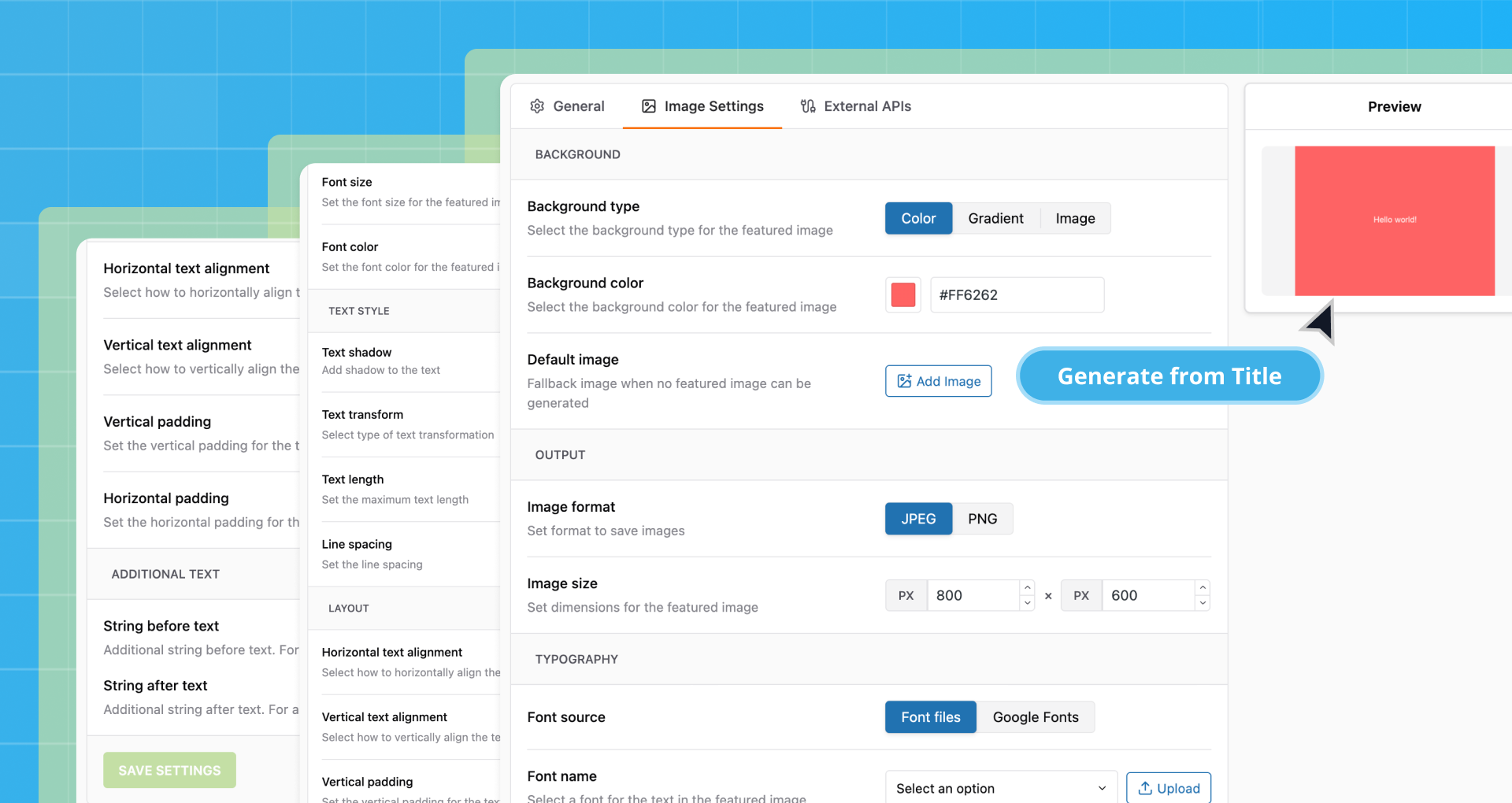
✅ Generate from Title: Create clean, text-based featured images using the post title. Great for minimal blogs, news sites, and content-heavy websites.
✅ Default Fallback Image: Set a default image that will be applied whenever no suitable image is found, ensuring every post always has a featured image.
✅ One-Click Generation: Generate featured images for all selected posts instantly from a single dashboard screen.
✅ Generation Log: Monitor recently generated images with preview, size, generation method, and status for full transparency and control.
✅ Live Preview Mode: Instantly see how your featured image will look while adjusting background, font, alignment, colors, and layout settings. No need to save and regenerate repeatedly.
✅ Posts List Integration: Generate, set, or remove featured images directly from the WordPress Posts screen using bulk actions. Manage multiple posts at once without opening each post individually.
💎 Auto Featured Image Pro
Upgrade to unlock full control and automation power
[PRO] Smart Filters & Targeting
Generate featured images exactly where and when you need them:
- Filter by post status, category, or date range
- Target specific post types
- Schedule generation automatically
[PRO] Advanced Background Controls
Design featured images that match your brand:
- Gradient background support
- Upload custom background images
[PRO] Typography & Layout Controls
Full control over how your title-based images look:
- Use Google Fonts
- Upload custom font files
- Horizontal text alignment
- Vertical text alignment
- Custom before/after string text
- Custom padding
[PRO] External Image Integration
Find images without leaving your dashboard:
- Search and select images directly from Unsplash
- Search and select images from Pixabay
[PRO] Import & Automation
Scale your workflow:
- Automatically upload external images to Media Library
- Schedule featured image generation
- Advanced post type targeting
🧩 Use Cases
Fix Missing Thumbnails
Clean up old blogs or imported content that lacks featured images.
Affiliate & Content Sites
Automatically generate branded thumbnails from titles.
High-Volume Publishing
Use filters and scheduling to automate thumbnail generation at scale.
Auto Featured Image is developed and maintained by Themeisle, a company trusted by over 1 million WordPress users worldwide.