

Auto iFrame
v2.0Greg Ross · 2015年3月25日 上架
A quick and easy shortcode to embed iframe's that resize to the content of the remote site.
- 正在使用
- 3,000+
- 评分
- 3.6 / 5
- 累计下载
- 9.1 万
- 最近更新
- 2024年12月3日
18 条评价需要 WordPress 3.0+已测试到 6.6.12
贡献者
 Greg Ross
截图
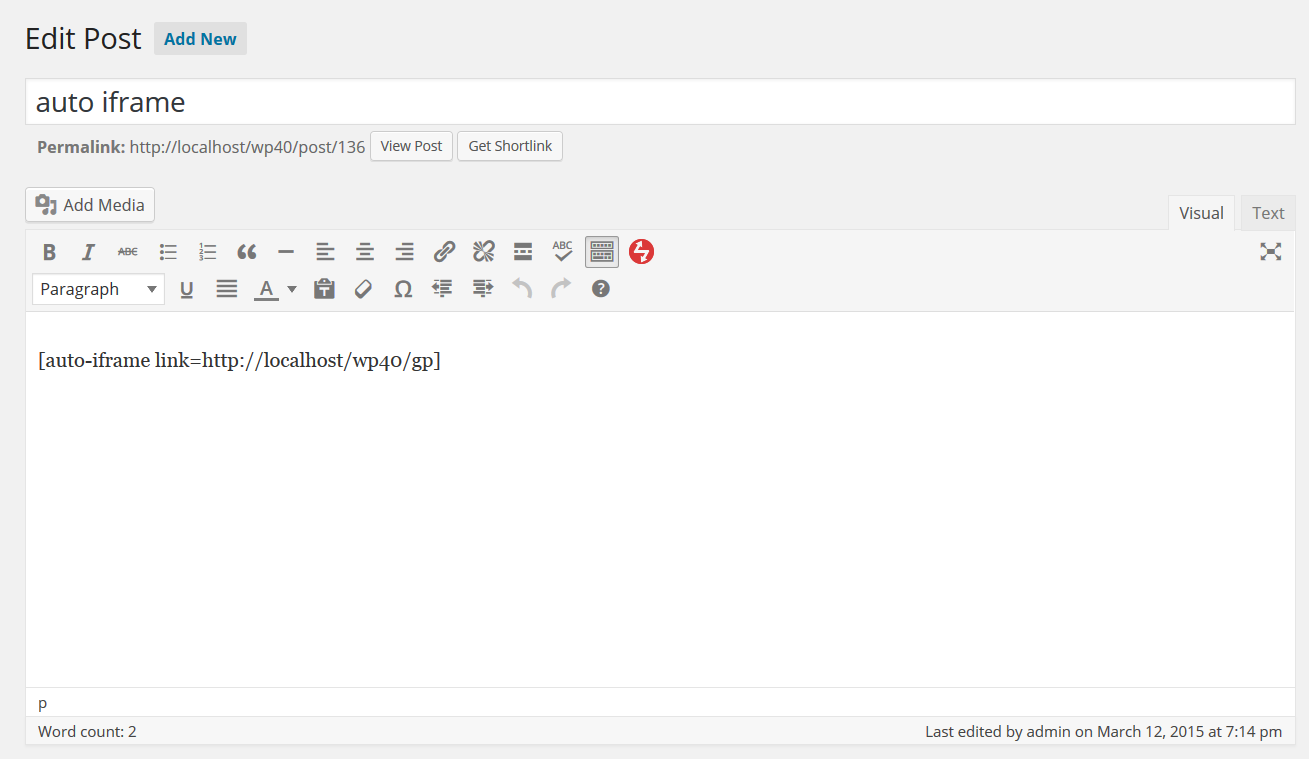
A quick and easy shortcode to embed iframe’s that resize to the content of the remote site.
Auto iFrame shortcode is in the format of:
[auto-iframe link=xxx tag=xxx width=xxx height=xxx autosize=yes/no]
Where:
- link = the url of the source for the iFrame. REQUIRED.
- tag = a unique identifier in case you want more than one iFrame on a page. Default = auto-iframe.
- width = width of the iFrame (100% by default). Can be % or px. Default = 100%.
- height = the initial height of the iframe (100% by default). Can be % or px. Default = 100%.
- autosize = enable the auto sizing of the iFrame based on the content. The initial height of the iFrame will be set to “height” and then resized. Default = true.
- fudge = a fudge factor to apply when changing the height (integer number, no “px”). Default = 50.
- border = enable the border on the iFrame. Default = 0.
- scroll = enable the scroll bar on the iFrame. Default = no.
- query = pass the parent’s page query string to the iFrame. Default = no.
Note: Auto re-sizing of the iFrame for cross domain sites does not work, this is a security protection provided by the browser and there is no way around it.
Now supports (Shortcode UI)[https://github.com/fusioneng/Shortcake] (aka Shortcake)!