AutoComplete Address Checkout For WooCommerce
v1.0theme funda · 2025年1月25日 上架
Speed up WooCommerce checkout with Google Places address autocomplete. Auto-fill billing & shipping address fields instantly — fewer errors, faste …
- 正在使用
- 100+
- 评分
- 暂无
- 累计下载
- 2,418
- 最近更新
- 2026年7月19日
贡献者
 theme funda
截图
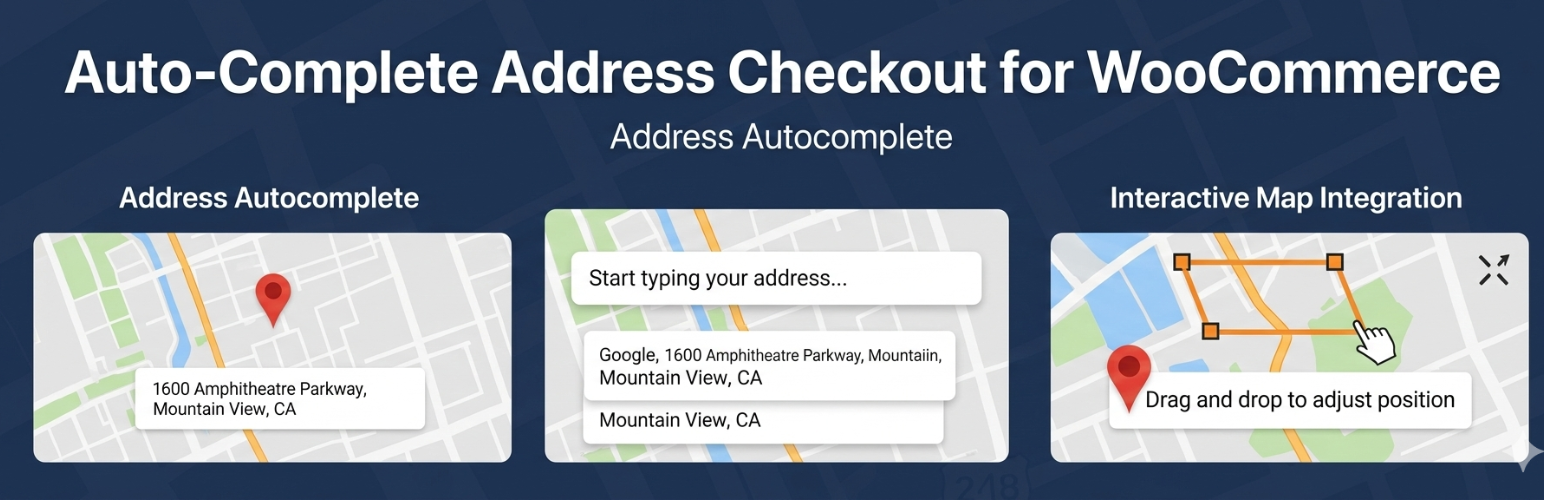
AutoComplete Address Checkout For WooCommerce integrates Google Places API into your WooCommerce checkout to deliver instant address suggestions as customers type. Billing and shipping address fields are auto-filled in one click — reducing cart abandonment, eliminating typos, and improving the overall checkout experience.
Whether you’re running a classic WooCommerce checkout or the new Gutenberg block-based checkout, this plugin works seamlessly with both.
🔗 Documentation | Pro Version | Support
✅ Free Features
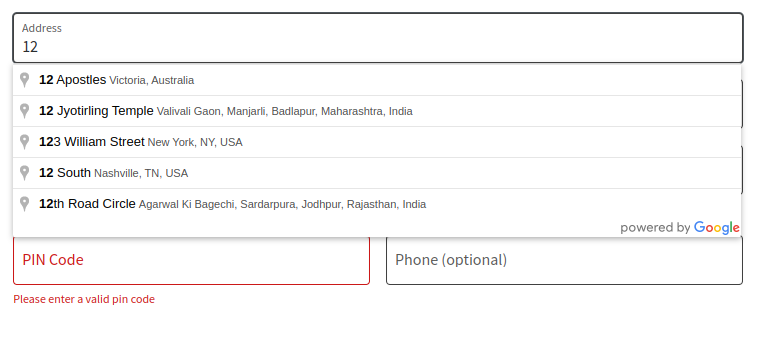
- Google Address Autocomplete — Real-time address suggestions powered by Google Places API
- Auto-fill Address Fields — Instantly fills street, city, postcode, state, and country
- Address Line 2 Support — Fills apartment, suite, unit, neighborhood fields automatically
- Classic & Block Checkout Support — Works with both WooCommerce classic and Gutenberg block checkout
- Billing & Shipping Autocomplete — Separate autocomplete for both billing and shipping address forms
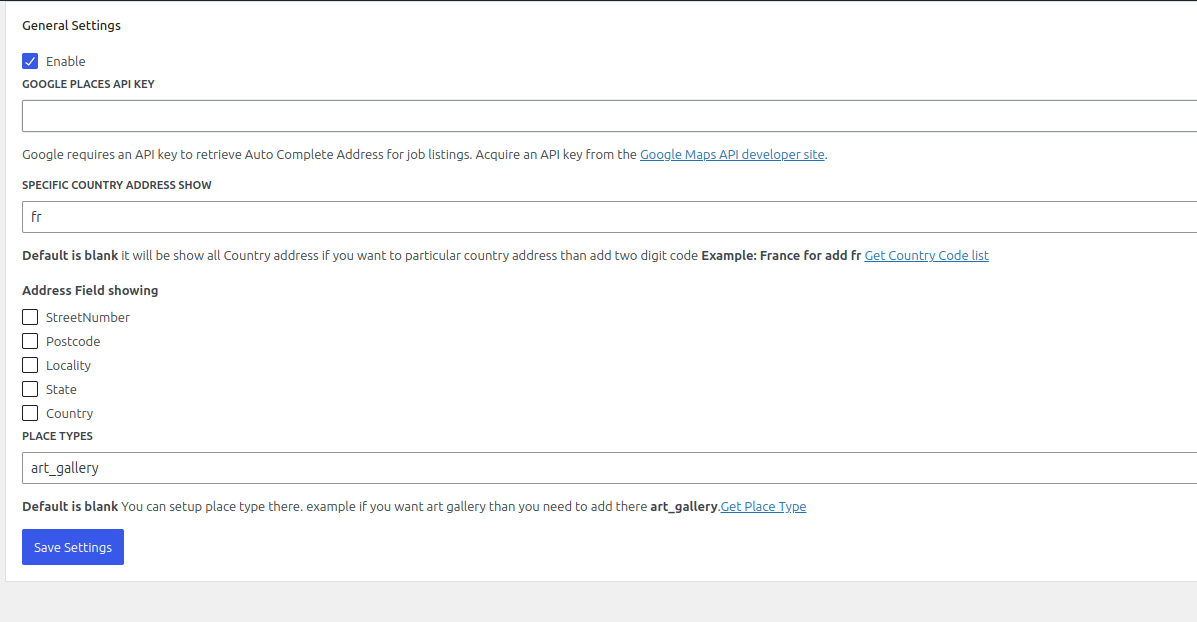
- Customizable Address Fields — Choose which fields to show or hide (street number, postcode, locality, state, country)
- Place Types Support — Filter suggestions by location type (addresses, cities, regions, establishments)
- Custom Placeholder Text — Set your own search field placeholder text
- One-Click Installation — Simple setup, no coding required
🔒 Pro Features
- Country-Specific Address Filtering — Restrict autocomplete suggestions to specific countries (e.g. IN, US, GB, AU)
- Up to 15 Country Restrictions — Limit results to your target markets
- Priority Support — Get help directly from the development team
Why Use AutoComplete Address Checkout For WooCommerce?
Slow and error-prone address entry is one of the top reasons customers abandon WooCommerce checkout. This plugin solves that by:
- Reducing checkout time — Customers find their address in seconds
- Eliminating typos — Google-verified addresses mean fewer failed deliveries
- Improving mobile UX — Autocomplete is especially powerful on mobile keyboards
- Supporting global stores — Works with addresses worldwide
How It Works
- Install and activate the plugin
- Enter your Google Maps API key in the settings
- The autocomplete search field automatically appears above the address fields at checkout
- Customers start typing their address and select from Google’s suggestions
- All address fields (street, city, postcode, state, country) are filled instantly
External Services
This plugin connects to the Google Maps JavaScript API to provide address autocomplete functionality.
- What data is sent: Partial address text typed by the customer is sent to Google servers to retrieve autocomplete suggestions. No personal or payment data is transmitted.
- When data is sent: Only when a customer begins typing in the address search field at checkout.
- Google Terms of Service: https://cloud.google.com/maps-platform/terms
- Google Privacy Policy: https://policies.google.com/privacy