

Audio Player Block – Advanced Block for Embedding Audio Files
v1.6.5bPlugins · 2021年12月28日 上架
A block for embedding a beautiful audio player.
- 正在使用
- 2,000+
- 评分
- 5.0 / 5
- 累计下载
- 7.4 万
- 最近更新
- 2026年11月20日
 bPlugins
 Abu Hayat
 Freemius
 Md Shamim Islam
截图
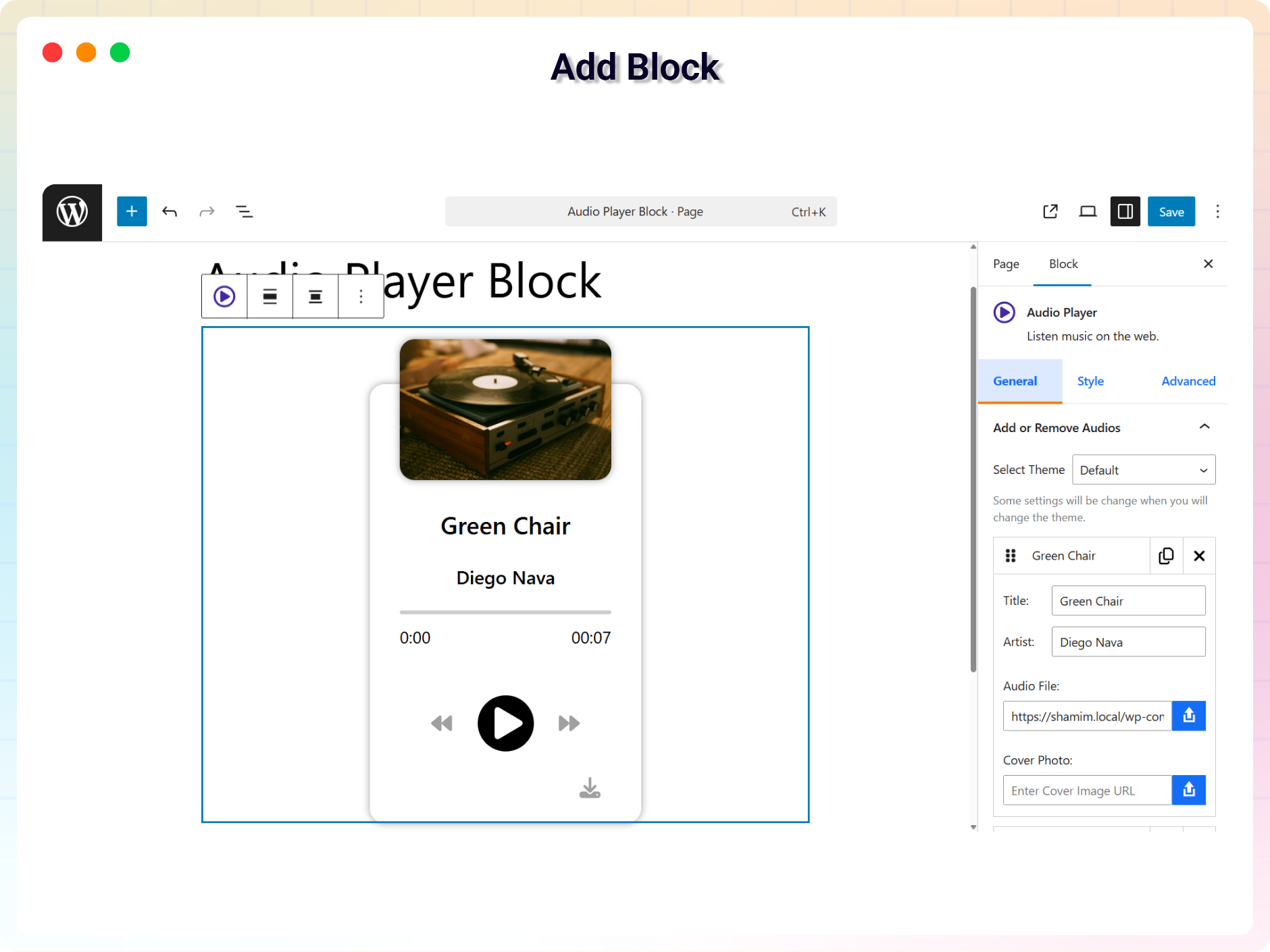
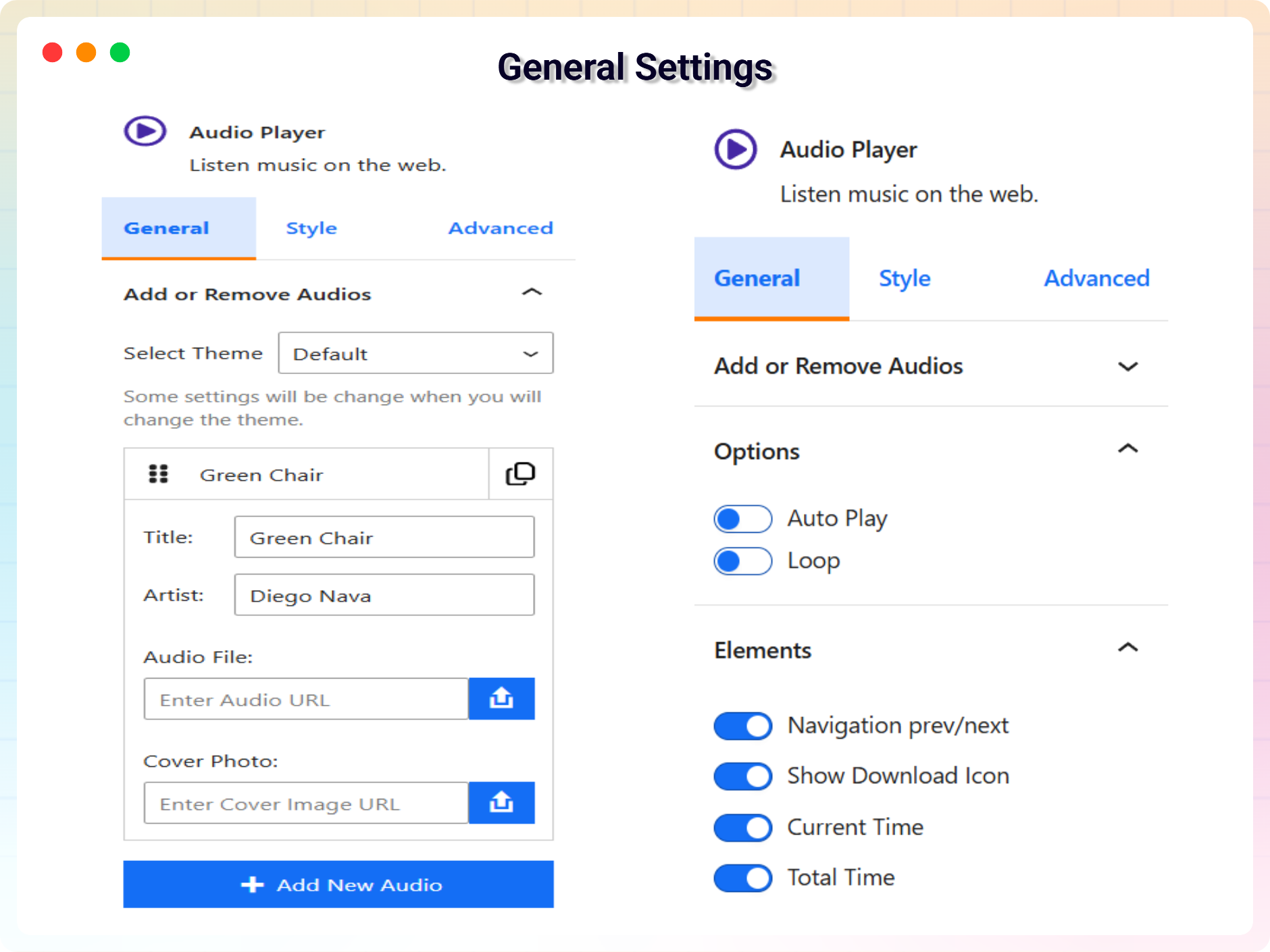
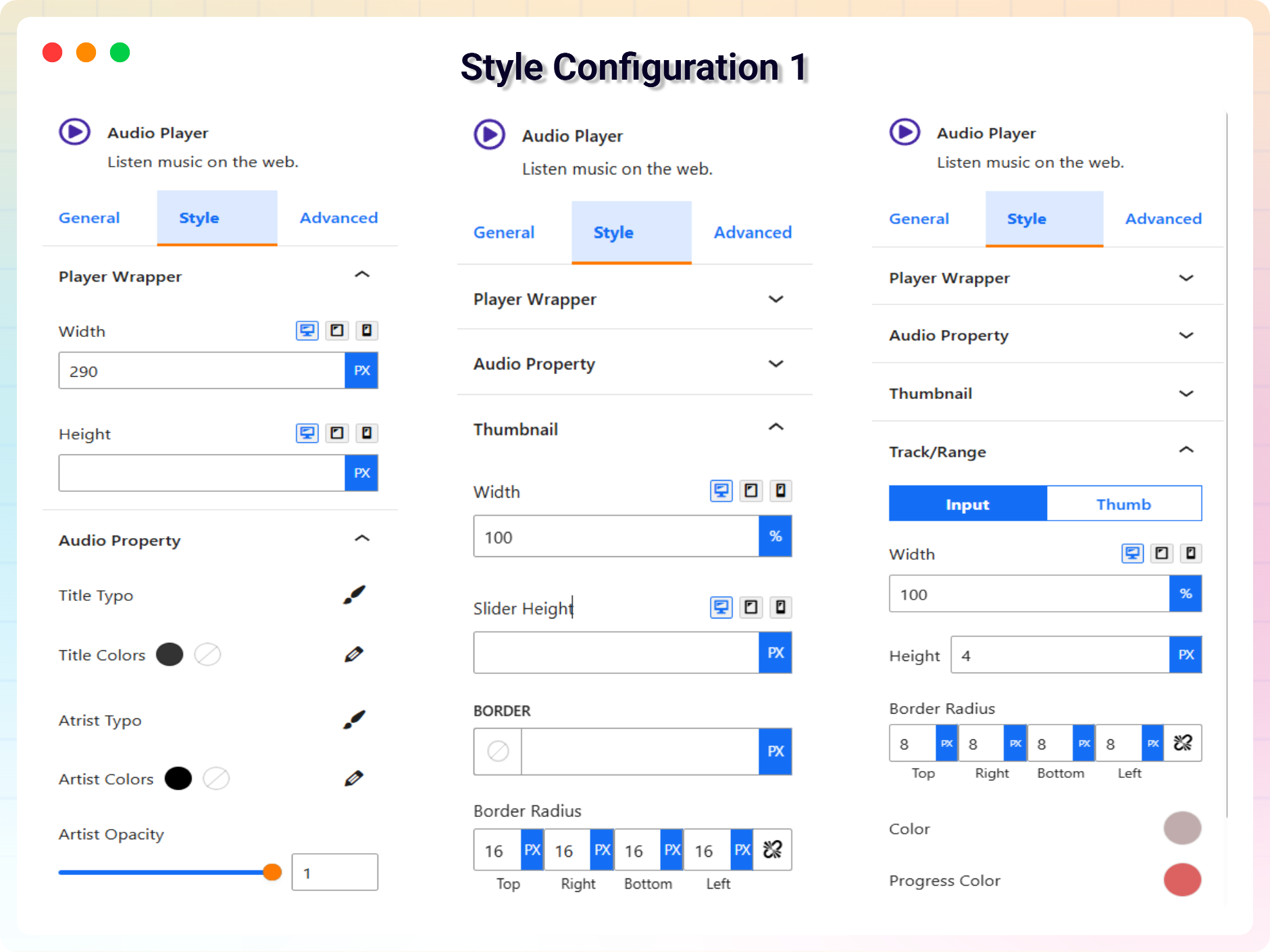
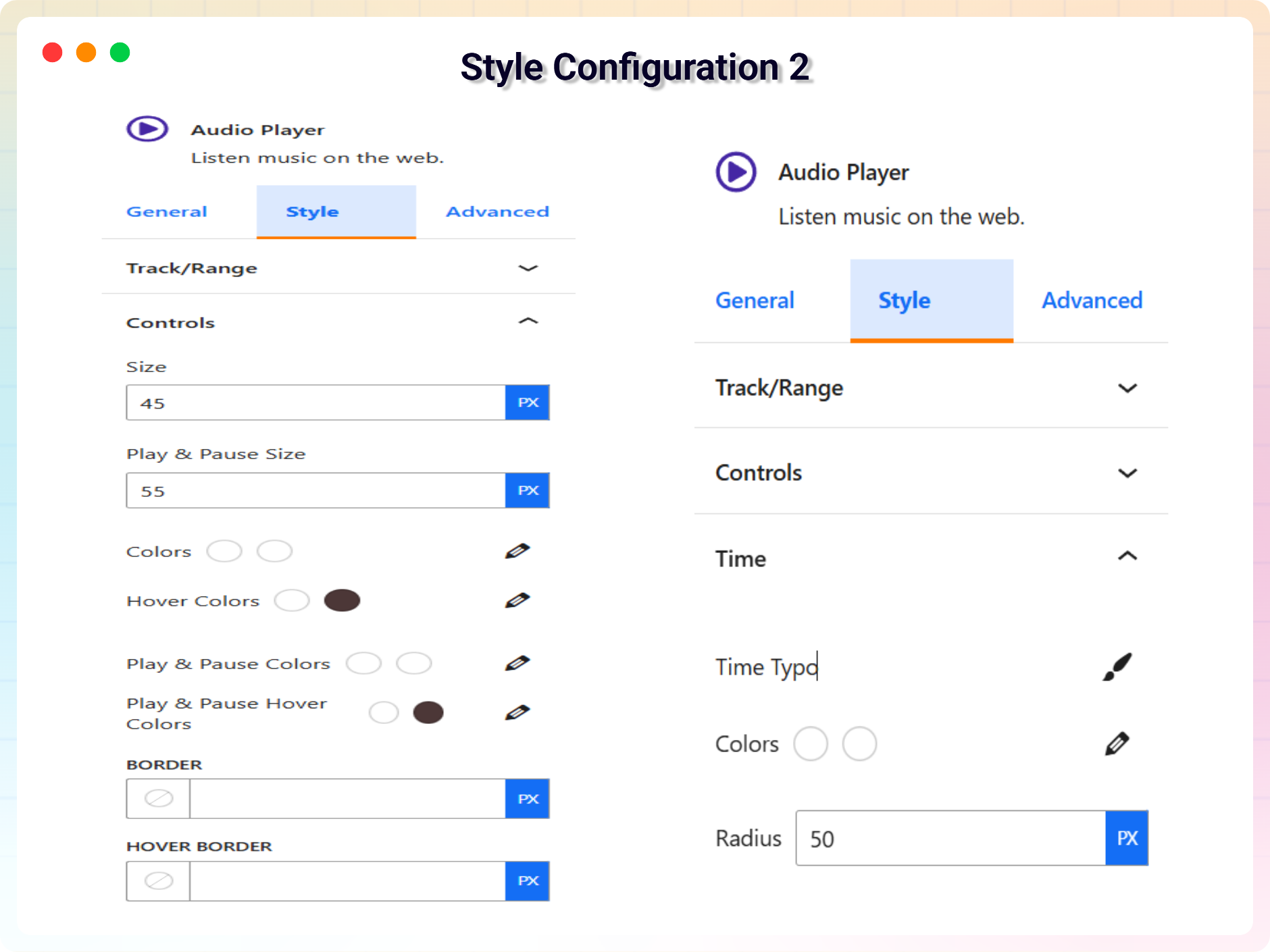
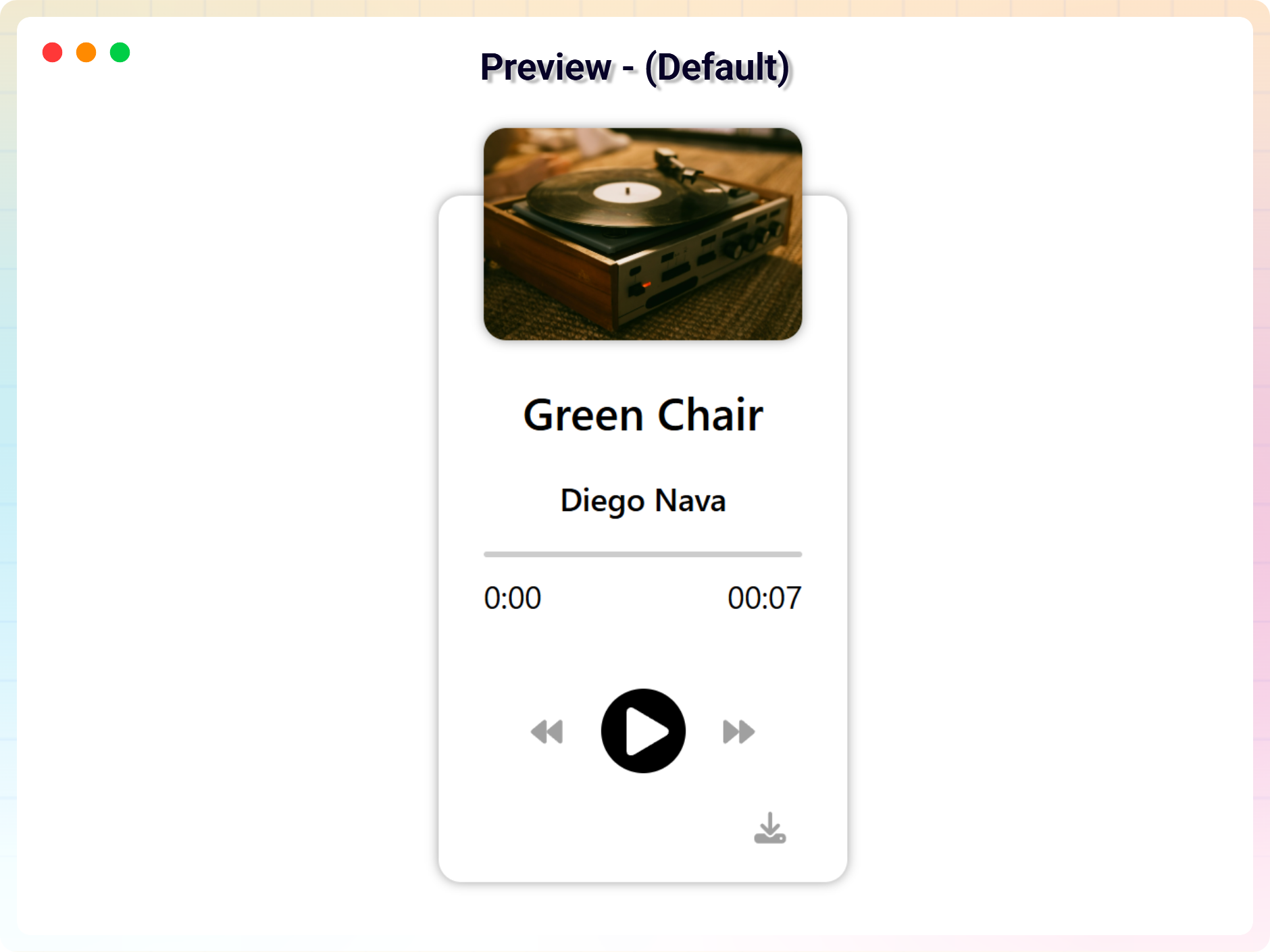
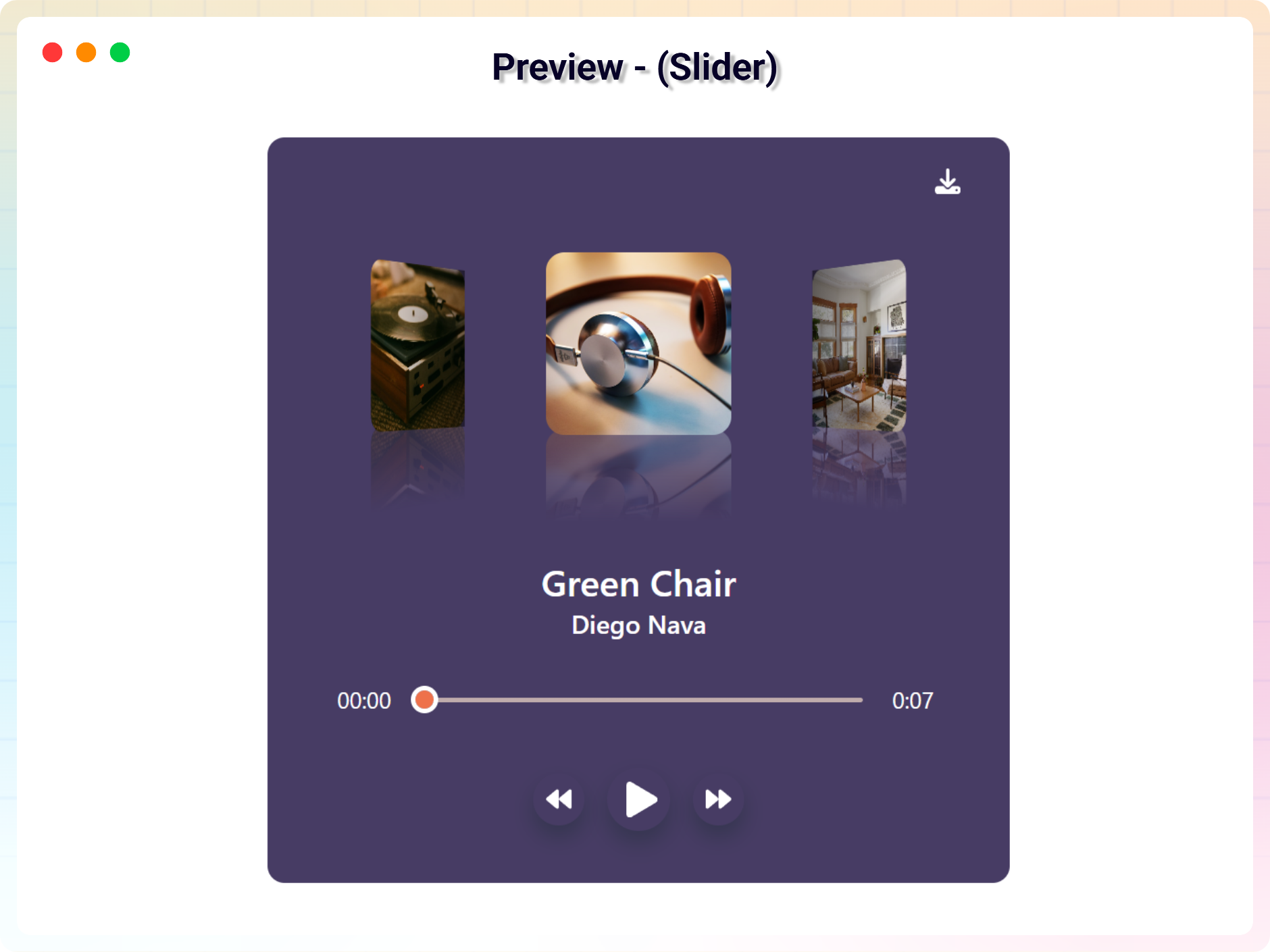
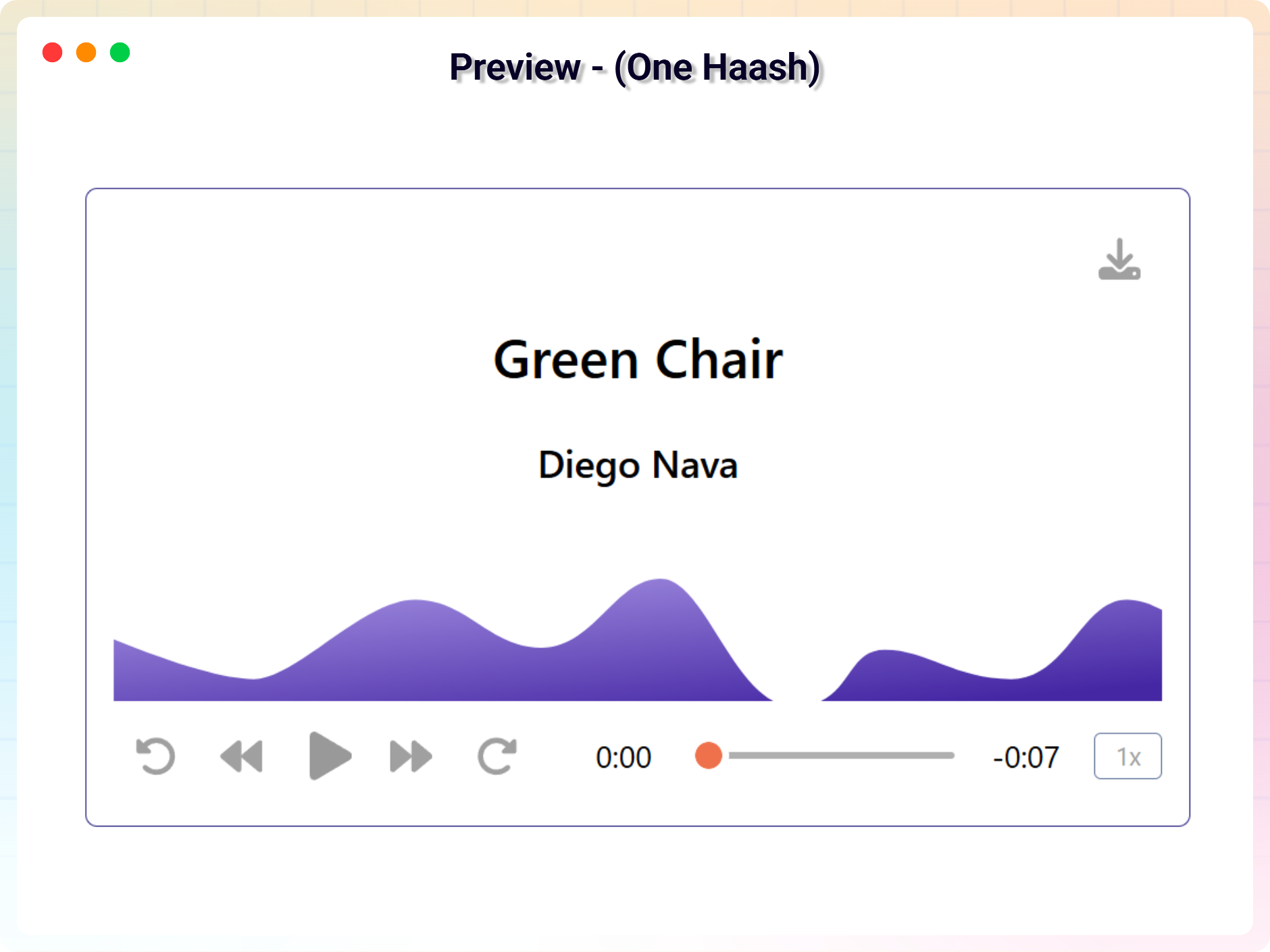
A block for embedding a beautiful audio player on the WordPress website. It supports multiple audios as a playlist and you can select a single audio file to make a non playlist player.
Free Features
- Multiple Audio Management (Add / Remove Audios): Easily add or remove multiple audio tracks from the player with full control over your playlist.
- Track Details Input (Title & Artist): Set a custom title and artist name for each audio track to keep your content well organized.
- Cover Image & Audio File Upload: Upload audio files along with a cover image to create a more engaging and visually appealing audio player.
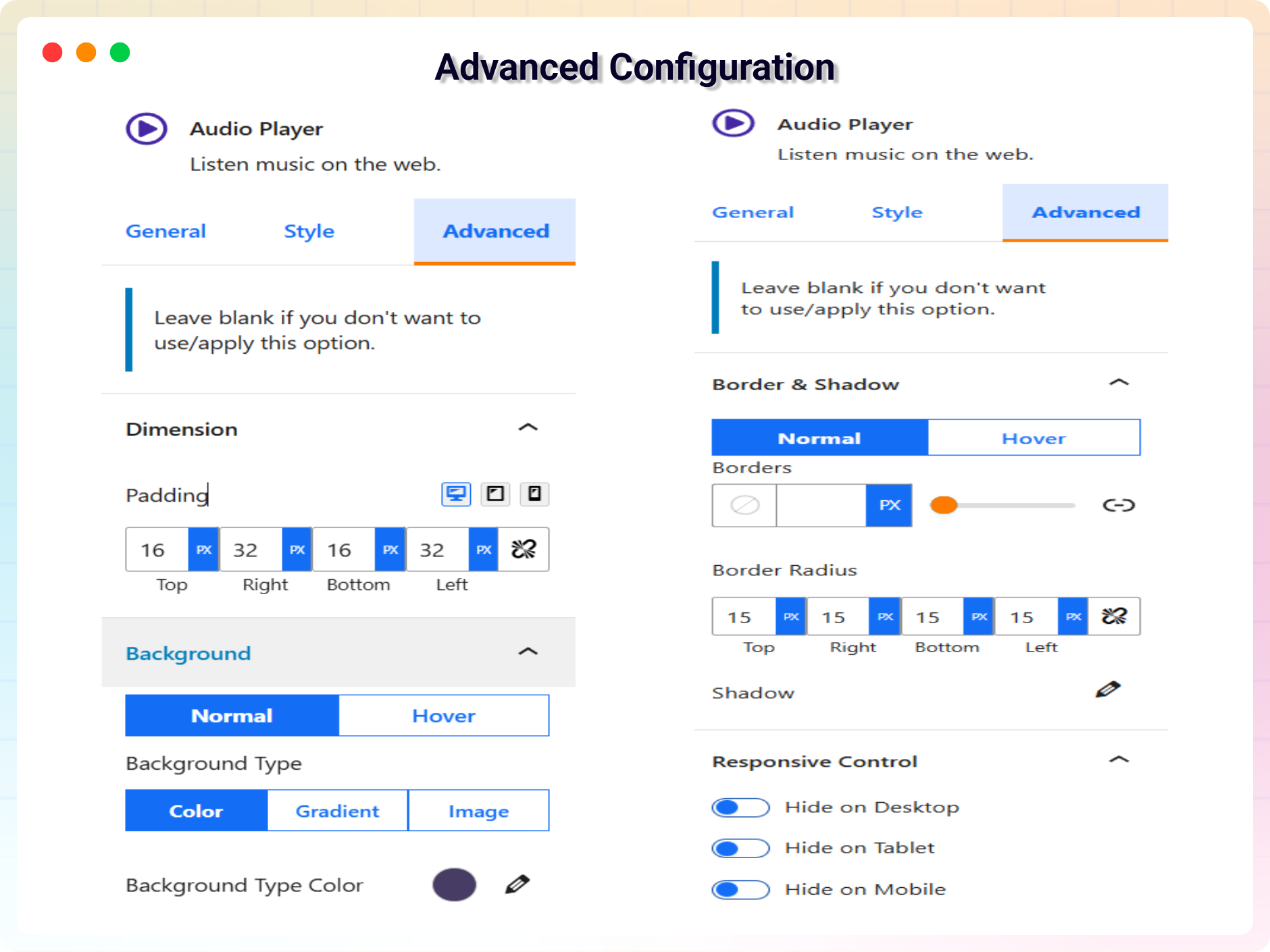
- Player Customization (Width, Height & Styles): Adjust the player’s width and height, and style it with custom colors, backgrounds, hover effects, and other design settings to match your website.
- Smart Audio Play / Pause Control: Play one audio track at a time while automatically pausing others; click again to pause the currently playing audio.
- Shortcode Integration: Use shortcode support to display the audio player anywhere on your website with ease.
Pro Features
- Customize 5 Different Themes: Add 5 new themes with different looks and settings.
- Auto Play: Automatically start the next song once the current one ends, if enabled.
- Loop Mode: Enable looping of the current track once it finishes playing.
- Navigation Prev/Next: Easily navigate to the previous or next track in the playlist.
- Current & Total Time Display: Shows the current & total playback time of the audio track.
- Custom Stop Button: Show or hide a custom stop button based on your settings.
- Input Range Thumb: Customize the style of the range slider thumb for seeking.
- Playback Speed Control: Enable or disable playback speed adjustment options.
- Download Icon: Add an option to download the audio file directly from the player.
- Forward & Backward Button Visibility: Show or hide the forward & backward button for skipping parts of the track.
- Artist Opacity: Control the transparency of the artist’s name display.
- Thumbnail Border & Radius: Customize the border & radius of the track’s thumbnail image.
- Input Range Height & Radius: Adjust the height & radius of the seek range slider.
- Controls Border & Hover Border: Customize the border & hover border style of the player controls.
- Time Display Radius: Customize the corner radius of the time display boxes.
- Thumb Width, Radius, Outline & Shadow: Adjust the width, radius, outline & shadow of the seek range slider thumb.
- Wave Normal & Light Color: Set the base color & light of the audio waveform.
- Playlist Border & Radius: Customize the border and corner radius of the playlist displayed below the lite audio player.
How to use
- First, install the Audio Player Block plugin
- Add the Audio Player Block from the block category called “Widgets” in the Gutenberg editor.
- You can change block settings from the right-side settings sidebar.
-
Enjoy!
-
For installation help click on Installation Tab
Source Code
You can find the source code, report bugs, and contribute to the development of this plugin on our GitHub repository:
Audio Player Block on GitHub
bpl-tools
- Source / GitHub: https://github.com/bPlugins/bpl-tools
- License: GPL-2.0-or-later – https://www.gnu.org/licenses/gpl-2.0.html
- Purpose: Shared utility library providing admin dashboard components and common Gutenberg editor controls.
- External Services: The library may connect to bPlugins, WordPress.org, and Freemius services for product data and checkout functionality. See full details: https://github.com/bPlugins/bpl-tools#external-requests–why-they-are-made
Feedback
- Did you like this plugin? Dislike it? Do you have a feature request? Please share your feedback with us
⭐ Check out the Parent Plugin of this plugin-
🔥 B Blocks – Best gutenberg blocks collections for WordPress.
⭐ Check out our other WordPress Plugins-
🔥 Html5 Audio Player – Best audio player plugin for WordPress.
🔥 Html5 Video Player – Best video player plugin for WordPress.
🔥 PDF Poster – A fully-featured PDF Viewer Plugin for WordPress.
🔥 Document Embedder – Best WordPress Document Embedder Plugin.
🔥 3D Viewer – Display interactive 3D models on the webs.
🔥 Advanced Post Block – Best Post Display Plugin for WordPress.