

Astro Booking Engine
v2.9.1Alian Schiavoncini · 2023年5月10日 上架
Hotel booking form via Gutenberg block or shortcode, independent from the provider: switch booking engine anytime, your form stays the same.
- 正在使用
- 10+
- 评分
- 暂无
- 累计下载
- 2,917
- 最近更新
- 2026年11月25日
 Alian Schiavoncini
截图
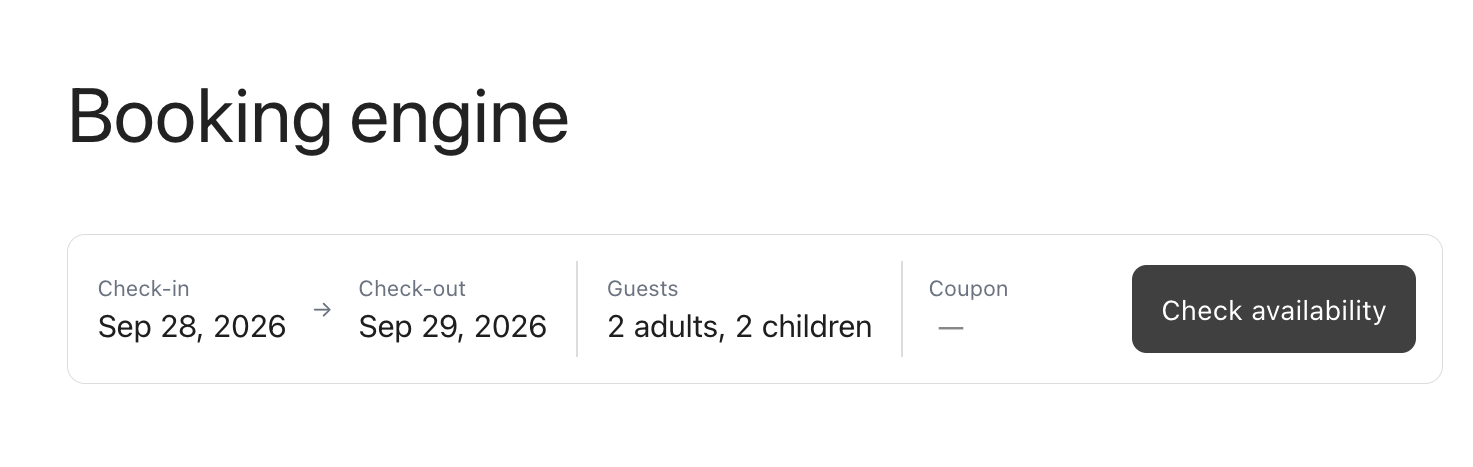
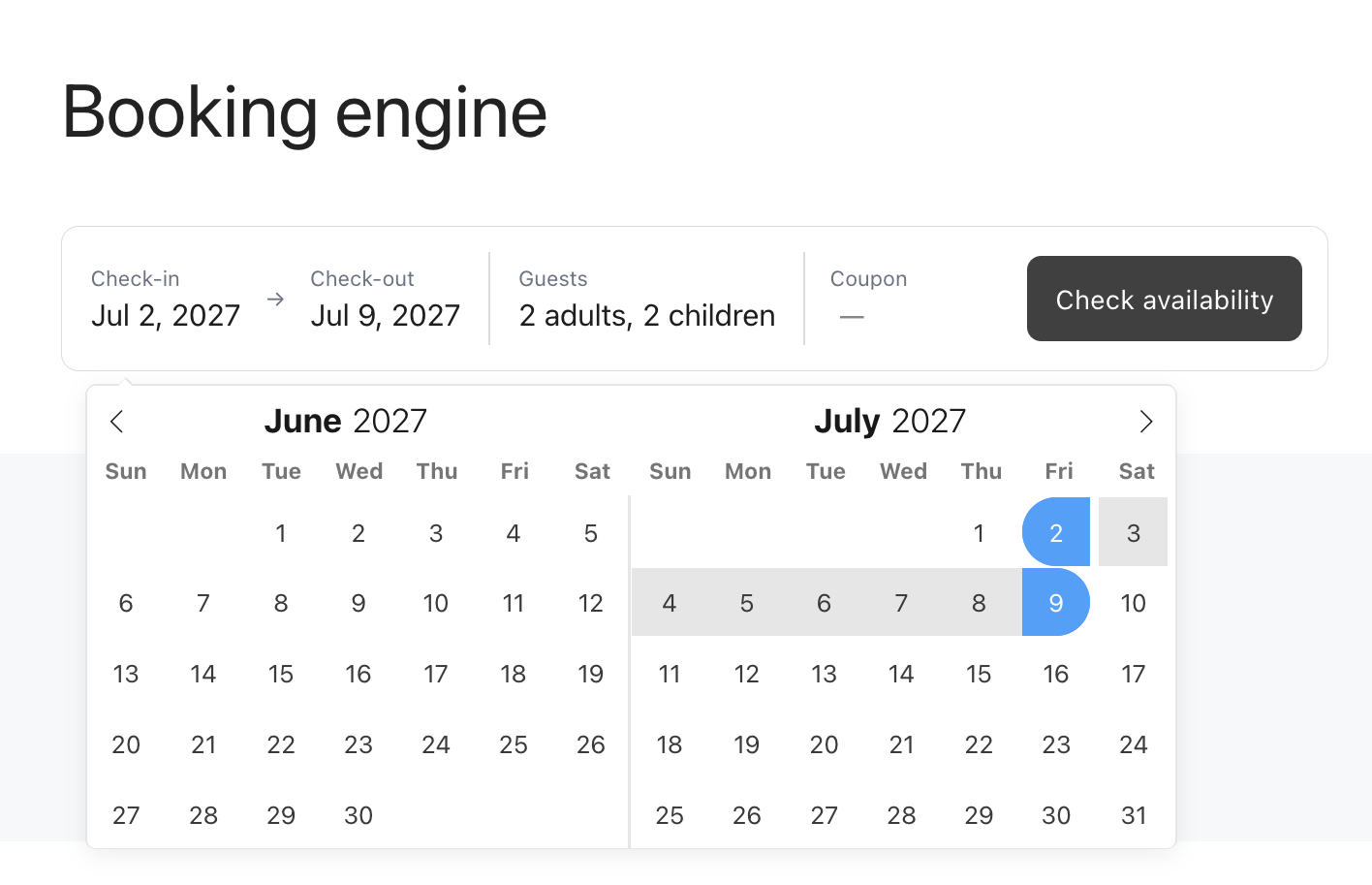
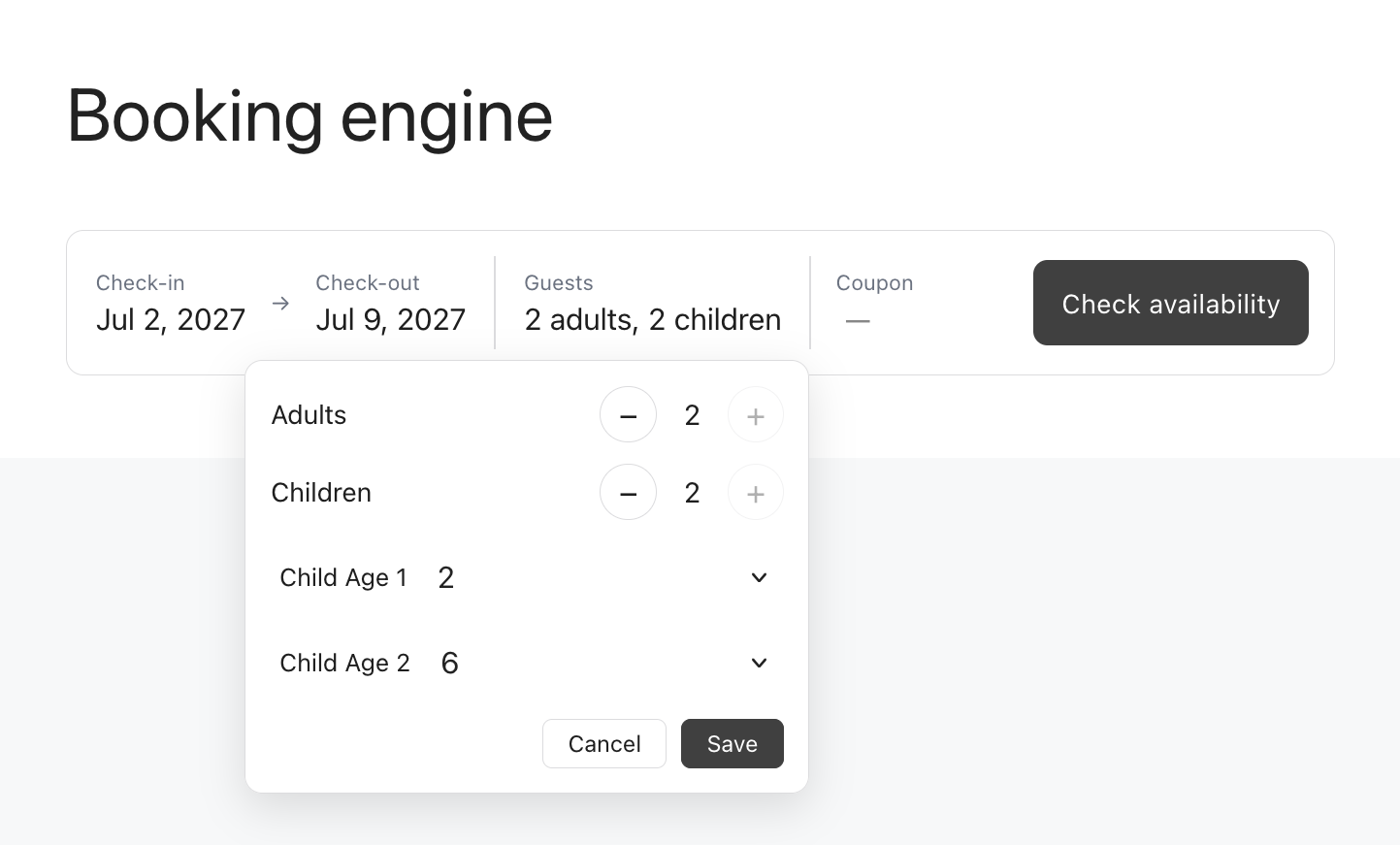


Astro Booking Engine adds a simple, intuitive and responsive hotel booking form to your WordPress site and connects it to the booking engine you already use. Visitors pick their dates and party size on your website and land on your booking engine with everything already filled in.
The form is independent from the provider. If you change booking engine, your website does not change: select the new provider, enter the settings it gives you, and the form on your pages keeps the same design, the same position and the same options. No redesign, no page edits.
Why use Astro Booking Engine
- Ready in minutes, no custom development. Install, choose your provider, enter its data, add the form to a page. Done.
- Free to change provider. Your layout and your pages stay as they are; only the provider settings change.
- Yours to customize. Colors, fonts, borders, calendar theme and custom CSS from the Layout settings, plus per-block options in the editor.
- Built for every guest. Responsive, follows the language of your site, with fields labelled for screen readers following the WCAG guidelines.
How it works
- Select your booking engine provider in the plugin settings.
- Enter the data your provider gives you (hotel ID, language, currency and so on).
- Add the form to your site with the Gutenberg block, the shortcode or the widget.
Display the form wherever you prefer
- with the Astro Booking Engine Gutenberg block, with live preview in the editor and per-block customization: submit button label, form colors (with transparency), border radius, plus the standard alignment, spacing and background options;
- with the shortcode [astro-booking-engine], anywhere in your content;
- with the classic widget, in any widget area.
Astro Booking Engine is not a booking engine: it needs an active contract with one of the providers listed below.
Supported hotel booking engine providers, in alphabetical order:
- 5Stelle (Italy)
- Amadeus iHotelier (TravelClick) (Spain)
- Aro Suite (Ireland)
- Avvio (Ireland)
- Beddy (Italy)
- Bedzzle (Italy)
- BeGenius (Italy)
- Blastness (Italy)
- Bookassist (Ireland)
- Booking Designer (Italy)
- Booking Expert (Italy)
- Bookvisit (Sweden)
- BookYourStay (Denmark)
- Cloudbeds (United States)
- Data Sistemi (Italy)
- D-EDGE (France)
- DIRS21 (Germany)
- Ericsoft (Italy)
- ErmesHotels (Italy)
- eviivo (United Kingdom)
- freetobook (United Kingdom)
- Guestline (United Kingdom)
- HotelNetSolutions (OnePageBooking) (Germany)
- Iperbooking (Italy)
- Journey (United Kingdom)
- Kross Booking (Italy)
- Mews (Netherlands)
- Mirai (Spain)
- Misterbooking (France)
- MyGuestCare (Italy)
- Net Affinity (Ireland)
- Octorate (Italy)
- Omnibees (Brazil)
- Passepartout (San Marino)
- Pegasus (United States)
- Profitroom (Poland)
- Reservit (France)
- ResNexus (United States)
- RevPlus (WebHotelier) (Greece)
- Roiback (Spain)
- Sabre SynXis (United States)
- Scidoo (Italy)
- Secure Holiday (France)
- Seekda (Austria)
- Simple Booking (Italy)
- Sirvoy (Sweden)
- SiteMinder (Australia)
- Slope (Italy)
- Smartness (Italy)
- TecHotel (Picasso Online) (Denmark)
- ThinkReservations (United States)
- Vertical Booking (Italy)
- Windsurfer CRS (United States)
- Witbooking (Spain)
- WuBook (Italy)
New booking engine providers are welcome!
If your booking engine provider is not on the list, you can request its inclusion by sending an email to alian@alian.it with any documentation you may have.
The plugin interface is translated into Italian, Spanish, French and German. It is also compatible with translation plugins such as WPML and Loco Translate.
Source code and third-party libraries
The source code of the plugin is on GitHub: github.com/alianschiavoncini/astro-booking-engine.
The calendar of the modern style is flatpickr 4.6.13, released under the MIT license and included in its minified build: its full source code is at github.com/flatpickr/flatpickr. The themes of the classic calendar come from jQuery UI, also under the MIT license.
About the author
Astro Booking Engine is developed and maintained by Alian Schiavoncini (www.alian.it), a WordPress developer since 2005 and founder of AboutMyHotel, a hotel reputation and market intelligence platform. AboutMyHotel is a separate, commercial service by the same author and is not required to use this plugin.
External services
The plugin shows a booking form that takes the visitor to the online booking engine of the hotel. It uses one external service only: the booking engine provider selected in the plugin settings.
Nothing is sent while the page loads, and the plugin does not collect or store any data. When the visitor submits the form, the browser opens the provider’s booking engine and sends it the search entered in the form: arrival and departure dates, number of adults and children, children ages and pets when those fields are enabled, the promo code when entered, the language and currency of the page, and the hotel identifiers set in the plugin settings. From that point on, the terms and the privacy policy of the provider apply.
The providers and their policies:
- 5Stelle (Zucchetti): privacy
- Amadeus iHotelier (TravelClick): privacy, terms
- Aro Suite (Aró Digital Strategy): privacy
- Avvio (Allora, The Access Group): privacy
- Beddy (Zucchetti): privacy
- Bedzzle (Zucchetti): privacy
- BeGenius: no privacy policy published, website
- Blastness: privacy
- Bookassist: privacy
- Booking Designer (I/O NET): privacy
- Booking Expert: privacy
- Bookvisit (VISIT): privacy
- BookYourStay (SPECTRA Systems): privacy
- Cloudbeds: privacy, terms
- Data Sistemi: privacy
- D-EDGE: privacy
- DIRS21: privacy
- Ericsoft (Zucchetti): privacy
- ErmesHotels: privacy
- eviivo: privacy
- freetobook: privacy
- Guestline (The Access Group): privacy
- HotelNetSolutions (OnePageBooking): privacy
- Iperbooking: privacy
- Journey: privacy, terms
- Kross Booking (Solutions Plus): privacy
- Mews: privacy, terms
- Mirai: privacy
- Misterbooking: privacy
- MyGuestCare (MyComp): privacy
- Net Affinity: privacy
- Octorate: privacy, terms
- Omnibees: privacy
- Passepartout: privacy, terms
- Pegasus (Cendyn): privacy
- Profitroom: privacy
- Reservit: privacy
- ResNexus: privacy, terms
- RevPlus (WebHotelier): privacy, terms
- Roiback: privacy, terms
- Sabre SynXis: privacy
- Scidoo: privacy
- Secure Holiday (Ctoutvert): privacy
- Seekda: privacy
- Simple Booking: privacy
- Sirvoy: privacy
- SiteMinder: privacy, terms
- Slope: privacy
- Smartness: privacy
- TecHotel (Picasso Online): privacy
- ThinkReservations: privacy, terms
- Vertical Booking: privacy
- Windsurfer CRS (SHR, The Access Group): privacy
- Witbooking: privacy
- WuBook: privacy, terms
Wordfence vendor verification key
gsphudo7by90lzwdlihyerqxbzj6jiln