

AR/3D Product Viewer & Try-On
v1.0.4aryelplugins · 2024年1月9日 上架
Connect your online store to Aryel and allow your customers to access realistic and true-to-size product previews and virtual try-ons in just 1 click.
- 正在使用
- 10 以下
- 评分
- 暂无
- 累计下载
- 2,166
- 最近更新
- 2026年6月20日
贡献者
 aryelplugins
截图



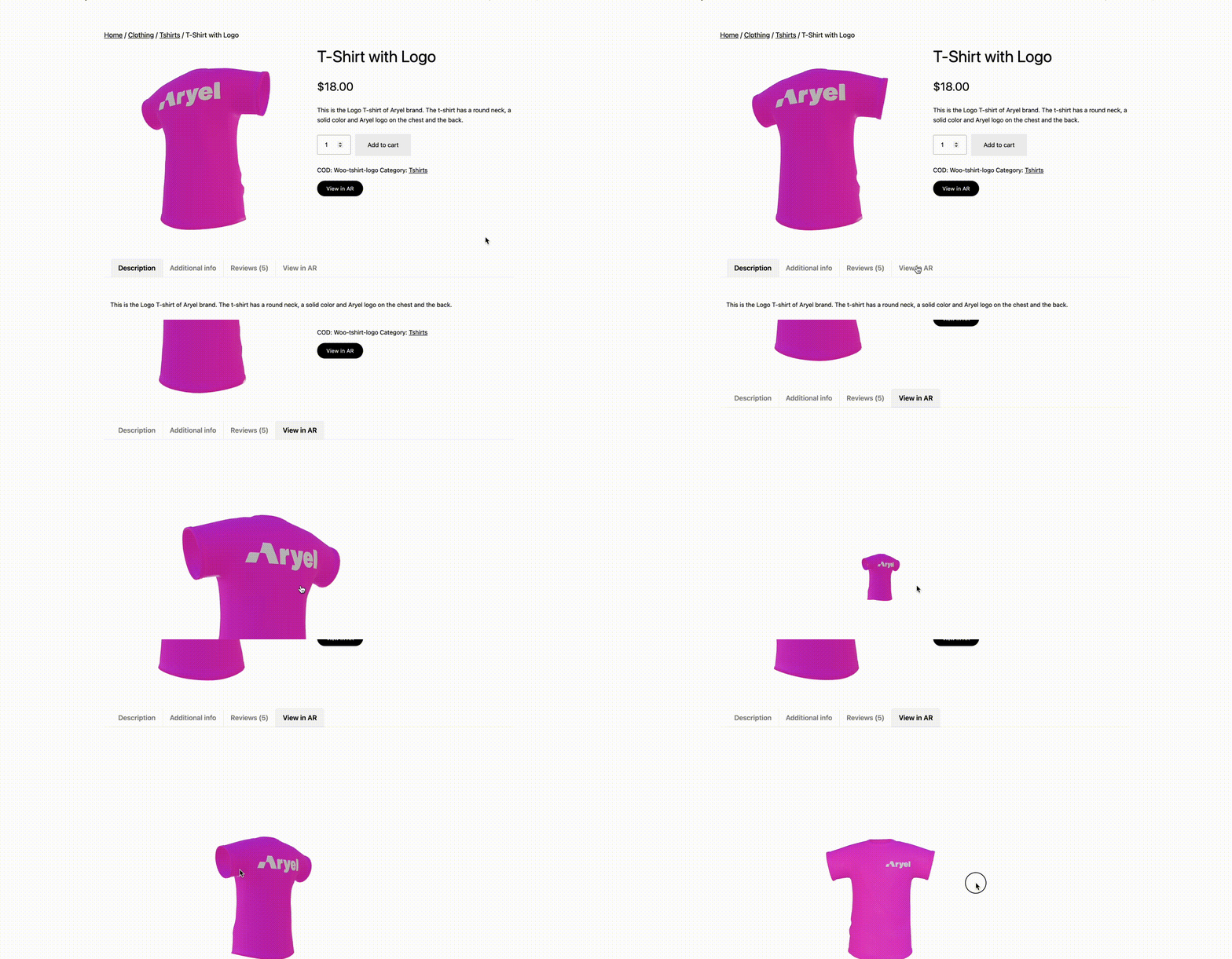
Enrich the online shopping experience with Aryel’s AR/3D Product Viewer & Try-On!
With Aryel’s AR/3D Product Viewer & Try-On your customers can access realistic and true-to-size product previews in just 1 click. Thanks to the integration with Aryel AR Platform, you can use the Product Viewer option to embed your 3D models in your store, allowing your customers to look at the products from different angles. With the AR Button they can also see how your products fit in the real environment and on their faces, giving them the confidence to make the right purchase.
-
Integrate Aryel’s campaigns in your store
-
Include “like in real life” 3D exploration of your catalog
-
Allow virtual try-on based on augmented reality face-tracking
-
Add interactive 3D viewer in your product pages
-
Customize product visualization setting up viewer size, camera & gestures
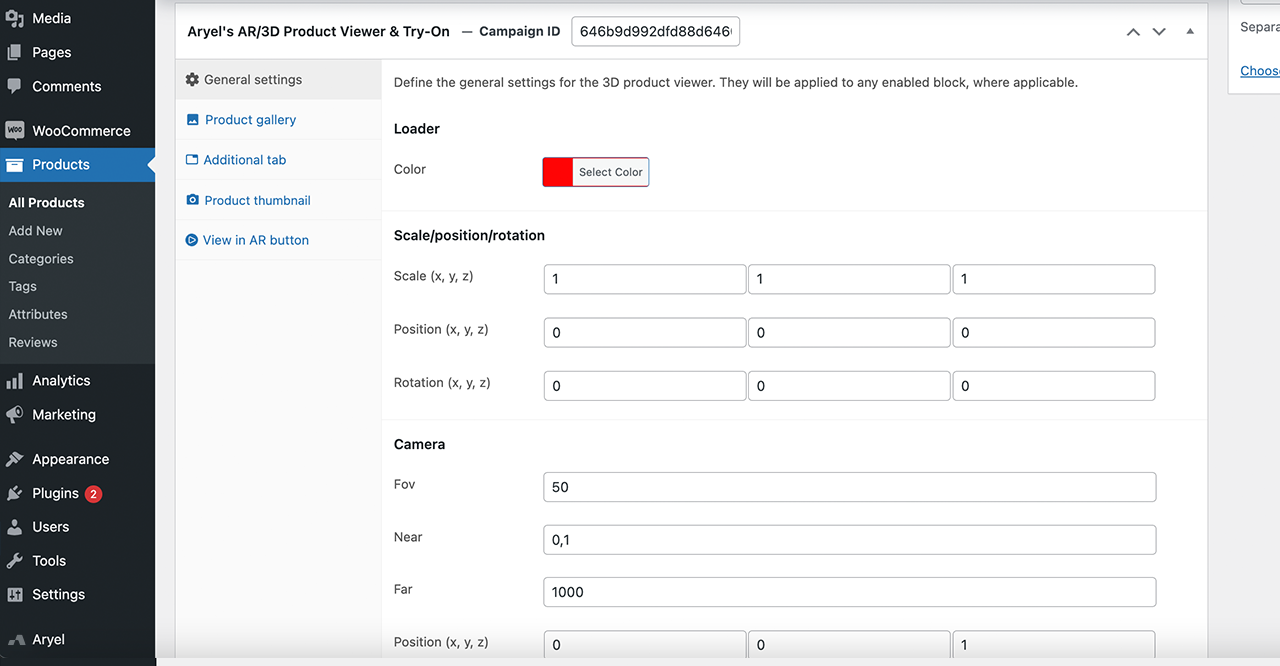
Add the 3D embed viewer in different ways: product gallery, additional tab, product thumbnail. You can customize colors of the loader, initial position of the product, camera settings, output encoding and enable & disable gestures and auto rotation of the 3D model.
Play with the values to get the expected result. The preview of the viewer is automatically updating at every step helping you to find your perfect fit!
The AR button instead allows a direct link to the AR experience and can be customized in its colors, style and text.
Enable one or more of them from the product page as per your preference!
Support
If you need any support, visit our help center and feel free to chat with us.