
Arxeion Business Directory
v1.5.7ALAENA · 2026年10月28日 上架
Business directory with listings, categories, maps, and profiles. Gallery and Jobs via the Pro add-on.
- 正在使用
- 20+
- 评分
- 暂无
- 累计下载
- 343
- 最近更新
- 2026年10月29日
贡献者
 ALAENA
截图

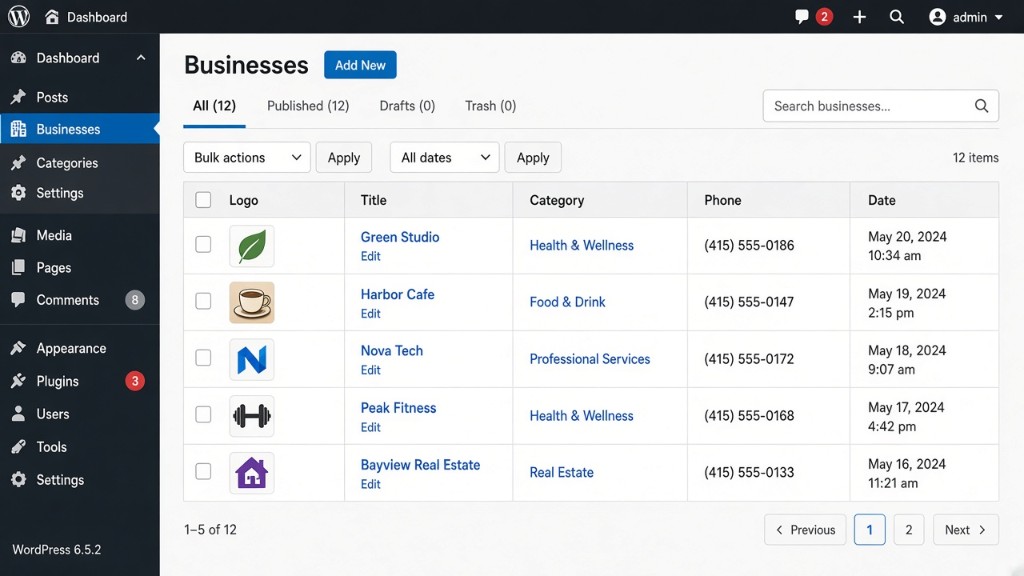
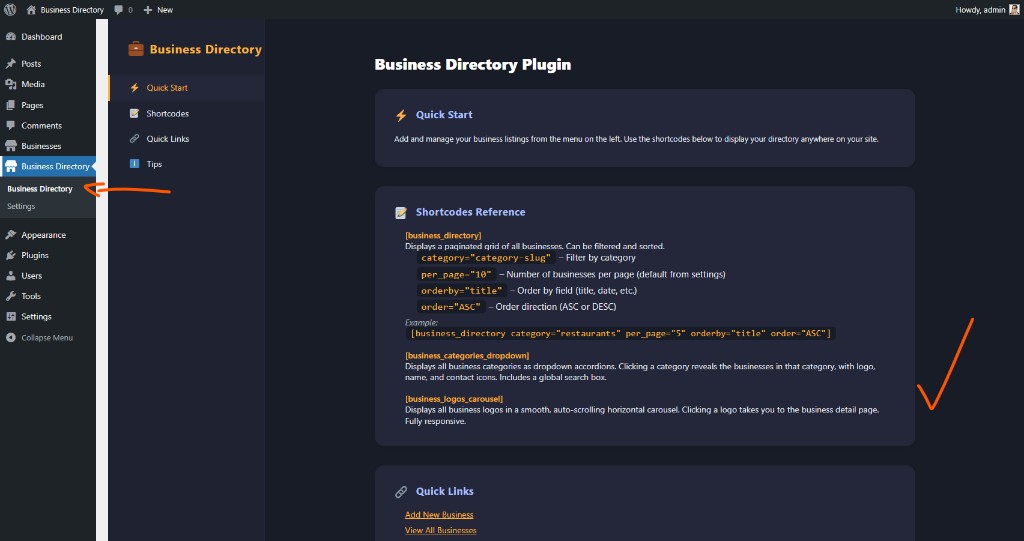
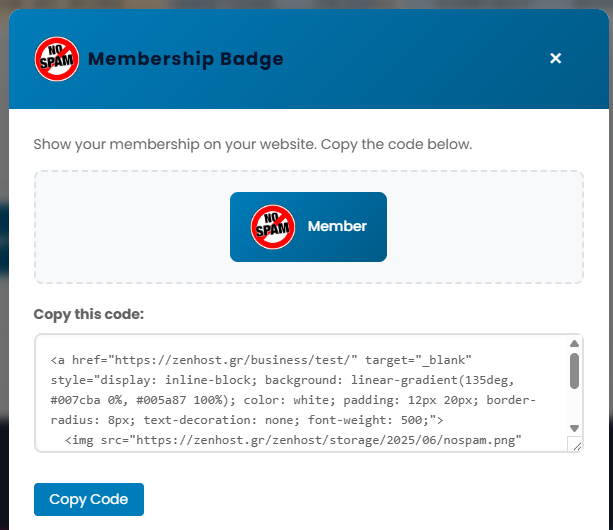
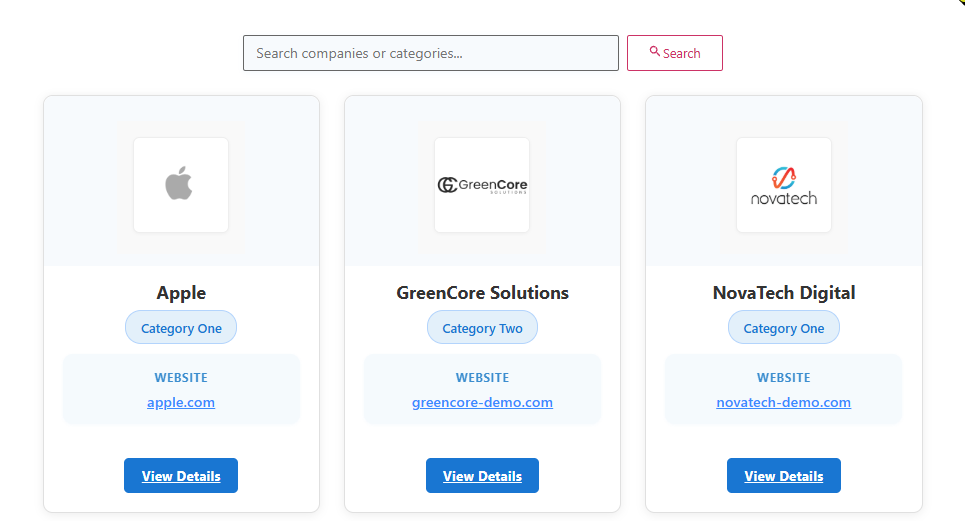
Arxeion Business Directory helps you showcase companies on your WordPress site with a clean listing UI, categories, search, maps, and detailed business profiles.
Included in this free plugin
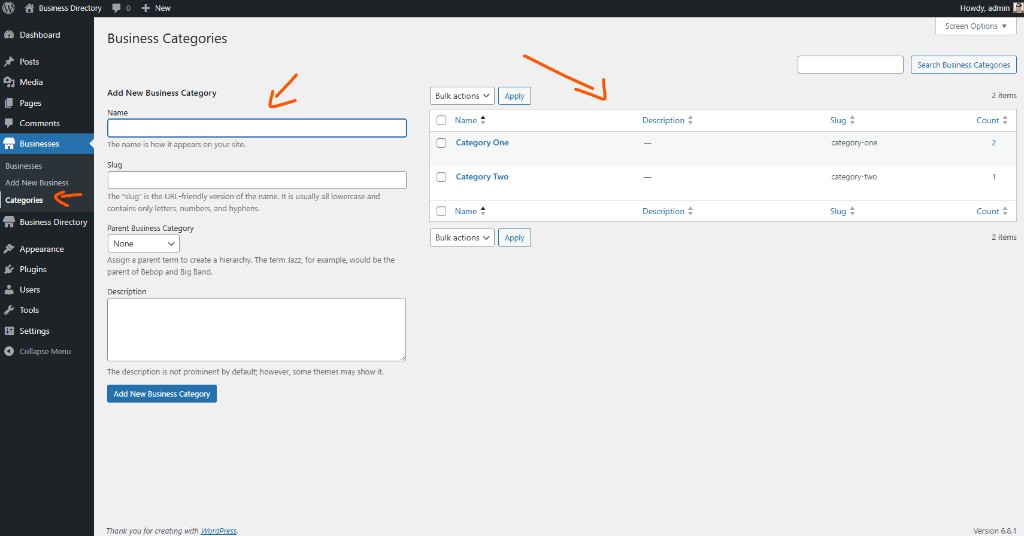
- Business custom post type and categories
- Modern directory listing with search and filters
- Business profiles with logo, contacts, social links, and maps
- Related articles linked to businesses
- Shortcodes for directory, category dropdown, logo carousel, and logo fader
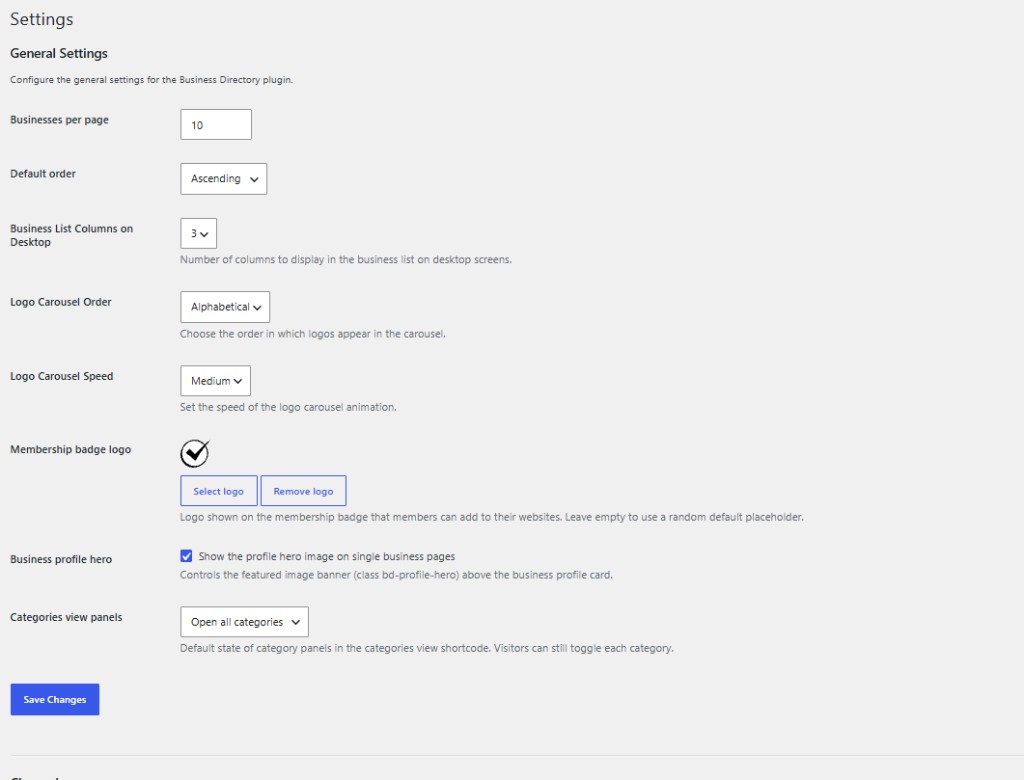
- Settings page with layout and display options
Arxeion Business Directory Pro (add-on, sold at alaena.net)
Install and activate this free plugin from WordPress.org first. Then install Arxeion Business Directory Pro as a separate plugin zip from alaena.net. Pro adds:
- Profile Gallery — upload and display photo galleries on business profiles
- Jobs addon — job positions, applications, profile Jobs tab, and
[job_positions]shortcode
Do not run the old full-site plugin ALAENA Business Directory Pro (folder business-directory) at the same time — deactivate it before activating the new Pro add-on.
This free WordPress.org package does not include Gallery or Jobs code.
Upgrade Notice from older Business Directory
If you already use an older “Business Directory” install:
- Do not use Delete / Uninstall (that can remove data on some setups).
- Deactivate the old plugin.
- Install and activate Arxeion Business Directory (folder
arxeion-business-directory). - Visit Settings Permalinks Save once.
Your businesses, categories, logos, contact fields, maps, shortcodes, and settings keep working. For upgrade continuity the plugin intentionally keeps these registered names:
- Custom post type:
business(and taxonomybusiness_category) - Settings option key:
business-directory_settings - Shortcodes:
[business_directory],[business_categories_dropdown],[business_logos_carousel],[business_logo_fader] - CSS classes prefixed
bd-
Note: the Related Businesses taxonomy is now arxeion_related_business (previously emporion_related_business, related_business, orbitlist_related_business, or awesome_related_business). Terms are re-created automatically from your published businesses; if you had already tagged articles with an older taxonomy slug, re-select the related business on those articles.
Gallery images / job posts created previously stay in the database but are not used by this free package (they work again in the Pro version).
External services
This plugin can optionally contact third-party map services:
- Google Maps (
https://www.google.com/mapsand related Google Maps embed URLs)- When: Only if an administrator enables Google Maps embeds under Business Directory Settings, and a business has an address, map address, or pasted Google map embed. Visitors who click View in larger map also open Google Maps in a new tab. In the business editor, the map preview contacts Google only after an administrator clicks Load map preview.
- What is sent: The business address or map query string (and normal browser request metadata) to Google’s servers when an embed loads or the link is opened.
- Terms / privacy: Google Terms of Service, Google Privacy Policy
- OpenStreetMap (only if a business’s custom map embed uses an OpenStreetMap iframe URL)
- When: Only when map embeds are enabled and such an embed is saved on a business, or when an administrator clicks Load map preview for such an embed.
- Terms / privacy: OpenStreetMap Copyright and License, OpenStreetMap Privacy Policy
Map embeds are off by default until enabled in Settings.