
ArneIron Blocks
v1.5.2arneiron · 2026年10月13日 上架
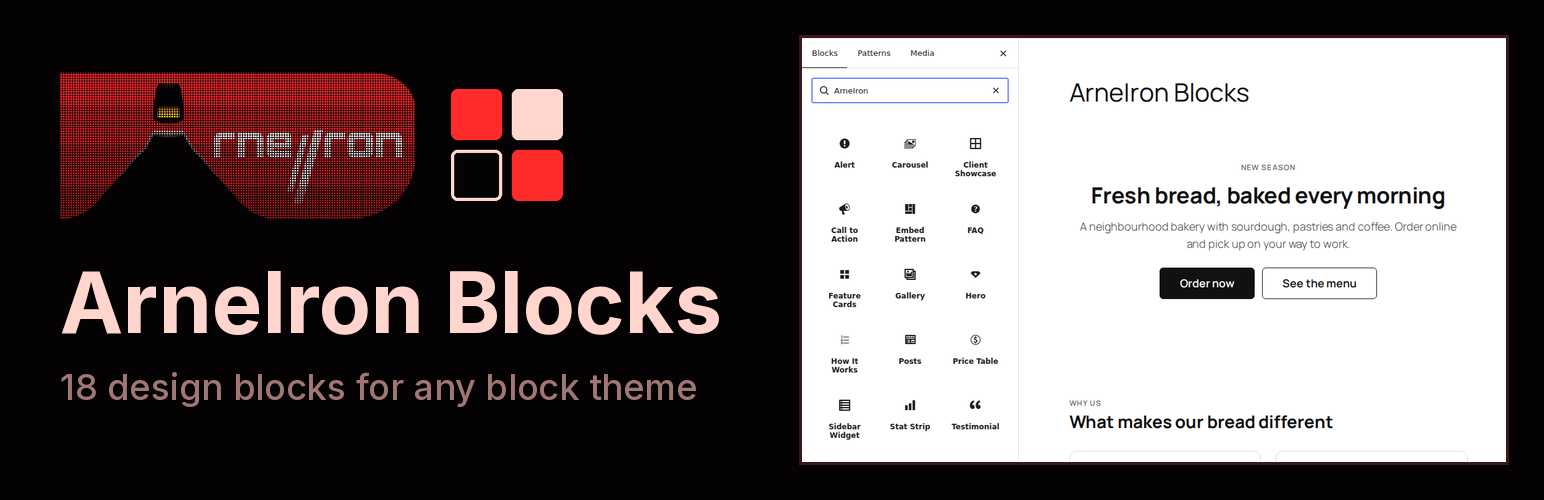
The blocks of the free ArneIron Lite theme, for any theme: hero, pricing table, FAQ, testimonials, carousel, feature cards, posts grid.
- 正在使用
- 10 以下
- 评分
- 暂无
- 累计下载
- 370
- 最近更新
- 2026年11月24日
 arneiron
 pixtheme
截图


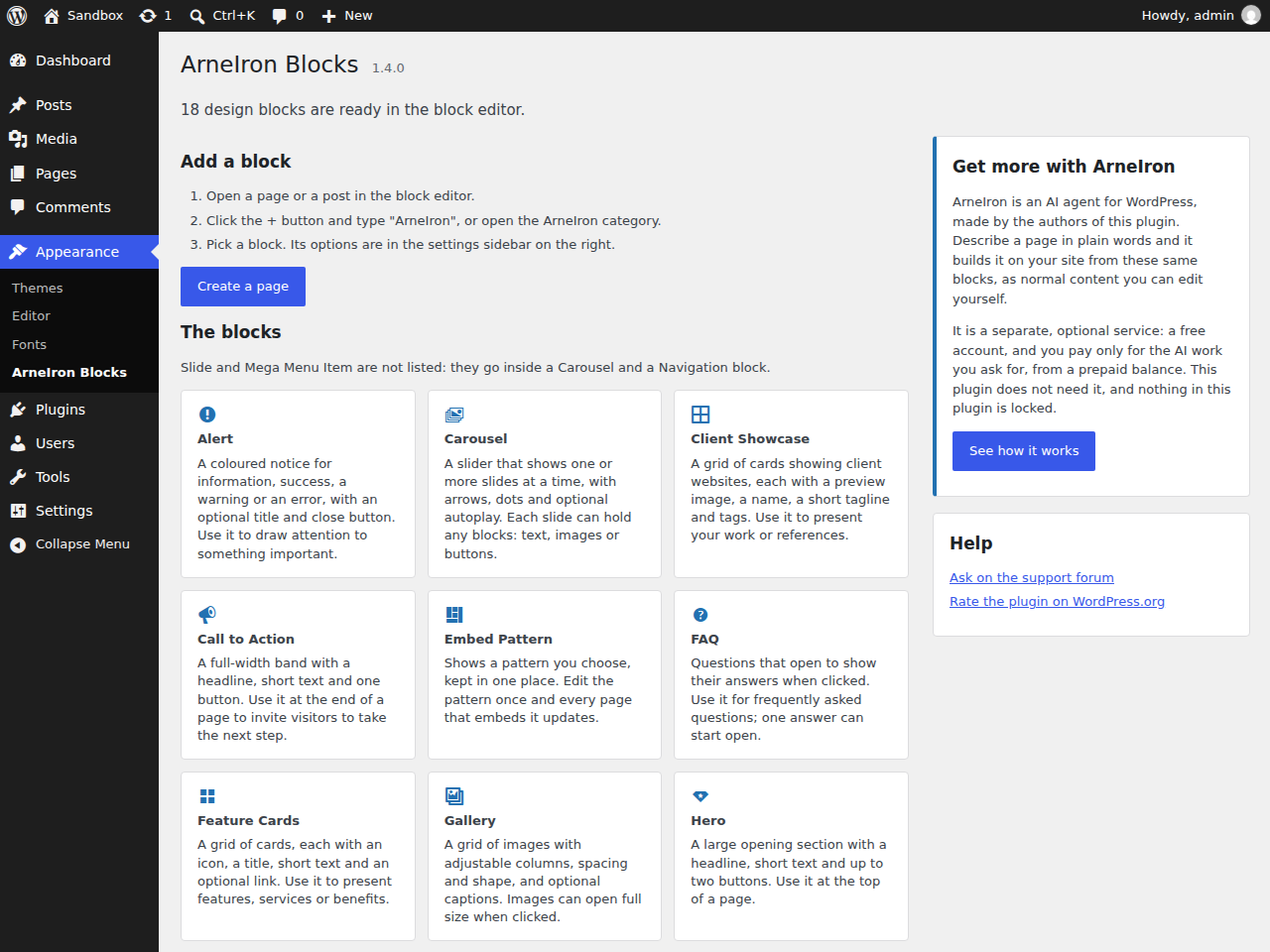
ArneIron Blocks is the companion plugin of ArneIron Lite, a free block theme from the same authors, and it works in any other theme too. It adds eighteen ready-made sections to the block editor, so you can build a landing page, a pricing page or a FAQ without a page builder: page openers, feature cards, pricing, testimonials, carousels, your latest posts and more. Each block works in any theme and takes on its colours and fonts. Every block is complete and free: there is no paid version of this plugin and nothing in it is locked.
- Hero: a large opening section with a headline, short text and up to two buttons.
- Call to Action: a full-width band with a headline, short text and one button.
- Feature Cards: cards with an icon, a title, short text and an optional link.
- How It Works: numbered steps that explain a process.
- Stat Strip: a row of key numbers with labels.
- FAQ: questions that open to show their answers.
- Alert: a coloured notice for information, success, a warning or an error.
- Testimonial: a customer quote with name, position and photo, also as a “Quote Card”.
- Price Table: pricing cards or a comparison table for your plans, also as “Token Packages”.
- Gallery: a grid of images that can open full size.
- Carousel and Slide: a slider whose slides hold any blocks.
- Posts: your latest posts as a grid or a carousel.
- WooCommerce Products: your products with prices and add-to-cart buttons (needs WooCommerce).
- Mega Menu Item: a menu item that opens a large panel built from a pattern.
- Embed Pattern: one pattern, edited in one place, shown wherever you embed it.
- Sidebar Widget: a titled list of links for a sidebar or page menu.
- Client Showcase: cards that present client websites with a preview, name and tags.
Demo content
Appearance > Import Demo Content fills a site with the content of the theme demo in one click: four pages (Home built from these blocks, About, Blog and Contact), six blog posts with photos, and a menu. It is sample text for a fictional studio, made to be replaced, with six public-domain photos and three avatars that ship inside the plugin. The import only adds: it changes no existing page, post or setting, except the front page and posts page (Settings > Reading) when you leave that box ticked. “Remove demo content” on the same page deletes exactly what the import added and puts those settings back.
The plugin also registers one block pattern (a blog posts carousel) and five shortcodes that sites built with earlier versions of the ArneIron theme use in their headers: [arneiron_language_switcher] (needs Polylang), [arneiron_account_menu], [arneiron_mobile_account], [arneiron_mobile_cart] (need WooCommerce) and [arneiron_balance_seam] (needs TeraWallet). Each renders nothing when the plugin it needs is not active.
The blocks are designed with the free ArneIron Lite theme, which styles them through its design tokens. In other themes they use the theme’s colours and fonts.
ArneIron Pro, the commercial edition of the theme, includes all of these blocks itself. If you switch to Pro, it deactivates this plugin for you and your pages stay exactly as they are.
The plugin adds no settings and no credit link on your site, and it makes no requests to external services. In the admin it adds a getting-started page (Appearance > ArneIron Blocks) that lists the blocks, the demo import page (Appearance > Import Demo Content), and one welcome notice on the Plugins screen that disappears for good once you dismiss it or open that page. It stores that per-user “welcome done” flag and, after a demo import, the list of what the import created; it removes both when you delete the plugin.
Build pages with AI (optional)
The authors of ArneIron Blocks also run ArneIron, an AI agent for WordPress: you describe a section or a whole page in plain words, and it builds it on your site as native blocks, these ones included, that you can then edit yourself. ArneIron is a separate commercial service with a free account; you pay only for the AI work you ask for, from a prepaid balance. ArneIron Blocks does not need it and does not connect to it.
The plugin points to arneiron.net in three places, all in the admin and never on your site: a “Build pages with AI” link in its row on the Plugins screen, the ArneIron Lite and AI boxes on its getting-started page, and a collapsed “ArneIron tips” panel in the settings sidebar of its own blocks (ArneIron Lite first, when you use another theme), which “Hide these tips” turns off for good. They are not shown when ArneIron is already in use on the site, and a site builder can remove all of them with add_filter( 'arneiron_blocks_show_arneiron_links', '__return_false' );. The links carry campaign parameters (utm_source=arneiron-blocks) and nothing about your site.
Source code
The editor scripts of alert, call-to-action banner, FAQ, feature cards, hero, how it works, price table, sidebar widget, stat strip and testimonial are built from the readable sources in src/ with build.mjs (npm install && npm run build, esbuild, not minified). The other blocks’ index.js files are hand-written and are their own source. Every stylesheet ships readable; each *-rtl.css file is the right-to-left copy of the stylesheet with the same name. Only the vendored Swiper files are minified, as released upstream (see Third-party resources).
Third-party resources
Swiper 14.0.7, (C) Vladimir Kharlampidi
License: MIT (blocks/carousel/swiper/LICENSE)
Source: https://github.com/nolimits4web/swiper
ArneIron VISOR icons 1.0 (36 icons, in includes/icon-pack-data.php), (C) 2026 ArneIron
License: first-party artwork; redistribution licence pending owner confirmation (hub#5358)
Source: design/theme-build/icon-pack/visor/ in the ArneIron hub repository
Lucide icons 1.54.0 (97 icons, in includes/icon-pack-data.php), (C) Lucide Icons and Contributors; icons derived from Feather (C) Cole Bemis
License: ISC (Feather-derived icons: MIT)
Source: https://lucide.dev
Demo photos in demo/images/ (golden-gate-bridge.jpg, sydney-harbour-bridge.jpg, wind-farm.jpg, rusty-rail.jpg, windmill-fog.jpg, boardwalk.jpg), cropped and resized
License: public domain
Source: Burningwell, https://www.burningwell.org/ (100_5540.jpg, dsc09114.jpg, dsc20050102_192118_51.jpg, dsc20051220_173257_119.jpg, windmill.jpg, dcp_2082.jpg), as credited in the WordPress Theme Unit Test data, https://github.com/WordPress/theme-test-data
Demo avatars in demo/images/ (avatar-am.png, avatar-sr.png, avatar-jl.png), (C) 2026 ArneIron
License: GPLv2 or later
Source: drawn for this plugin’s demo content