
AR Play
v1.0.0Arty · 2019年12月23日 上架
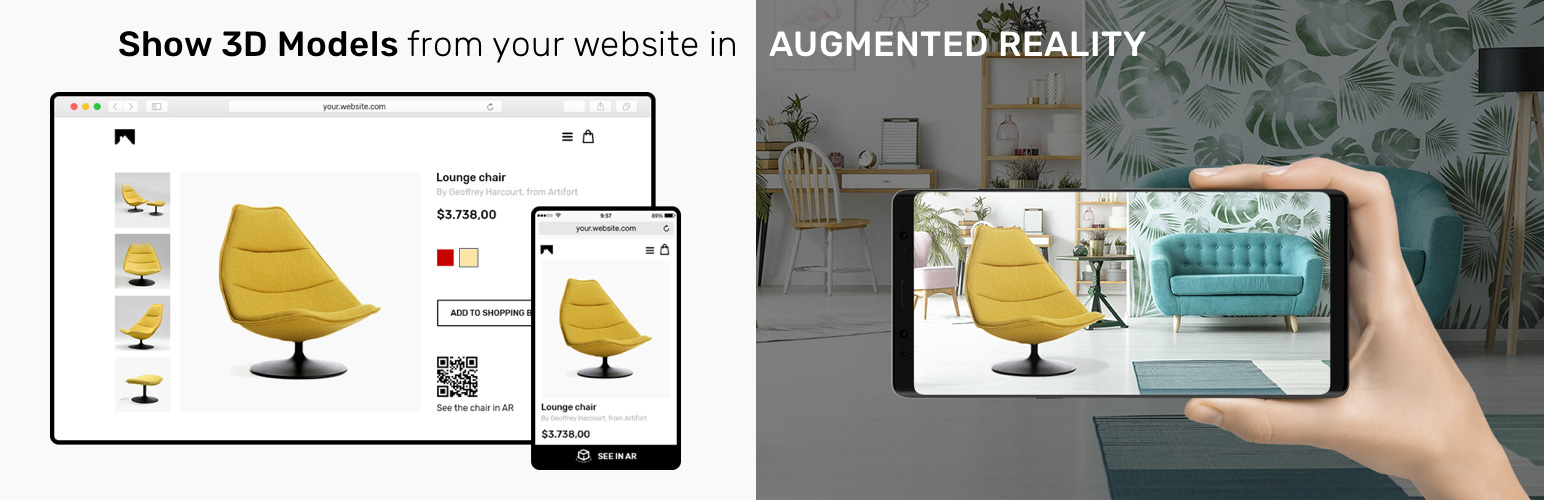
Show any 3D Model in augmented reality (AR) trough our Android and iOS app.
- 正在使用
- 10+
- 评分
- 暂无
- 累计下载
- 2,388
- 最近更新
- 2019年12月25日
贡献者
 Arty
截图


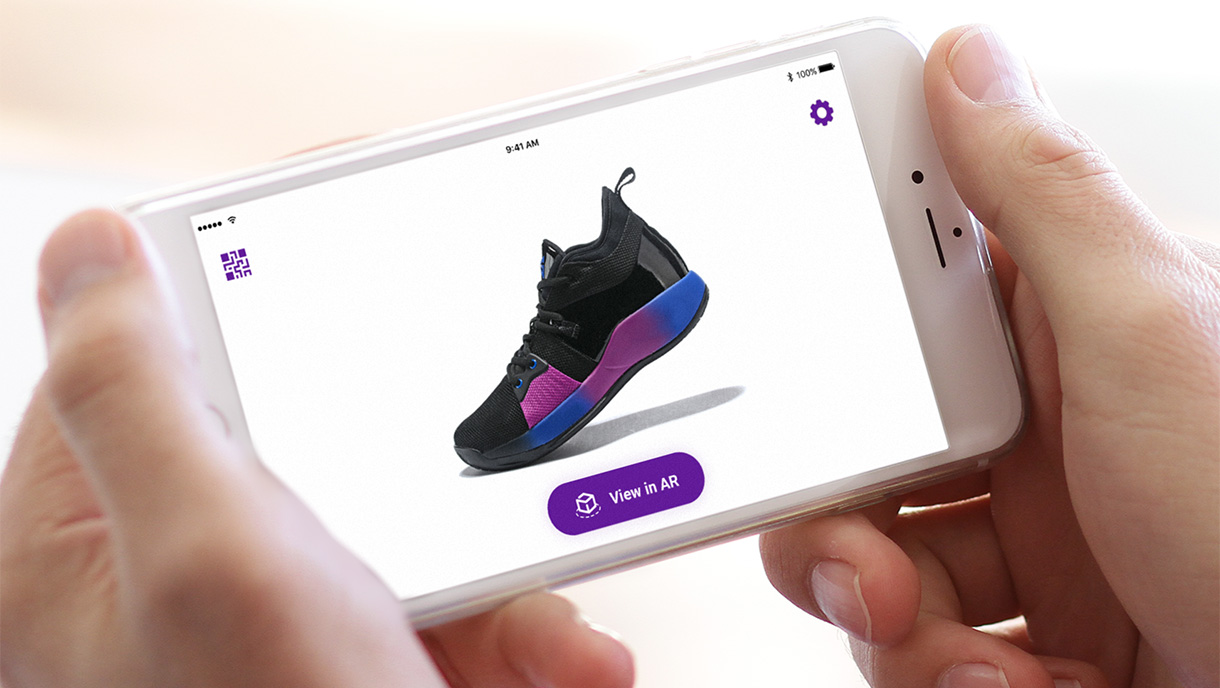
AR Play WordPress plugin serves as a connection between AR Play platform and your WordPress website. AR Play allows you to show any 3D Model in augmented reality (AR) trough our Android and iOS app.
This enables product demonstration without having the physical product next to you, which is an amazing feature for any e-commerce store or for in-field sales agents. Users can test the app with our pre-uploaded models or add their own 3D models. To add your own 3D models, you can sign up through arplay.app, and use the platform first month for free. After the first month, subscription fee is $10/month for unlimited amount of products.
Once user signs up, they will also get a QR code and link generated for each of their products.
QR Codes and Links open specific model in AR Play app. This enables Augmented Reality integration for e-commerce stores.
Features
- Add QR Code and link that prompt AR view anywhere, trough shortcodes
- Choose one of the 12 spots to place your QR code or link on the woocommerce product page
- Customize QR code size and location
- Customize link text and AR icon
- Add AR Capability to products in bulk
How to use
- Install AR Play plugin.
- Get UUID from your account on arplay.app
- Navigate to AR Play > Settings from WP Dashboard and add your UUID number.
- Activate/Deactivate modules AR Play Shortcode and/or AR Play for WooCommerce. Deactivating module WILL NOT DELETE the codes you created, they will just be temporary disabled.
- To create a SHORTCODE, from WP dashboard navigate to AR Play > Shortcode > Generate. Put your generated shortcode in any page or post.
- To add AR Play AR View option to your product, navigate to specific product page and add path to model (found at the top right part of the page). Navigate to AR Play > For WooCommerce to choose where to display AR Play link on your product page.)
Use of an external service
The plugin use the external (API) services from url httsp://arplay.app for the following reasons:
- Validation of your Arplay Account UUID
- Deep link creation
This is necessary for the plugin to work properly.
These services are developed by Arty which also developed this plugin.
Link to AR Play Privacy Policy:
https://cdn.arplay.app/arplay-privacy-policy.pdf