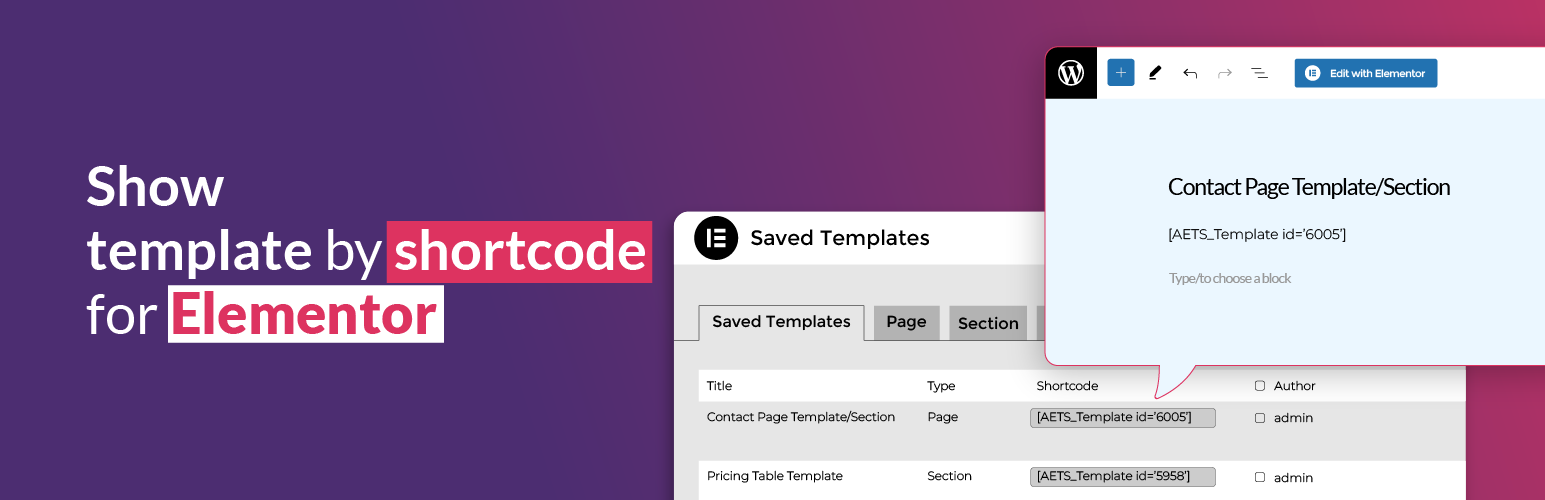

Show template by shortcode for Elementor
v1.0.4Saiful Islam · 2025年2月11日 上架
Display Elementor sections/canvas/templates using shortcode in anywhere of your site.
- 正在使用
- 200+
- 评分
- 暂无
- 累计下载
- 3,706
- 最近更新
- 2026年10月13日
贡献者
 Saiful Islam
截图
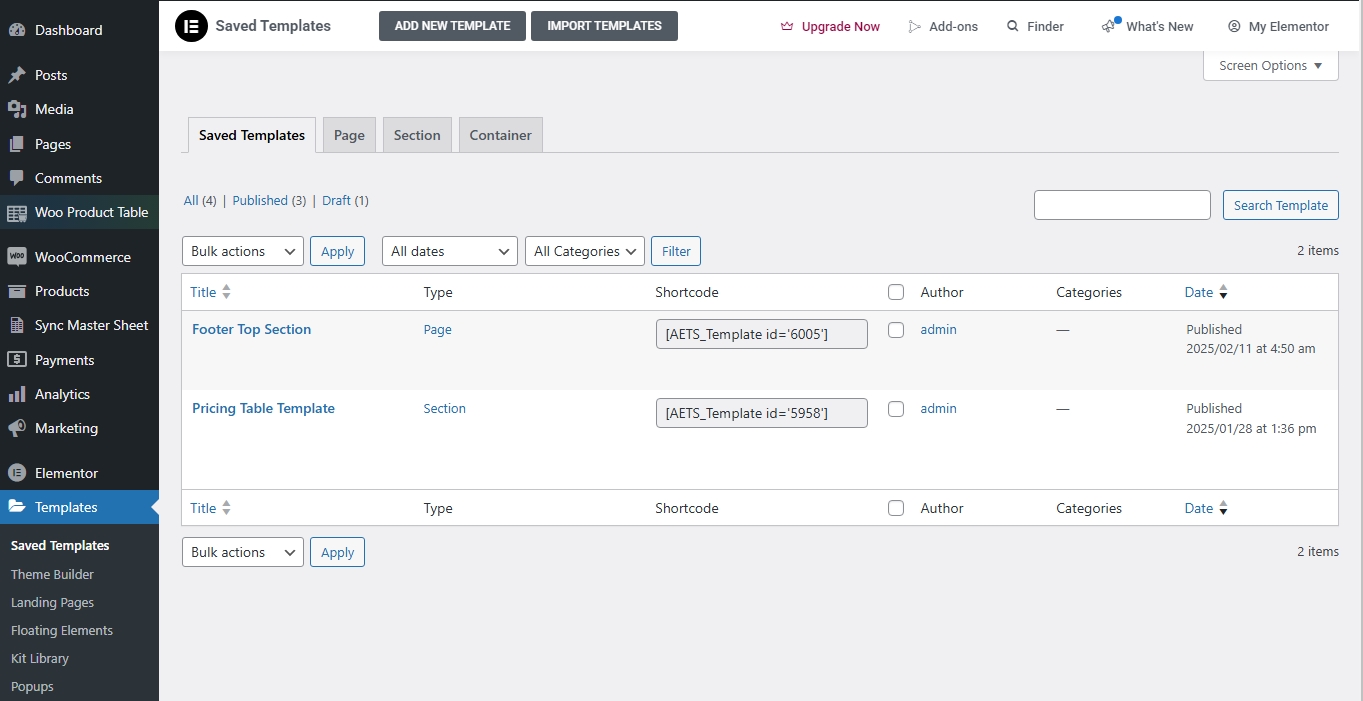
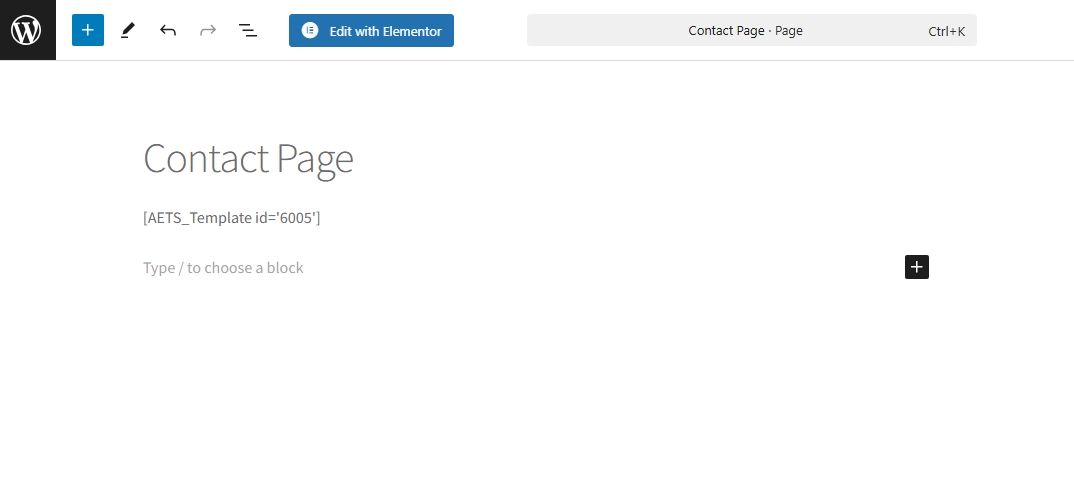
Show template by shortcode for Elementor plugin allows users to display Elementor sections/canvas/templates anywhere on their WordPress site.
How to use?
By shortcode: [AETS_Template id='123'] – use template’s id, instead 123.
Tips: Go to Dashboard -> Templates (find shortcode from Shortcode column).
See It in Action
Watch how Anywhere Elementor works:
Key Features:
- Use Templates Anywhere – Effortlessly insert your Elementor-created templates into any section of your WordPress site.
- Shortcode Integration – Simply copy and paste the generated shortcode to display your template in pages, posts, widgets, or other builder elements.
- Seamless Compatibility – Works with any WordPress theme or page builder, ensuring maximum flexibility.
Take your Elementor designs to the next level with this powerful and easy-to-use plugin!
Credits
We believe in giving credit where it’s due. Our plugin utilizes the following third-party resources to enhance its functionality:
Elementor Website Builder: Elementor, the leading WordPress website creation platform, empowers you to build professional, pixel-perfect websites seamlessly.
WordPress: We are indebted to the WordPress platform for providing the framework that powers our plugin. Its open-source nature and extensive community support make it an ideal environment for creating powerful and customizable solutions.