
AnyClip Luminous Studio
v1.3.3AnyClip Video Platform · 2020年1月8日 上架
Manage video media and integrate playlists from your AnyClip account into your WordPress-powered site
- 正在使用
- 60+
- 评分
- 暂无
- 累计下载
- 2,572
- 最近更新
- 2024年6月18日
 AnyClip Video Platform
截图


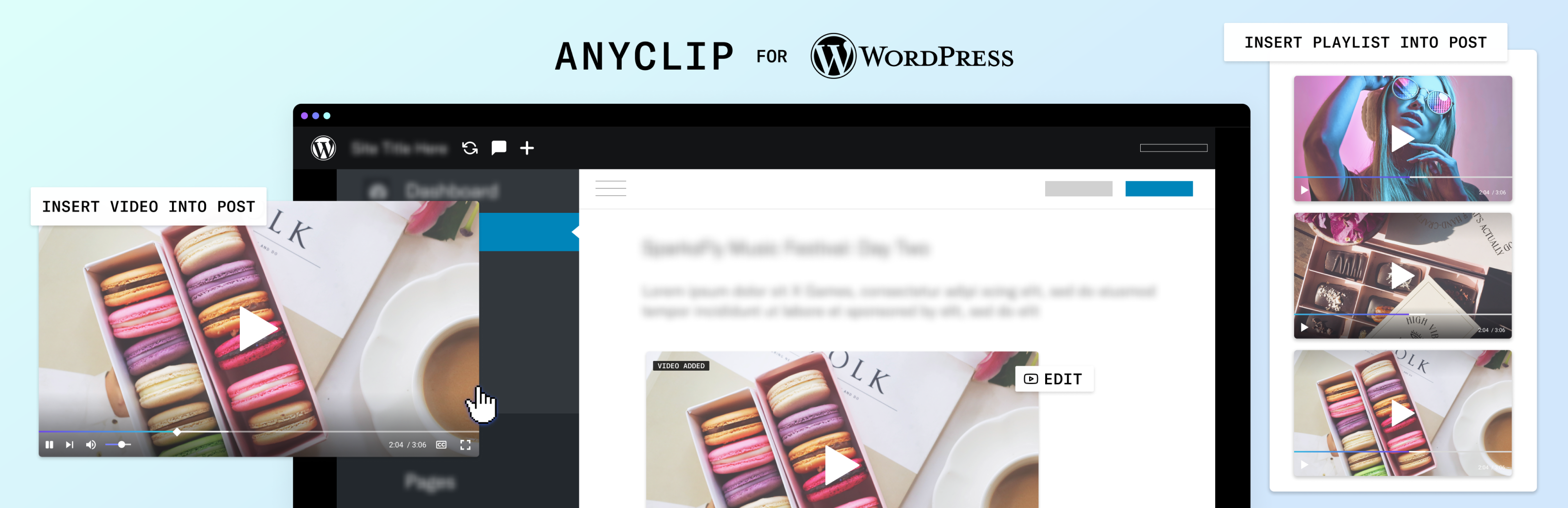
Search and manage video content from your AnyClip account and seamlessly integrate players, clips and playlists into your WordPress-powered site with the AnyClip WordPress Plugin.
Drawing upon the full power of AnyClip’s Luminous Video Platform, AnyClip’s WordPress plugin integrates with studio workflows, using AI content data to empower easy content search, management, measurement and distribution.
Features include:
– Embed videos directly to article pages quickly and easily
– Create video playlists and embed to article pages quickly and easily
– View historic content performance data at the time of clip selection to spotlight videos known to be most interesting to your audience
– View recommendations for relevant, top-performing or most-recent videos to build more engaging playlists
– Track clip performance by engagement, revenue performance and other metrics
– AI-Powered content search allows for instant access and easy navigation of the to the entirety of your AnyClip owned and licensed content library