Secure Private Files
v1.0.7Ankit Patel · 2026年1月23日 上架
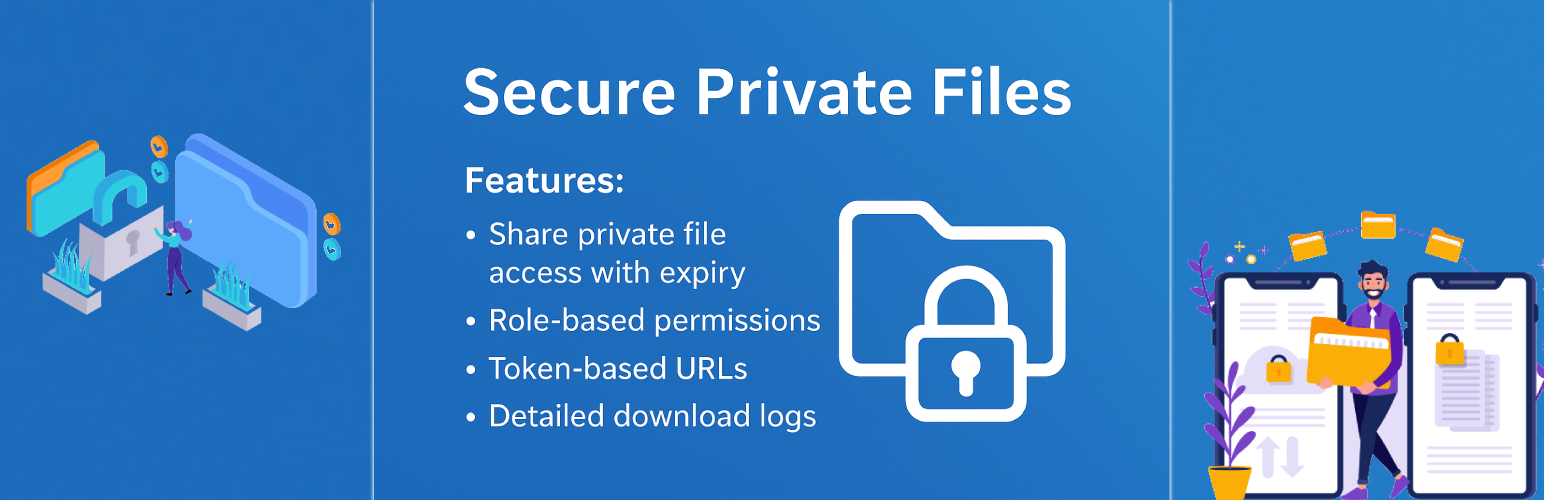
Secure private file access with expiry, role-based permissions, token-based URLs, and detailed download logs.
- 正在使用
- 30+
- 评分
- 暂无
- 累计下载
- 1,988
- 最近更新
- 2026年9月17日
 Ankit Patel
 Hardik Raval
截图
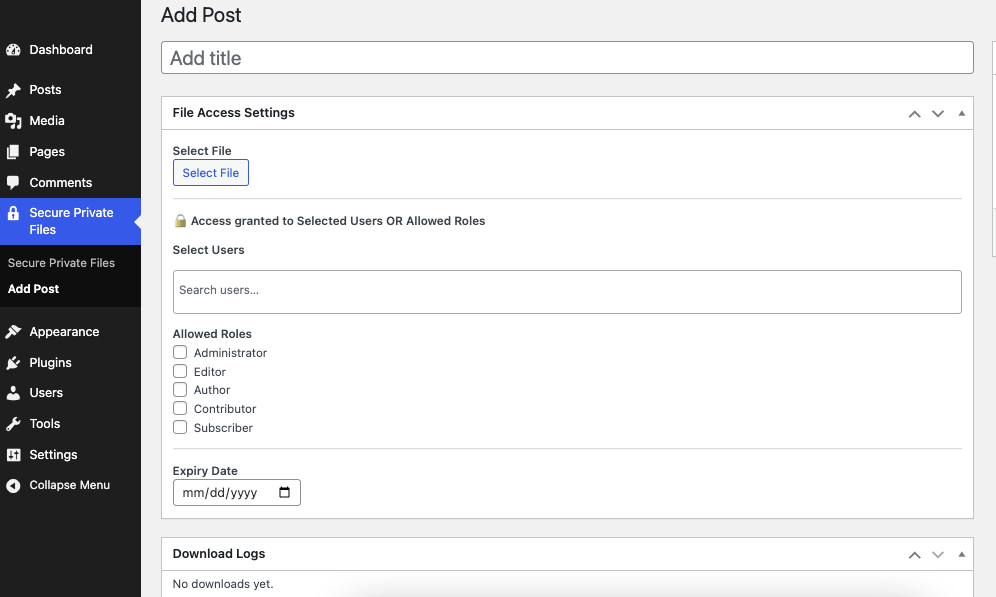
Secure Private Files allows you to securely manage and share private files with selected users or user roles in WordPress.
Files are protected using unique token-based URLs, ensuring they cannot be accessed without proper permission. You can define who can download each file, set an expiry date, and track download activity.
YouTube Tutorials | Free Support
This plugin is ideal for:
– Membership sites
– Client portals
– Secure document sharing
– Restricted downloads
– Private resources for logged-in users
Key Features
- Secure token-based file access (no public URLs)
- Assign files to specific users
- Allow access by user roles
- Optional expiry date for each file
- Logged-in user verification
- Download activity logging (user, IP, date)
- Dedicated Private Files custom post type
- Media library integration for file selection
- AJAX-powered user search (Select2)
- Frontend shortcode to list accessible files
- Works with any WordPress theme
- No third-party dependency required
How It Works
- Admin creates a Private File post
- Uploads or selects a file from Media Library
- Assigns allowed users and/or roles
- (Optional) Sets an expiry date
- Plugin generates a secure download token
- Authorized users can download the file using the secure link
Shortcodes
List logged-in user’s available private files
[secure_files]
Displays only files the current user is allowed to access.