

PageSchema Studio
v1.2.4Anil · 2026年7月15日 上架
Add JSON-LD schema to any post or page, with a live Google preview, built-in validation and auto-filled fields — no coding required.
- 正在使用
- 10 以下
- 评分
- 暂无
- 累计下载
- 527
- 最近更新
- 2026年10月22日
需要 WordPress 6.3+已测试到 7.1.5PHP 7.4+
贡献者
 Anil
截图
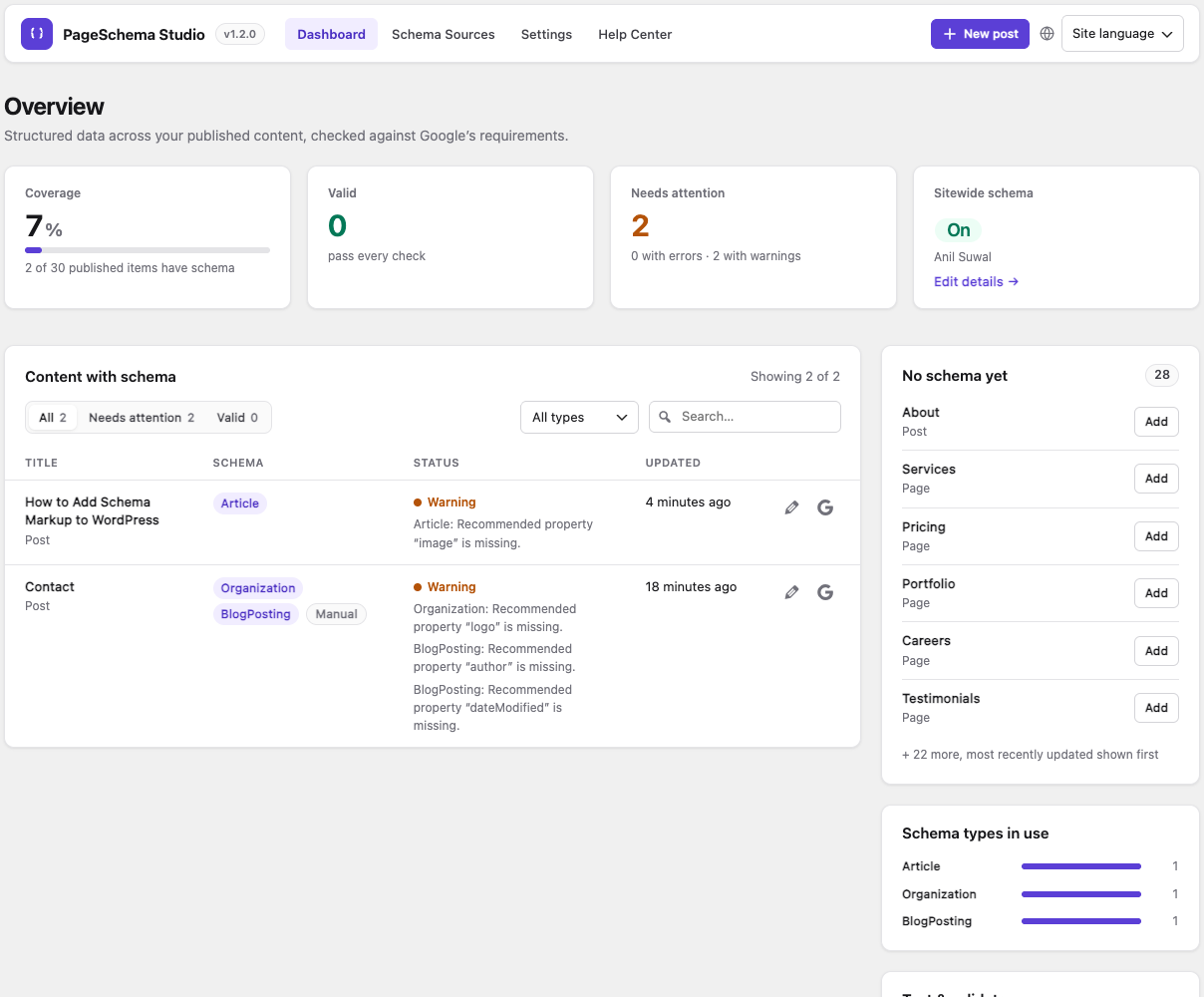
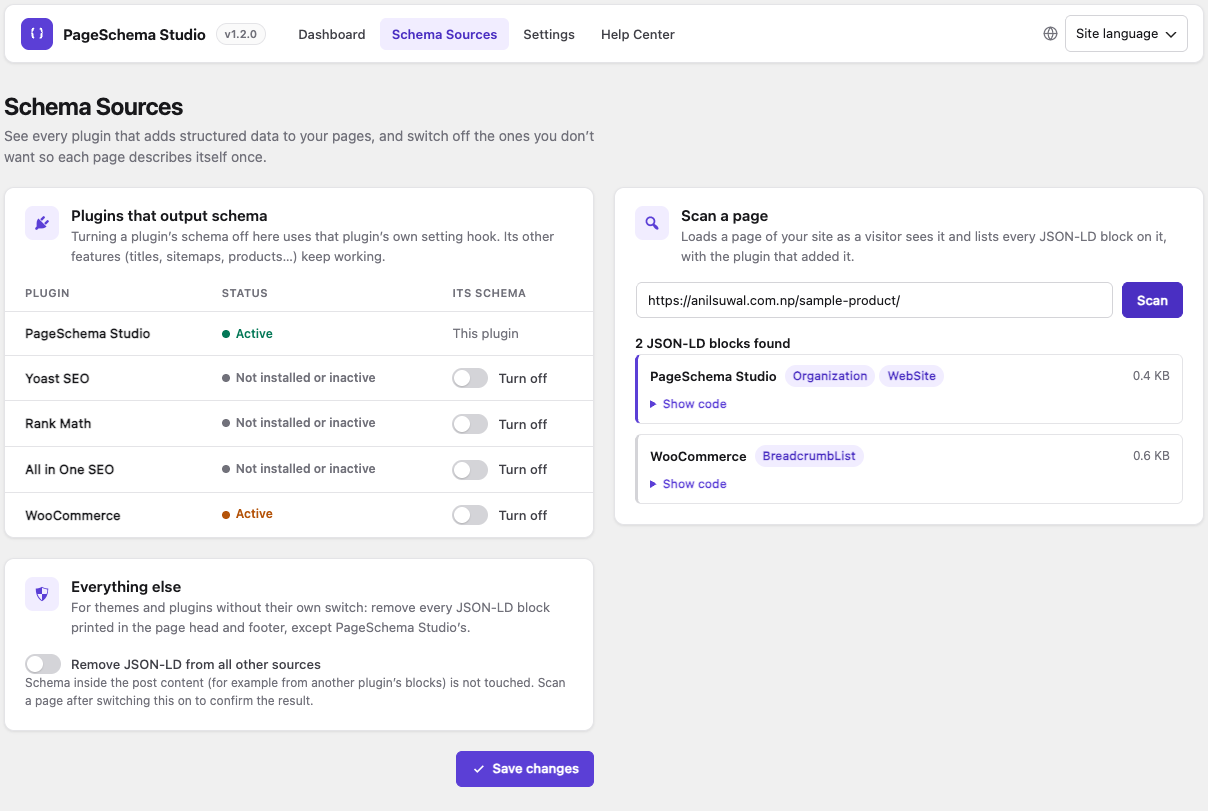
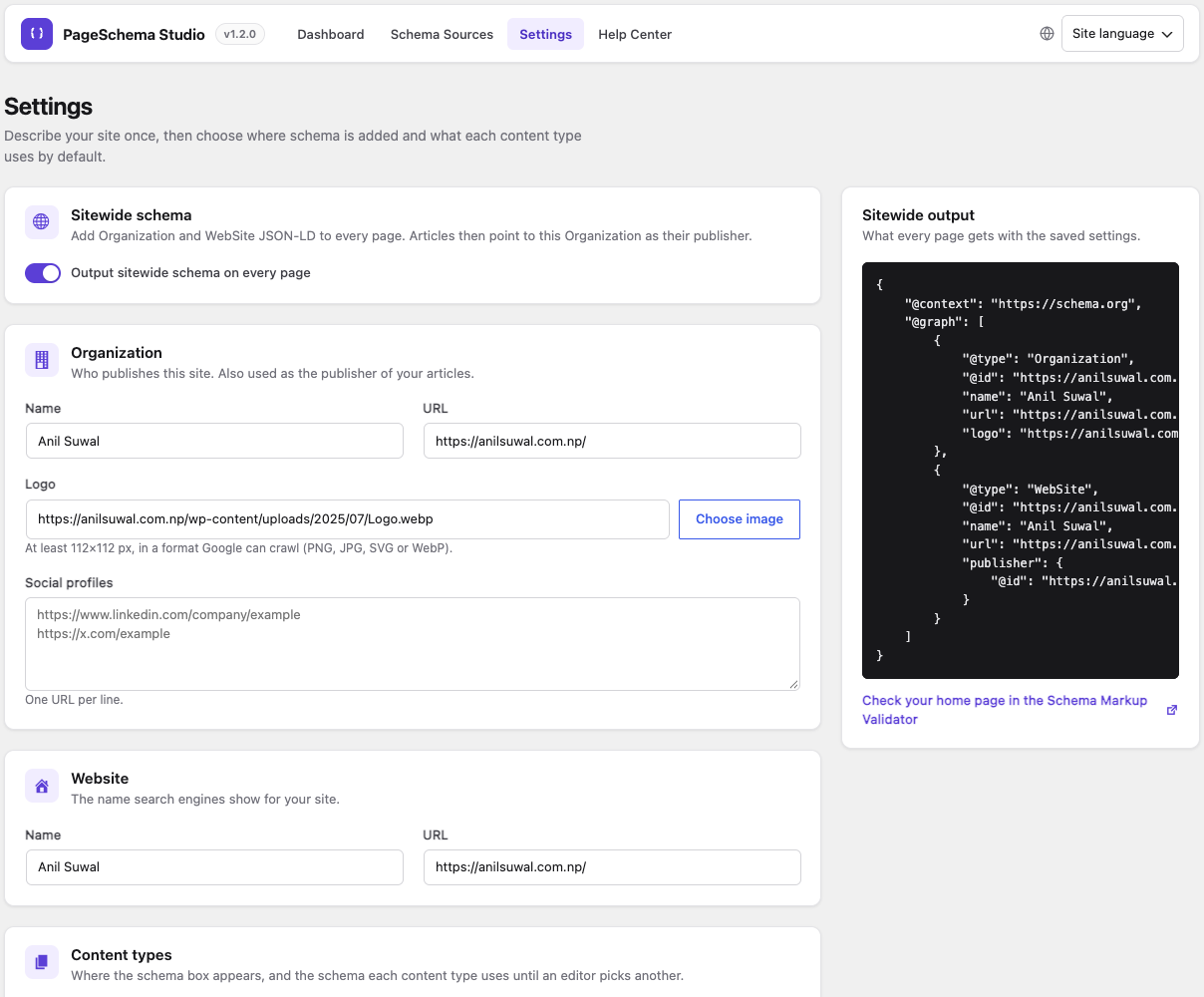
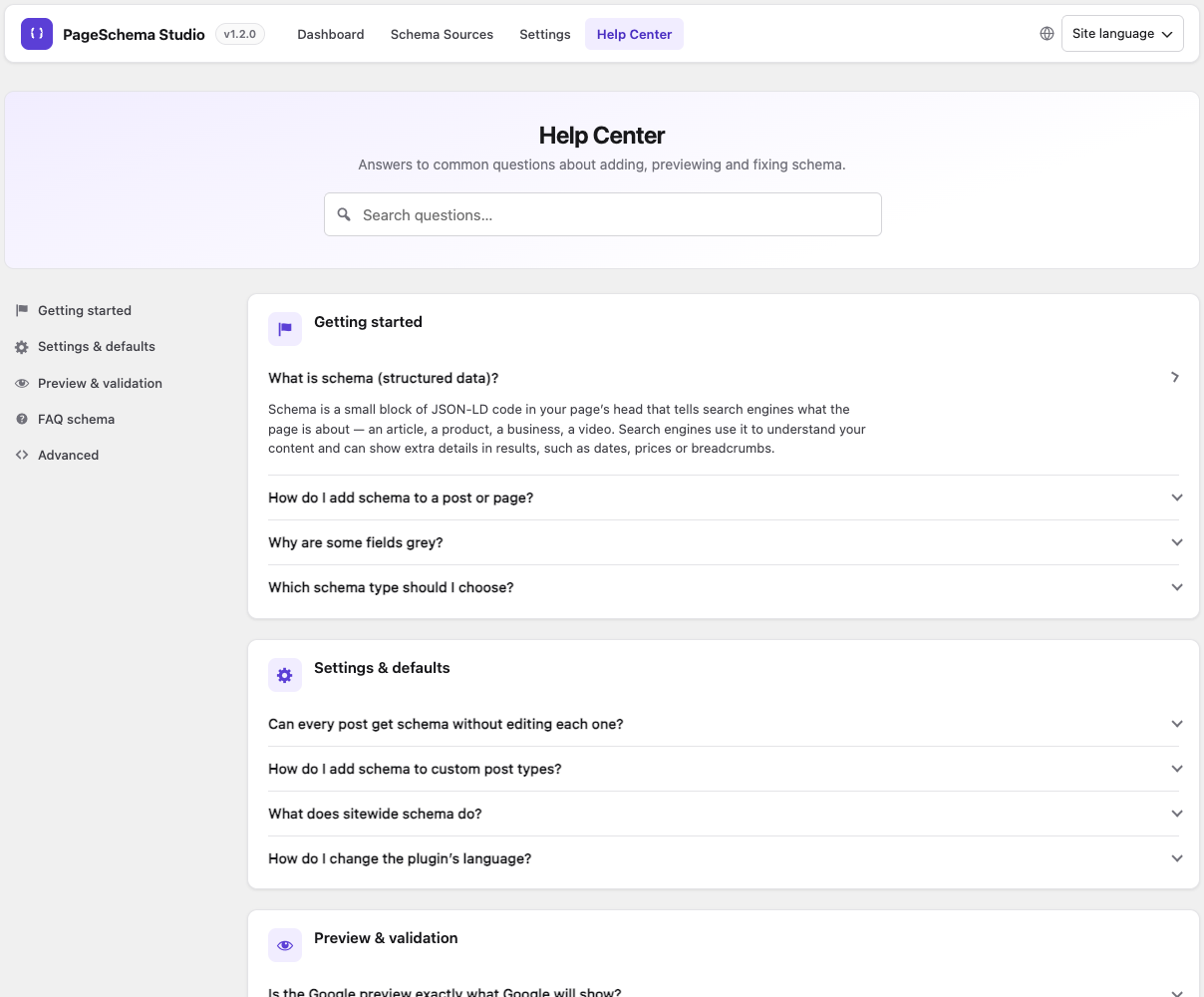
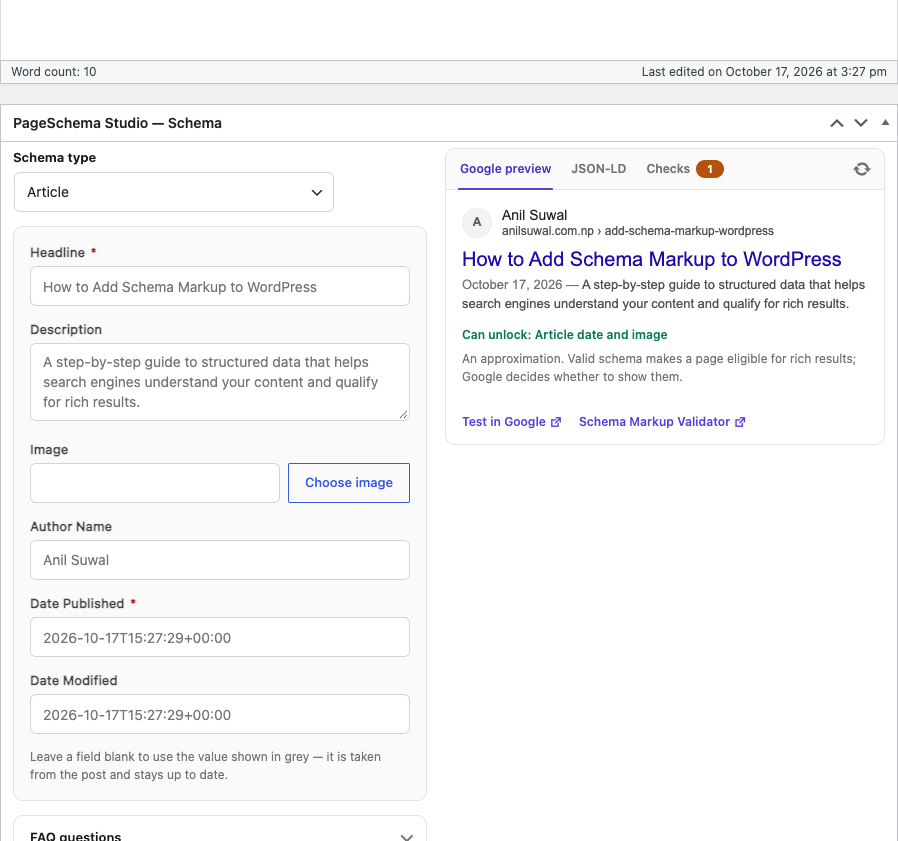
PageSchema Studio adds a schema builder to your editor so search engines understand your content and your pages can qualify for rich results — without editing theme files or writing JSON by hand.
Main features
- 10 schema types — Article, WebPage, Product, Local Business, Video, How-To, Person, Organization, Website and BreadcrumbList
- Auto-filled fields — title, excerpt, featured image, author and dates come from your post and stay up to date
- Live preview — see an approximate Google result, the JSON-LD code and validation checks while you edit
- Validation — checks against Google’s required and recommended properties, on every post and on the dashboard
- FAQ block — show questions on the page and add them to the FAQPage schema in one step
- Manual JSON-LD — paste your own code; it’s checked as you type, and its type and fields are filled in automatically
- Sitewide schema — Organization and WebSite on every page, linked to your articles and pages
- Defaults per content type — give every post (or custom post type) a schema without editing each one
- Schema Sources — scan a page to see schema from other plugins, and turn off Yoast SEO, Rank Math, All in One SEO or WooCommerce schema
- Dashboard & Help Center — schema coverage and health across your site, plus answers to common questions
- English and French — switch the plugin’s language from the top right of its screens
Developers can add their own schema types by extending Pageschema_Type, and adjust the output with filters.