
Allow HTML in Category Descriptions
v1.2.5Arno Esterhuizen · 2008年6月11日 上架
This plugin allows you to use unfiltered HTML in your category descriptions by disabling selected WordPress filters.
- 正在使用
- 8,000+
- 评分
- 5.0 / 5
- 累计下载
- 13 万
- 最近更新
- 2026年3月5日
贡献者
 Arno Esterhuizen
截图
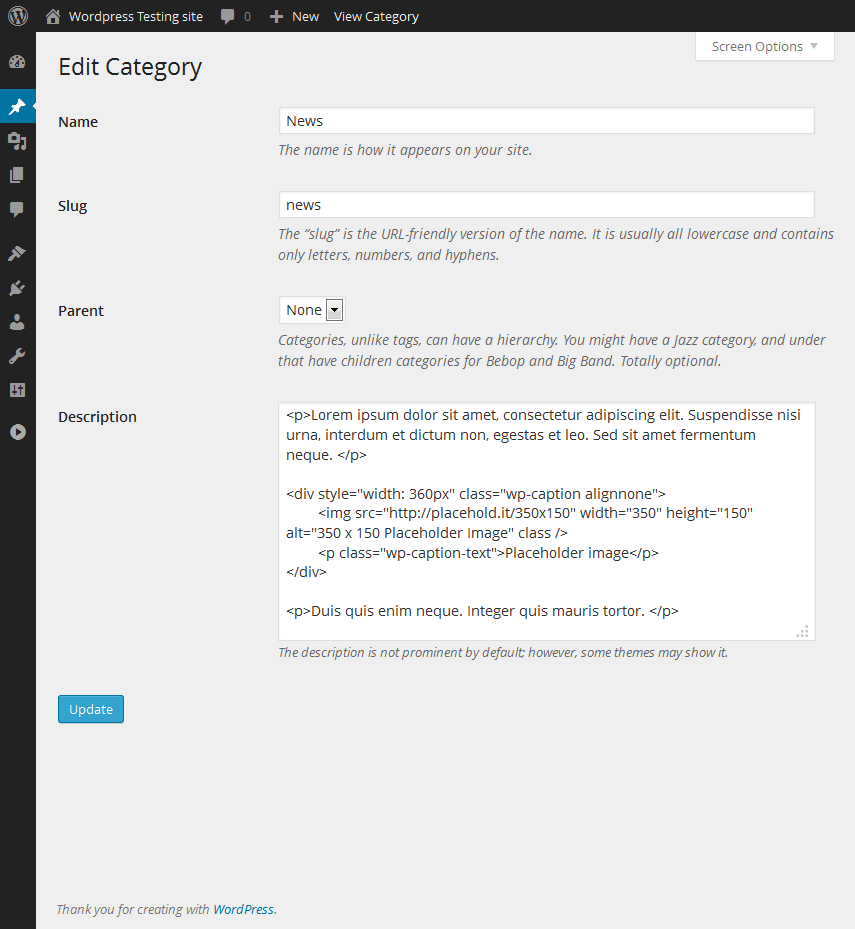
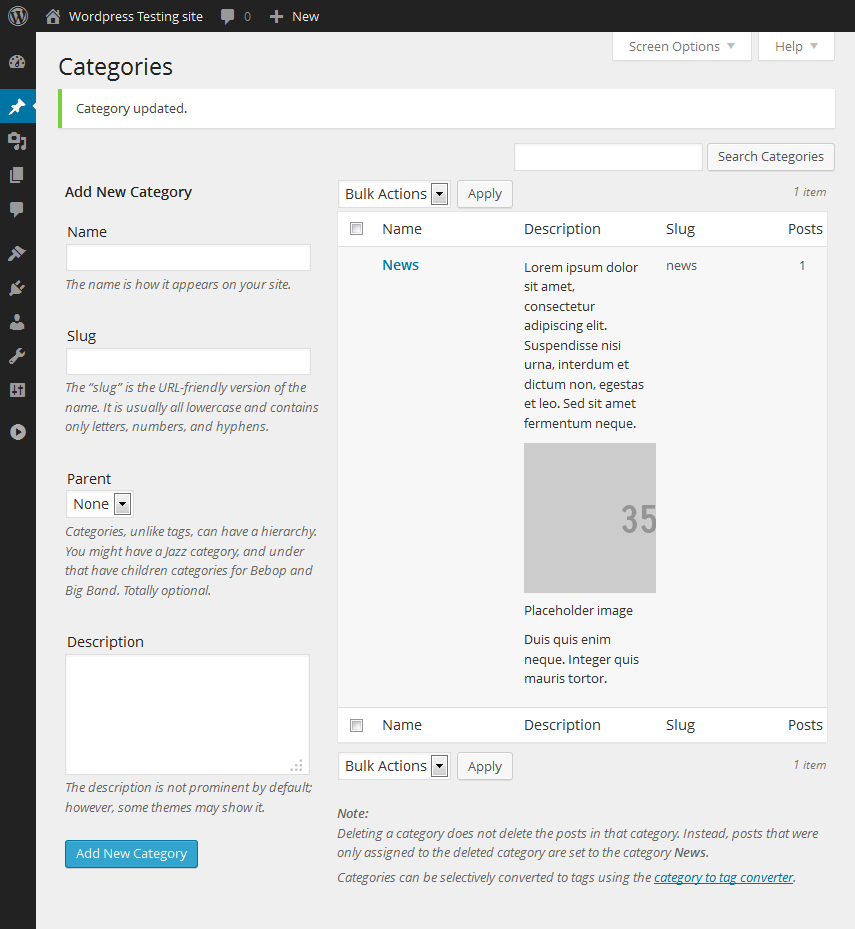
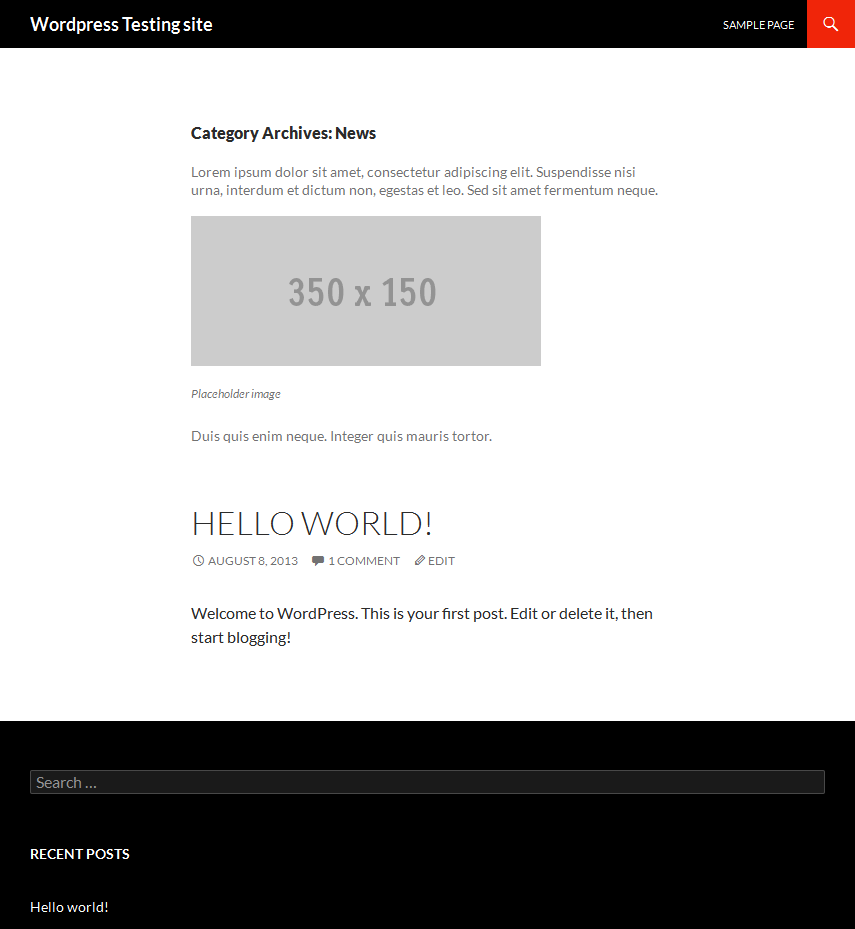
When you add text to the category description textarea and save the category, WordPress runs content filters that strips out all but the most basic formatting tags.
This plugin disables those filters for roles with the necessary permissions. Any html code you add to the category description will not be stripped out.
This plugin does not do anything other than disable the filters. It does not protect you from entering invalid HTML, nor does it help you create WYSIWYG HTML. You can use the post or page composing screen to help you create the text and formatting. Switch to the ‘code’ tab and copy the HTML code into the category description field.