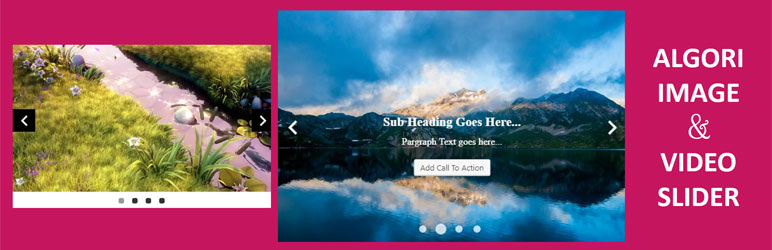

Algori Video and Image Slider
v1.0.6Kevin Bazira · 2018年11月1日 上架
Algori Video and Image Slider is a Gutenberg Block Plugin that enables you easily add video and image sliders to your website.
- 正在使用
- 2,000+
- 评分
- 2.5 / 5
- 累计下载
- 4.5 万
- 最近更新
- 2022年7月11日
贡献者
 Kevin Bazira
截图
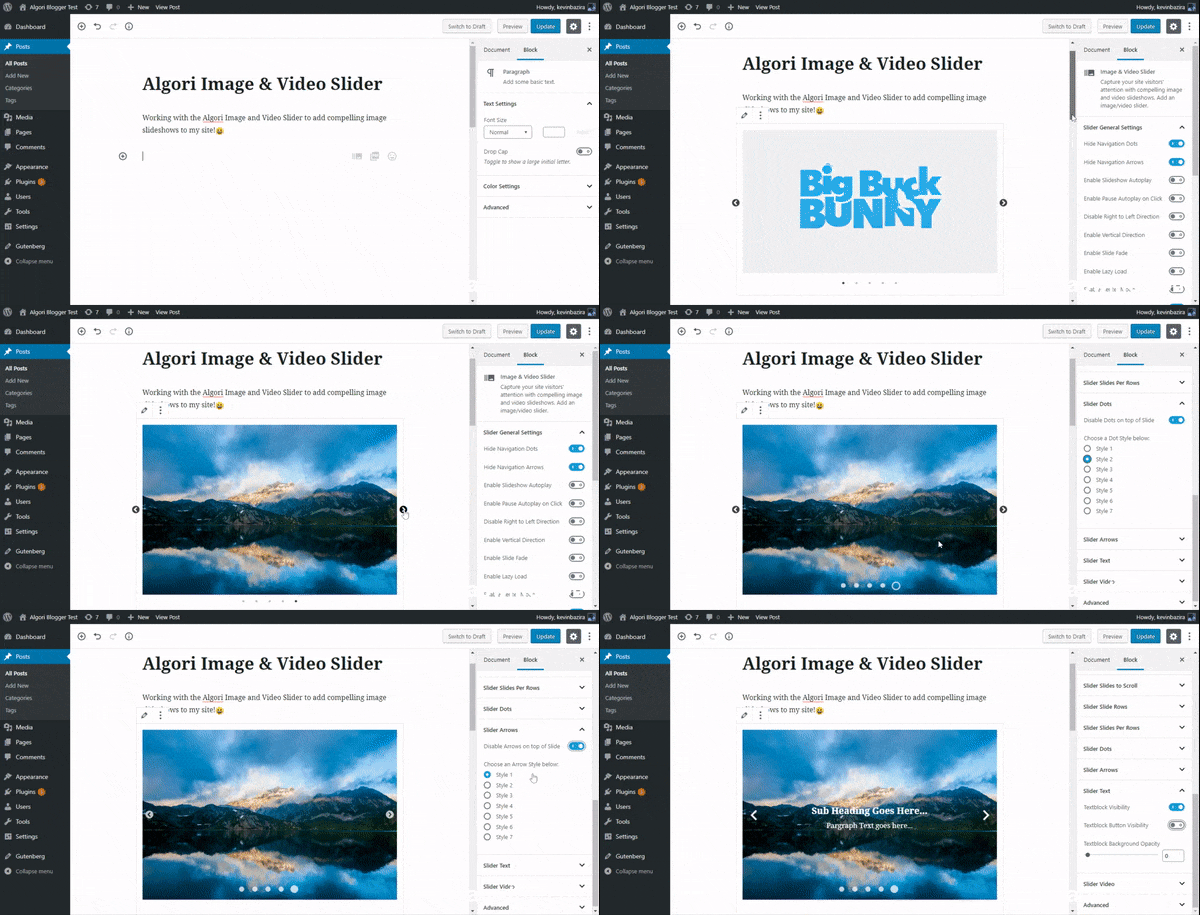
Algori Video and Image Slider is a Gutenberg Block Plugin that enables you easily add video and image sliders to your website.
Capture your site visitors’ attention with compelling image slideshows, hero images/videos, header sliders and image carousels. This will boost user engagement and increase revenue for your site.
This free plugin has a lot to offer. Even more can be found in the Premium version of this Plugin, please see all features of the Premium plugin here.
Features of the free image slider
- Hide/Show Navigation Dots
- Hide/Show Navigation Arrows
- Enable/Disable Slideshow Autoplay
- 1 slider dot style
- 1 slider arrow style
Features of the premium version
- 14 different slider dot styles
- 14 different slider arrow styles
- Add text with call to action button on top of slider
- Hide/Show Navigation Dots
- Hide/Show Navigation Arrows
- Enable/Disable Slideshow Autoplay
- Hide/Show Pause Autoplay on Click
- Disable/Enable Right to Left Direction
- Enable/Disable Vertical Direction
- Enable/Disable Slide Fade
- Enable/Disable Lazy Load
- Enable/Disable Center Mode
- Disable/Enable Infinite Slider Loop
- Adjust Slider Animation Speed
- Adjust Slider Autoplay Speed
- Show multiple slides
- Scroll multiple slides
- Show slides in rows
- Adjust slider video settings ( autoplay, muted, controls, loop, and much more … )
- Set left, right, center, wide and full width alignments for image slider.
Most of these features are enabled by default and can’t be disabled or adjusted in the free version. We released a Premium Plugin with many more exciting features that will enable you to adjust all the slider settings as you wish.
Have a look at the Premium Plugin here.
How to use
- After installing and activating the “Algori Image and Video Slider” plugin in your WordPress website.
- Navigate to your blog post or page and use the Gutenberg editor to add an “Image & Video Slider” block.
- Use the “Image & Video Slider” block to upload images/videos or choose images/videos from the media library to create your image slider or image carousel.
PS: In order to choose multiple images in the media library press keyboard button “Ctrl” on Windows or “Command” on Mac, then click on your images to select them. - At this point, you can adjust your slider settings using the Gutenberg block inspector section.
- Hide/Show Navigation Dots
- Hide/Show Navigation Arrows
- Enable/Disable Slideshow Autoplay
- Click “Publish” to view your new web page with an image slider.
- Congratulations 😀